

Starlight Projector
Etiquetas
Descripción del producto
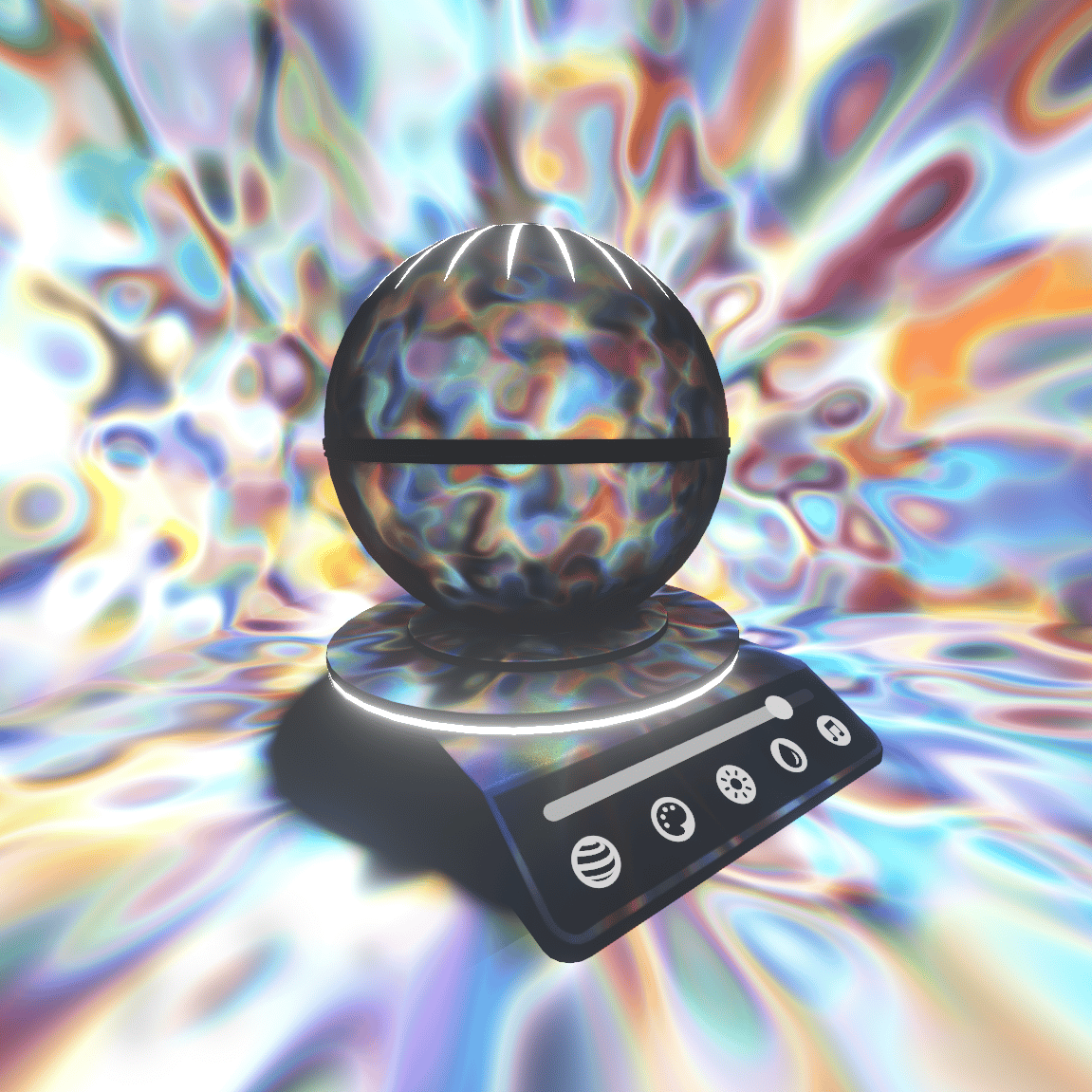
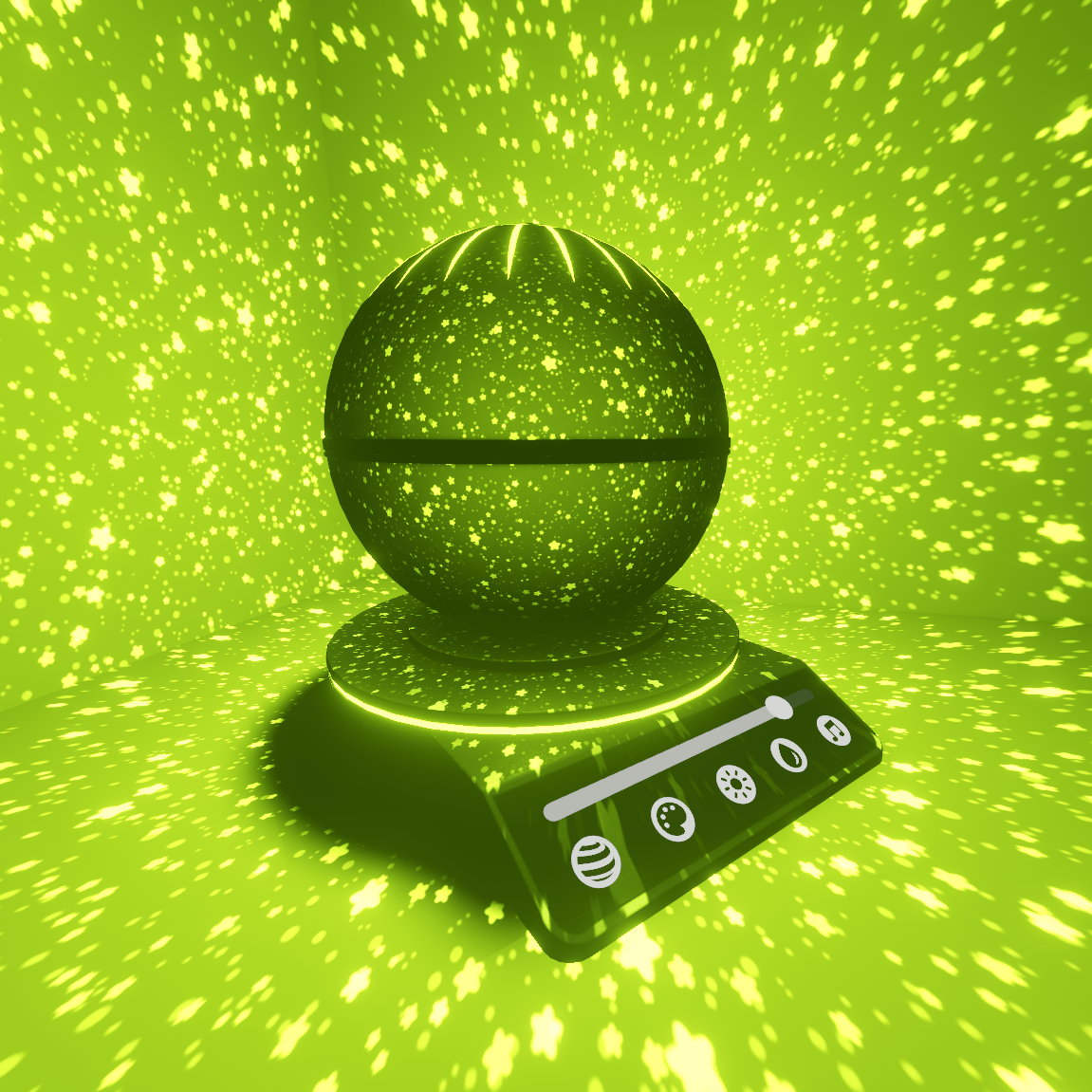
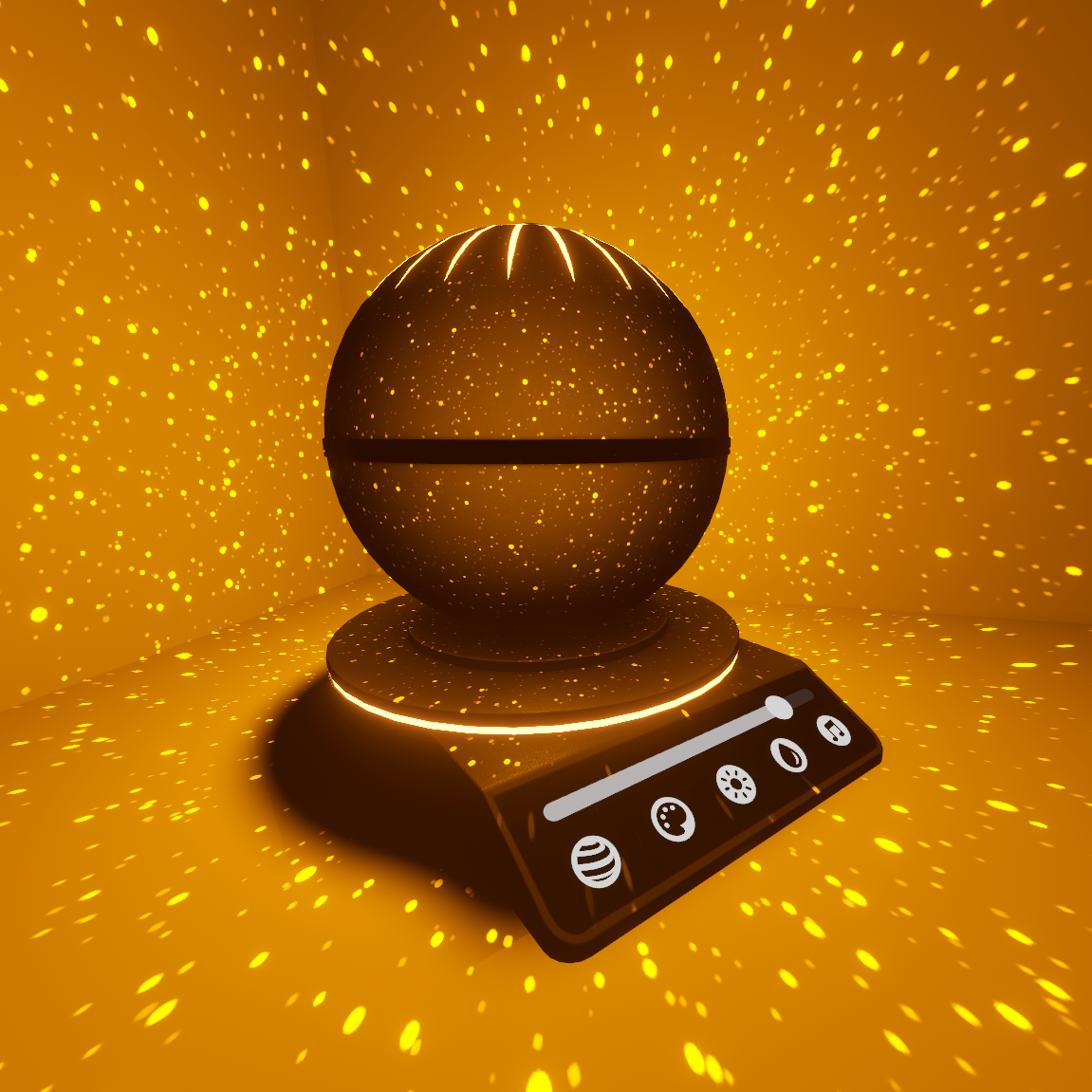
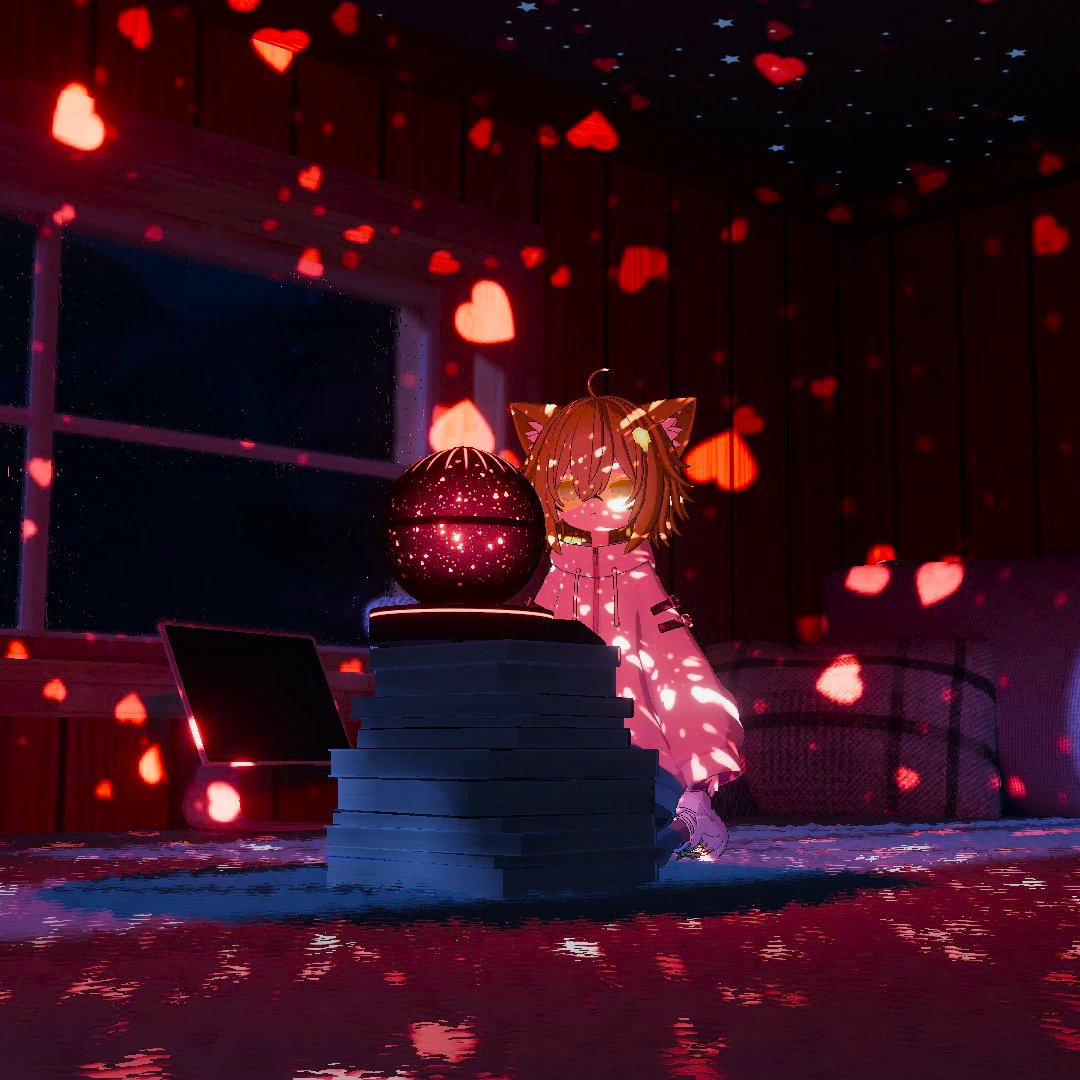
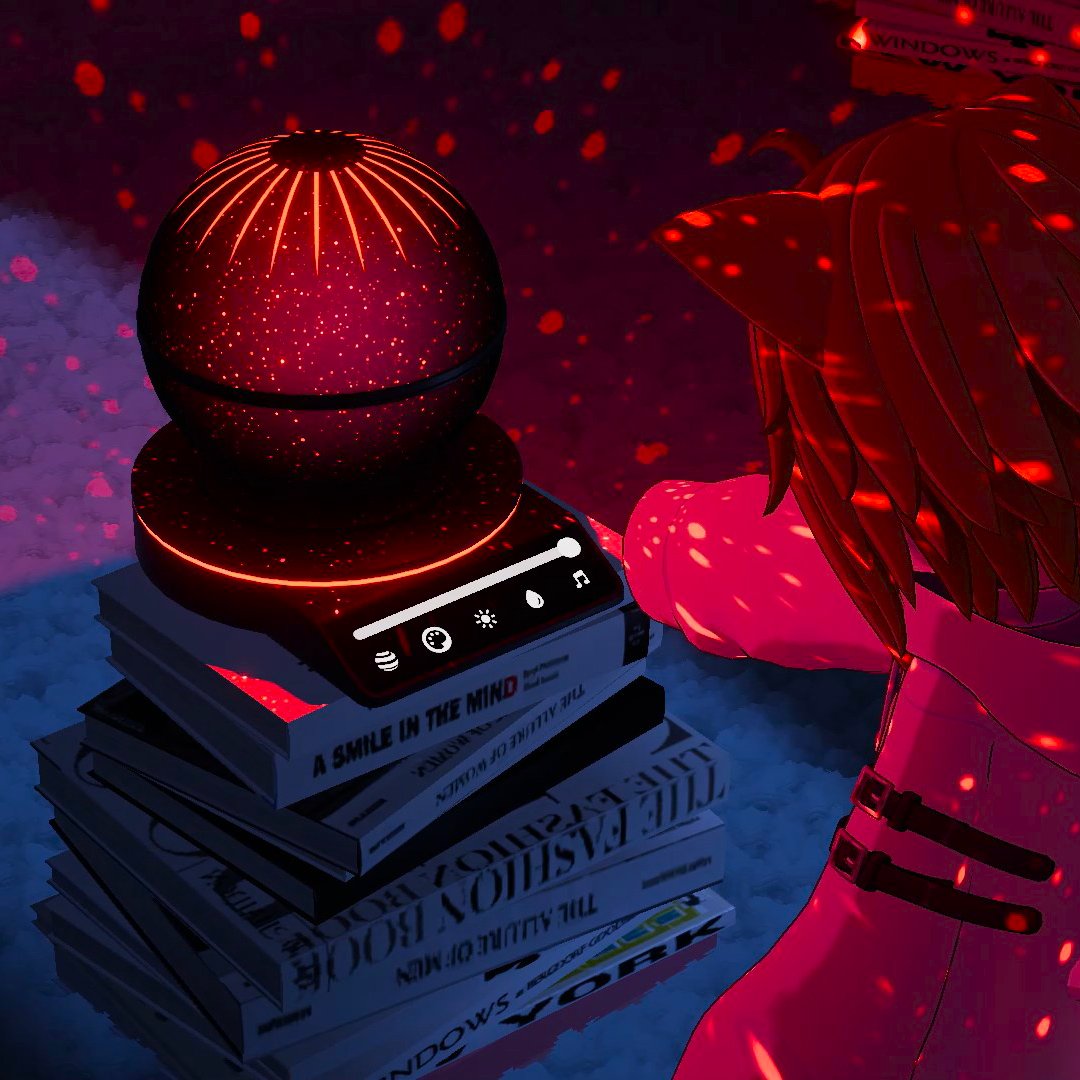
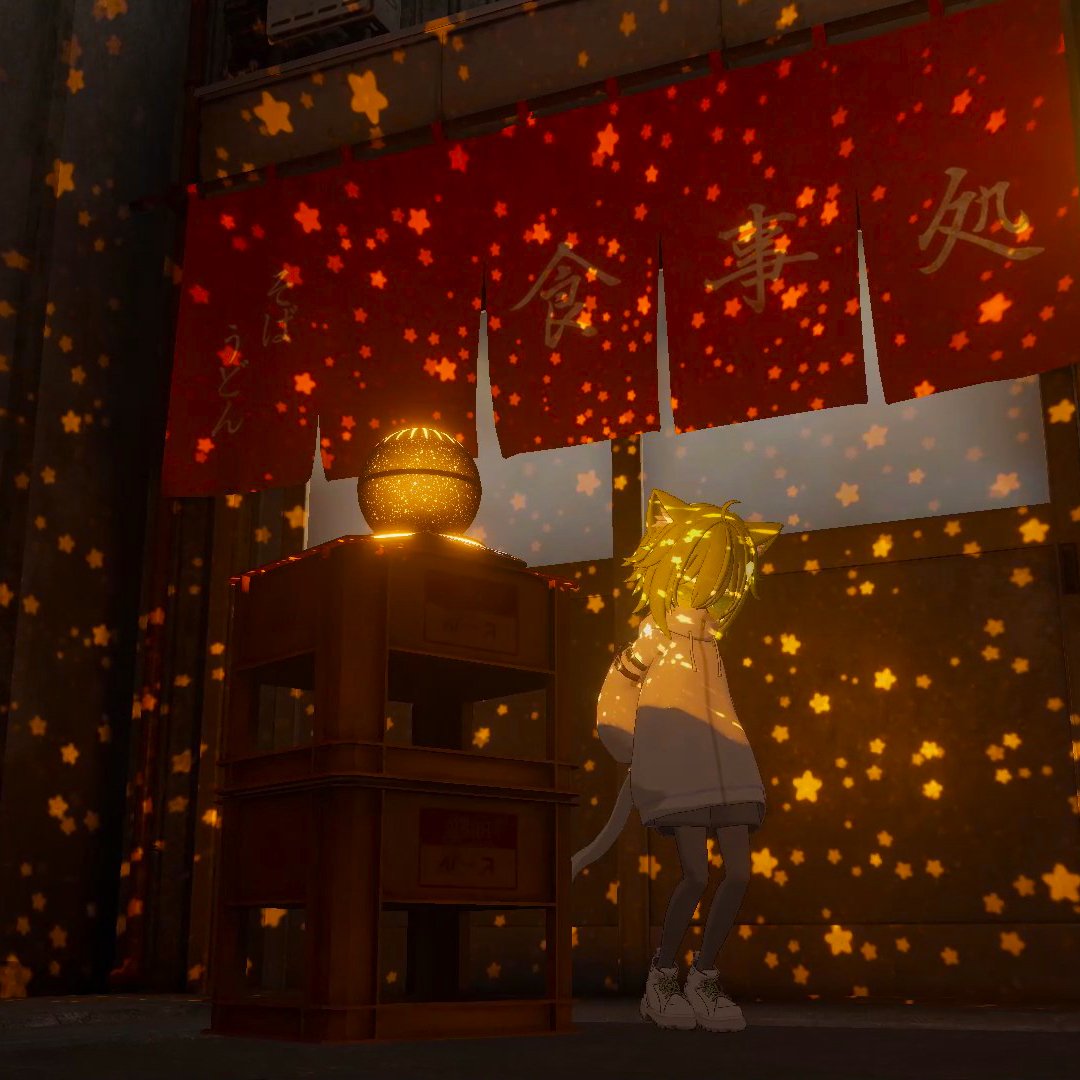
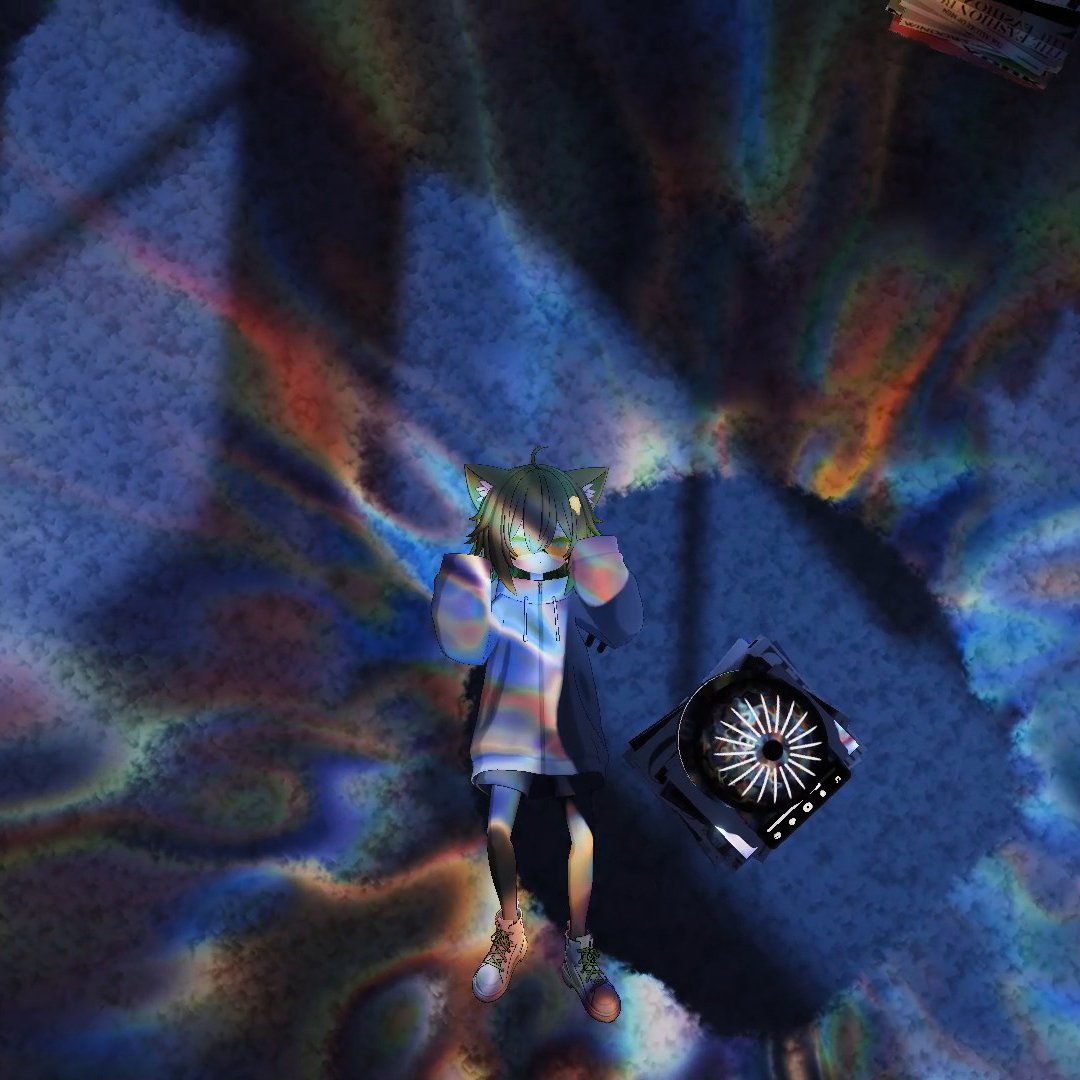
Starlight Projector is an interactive prefab for your chill VRChat worlds that can project different interactive effects around, like stars, dots, hearts, water caustics, plasma, and more! It uses VRC Light Volumes 3.0.0 to performantly project them onto the world and people's avatars.
VIDEO: https://youtu.be/nWYdw5BfOOY
VRCHAT WORLD: https://vrchat.com/home/launch?worldId=wrld_af756ca8-30ee-41a4-b304-2207ebf79db9
Features:
- Different interactive projection effects
- UI to configure the projection in game
- Full color control
- Different presets and the possibility to add your own
- AudioLink support
- Baked and Realtime shadow support with Light Volumes 3.0.0
- Can be static or a dynamic pickup
- Projection works even with old Light Volumes versions and avatars!
Installation:
1. Be sure you have installed VRC Light Volumes 3.0.0
- Since VRC Light Volumes 3 is not yet released, you need to install a pre-release dev version in VCC
- To do that, go to your VRC Creator Companion -> Settings -> Packages
- Press "Show Pre-Release Packages"
- If you don't have Light Volumes installed, press "Add Repository" and paste "https://redsim.github.io/vpmlisting/index.json"
- Then, click "Manage" near your project and add the latest VRC Light Volumes version available.
- It must be a 3.0.0-dev version!
2. Drag and drop the .unitypackage into your project
3. Go to "Assets/RED_SIM/Starlight Projector/"
4. Drag and drop one of the prefabs into your scene:
- Starlight Projector
- Starlight Projector Realtime Shadows (expensive!)
5. You can make it a grabbable pickup by adding a VRC Pickup to it. Otherwise, it will be static.
6. If you want AudioLink to work, you need to properly install it in your scene. (See AudioLink official documentation)
How it works:
Starlight Projector uses the new VRC Light Volumes 3.0.0 animated cookies feature to project various cubemaps based on material presets all around the scene. (All VRC Light Volumes shaders, even the older ones since 2.0.0, will support the projection, so even older avatars will be affected!)
It also supports baked or realtime shadows with Light Volumes 3.0.0 EVSM shadows, so all occluded areas will remain dark, including people's avatars. (All the shaders MUST support VRC Light Volumes 3.x.x, so wait until creators update the shaders to VRCLV 3.0.0)
The Projector UI is synced between players and can control presets, colors, and AudioLink influence.
Realtime shadows are also supported using a separate prefab, but are ONLY recommended for light and highly optimized worlds. Realtime mode is really performance heavy; avoid using it on Quest and Mobile!
Short License Terms:
- Redistribution with paid assets - Prohibited
- Repackaging or re-bundling - Prohibited
- Commercial use - license required per customer