
Descripción del producto
Este producto contiene contenido generado por IA.
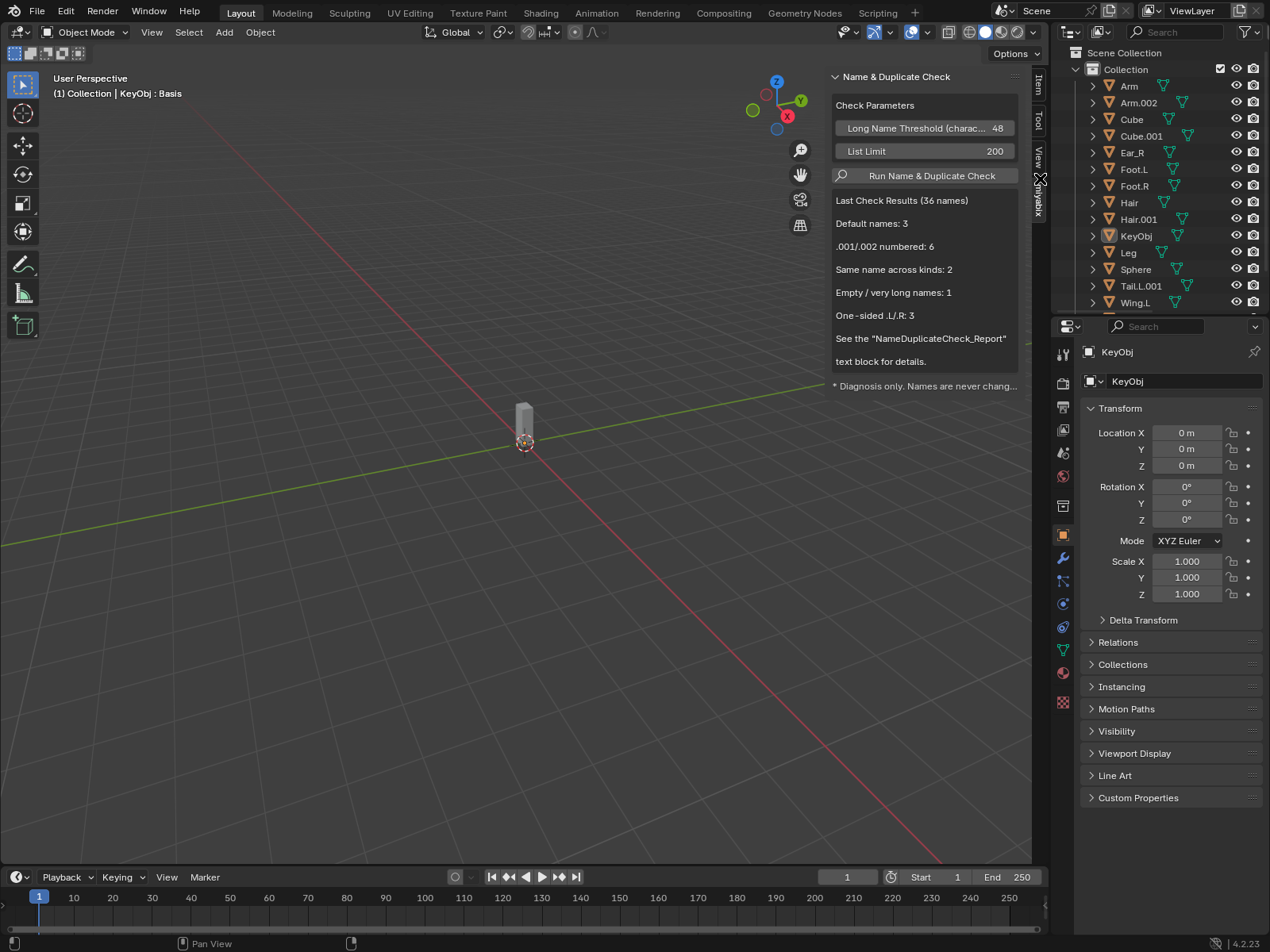
Forty parts into a project, everything is Cube.001, Sphere.002, and a material just called "Material". In Blender you can still tell things apart by where they sit. After the move to Unity, those clues are gone — and every "which one is this?" moment costs you time. This checker lists your naming problems in one report, before you export. One run checks for: • Parts still using default names (Cube, Sphere, etc.) across objects, meshes, materials and shape keys • Names carrying Blender's auto .001 / .002 duplicate suffixes • The same name used across different kinds of data • Empty, whitespace-only, or very long names (threshold adjustable, default 48 characters) • One-sided .L / .R pairs — a left with no right, or a right with no left (also _L/_R and -L/-R) Results land in a Blender text block ("NameDuplicateCheck_Report") with a count summary in the panel. You can cap the list length (default 200 rows; totals are always shown). One honest note: this tool never renames anything. Renaming can break references to materials, shape keys and drivers, so fixing names stays in your hands — the checker just makes sure you see every problem first. Requirements: Blender 4.2 or 5.3. Works fully offline, no external libraries. Install the .py file via Preferences > Add-ons > Install... and select the .py file, then find it in the "miyabix" sidebar tab. Refund policy: For defects such as the add-on failing to start, please contact the shop within 5 days of purchase with a detailed description of your operating conditions (Blender version, object structure, error messages, etc.). We will review the details and respond. Refunds cannot be accepted for requests outside the scope of use, or for behavior that matches the specifications.