
Descripción del producto
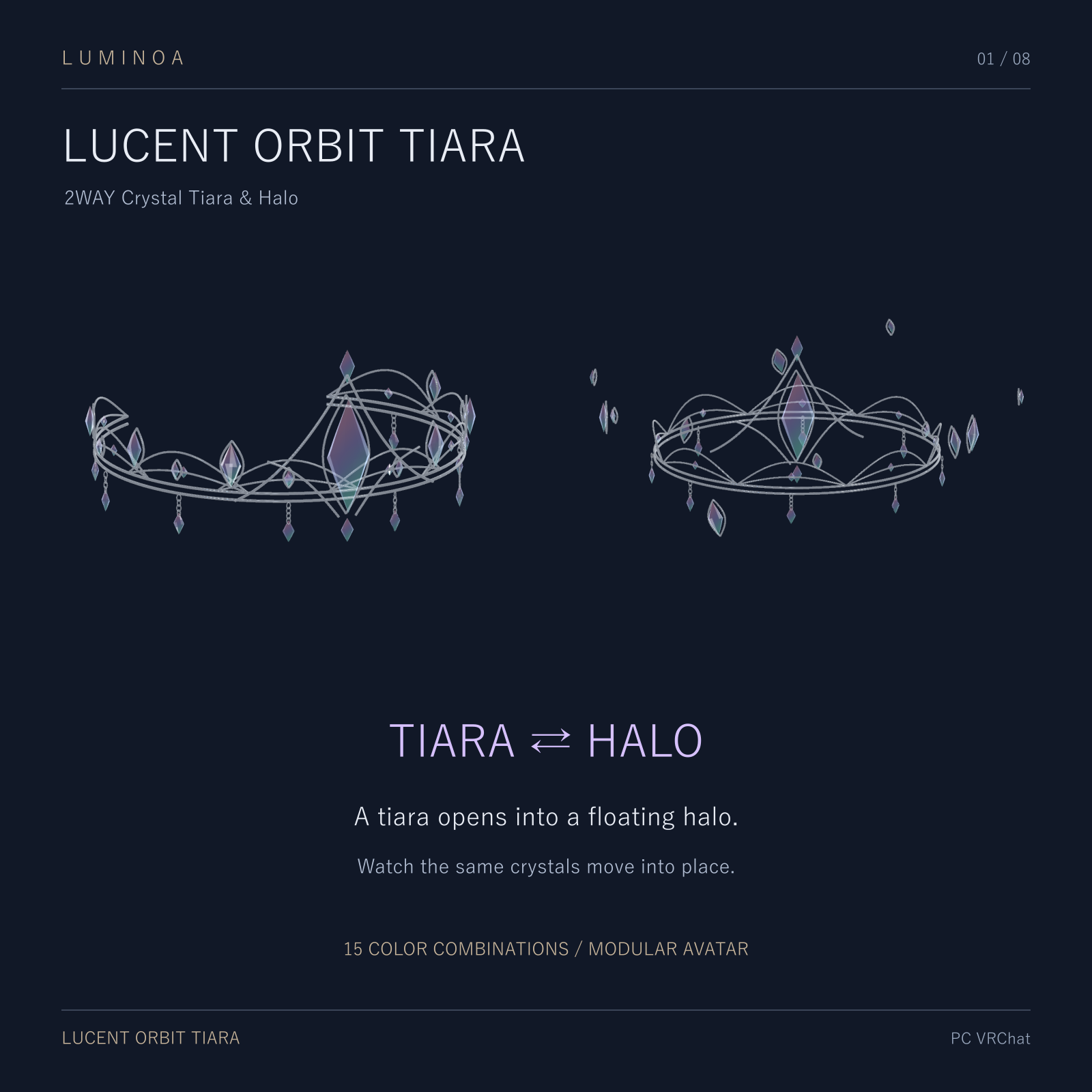
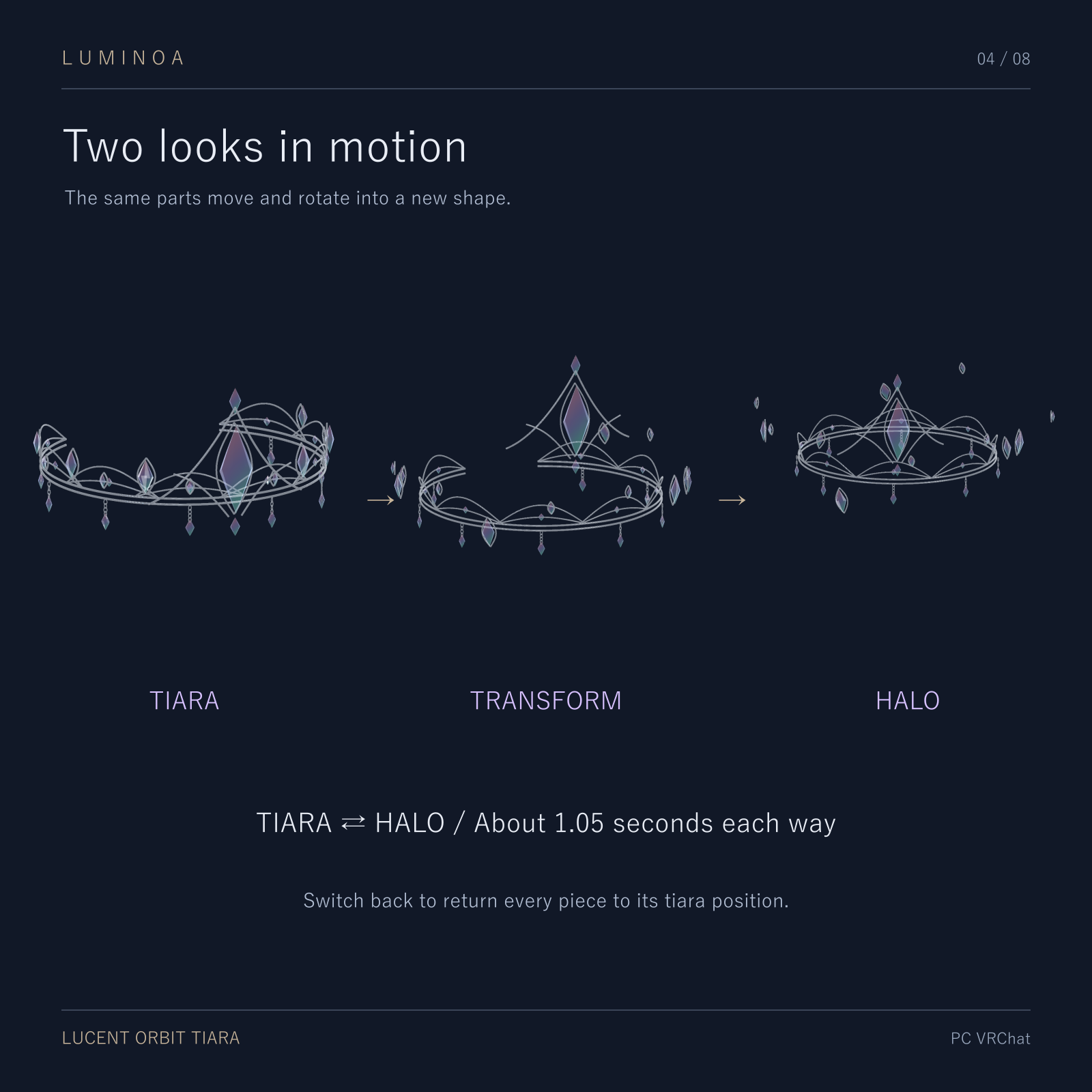
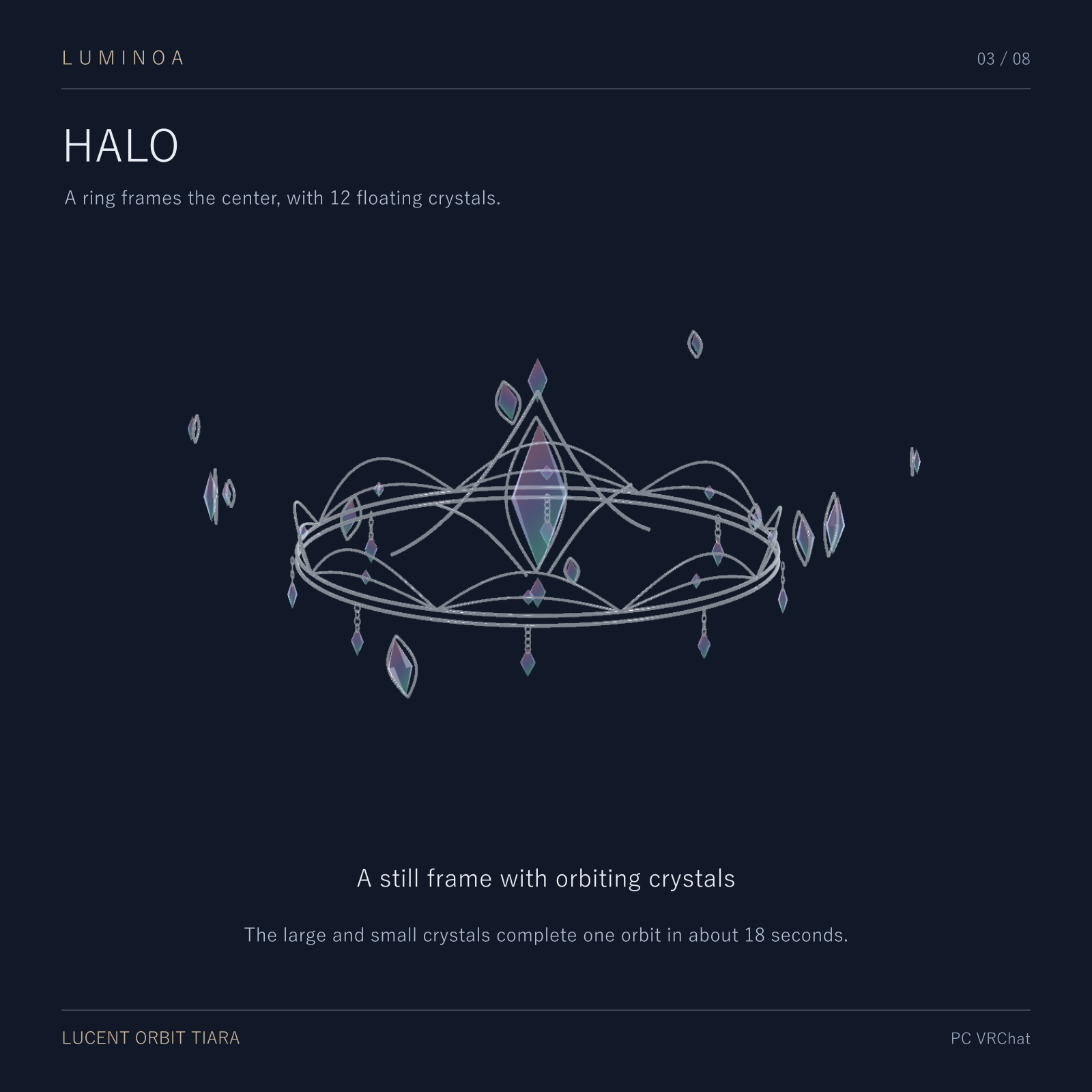
Switch between a tiara and a halo in your avatar menu. The same crystals and metal pieces move into their new positions in about 1.05 seconds. In Halo mode, twelve crystals circle the frame once every 18 seconds.
Choose your finish in VRChat
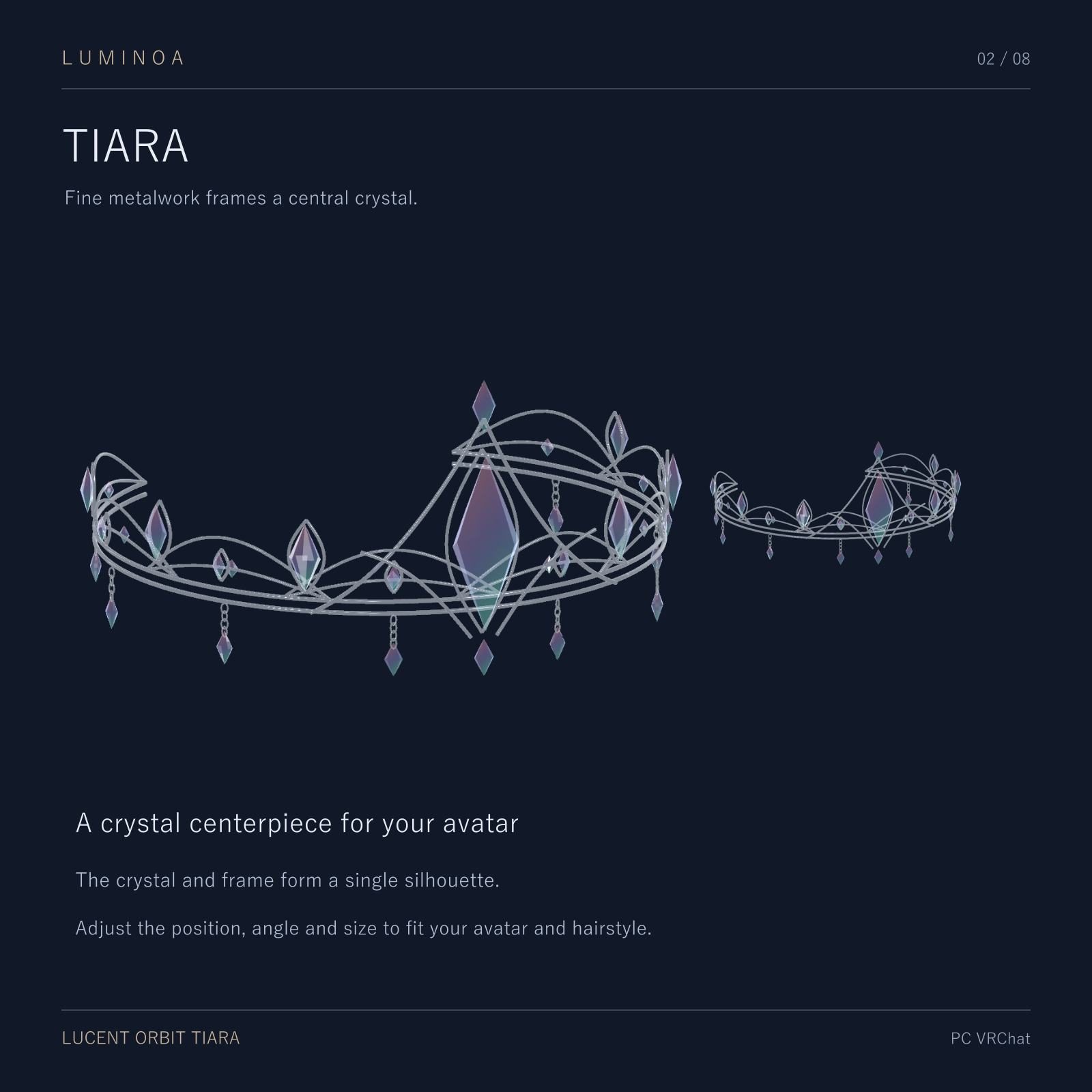
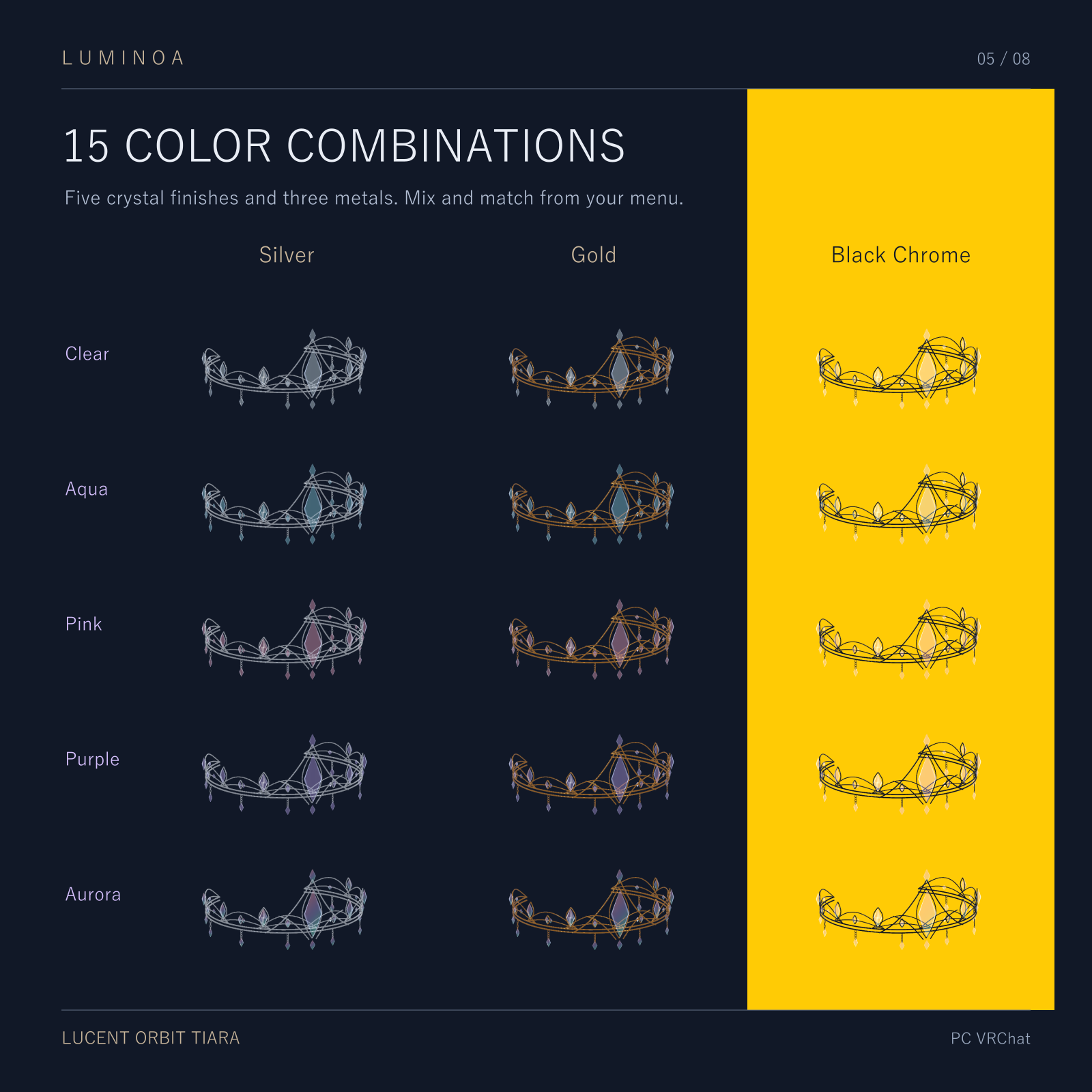
Pair one of five glass finishes with Silver, Gold or Black Chrome for 15 looks. The default is Aurora glass with Silver metal. Switch back to Tiara to return the pieces to their original positions.
In the download
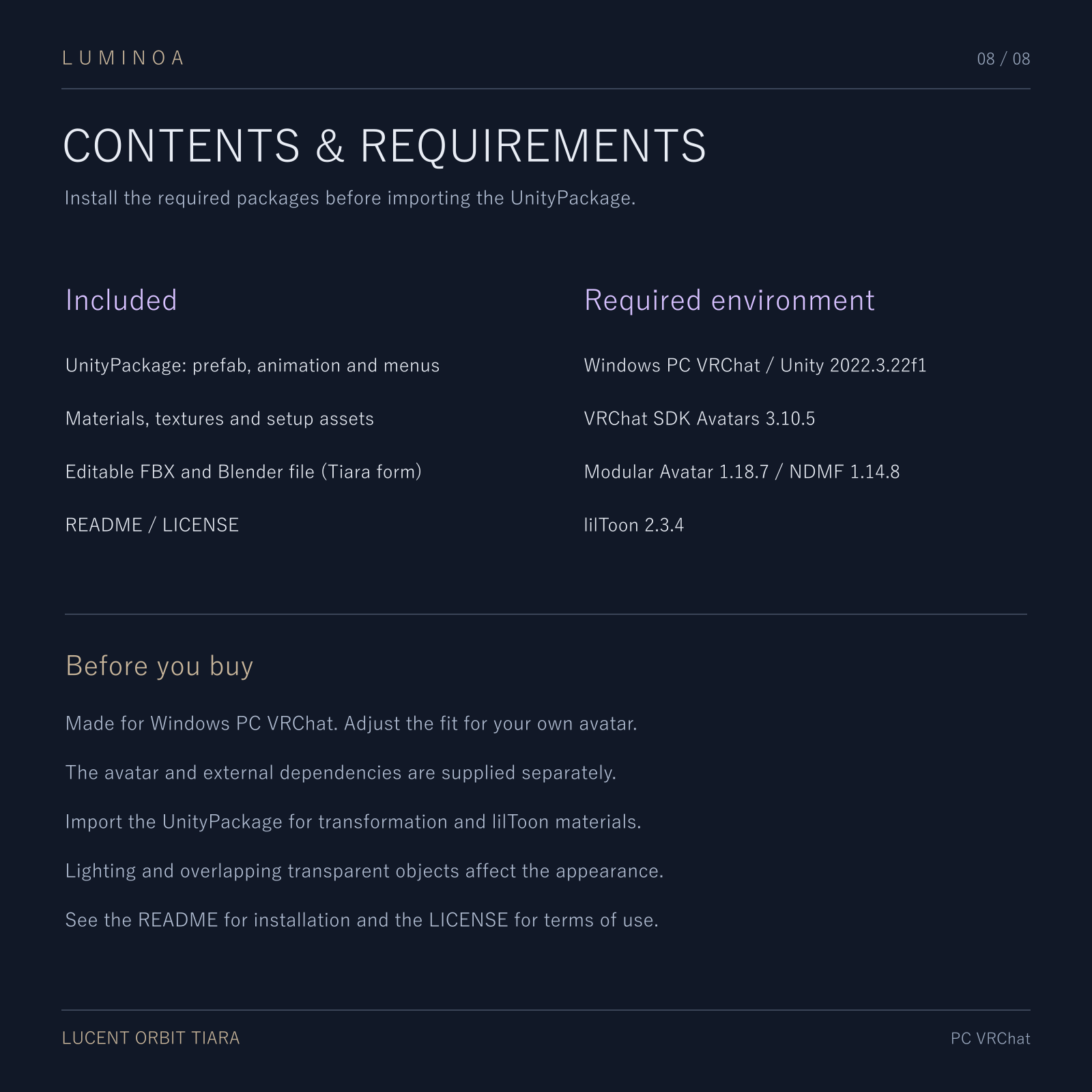
The UnityPackage contains the fitted accessory setup, transform animations, English menus, models, materials and textures. Editable Tiara-form FBX and Blender files and an English README and license are supplied. Use the UnityPackage for the animated accessory.
Installation
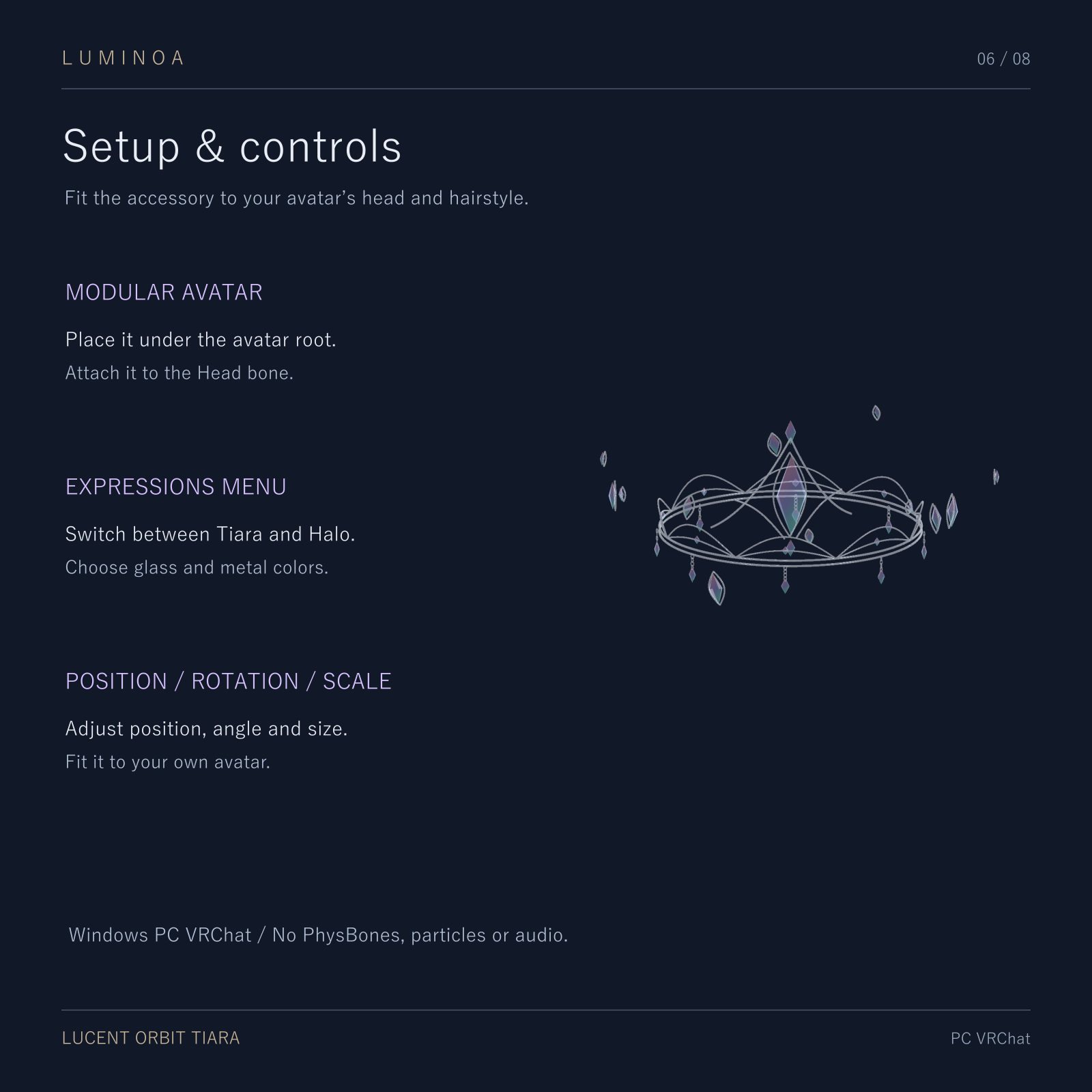
Install the dependencies in your VCC avatar project. Import the UnityPackage and place the LUCENT ORBIT prefab under the Humanoid avatar root. Fit it to the head using Adjust_PositionRotationScale. Open LUCENT ORBIT in VRChat to switch modes and choose colors.
Compatibility
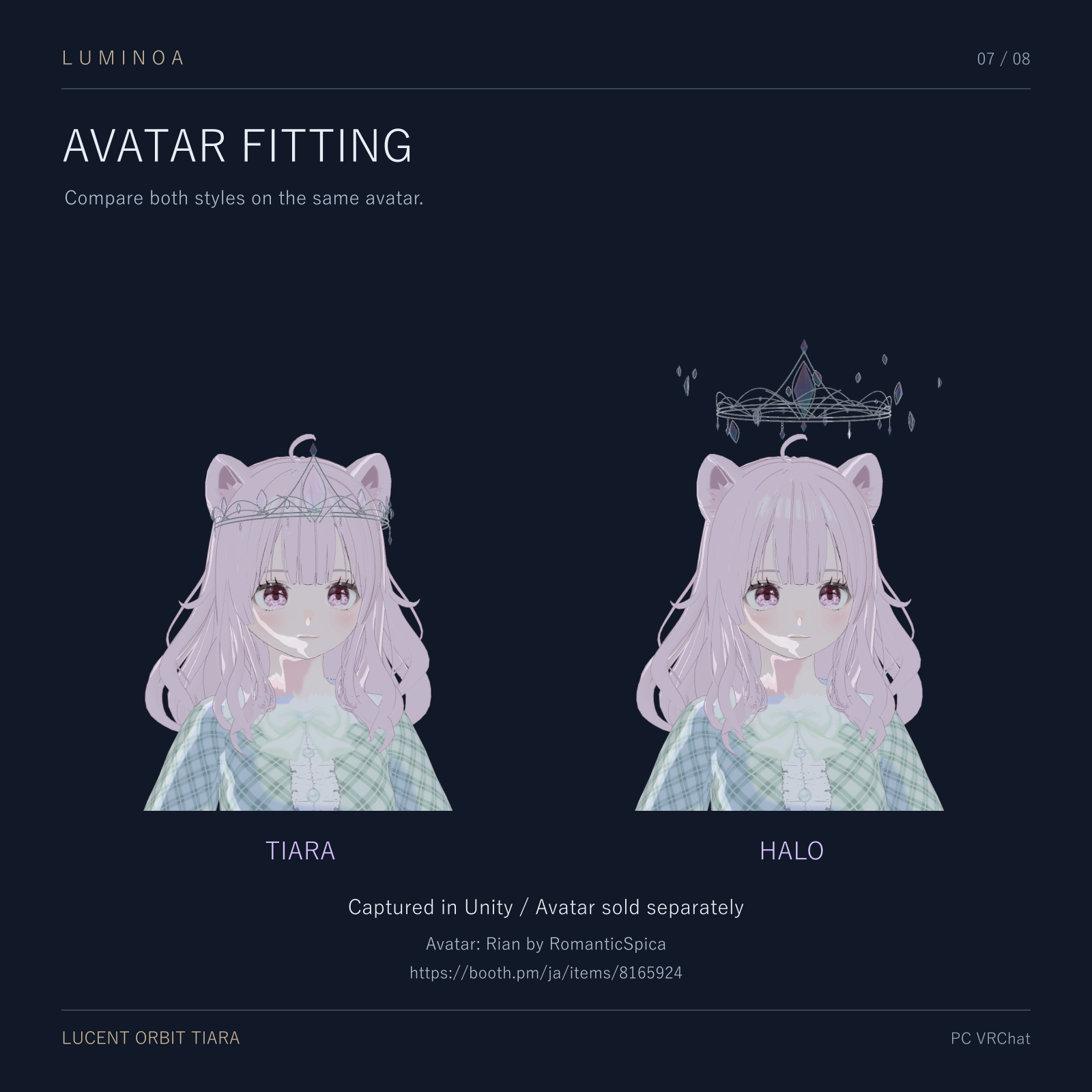
Windows PC VRChat. Tested with Unity 2022.3.22f1, VRChat SDK Avatars 3.10.5, Modular Avatar 1.18.7, NDMF 1.14.8 and lilToon 2.3.4. The three synced parameters use 17 bits. Allow room above the head for the halo and adjust for your hairstyle. Quest is unsupported.
The avatar shown is Rian by RomanticSpica. Supply your own avatar and the required external packages.
Terms of use
The purchaser may modify the assets, use them on their own Private avatars, wear those avatars in public instances, and use them in monetized videos or streams. Credit is optional. Redistribution, resale and inclusion in Public avatars available to others are prohibited. Commissioned setup is permitted under the temporary-sharing and deletion conditions in the included license. See the full English license for all terms.