
Festival Yo-Yo Fishing | VRChat Festival Stall
Etiquetas
Descripción del producto
Este producto contiene contenido generado por IA.
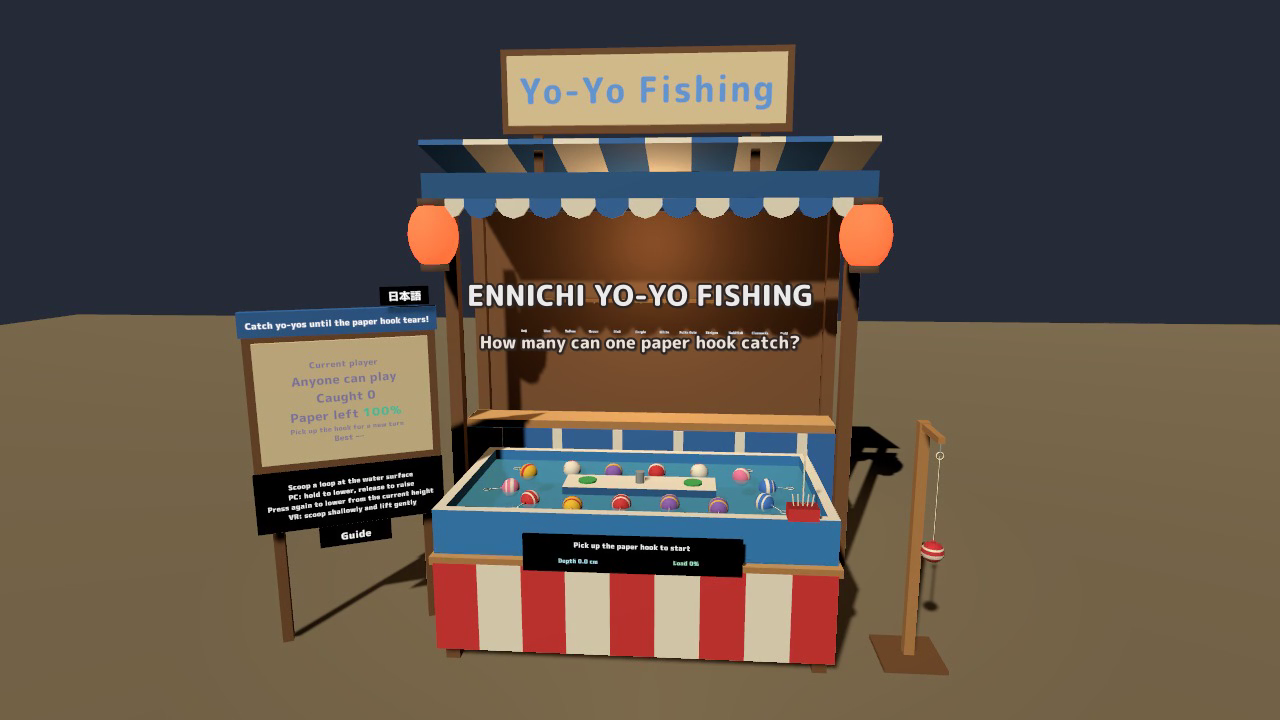
Bring a Japanese festival game to your VRChat world. Scoop a floating yo-yo balloon from below, lift it out of the water, and add its design to a collection everyone can see.
Festival Yo-Yo Fishing is a ready-to-place UdonSharp stall with 12 collectible designs, a shared record board, a bouncing souvenir yo-yo, and personal English/Japanese displays. One visitor fishes at a time while friends watch and collect together.
Watch it in action
Watch the 32-second English gameplay preview on YouTube
Scoop, lift, and collect
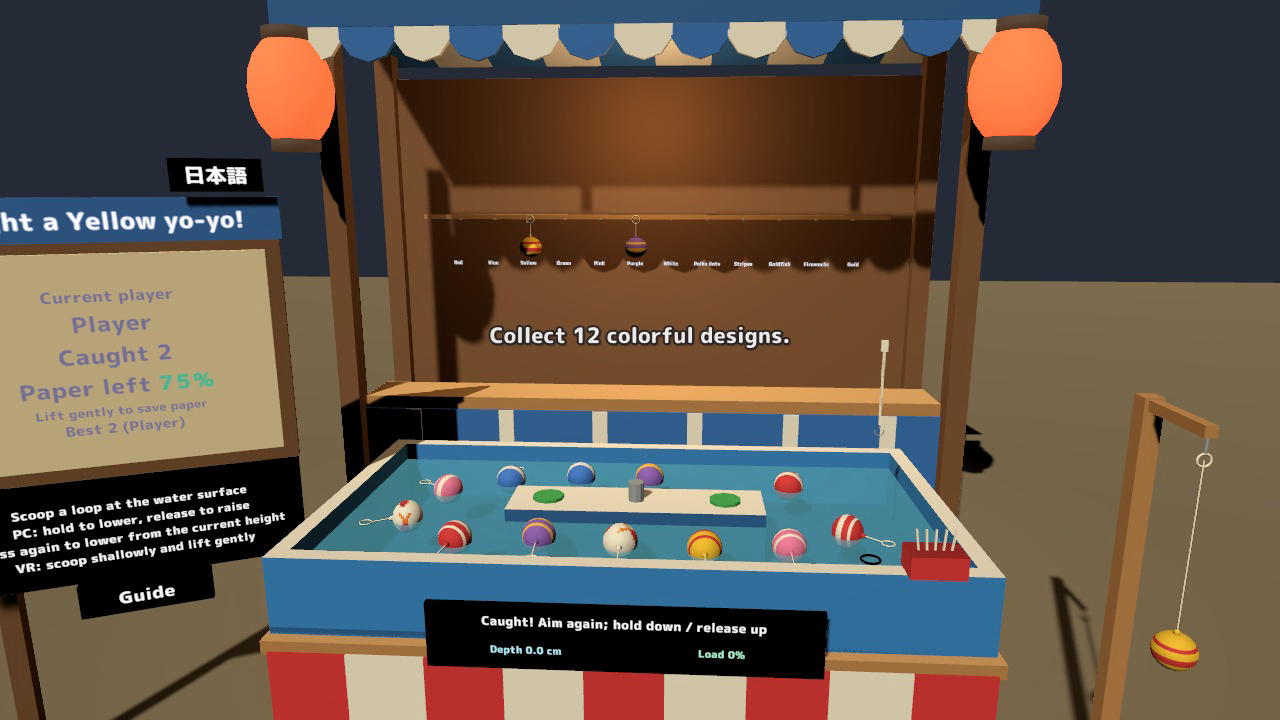
- 12 designs to discover: seven common, four rare, and one secret. Caught designs fill the shared collection rack.
- A pool that keeps moving: 14 yo-yo balloons drift with the water current.
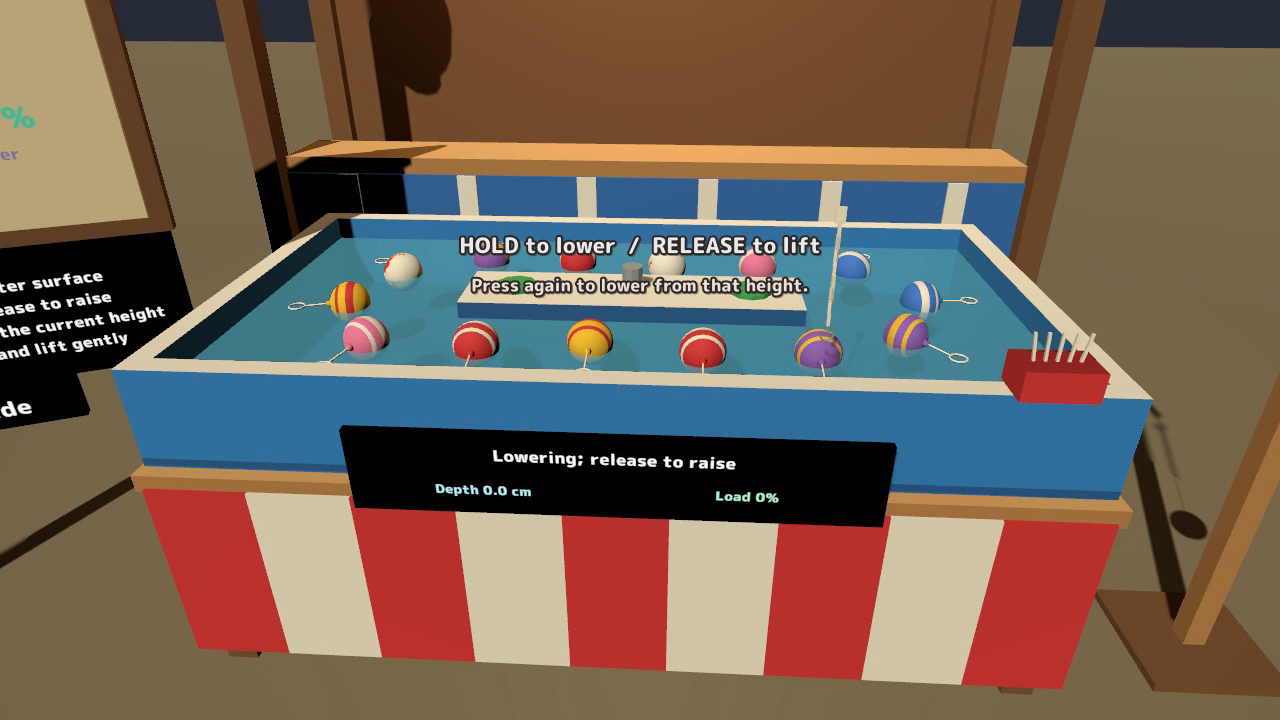
- A gentle touch pays off: the paper hook weakens with soaking and strain. Watch its remaining reserve, keep dips shallow, and lift smoothly.
- Shared turns and records: the current player, catch count, paper strength, best record, collection, and effects are synchronized.
- A souvenir to play with: anyone can pick up and bounce the yo-yo beside the stall. It adopts the most recently caught design.
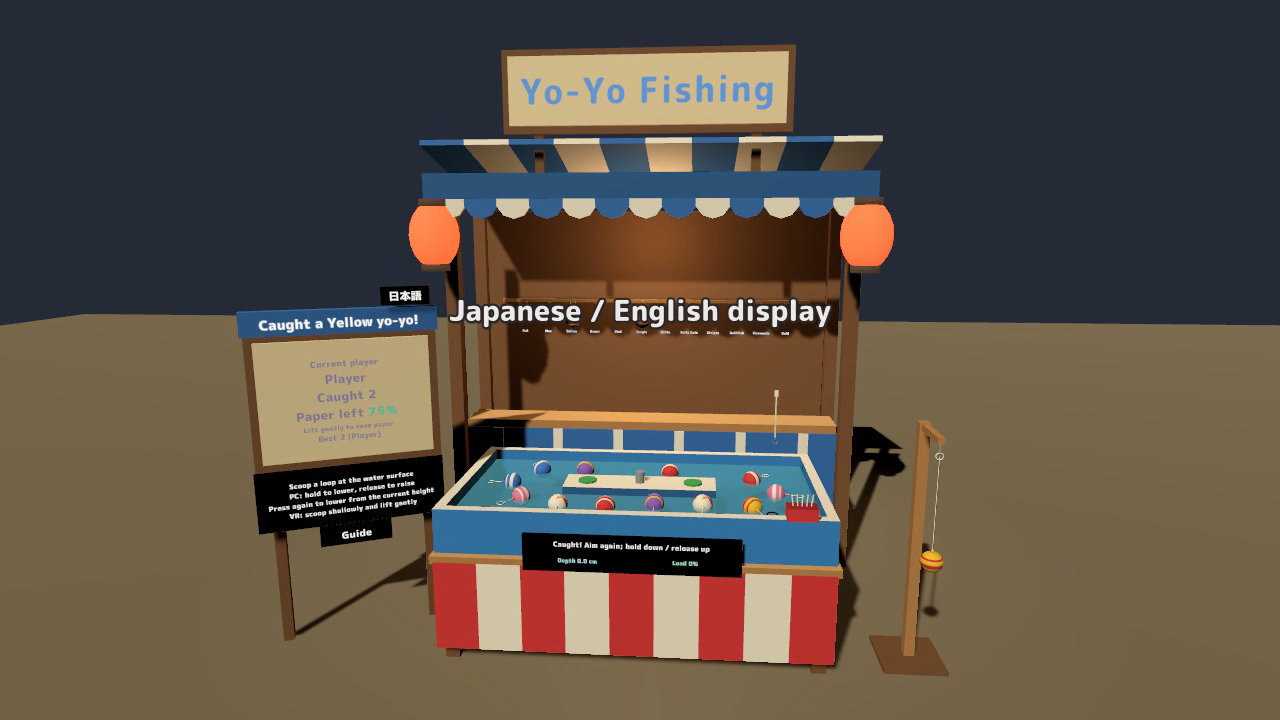
- English and Japanese in one asset: signs, guides, records, messages, design names, and tool prompts switch locally for each visitor.
How to play
- Pick up the paper hook from the tool box to start your turn.
- Aim at a loop lying on the water surface. Slip the hook just underneath it.
- Scoop upward and lift the balloon above the water to catch it.
- Keep going until the paper tears, then pick up a fresh hook for another turn.
VR: move the hook with your hand and lift gently. Desktop: hold left click to lower the hook and release to raise it. Press again at any height to reverse direction from that position; the same controls apply after hooking a balloon.
The board shows the paper reserve in color and percentages, with depth and load feedback. Visitors can open a personal guide from the board. Turns end automatically when the hook is left down or the player stays inactive.
Make it part of your world
Use the Inspector to adjust the water current, design rarity, paper durability, hook distances, catch height, desktop movement, and turn timeouts. Included Blender and FBX source files let you edit the stall and balloon models. Move and rotate the prefab to fit your scene while keeping its original scale.
The stall is approximately 3.4 m wide and 1.9 m deep. With a complete collection rack, the set is typically about 34,000 triangles and can reach about 54,000, depending on the designs in the pool. Emissive lanterns and a warm PC point light complete the festival atmosphere.
Included files
- EnnichiYoyo v1.6.1 Unity package: prefab, sample scene, scripts, models, materials, and six sound effects.
- English and Japanese manuals with setup, controls, customization, and terms.
- Blender source v1.5: .blend file, FBX models, palette texture, and model specification. These are the source files accompanying the current release.
- Quest/Android material variants using VRChat/Mobile shaders.
Setup and requirements
Use Unity 2022.3.22f1, VRChat SDK3 Worlds 3.10.x (including UdonSharp), and TextMesh Pro.
- Open a Worlds project created with VRChat Creator Companion. For a project using TextMesh Pro for the first time, run Window > TextMeshPro > Import TMP Essential Resources.
- Import the included Unity package.
- Place Assets/EnnichiYoyo/EnnichiYoyo.prefab in your scene. Keep the original scale so the hook distances and rubber lengths remain correct.
- For Quest/Android, follow the manual to use the included mobile material variants.
The sample scene is Assets/EnnichiYoyo/Sample/EnnichiYoyo_Sample.unity. The first display follows the visitor's VRChat language; each visitor can switch language independently on the board.
Terms of use
- You may use this asset in published VRChat worlds, including commercial, corporate and event worlds.
- Modification is allowed. Credit is optional and appreciated.
- Redistributing, reselling or including the asset data in another asset sale is prohibited, including modified versions.
- Please contact the creator before use outside VRChat, such as other games or video productions.
- The creator is not liable for issues resulting from use of this asset.
The included M PLUS Rounded 1c font is distributed under the SIL Open Font License 1.1; the font license is included in the package.
Current release
v1.6.1: clarified the controls, Inspector settings, and changelog in both manuals. Gameplay, models, and networking are unchanged from the approved v1.6 release.