
Card Games Bundle | 8 Games on 2 Tables for VRChat
Etiquetas
Descripción del producto
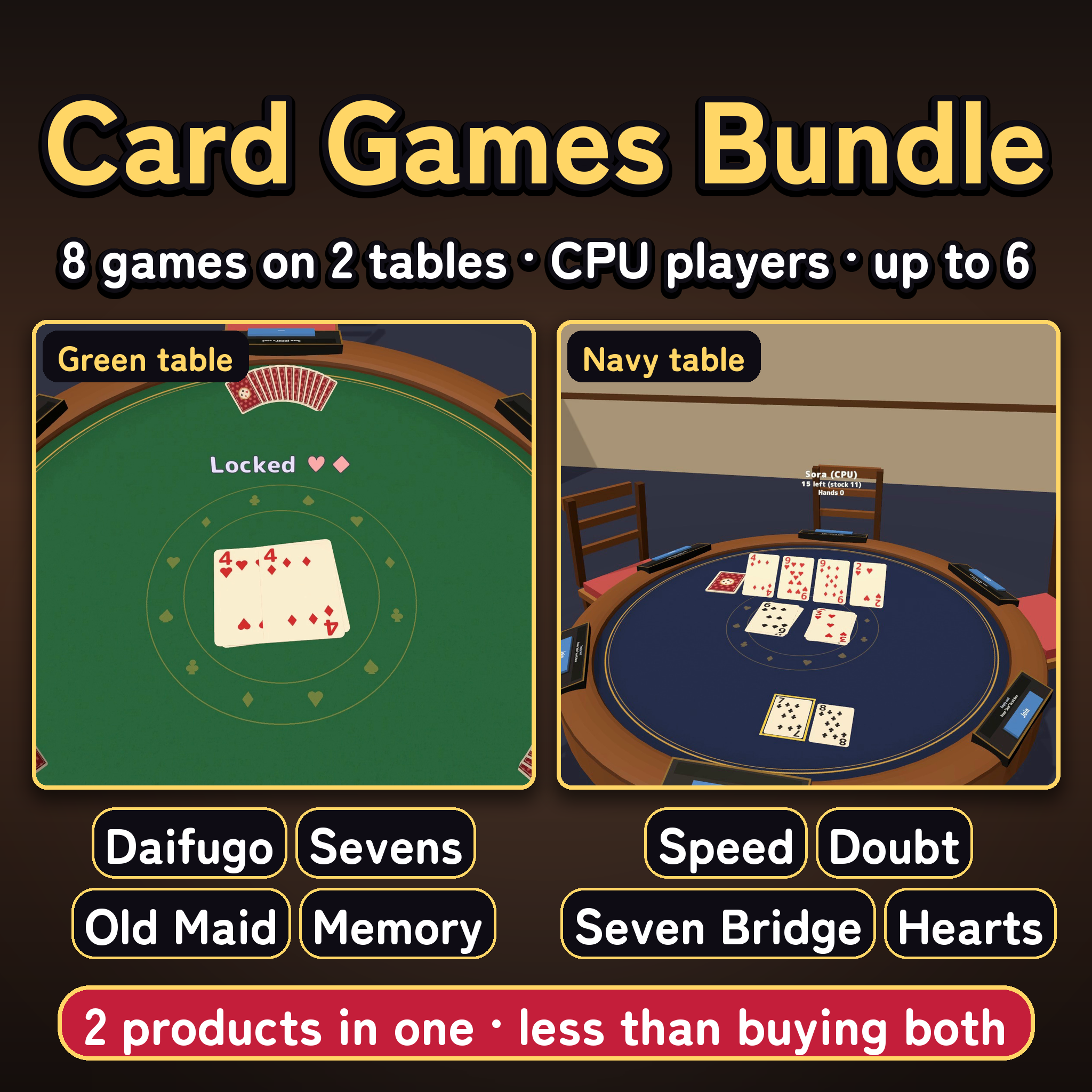
Two products in one bundle: "Japanese Card Games" and "Card Games Together 2". The files are the same versions as the single products, with their manuals included as they are.
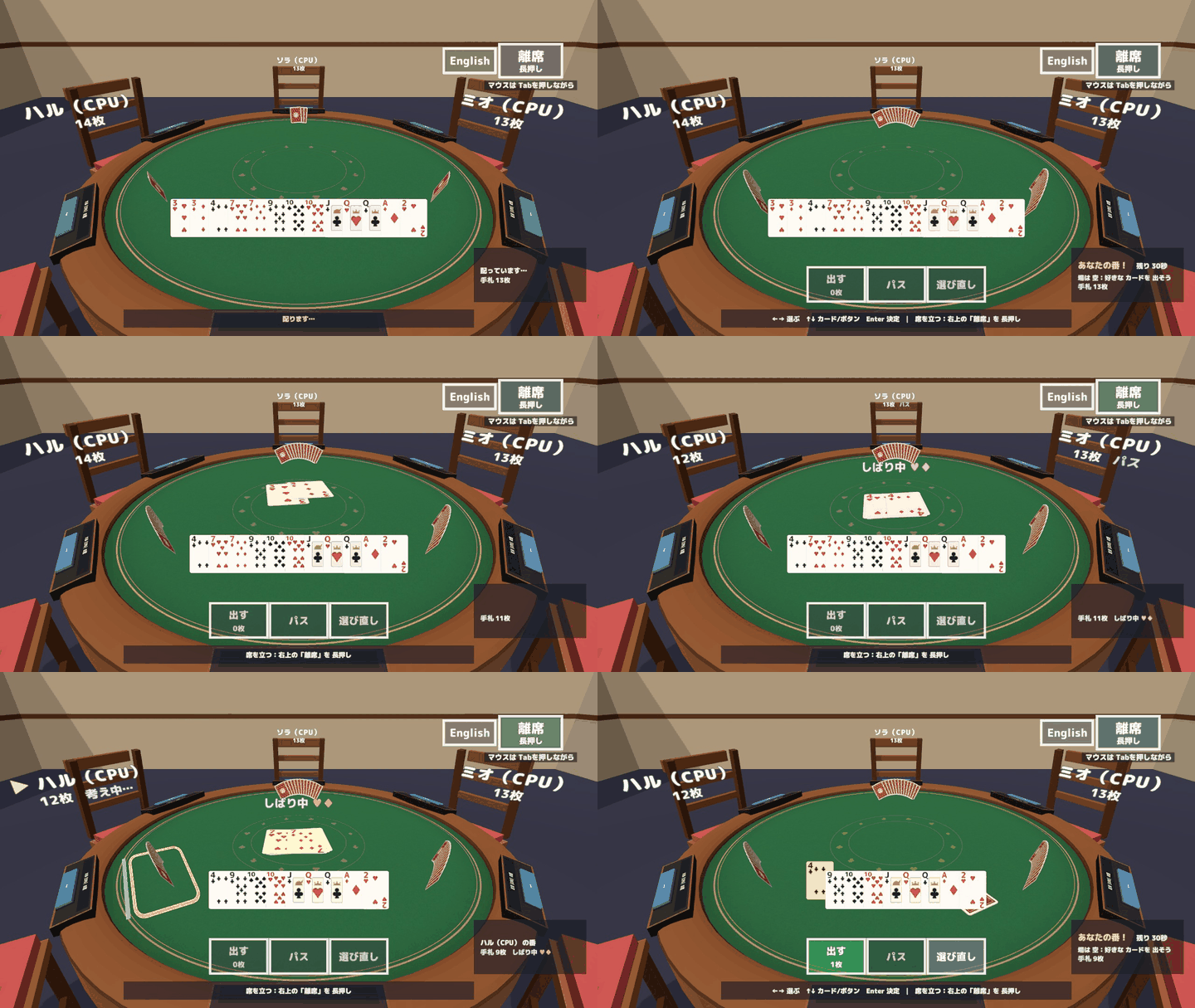
Eight classic card games on two tables for your VRChat world (up to 6 players at each table). Place the two prefabs and they work.
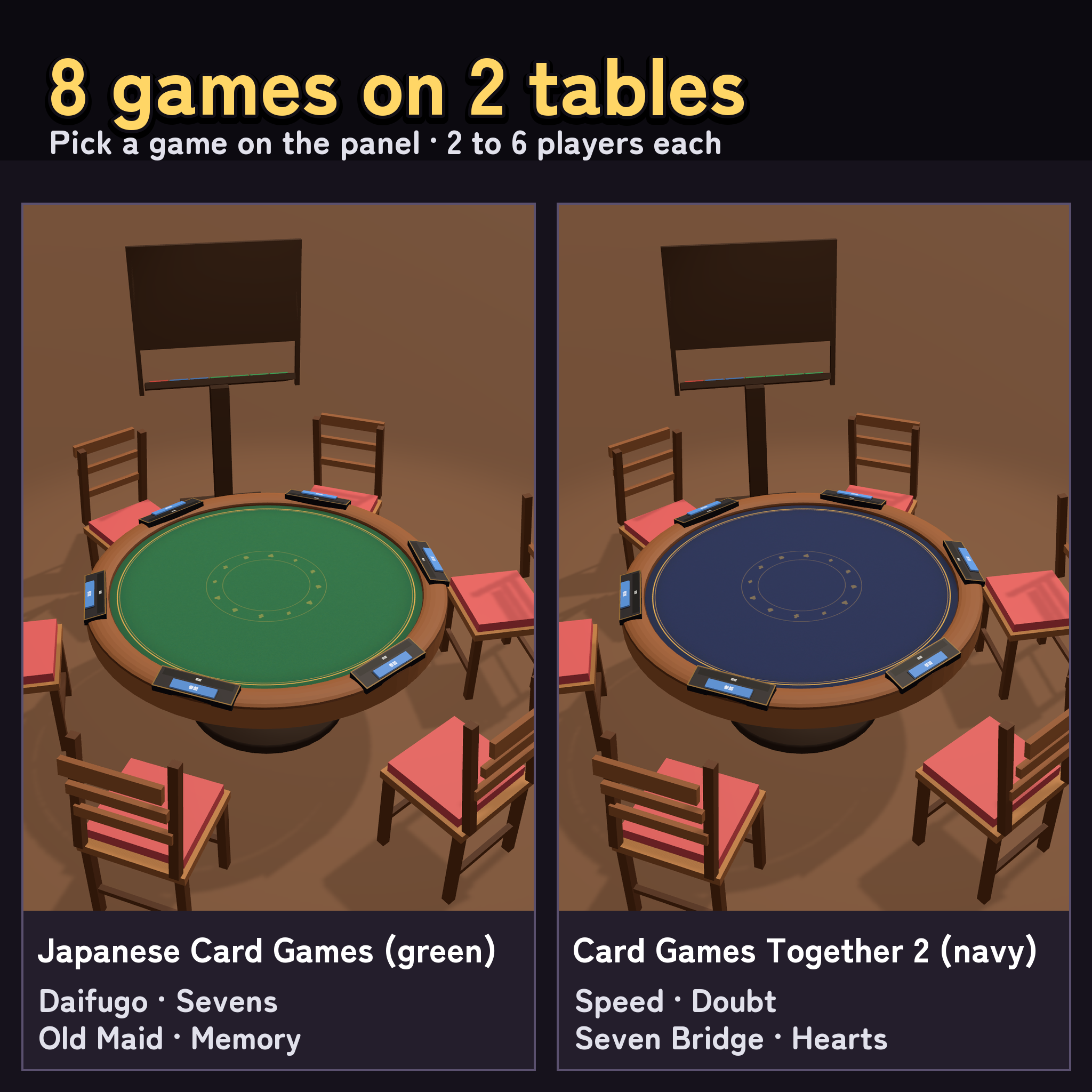
- Table 1: Daifugo, Sevens, Old Maid and Memory (Concentration)
- Table 2: Speed, Doubt (Cheat), Seven Bridge and Hearts
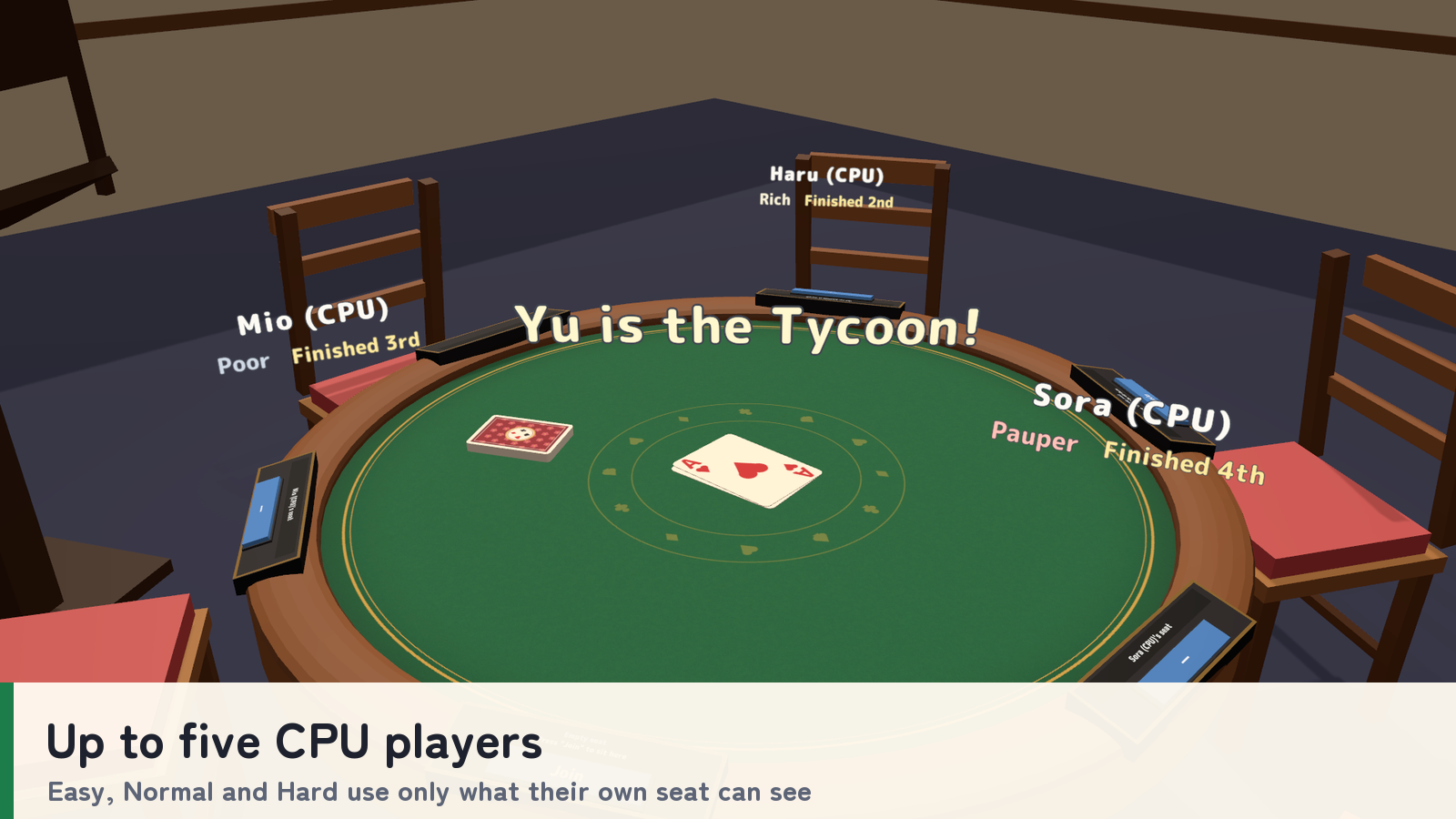
- Play alone: CPU players fill the empty seats (three levels)
- Press "Join" at a seat and "Deal": your hand shows on your own screen
- Both tables can stand in the same world and play separately
- In VR, point a laser from your hand at keys and cards to press them. The key or card you point at lights up in pale blue.
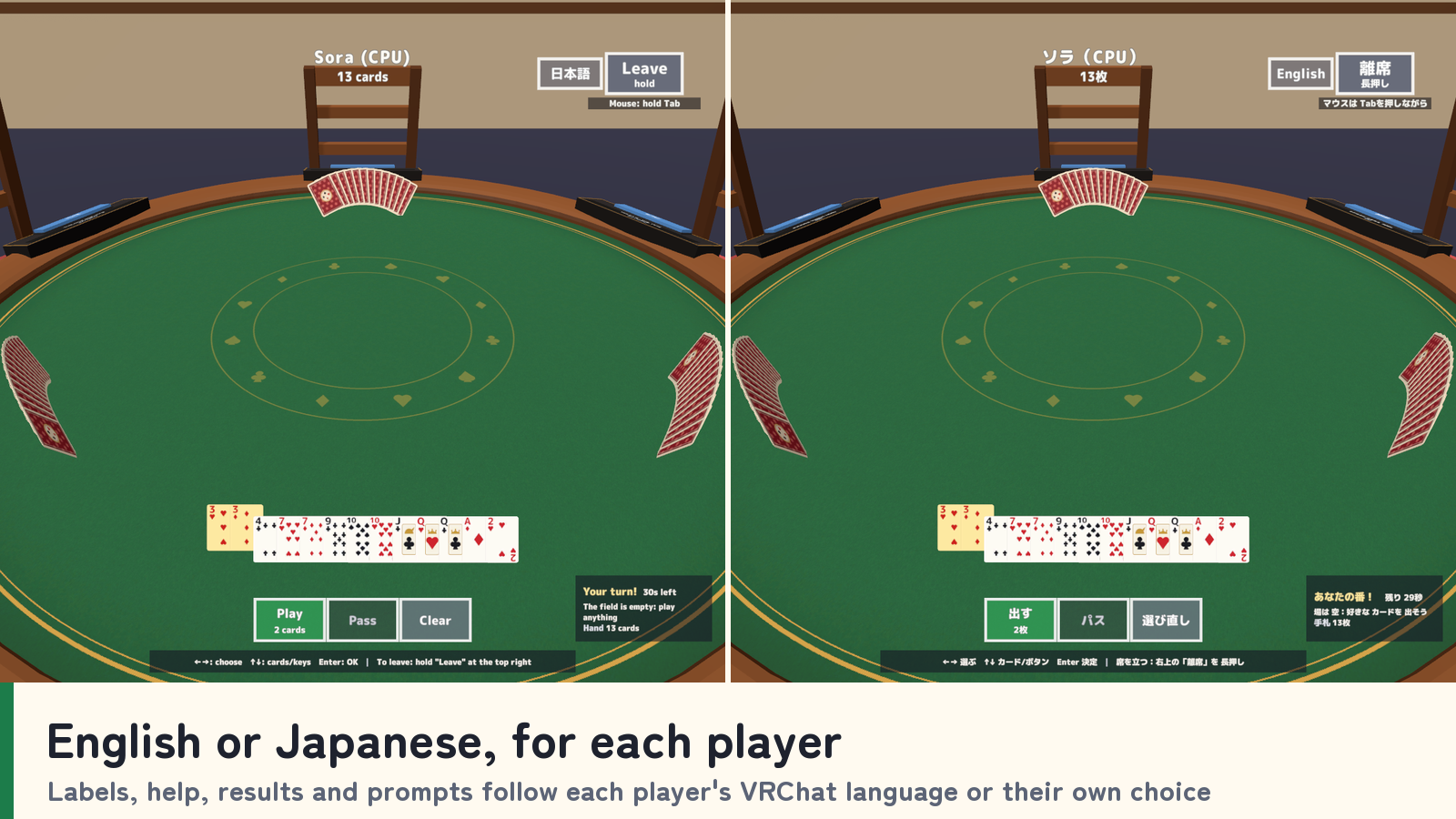
$15 less than buying the two products separately ($30 each). Every word on the screen comes in English and Japanese, following each player's VRChat language. PC (desktop and VR), with materials for Quest/Android.
Watch it in action
What is inside
- Japanese Card Games (green table). Daifugo, Sevens, Old Maid and Memory. Daifugo comes with titles and the card exchange; house rules are switched on the panel.
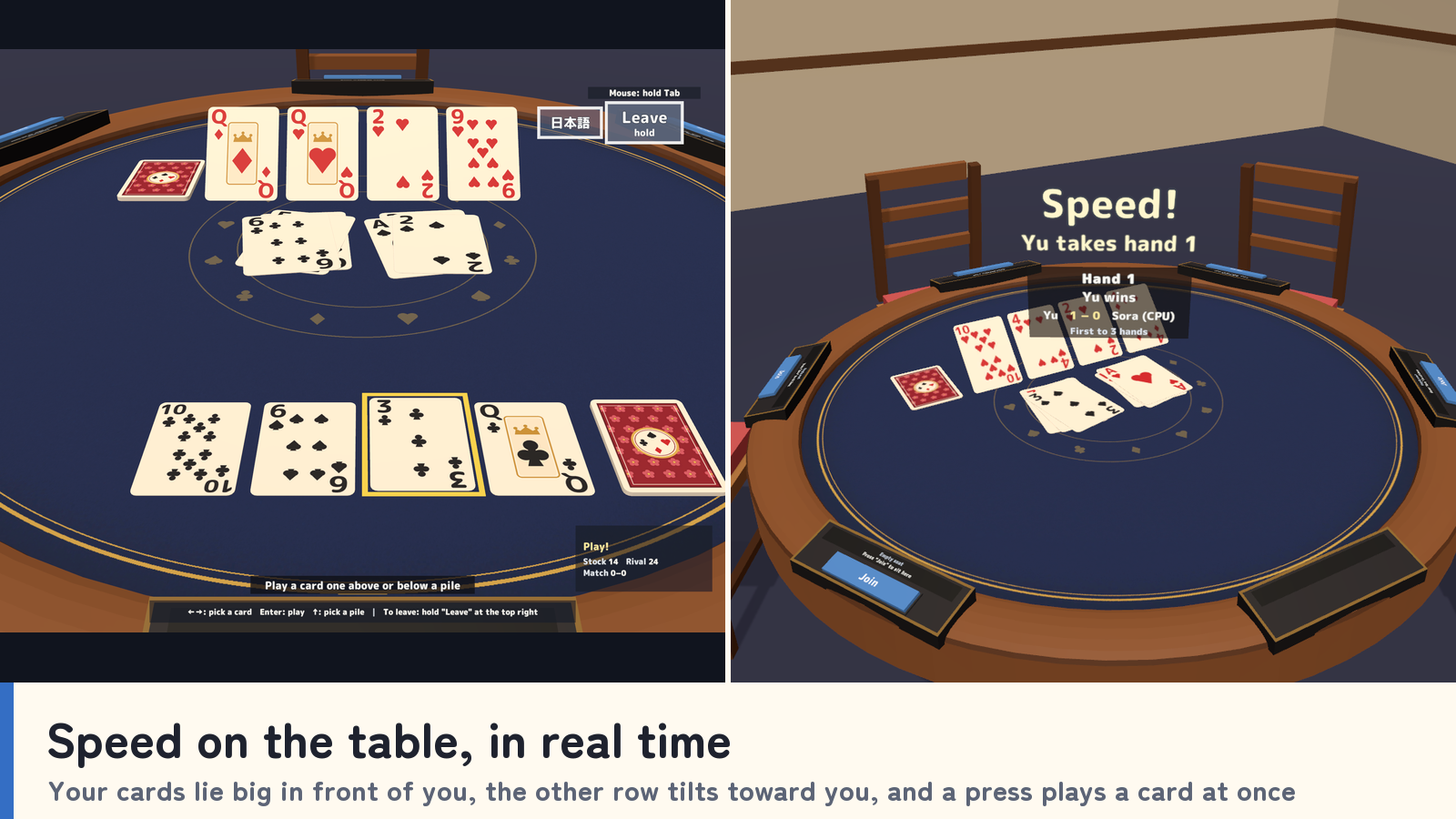
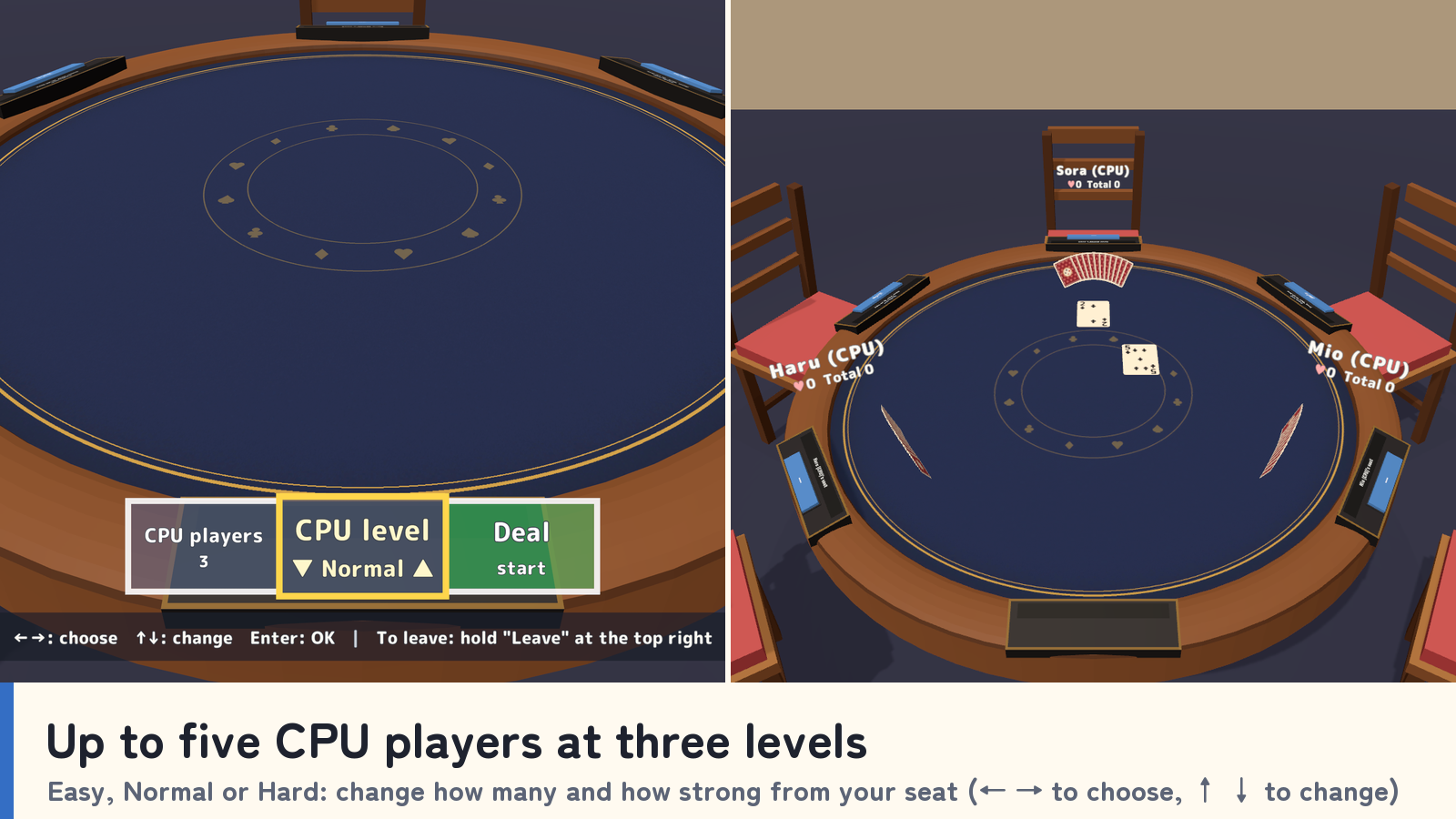
- Card Games Together 2 (navy table). Speed, Doubt, Seven Bridge and Hearts. In Speed you press the cards on the table itself; seated players can change the number and strength of the CPU players.
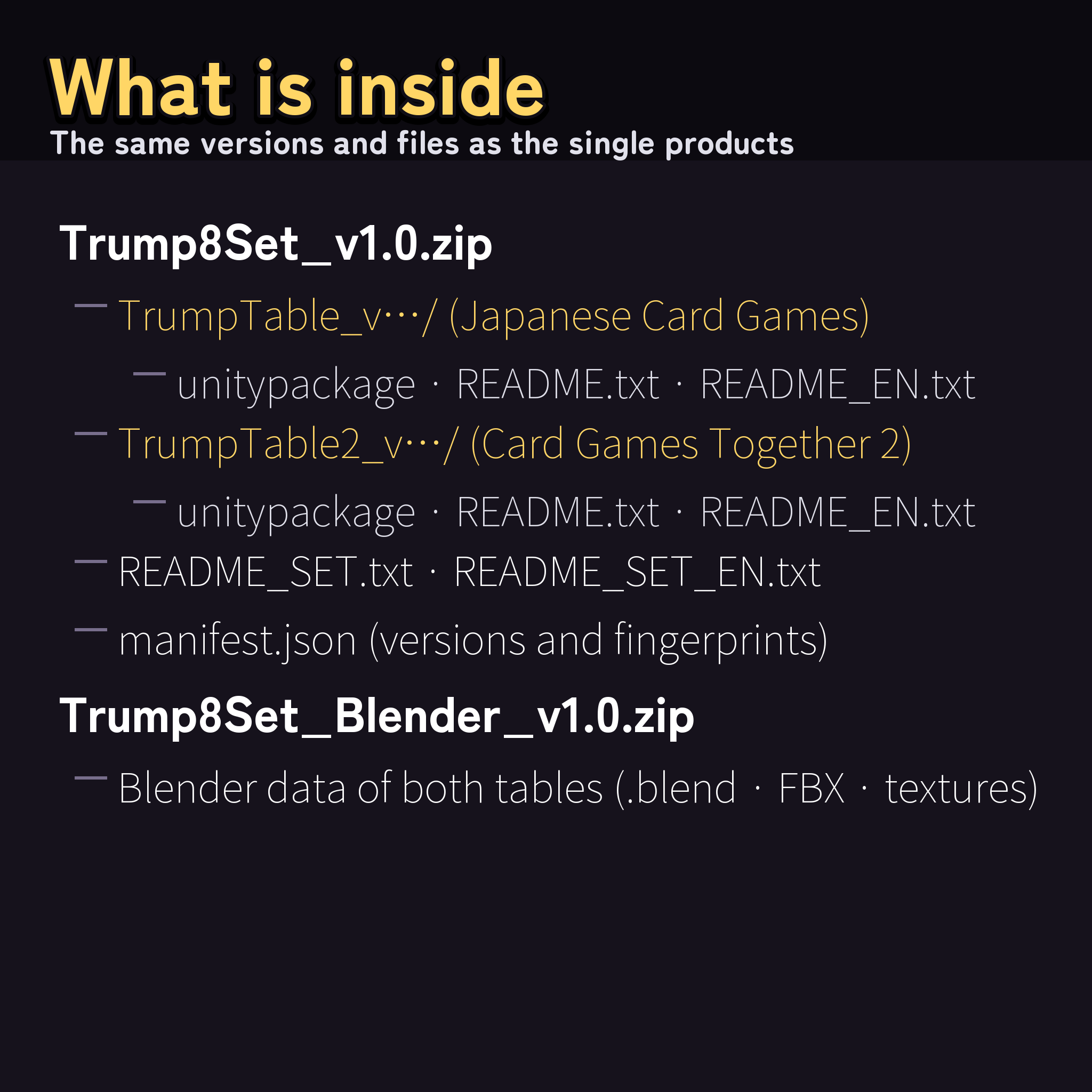
- Each product's unitypackage, manuals (English and Japanese) and Blender data, the same files as the single products (Japanese Card Games v1.1.0, Card Games Together 2 v1.1.0).
Features
- Eight games on two tables. Four games per table, picked on the panel; every game plays with 2 to 6 players. The two tables play separately, so one can run Daifugo while the other runs Speed.
- CPU players. Empty seats get CPU players at three levels; a person can take a CPU seat over.
- Your hand on your screen. Your cards and buttons stay at the bottom of your view; playable cards are bright, the others dim. Arrow keys and Enter on desktop, the stick in VR.
- Synced for everyone. The table shows the same to everyone, late joiners too; each hand shows only on its owner's screen.
- English and Japanese. Each player sees their own language.
Placing the tables
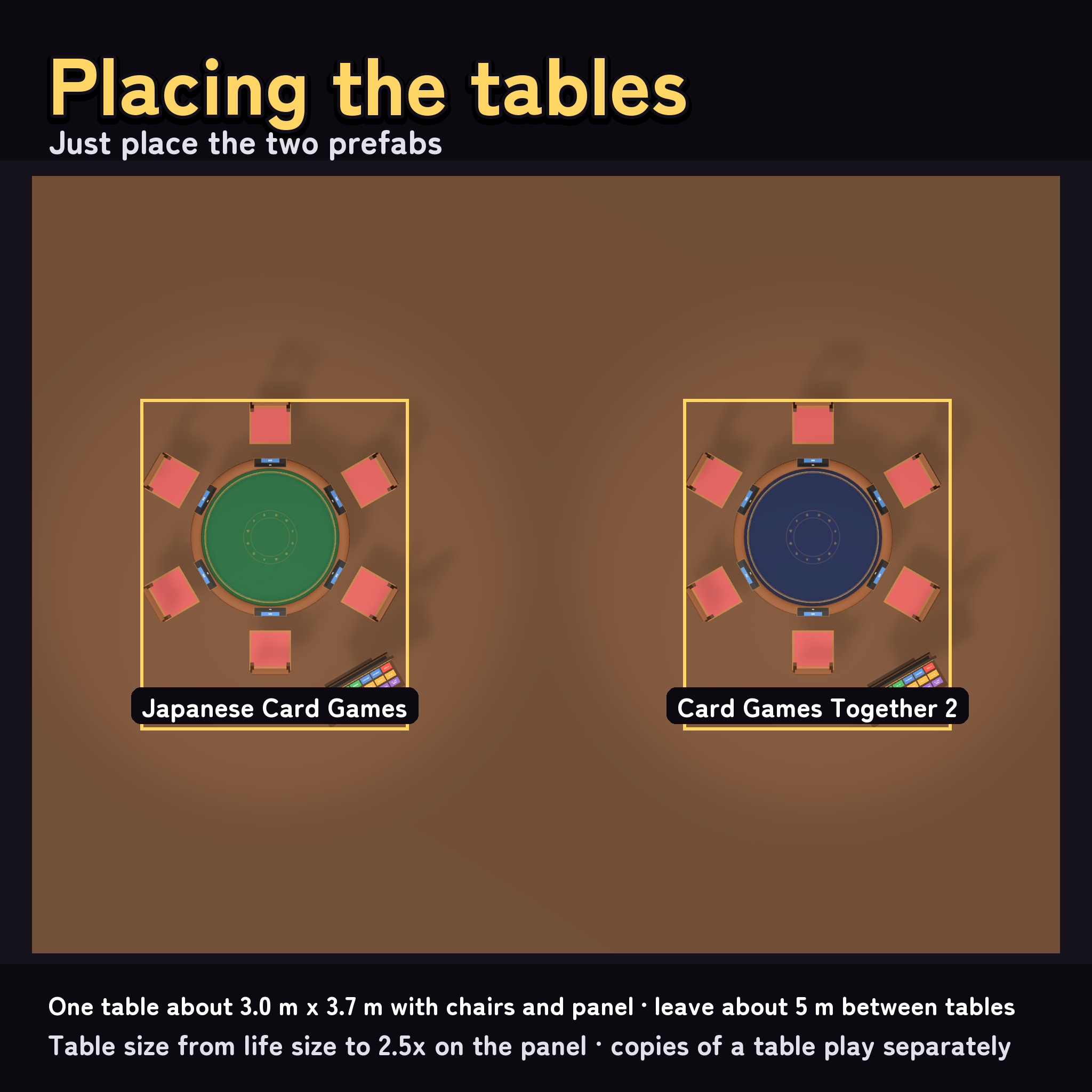
- Two prefabs: Assets/TrumpTable/TrumpTable.prefab and Assets/TrumpTable2/TrumpTable2.prefab
- One table with its chairs and panel takes about 3.0 m x 3.7 m; leave about 5 m between tables
- Table size from life size up to 2.5x on the panel
- You can place more than one copy of the same table
- The EventSystem the VR laser uses is added when you save the scene (just one)
Requirements
- Unity 2022.3.22f1
- VRChat Worlds SDK 3.10.5 (UdonSharp comes with the SDK)
- TextMesh Pro (built into Unity)
- A world project made with the VRChat Creator Companion (VCC)
- PC (desktop and VR), with materials for Quest/Android
Setup
- Open a VCC world project. The first time, run Window > TextMeshPro > Import TMP Essential Resources.
- Import the two unitypackages one at a time (in either order).
- Place the prefabs in your scene.
README_SET_EN.txt and each folder's README_EN.txt explain everything in detail.
Terms of use
- You may build it into VRChat worlds and publish them (paid, company and event worlds too).
- No credit or report is needed. You may change it freely.
- Do not redistribute or sell the data, scripts or changed data (including selling world data that contains it).
- To use it outside VRChat worlds (other games, films and so on), please ask first.
- Do not use it to bet real money or anything that can be exchanged for money.
One table at a time
The tables are also sold on their own. If you have one of them, get the other from its own page.
Jinxxy support
For purchases on Jinxxy, use this product's Q&A on Jinxxy. Include the product name, Unity and SDK versions, the steps you took and any error text.