
BUBBLE POST | Bubble-Wand Stand for VRChat Worlds
Etiquetas
Descripción del producto
Este producto contiene contenido generado por IA.
Pick up a wand and fill a quiet corner of your world with bubbles.
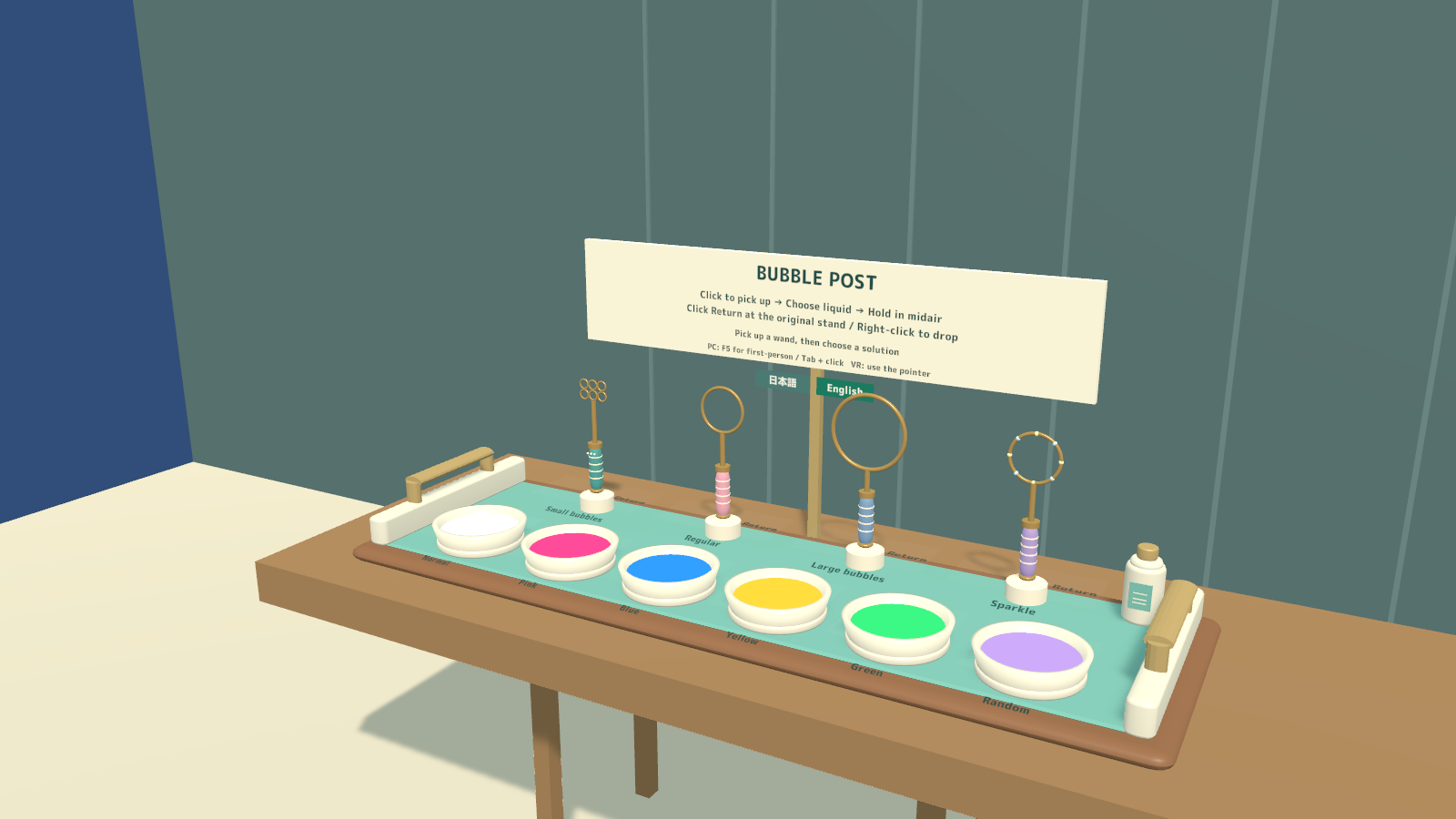
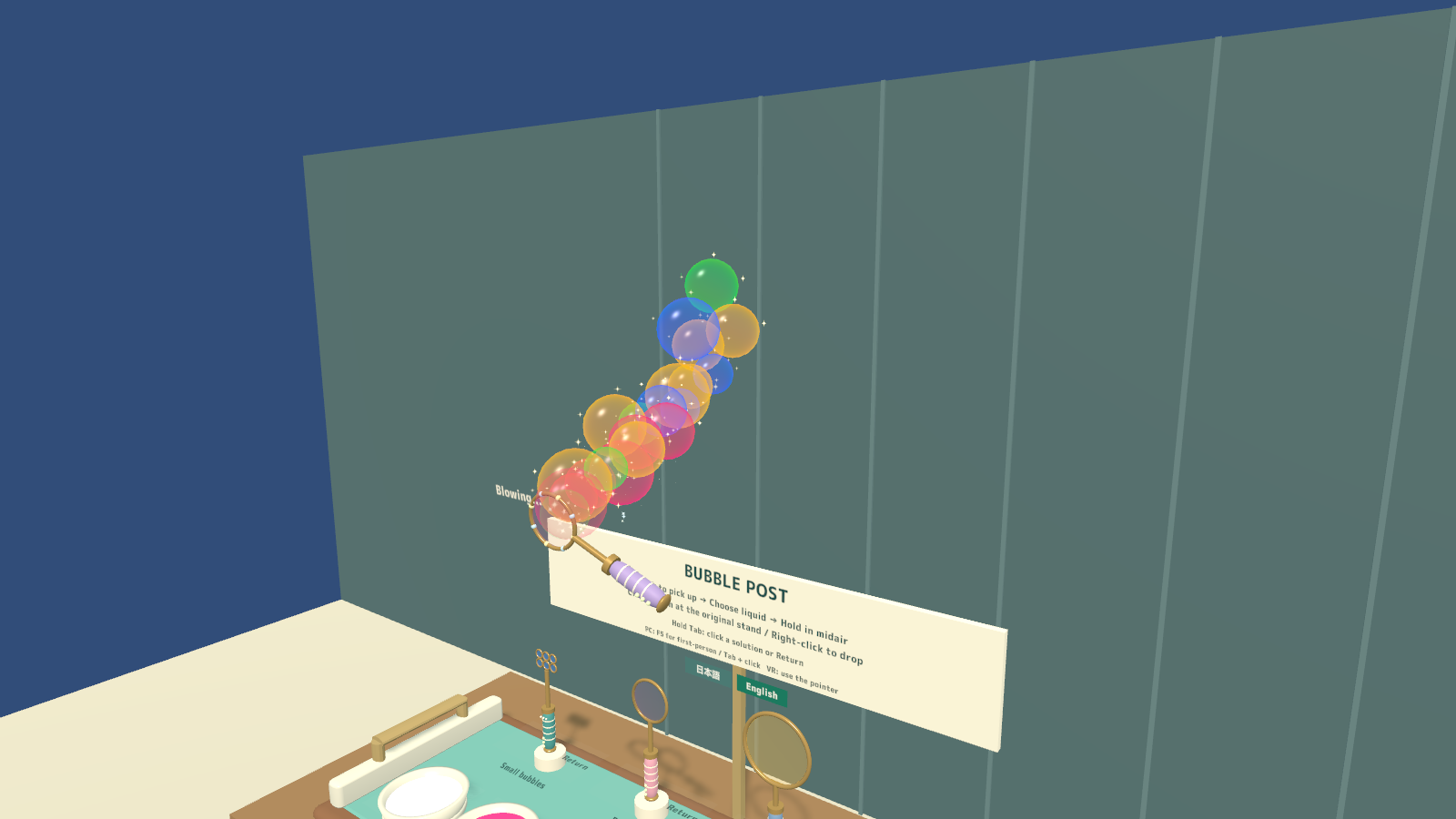
BUBBLE POST is a bubble-wand stand for VRChat worlds. Four players can choose different wand shapes and colors, dip for more solution, and blow bubbles together. The bubbles are generated by button input, without microphone or avatar-mouth setup.
4 wands · 6 solutions · Up to four simultaneous users · PC VR / Desktop / Android
Watch it in action
Watch the English introduction on YouTube
Made for shared play
- Four ways to blow bubbles. Choose Small bubbles, Regular, Large bubbles or Sparkle. The Small bubbles wand has six tiny rings; Large bubbles drift more slowly; Sparkle adds star glints.
- Six solution choices. Normal is iridescent, with Pink, Blue, Yellow, Green and Random also available. Existing bubbles keep their original color when you choose another solution.
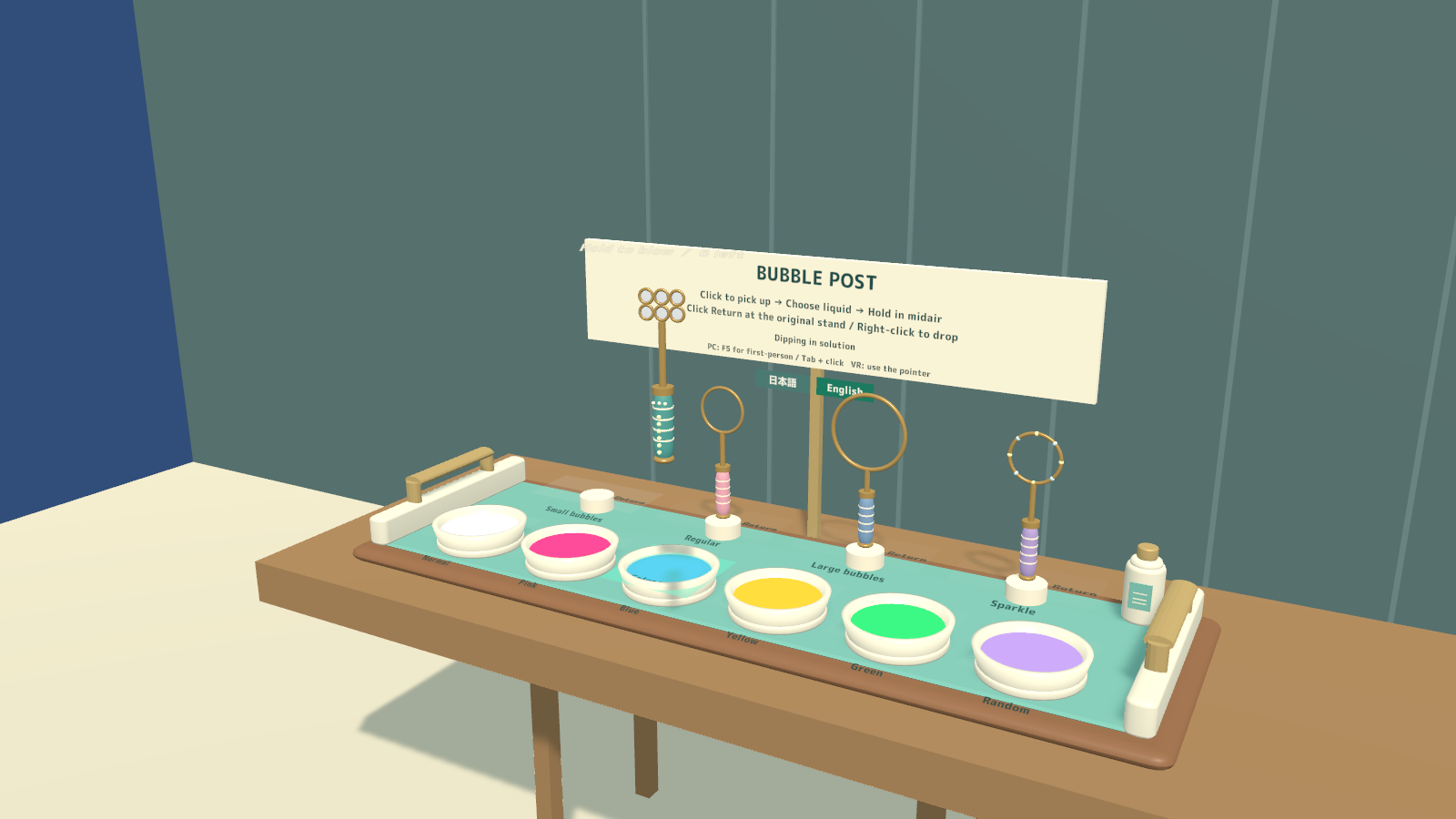
- Dip to refill. Ripples, a soap film and six charge lights show that the wand is ready. A full charge provides about six seconds of blowing.
- Shared wands, locally rendered bubbles. Wand movement, selected palette, charge, dipping and blowing state are shared. Individual bubble trajectories are rendered locally.
- Easy returns. Use the Return button at the wand’s original stand to put it back upright. A loose wand returns automatically after 45 seconds.
How to play
- Pick up a wand and choose a solution. In VR, dip the ring in a bowl; desktop users can select a solution with the controls.
- In desktop first-person view, look toward open space and hold the left mouse button to blow. Release to stop. Hold Tab to use the solution and Return buttons.
- In VR, bring the charged wand near your mouth and hold the trigger to blow. Controller pointers can also operate the buttons.
- Refill when the charge runs low, or return the wand to its stand when finished.
If the desktop controls are difficult to reach in third-person view, return to first person with F5.
Your own display language
Japanese and English can be chosen independently for each player, covering labels, solution and wand names, pickup hints and charge text. Regular variants follow the player’s VRChat language at startup; EN variants start in English. This personal display choice does not change other players’ language.
What you get
- Four complete stand prefabs for PC/Android and regular/English startup.
- Four sample scenes and an optional BubblePost_UIEventSystem.prefab helper.
- Wand and stand models, materials, shaders and UdonSharp scripts.
- Blender source, FBX models and generation scripts.
- Japanese/English guides, license terms and included third-party notices.
Requirements & setup
Use a VCC Worlds project with Unity 2022.3.22f1, the Built-in Render Pipeline and VRChat SDK – Worlds 3.10.5 with UdonSharp.
- Import TMP Essential Resources from Window → TextMeshPro, then import BubblePost_v2.0.0.unitypackage.
- For English at startup, place BubblePost_Set_EN.prefab in a PC world or BubblePost_Set_Android_EN.prefab in an Android world. Regular startup-language variants are included too.
- Adjust the placement using a uniform scale, then use the SDK’s Build & Test.
- If the scene has no EventSystem, add BubblePost_UIEventSystem.prefab. Keep the existing EventSystem when one is already present.
Commercial use & customization
Individuals and organizations may incorporate this product into VRChat worlds they create or manage for commercial or non-commercial use. Modification, events, videos and streams are permitted. Credit is optional.
The original assets are licensed for incorporation into your own work. Redistribution or resale as standalone assets or reusable source data is not included. Each collaborating creator who uses the source data must purchase the product. See LICENSE_EN.txt and the included third-party license texts for the full terms.
Version 2.0.0
One bilingual download contains Japanese/English display options and guides, with platform and startup-language variants.
Support
For purchases on Jinxxy, use this product's Q&A on Jinxxy. Include the product name, Unity and SDK versions, the steps you took and any error text. The included original guides may name earlier sales channels; Jinxxy purchases receive the same product support and use rights.