Descripción del producto
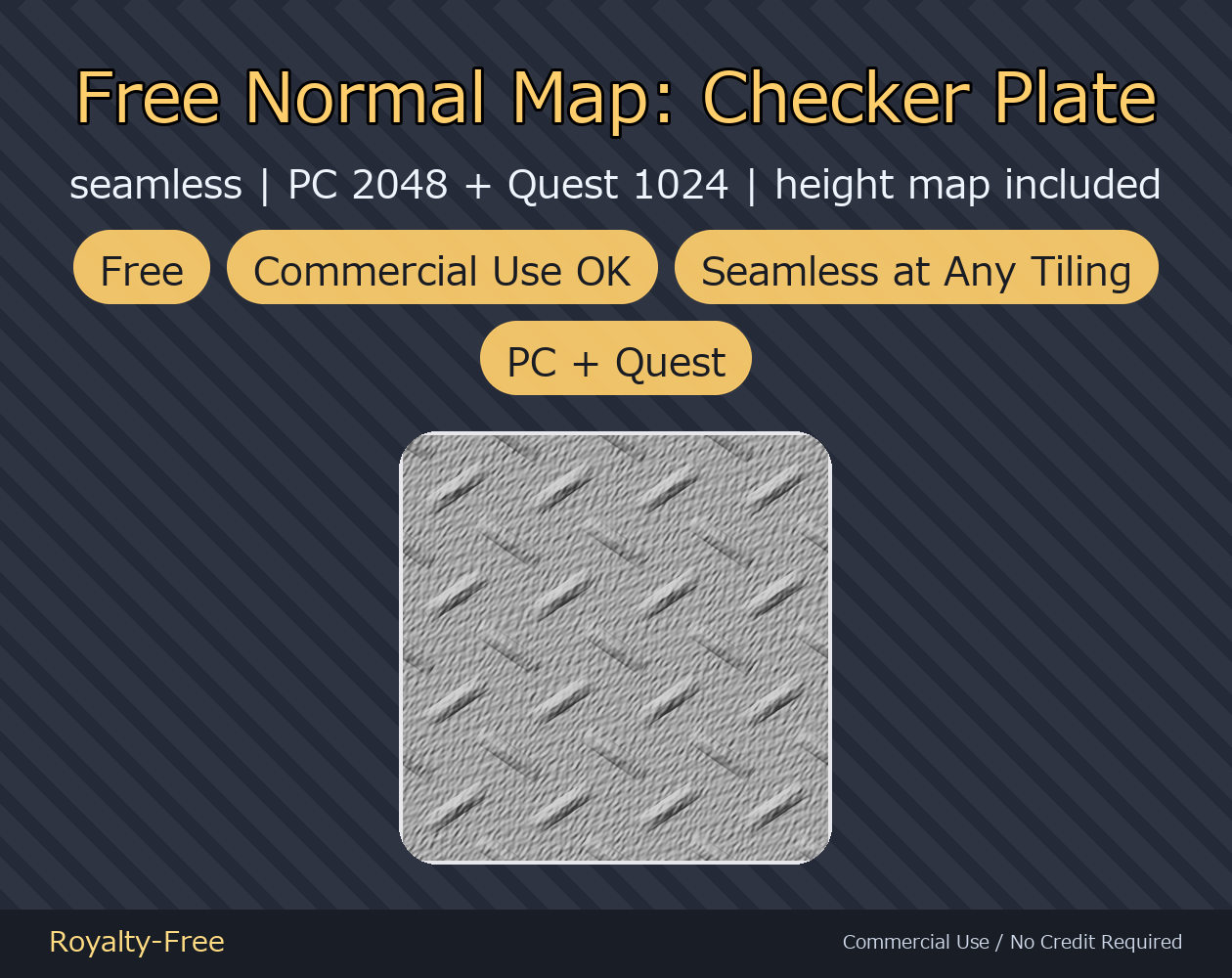
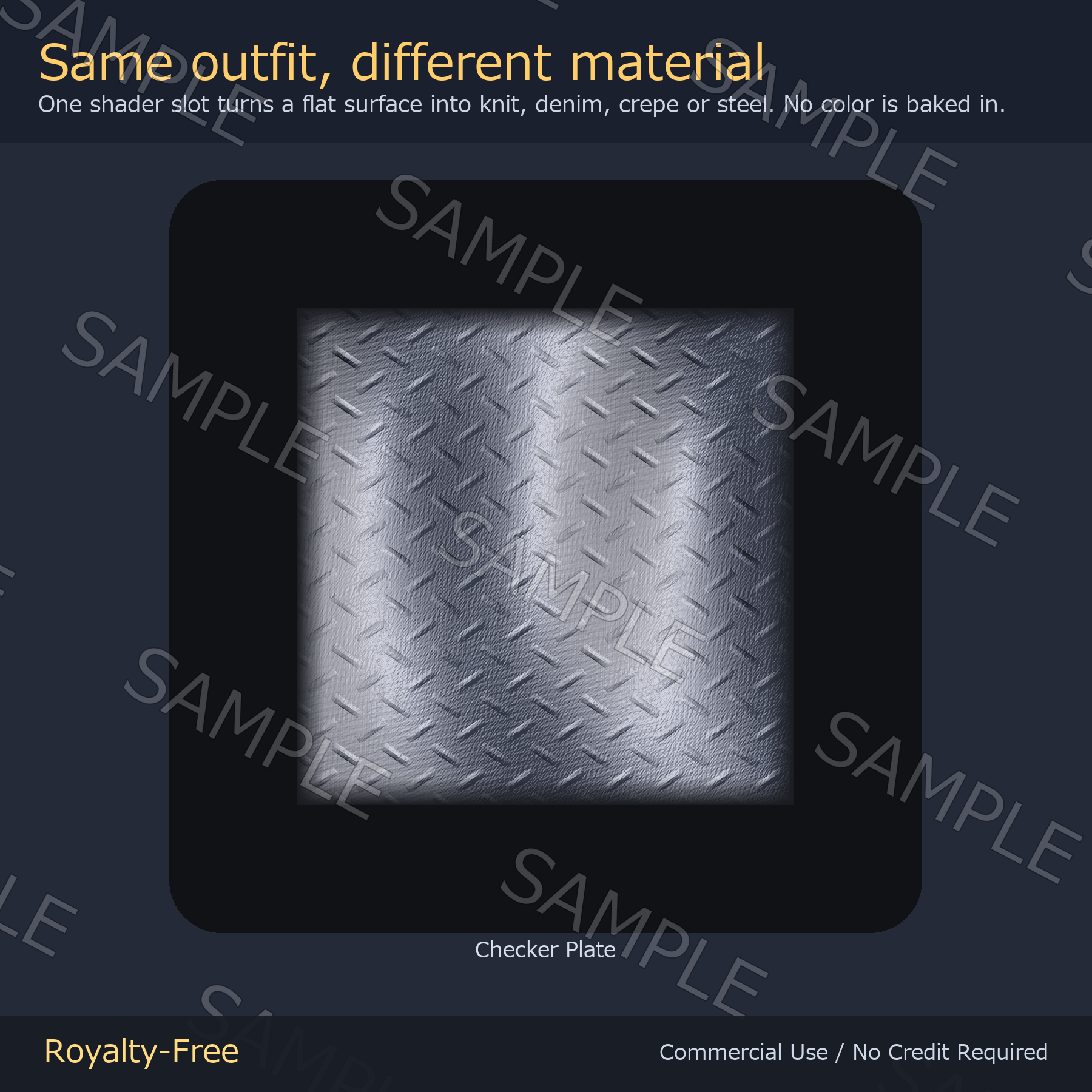
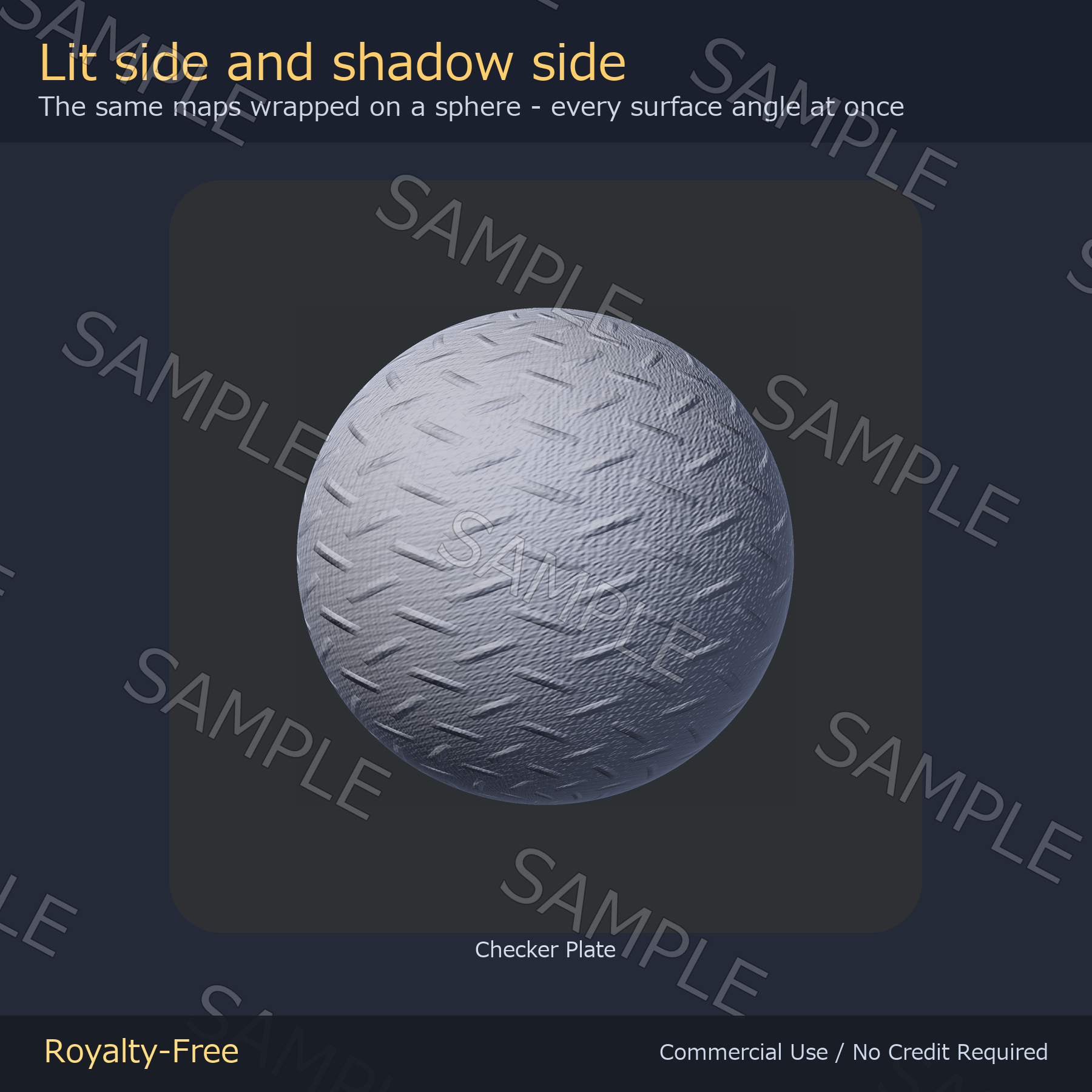
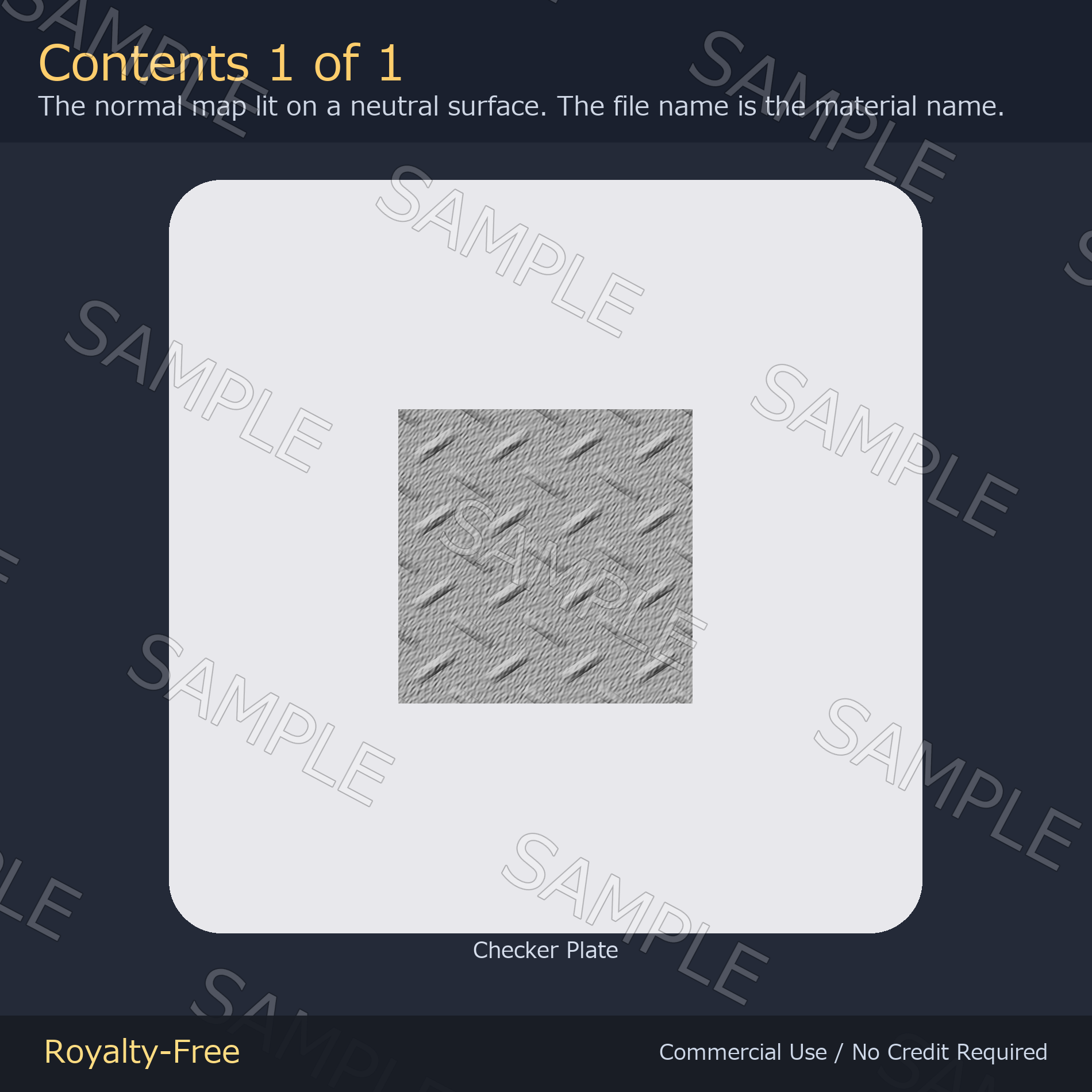
A free sample from the normal map pack: checker plate steel, the diamond-tread floor plate. Drop it into the Normal Map slot of lilToon (or any shader) and a flat surface turns into stamped metal under the light — no color is baked in, so whatever is underneath keeps its own colors. 2048px for PC, 1024px for Quest, height map included. It is a periodic function evaluated on a torus, so the tile has no seam however far you crank the tiling. Not tied to any avatar. The full pack has 34 materials — fabric, knit, mesh, metal, stone and wood.
Quest-oriented 1024px versions are included. Not tested on actual Quest hardware.
No generative AI. No image-generation AI was used in this pack. Every map is generated by code: each material is written as a periodic function on a torus, evaluated into a height field, converted to a tangent-space normal map and written straight to pixels — then checked and packaged by hand. That is also why the tiles have no seam: the function joins itself exactly at the edge, so there is no patched-up border to hide. Declared here because both itch.io and Jinxxy require the origin of the artwork to be stated.
What's inside
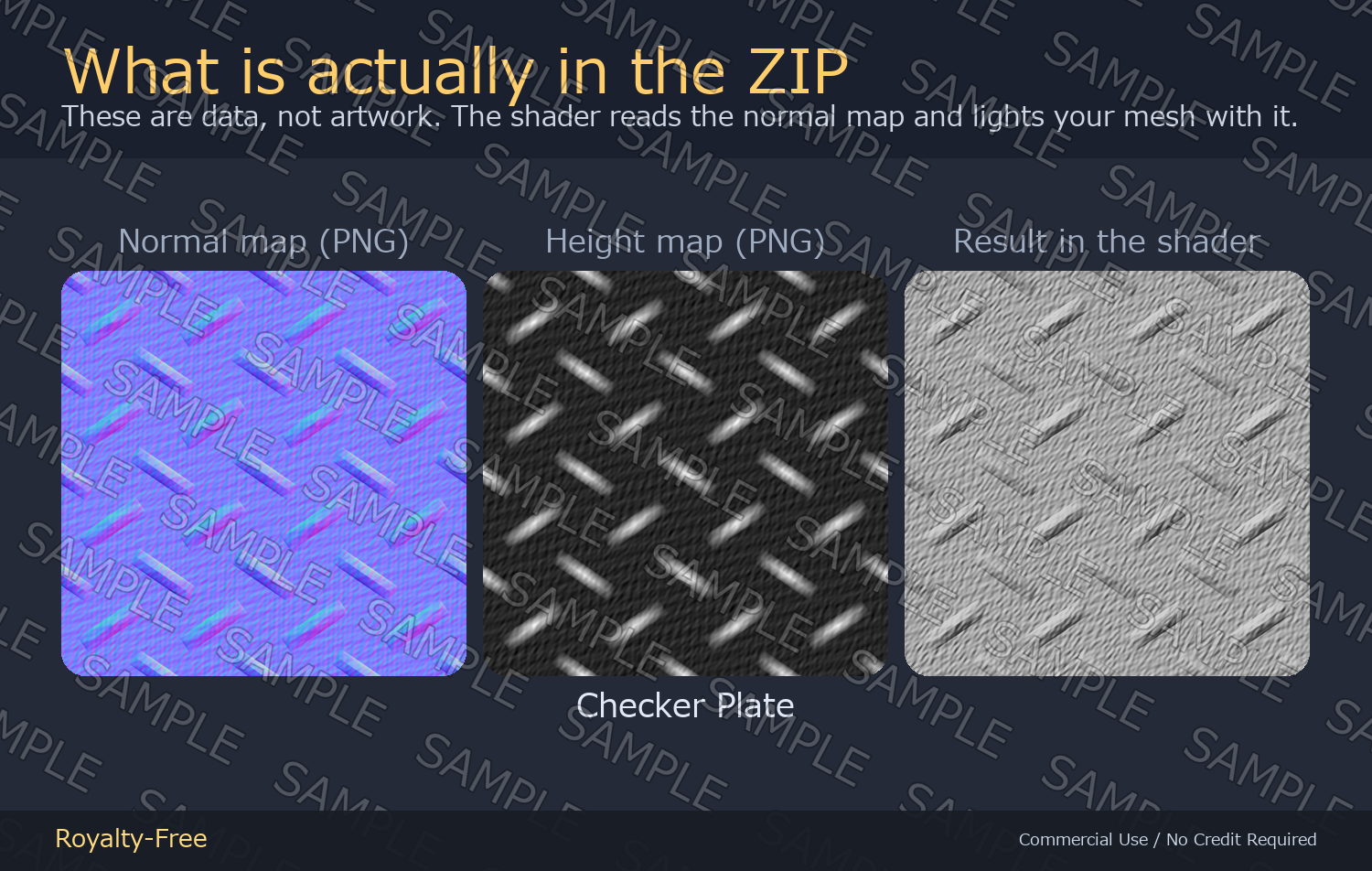
- 01_normal_maps_2048_PC/ — 1 PNG (desktop VRChat, worlds)
- 02_normal_maps_1024_Quest/ — 1 PNG (the same map at 1024px)
- 03_height_maps_2048/ — 1 grayscale PNG
- 3 PNGs in total
- READ_ME_FIRST.txt — license and usage
Specs
- 2048 x 2048 px for PC and 1024 x 1024 px for Quest, both included
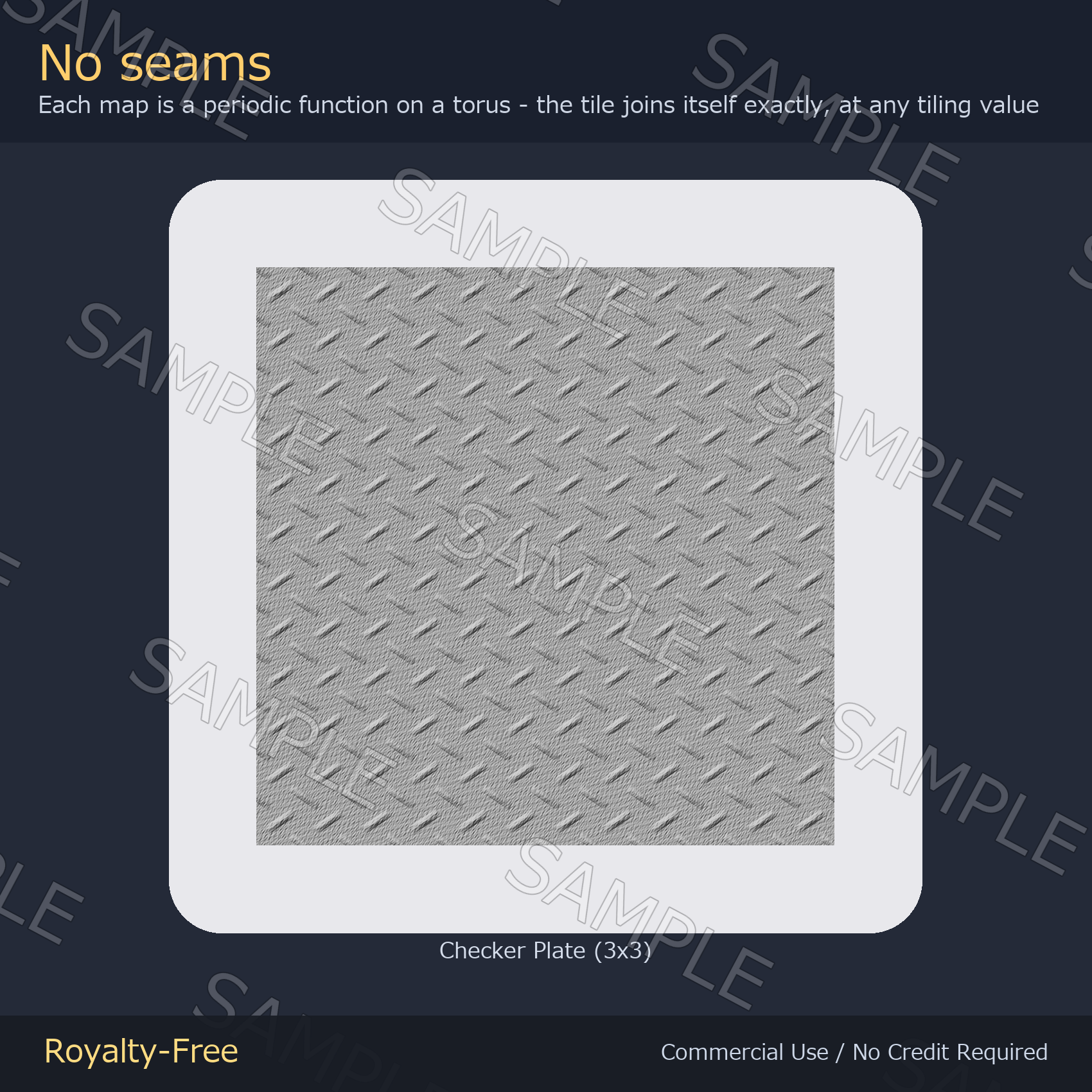
- Seamless at any tiling value. Each map is a periodic function evaluated on a torus, not a photo patched at the edges, so there is no border to give it away however far you crank the tiling
- Not tied to any avatar. A normal map sits in a shader slot, so it works on any model, PC or Quest, and on world floors, walls and props
- No color is baked in. A normal map only changes how light hits the surface, so the outfit keeps its own colors and its own texture
- OpenGL convention (Y+). Unity and Blender take them as they are
- Same file as the paid pack, no watermark, no strings
How to use
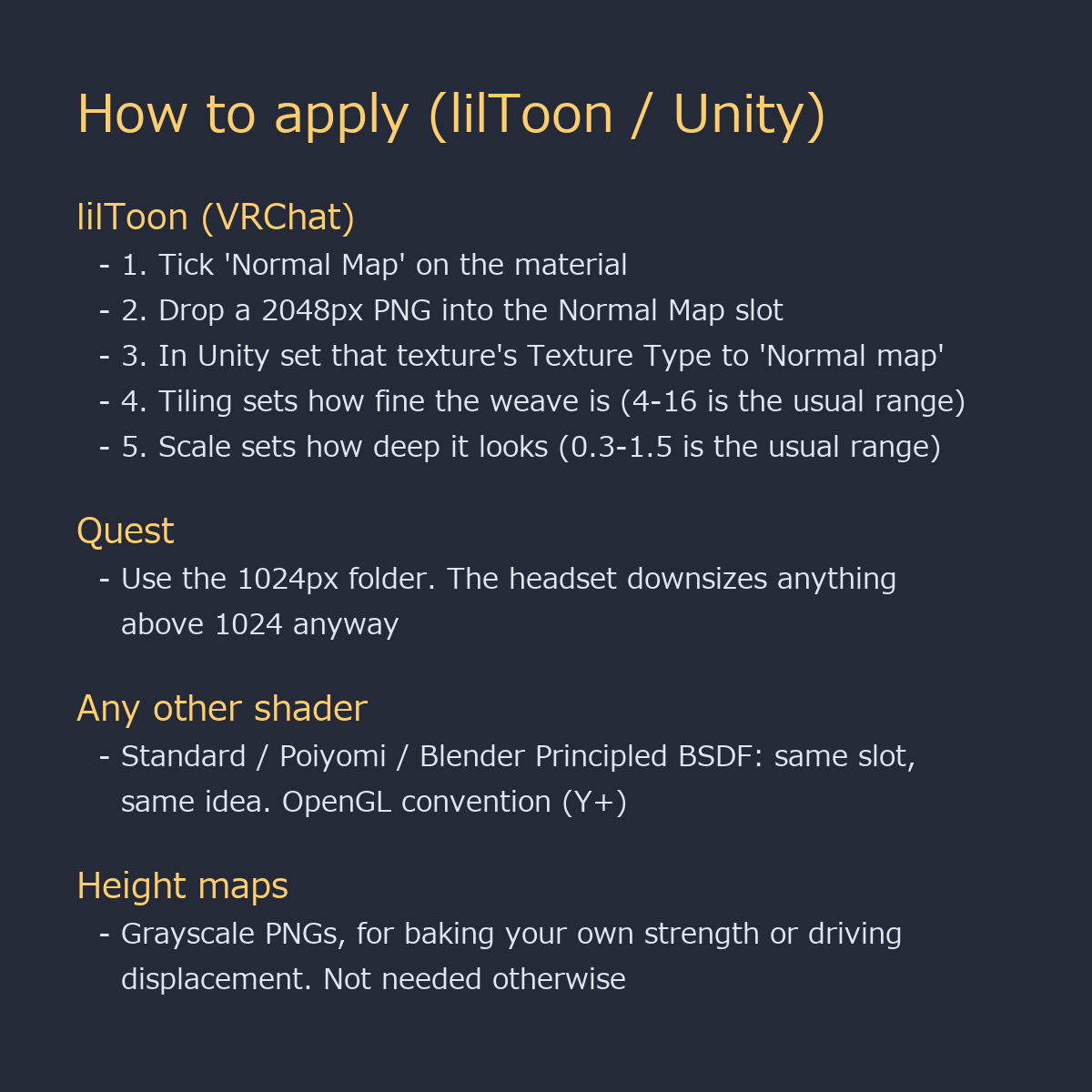
- lilToon: tick Normal Map, drop in the 2048px PNG, then set Tiling for how fine the weave is (4-16) and Scale for how deep it looks (0.3-1.5)
- In Unity, set the texture's Texture Type to 'Normal map' first
- Quest: use the 1024px folder — the headset downsizes anything larger
- World floors, walls and props work exactly the same way
- Any other shader (Standard, Poiyomi, Blender Principled BSDF) takes the same file in the same slot — OpenGL convention (Y+), no flipping needed
- The height maps are only there if you want to bake at a different strength or drive displacement
Update
2026-09-07 update: the green channel of every normal map was corrected to the OpenGL convention (Y+). Unity, lilToon and Blender now read them as-is. If you had flipped the previous version yourself - with lilToon's "Convert normal map (DirectX <-> OpenGL)", a negative Scale value, or by inverting green in an image editor - please remove that step and re-download the files.
License
Royalty-free. Use them in commercial and non-commercial work — games, TRPG sessions, videos, streams, VTuber overlays, print. No credit required. You may edit, crop, recolor and combine the files freely.
Not allowed: redistributing or reselling the assets themselves, claiming authorship, or using them as training data for AI / machine learning models.