Kagami Mochi Hat - New Year Head Accessory | PC + Quest | VRChat | Modular Avatar
Etiquetas
Descripción del producto
Este producto contiene contenido generado por IA.
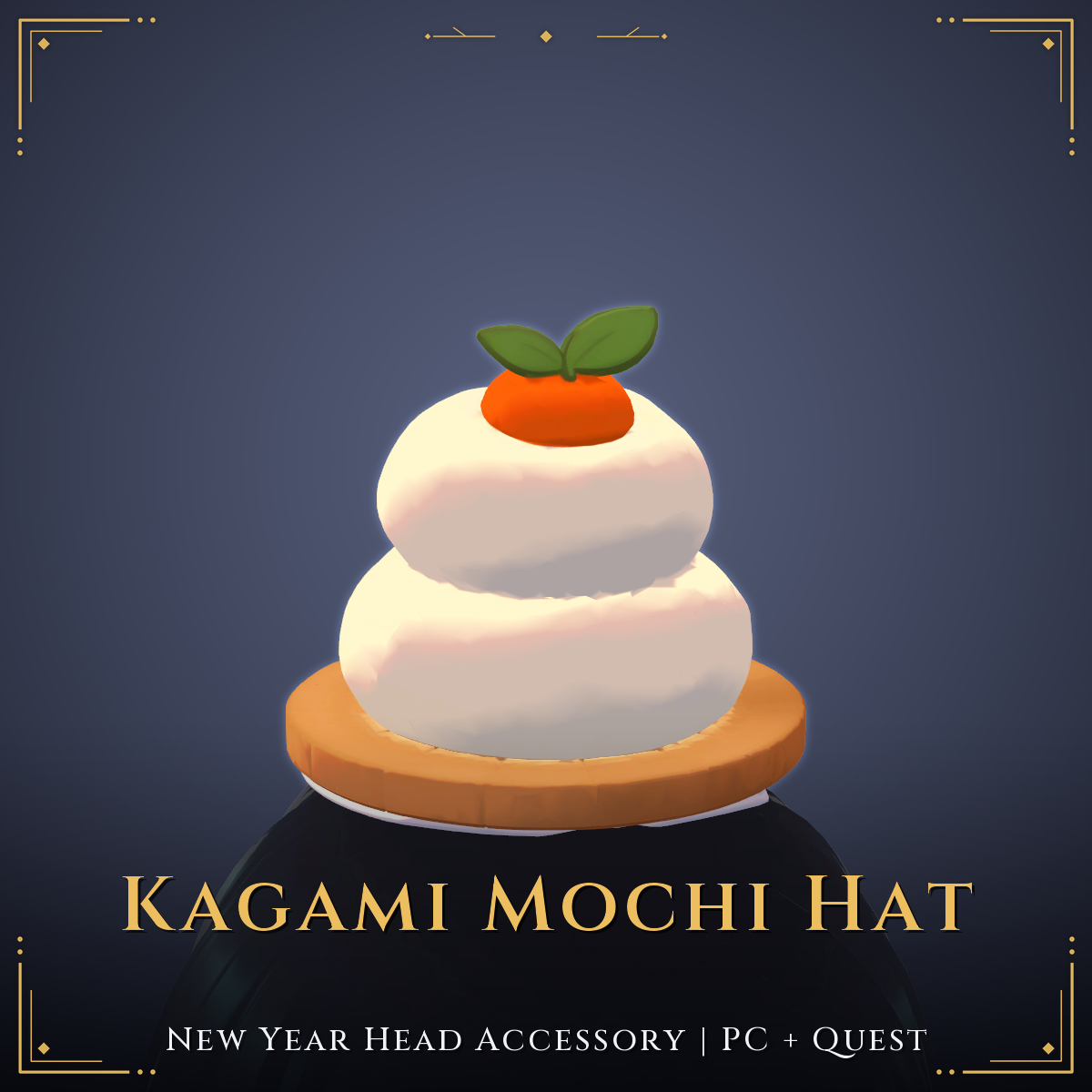
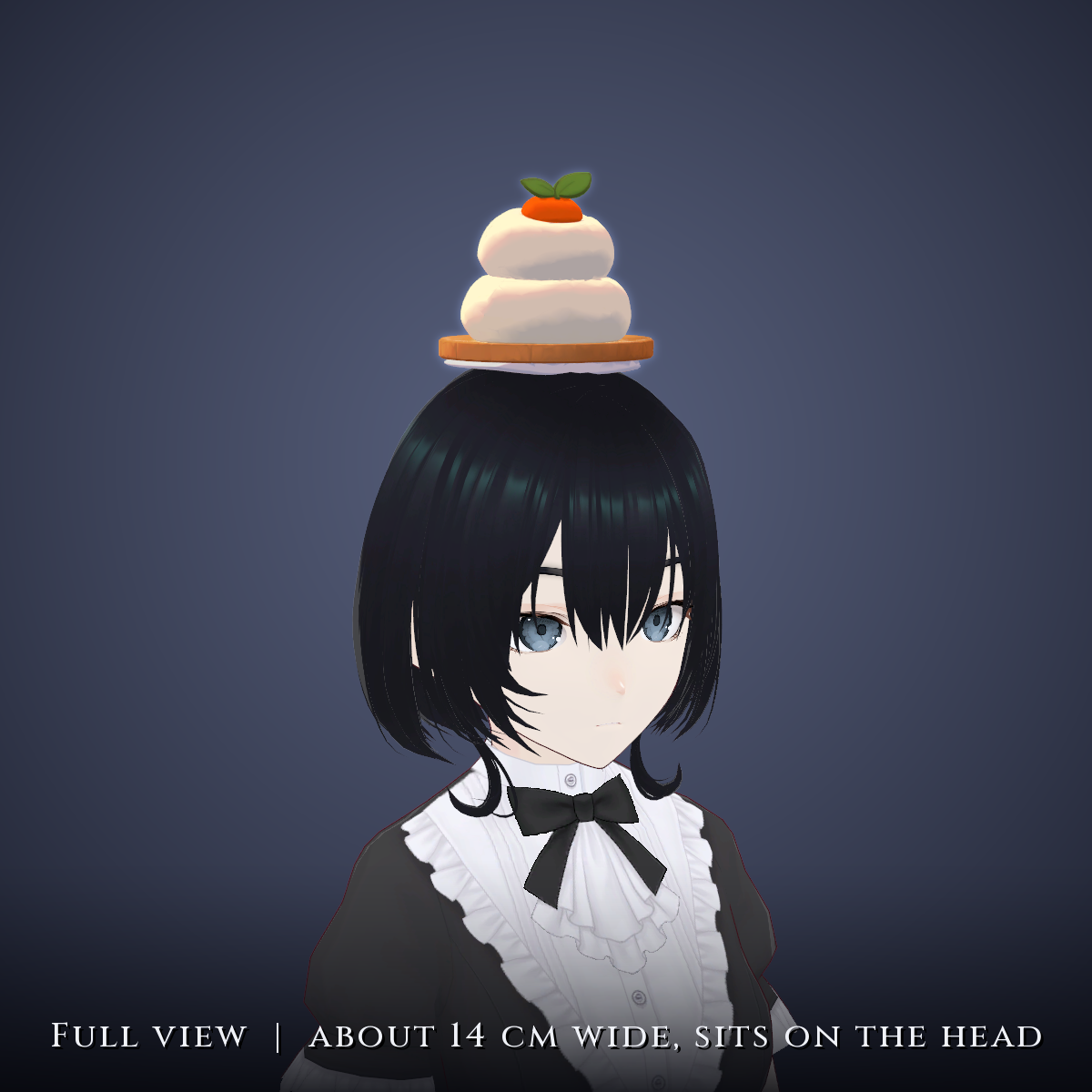
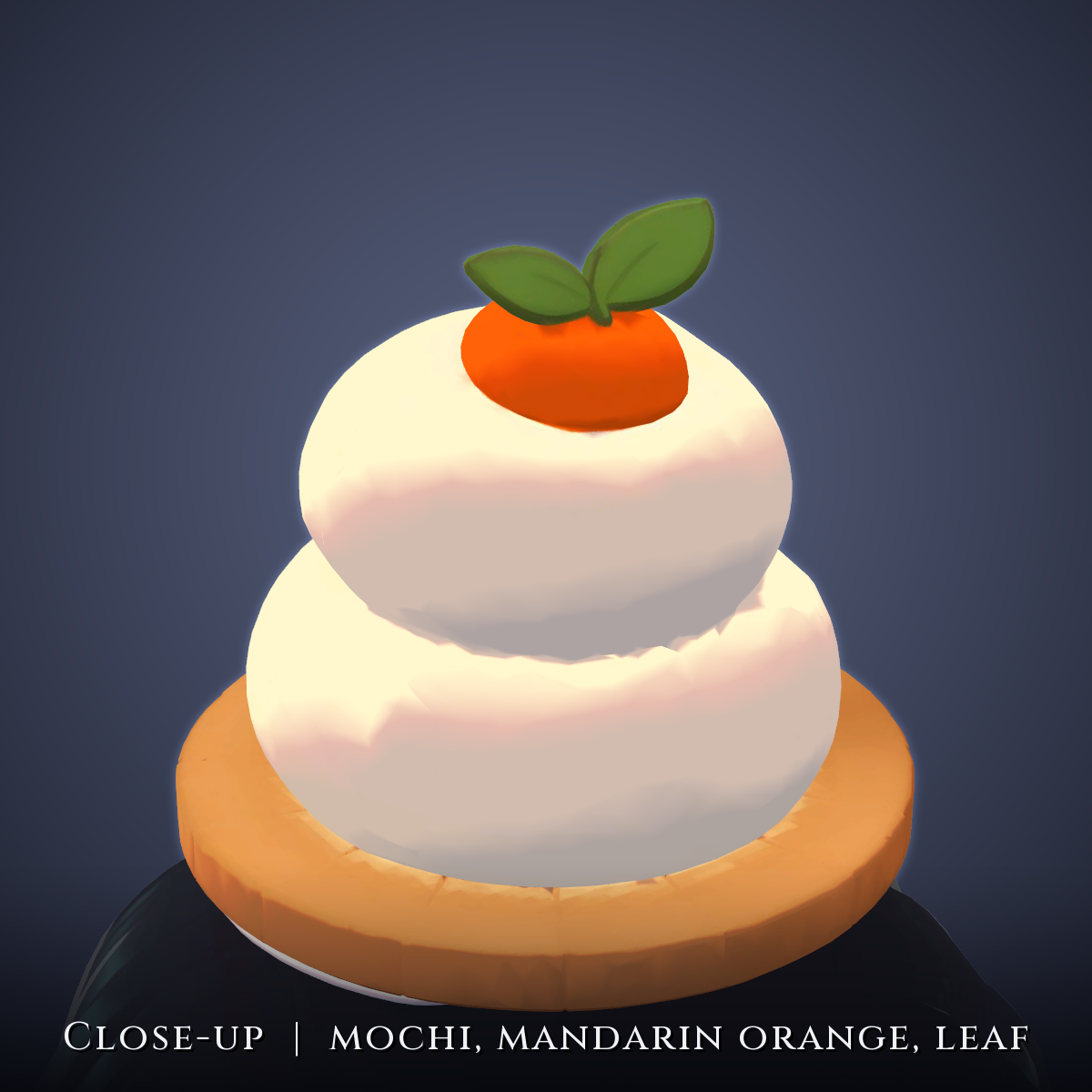
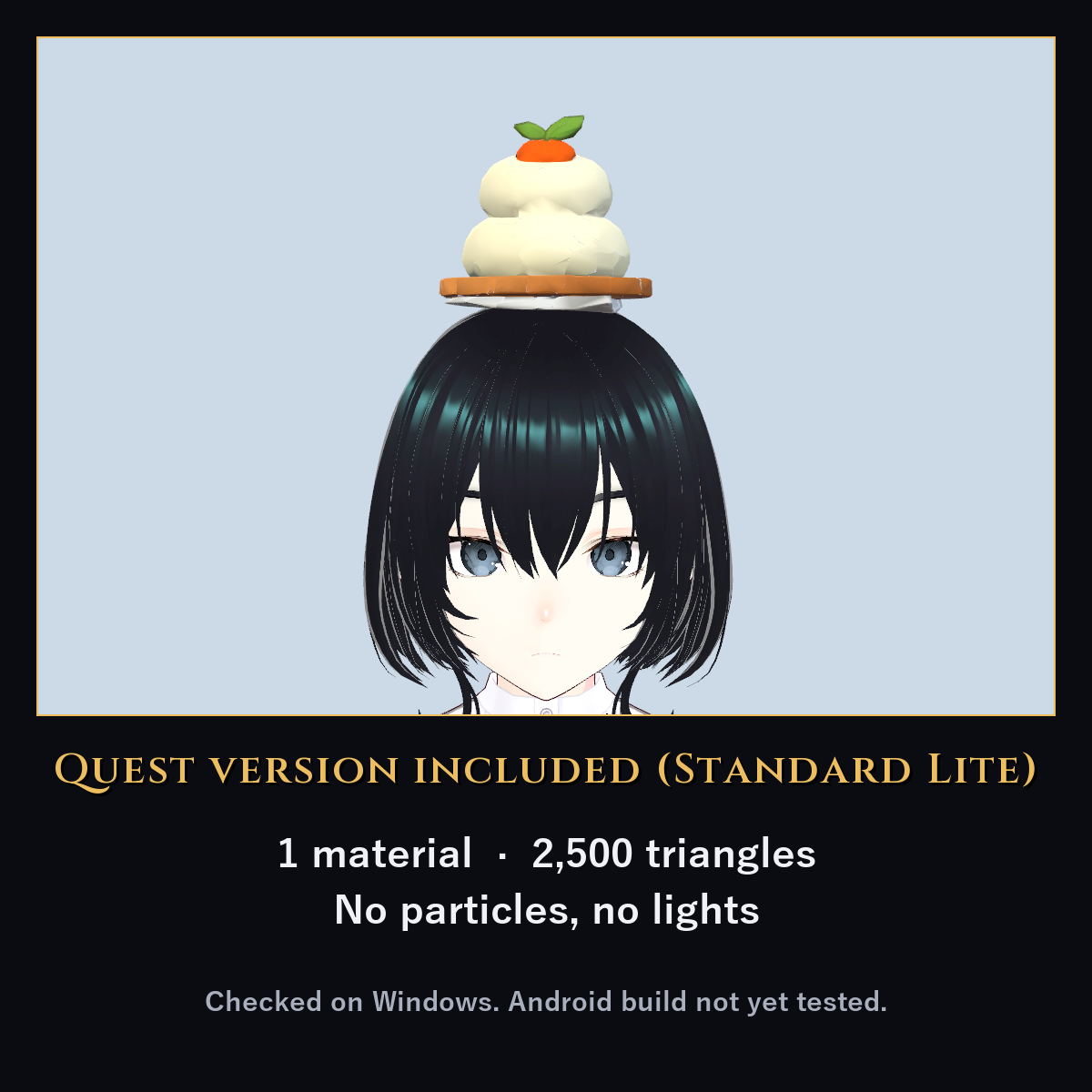
A kagami mochi (New Year rice cake decoration) you wear on your head: two round mochi on a stand, topped with a mandarin orange and a leaf. Drop it on a VRChat avatar and it works. PC and Quest versions included.
You can toggle it on/off from the menu (it is shown right after you put it on).
Works on: any humanoid VRChat avatar via Modular Avatar (drop the prefab) - PC (lilToon) and Quest (Standard Lite).
If you like it, a quick rating on this page helps other creators find it. Thank you!
* Details
It supports Modular Avatar: drop the prefab directly under your avatar and it attaches to the head bone. It has the Visible Head Accessory component, so it is built to be visible to you in first person. Size: about 14 cm wide, 13 cm tall.
* Two versions included
- PC: lilToon, 1 material, 9,356 triangles, 2048x2048 texture
- Quest: VRChat/Mobile/Standard Lite, 1 material, about 2,500 triangles, 512x512 texture (a simplified version of the PC model)
* Menu (Expressions Menu, English labels): "Kagami Mochi Hat" show on/off (synced; other players see it too). Turning it off hides it for everyone. It is on right after you put it on.
* Load (measured in Unity; also listed in the Readme)
- Synced parameters: 1 bit (show). No scripts included.
- Parameter names start with "ysFx/KagamiMochi/", so they do not clash with other ys-room products.
- The final performance rank depends on the whole avatar.
* Included: ys-room_KagamiMochiHat_PC_ver1.unitypackage, ys-room_KagamiMochiHat_Quest_ver1.unitypackage, Readme (JP/EN), license (JP/EN), changelog. Do not put the PC and Quest versions on the same avatar.
* Requirements: Unity 2022.3 / VRChat SDK Avatars 3.x / Modular Avatar / lilToon (PC version only). A humanoid avatar set up for VRChat (VRC Avatar Descriptor). Tested with Unity 2022.3.22f1, VRChat SDK Avatars 3.10.4, Modular Avatar 1.18.7, lilToon 2.3.4
* Setup: 1) install Modular Avatar (and lilToon for PC), import the unitypackage 2) drag the prefab directly under your avatar 3) move "Anchor" inside the prefab so the base sits on top of your head (the default height fits a character whose head top is about 1.61 m above the floor; scale "Float" to change the size) 4) upload as usual. To remove, delete the prefab.
* What was verified (facts only)
- In VRChat: put it on an avatar and toggled it on/off from the menu
- In Unity: edit-mode checks and an import into a buyer-like project
- NOT verified: the Quest Android build and in-headset look (the Quest images are Windows captures)
* Terms (summary): modification is free / redistribution is prohibited (as-is or modified) / use on your own avatar uploaded to VRChat is free / use as AI/ML training data is prohibited. See License_EN.txt. The base shape of the model was generated with a 3D generative AI (Tripo), then adjusted and set up with Blender and Unity.
* Show your work: post it on X with #ys_room. I will come and see it.