Avatar Glam Kit V1.1 | Add Cute Particles in One Click [MA Ready] Free + Full
Etiquetas
Descripción del producto
*★♡ Cute particles for your avatar, in one click ♡★*
Hi, I'm VroidDressing ♡
I made Avatar Glam Kit so you never have to fight with particle systems again.
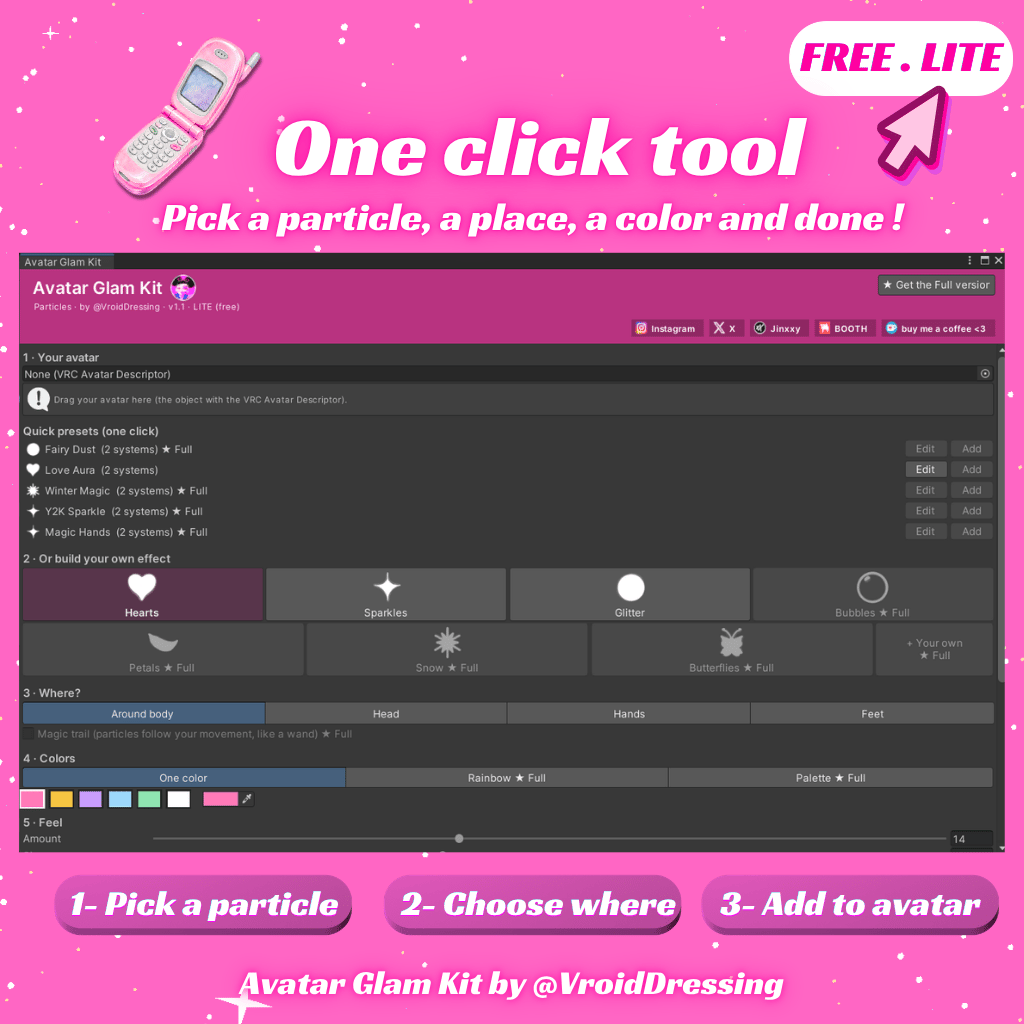
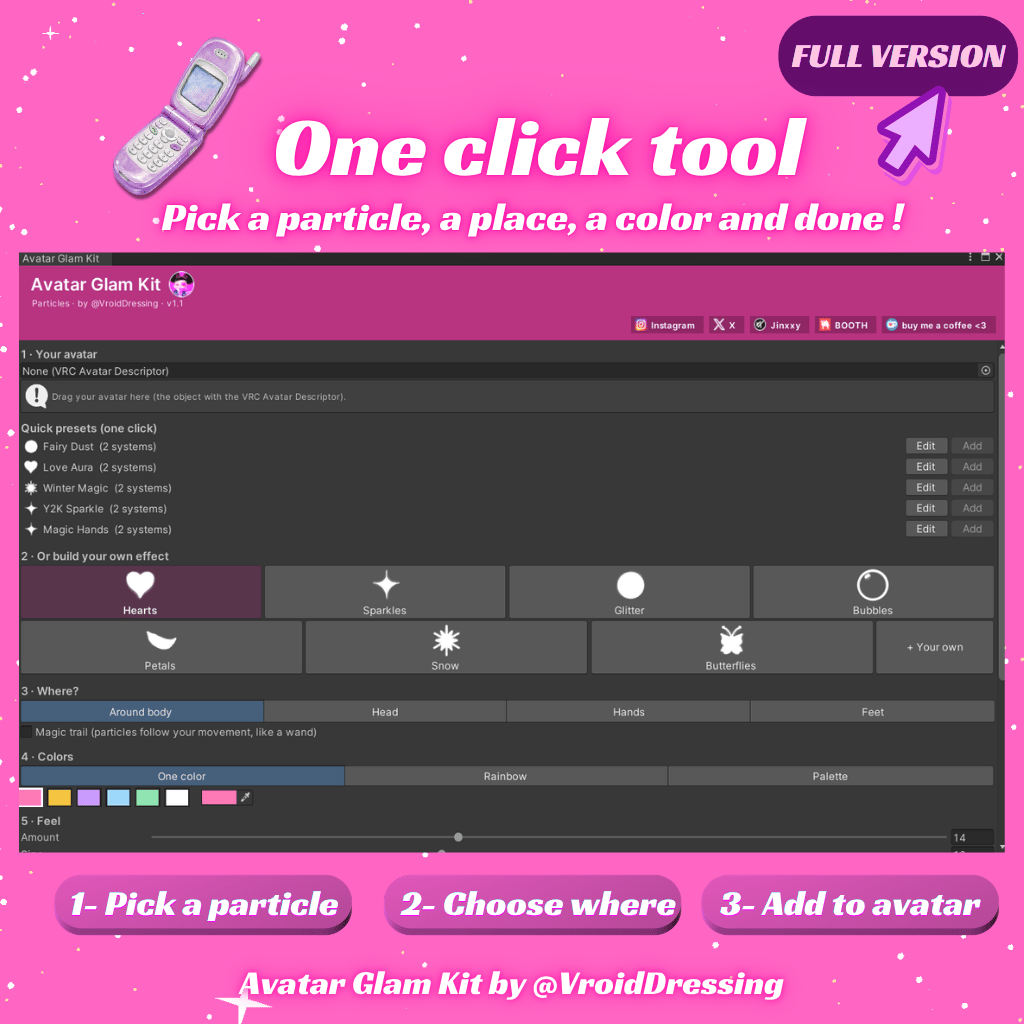
Pick a particle, choose where it goes and its color, click "Add to avatar"… and it's done!
The tool builds everything for you: the particles, the sound, and a toggle with an icon in your VRChat menu.
▶ Demo video: https://youtu.be/yNY0wA_SejU
★ Lite (FREE) vs Full
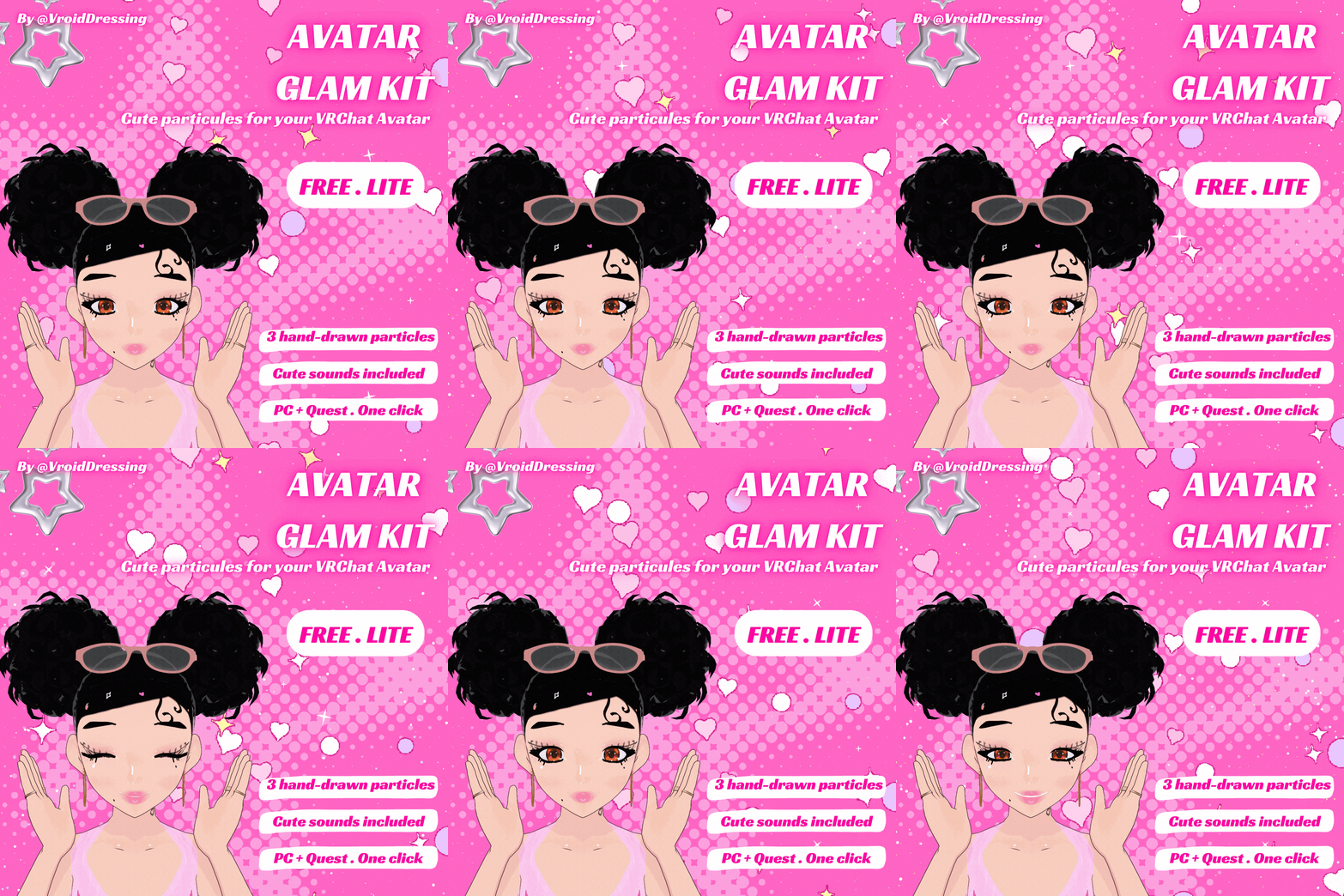
LITE (Free)
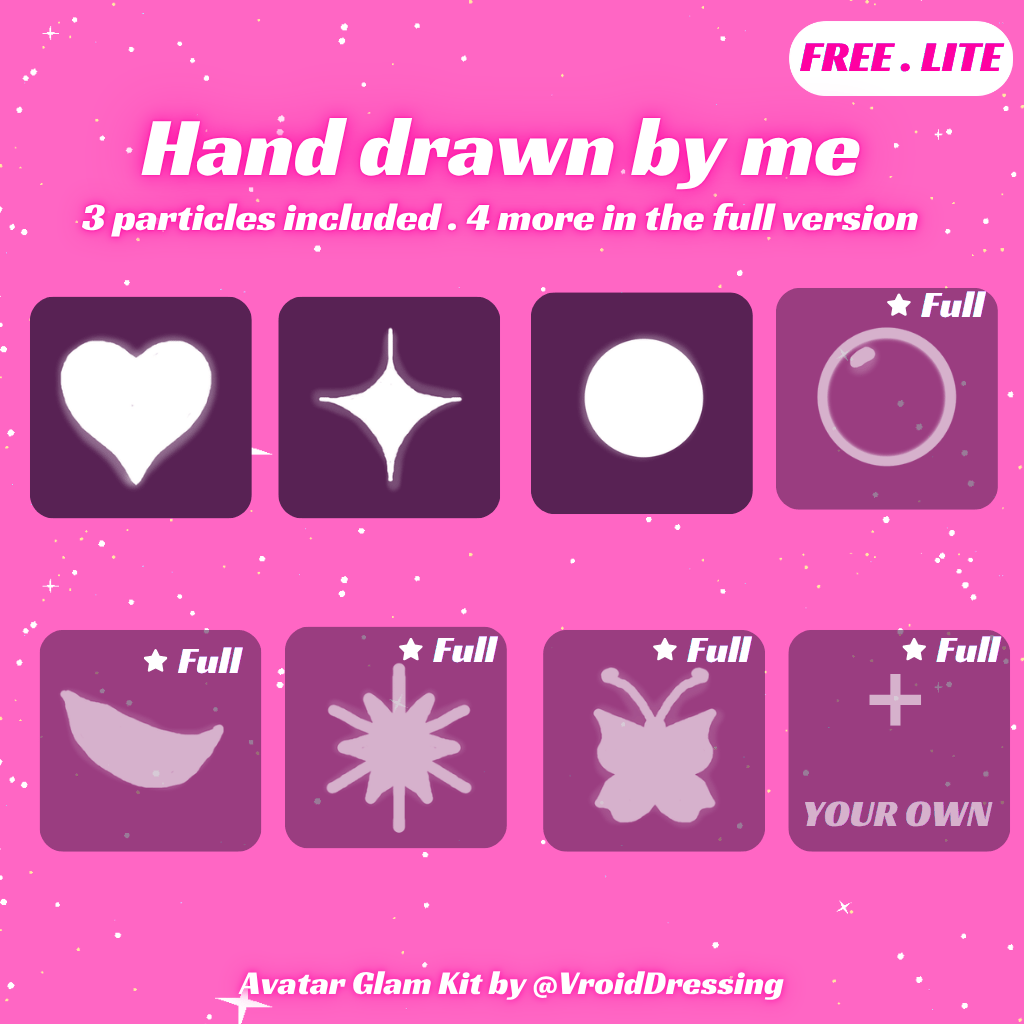
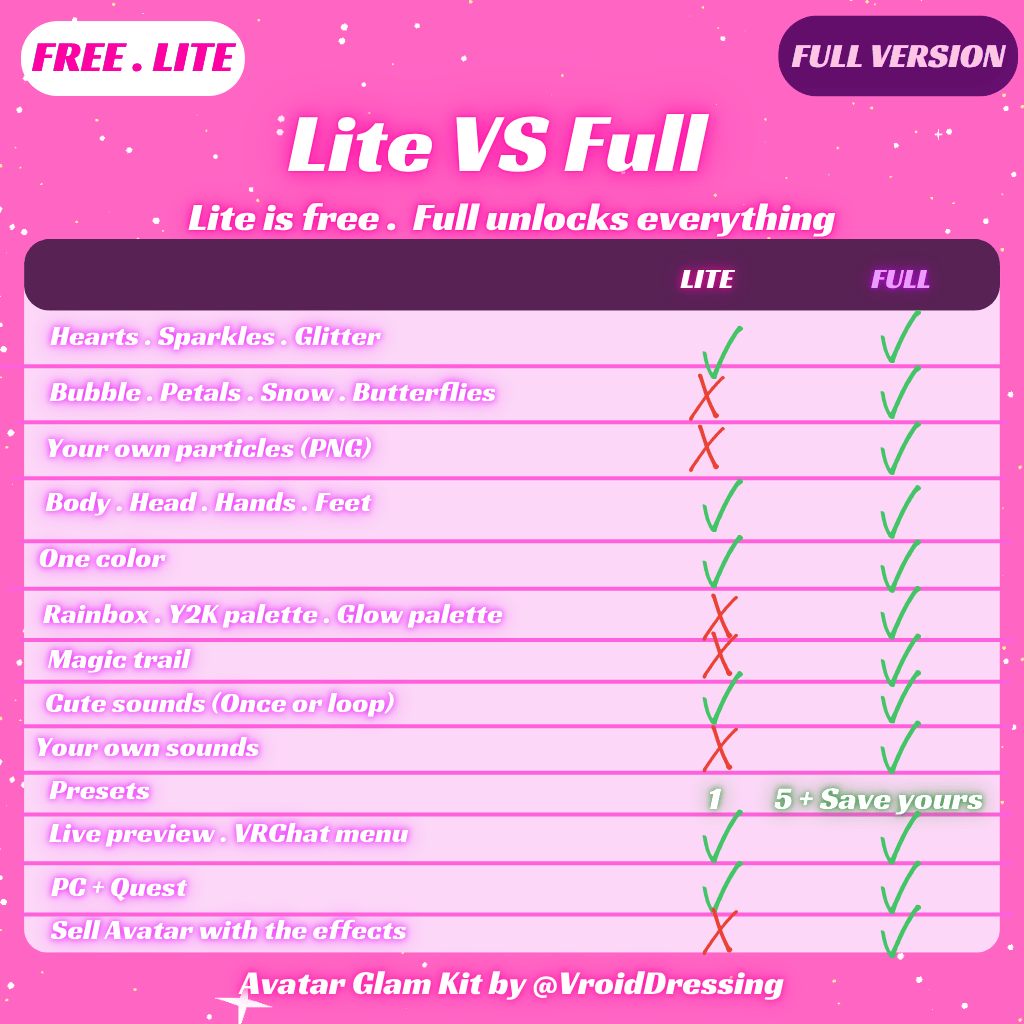
・3 hand-drawn particles: Hearts, Sparkles, Glitter
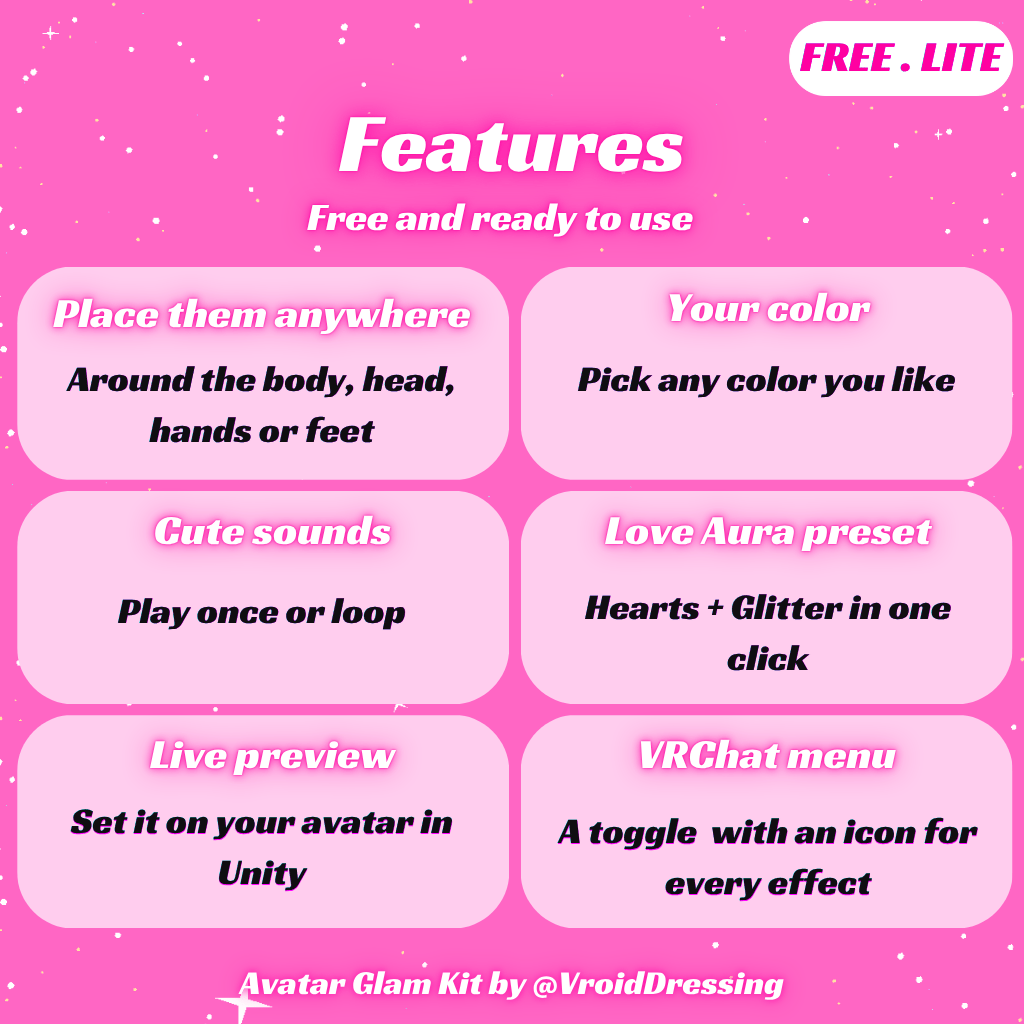
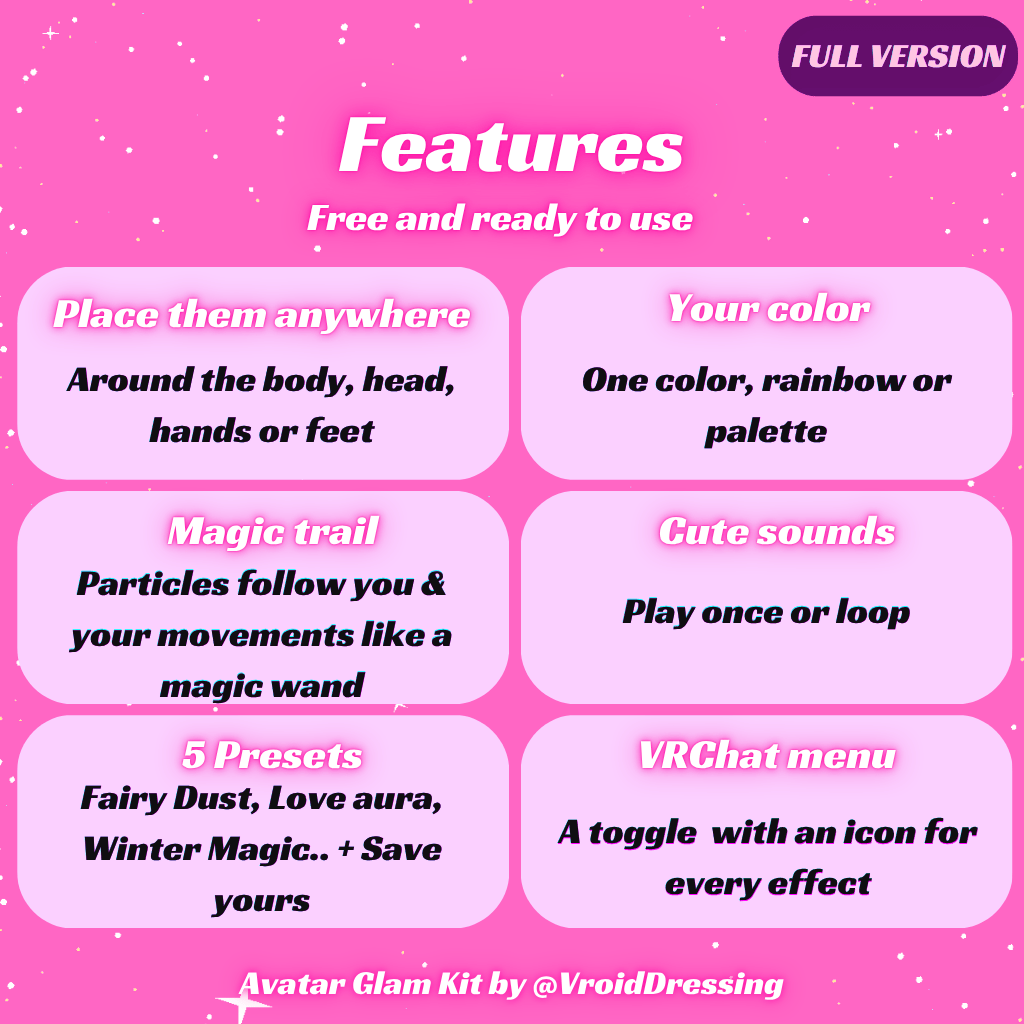
・Around the body, head, hands or feet
・Any color you like (Among 6 colors)
・Cute sounds (play once or loop)
・Love Aura preset
・Personal use
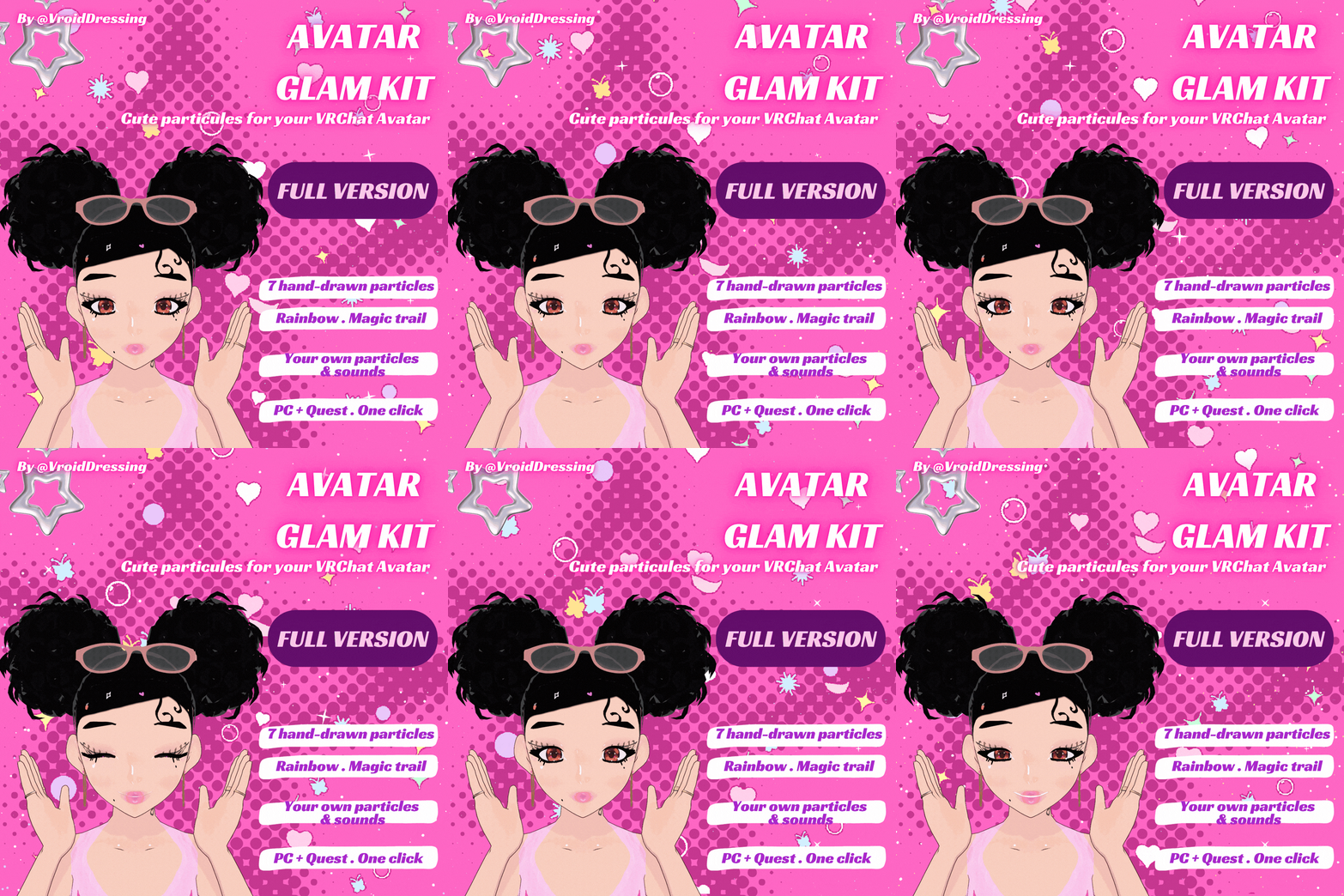
FULL
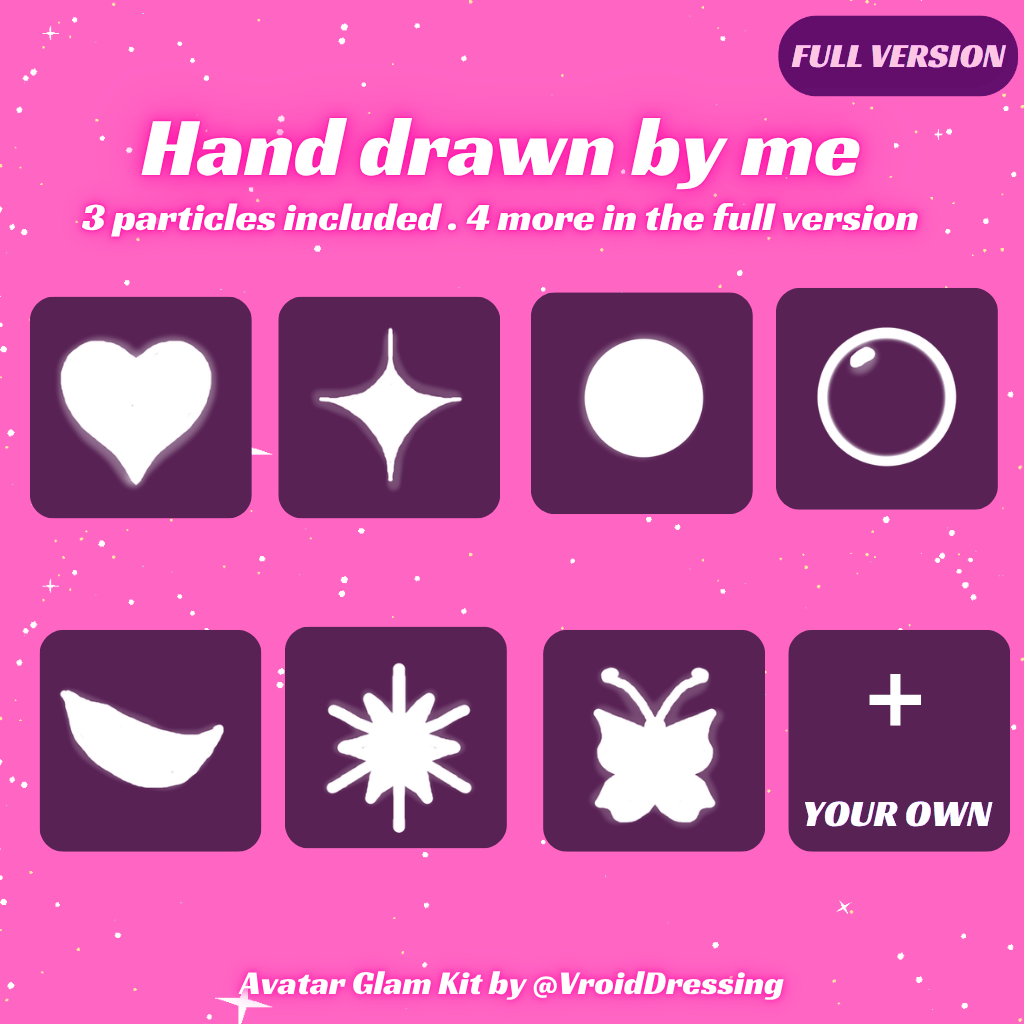
・All 7 particles: + Bubbles, Petals, Snow, Butterflies
・Your own particles (any PNG) and your own sounds
・Rainbow & Palette colors
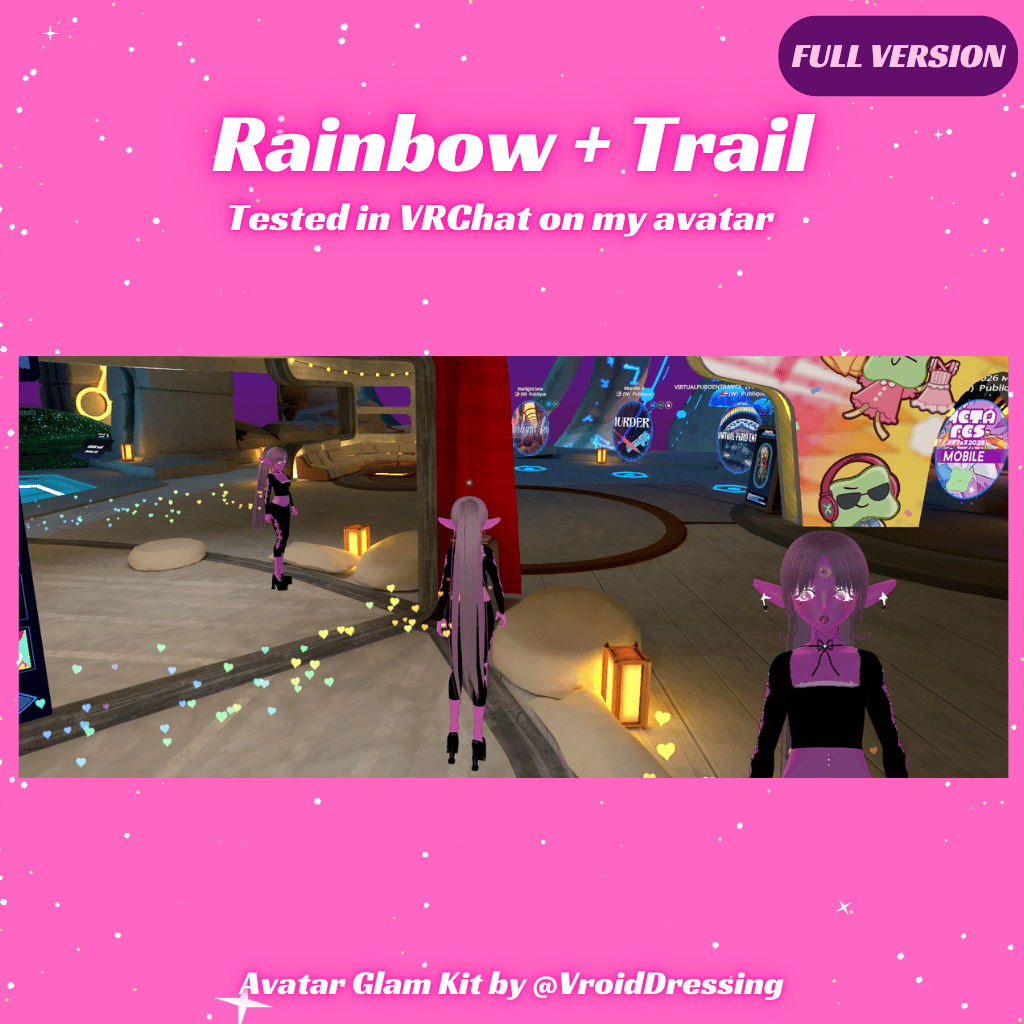
・Magic trail: particles follow you like a magic wand
・All 5 presets + save your own
・Commercial use: sell avatars with these effects
Both versions:
・Live preview in Unity
・Automatic VRChat menu with an icon for every effect
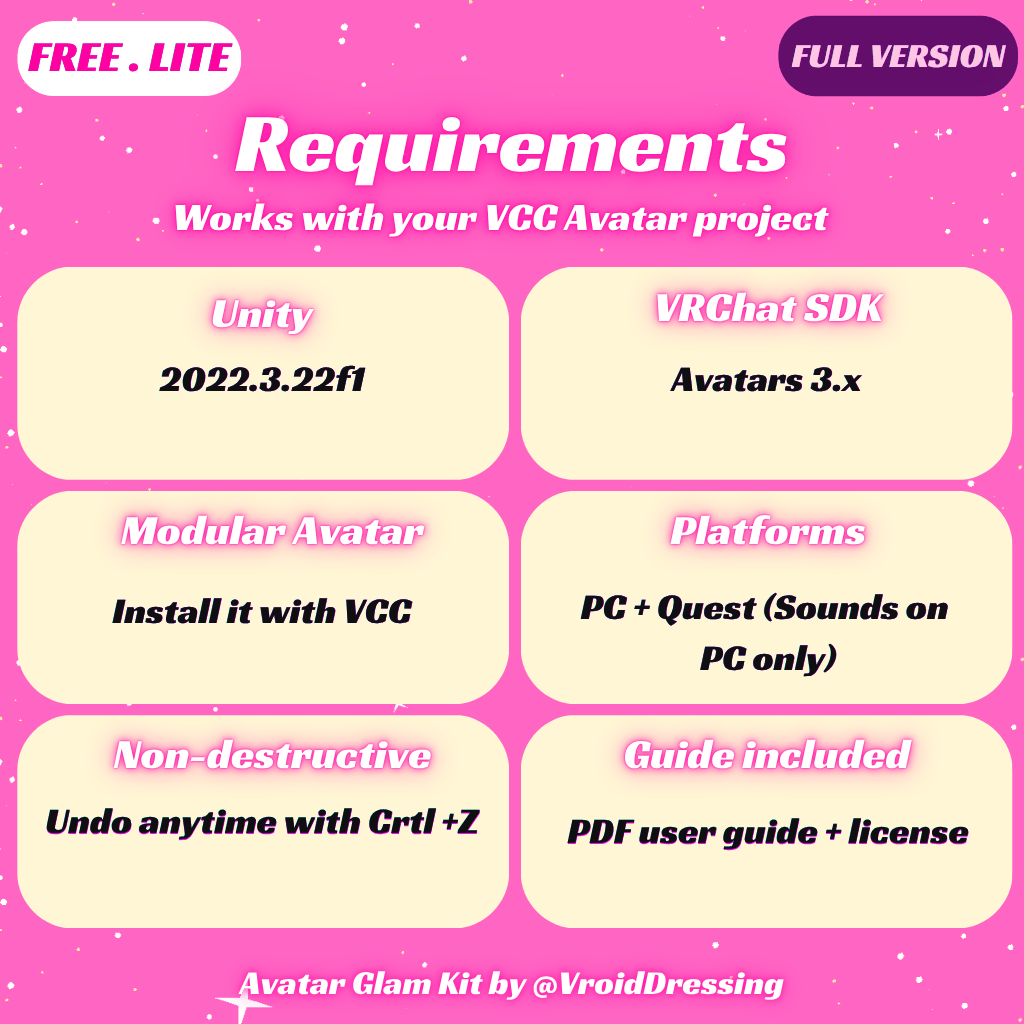
・Non-destructive (Modular Avatar), undo anytime with Ctrl+Z
・PC + Quest compatible
★ Requirements
・Unity 2022.3.22f1 (VCC avatar project)
・VRChat SDK - Avatars 3.x
・Modular Avatar (install it with VCC)
★ Product Contents
・Avatar_Glam_Kit_v1.1.unitypackage
・Step-by-step PDF guide with screenshots
・License (EN / JP)
・READ_ME_FIRST.txt
★ Installation
1. Open your avatar project in Unity
2. Import the unitypackage
3. Open Tools > Avatar Glam Kit
Upgrading from Lite? Just import the Full package, it replaces the Lite automatically ♡
★ Quest notes
・Keep 2 particle systems max to stay "Poor" (the tool shows a counter)
・VRChat plays avatar sounds on PC only
★ Terms of Use
OK ✓
・Use on your own avatars
・Streams and videos (monetized OK)
・Full only : sell or give away avatars containing the effects, commissions, paid edits
(effects stay part of the avatar / never include the tool / credit "Particles made with Avatar Glam Kit by @VroidDressing")
NG ✗
・Sharing, re-uploading or reselling the tool or its files
・Selling the particles or sounds on their own
・Claiming the tool, particles or sounds as your own
・AI training / generative AI, NFTs
・Lite: selling or giving away avatars with the effects
Full terms in the license file. Not affiliated with VRChat.
★ Update History
2026/11/25: V1.1 release ♡
★ Find me
Instagram: @vroiddressing
X: @VroidDressing2
Ko-fi: https://ko-fi.com/vroiddressing (buy me a coffee <3)
Thank you for supporting my little tool, have fun glamming ♡