
Descripción del producto
A controllable, avatar-mounted 360° camera for photography, filmmaking, livestreaming, and more.
Features
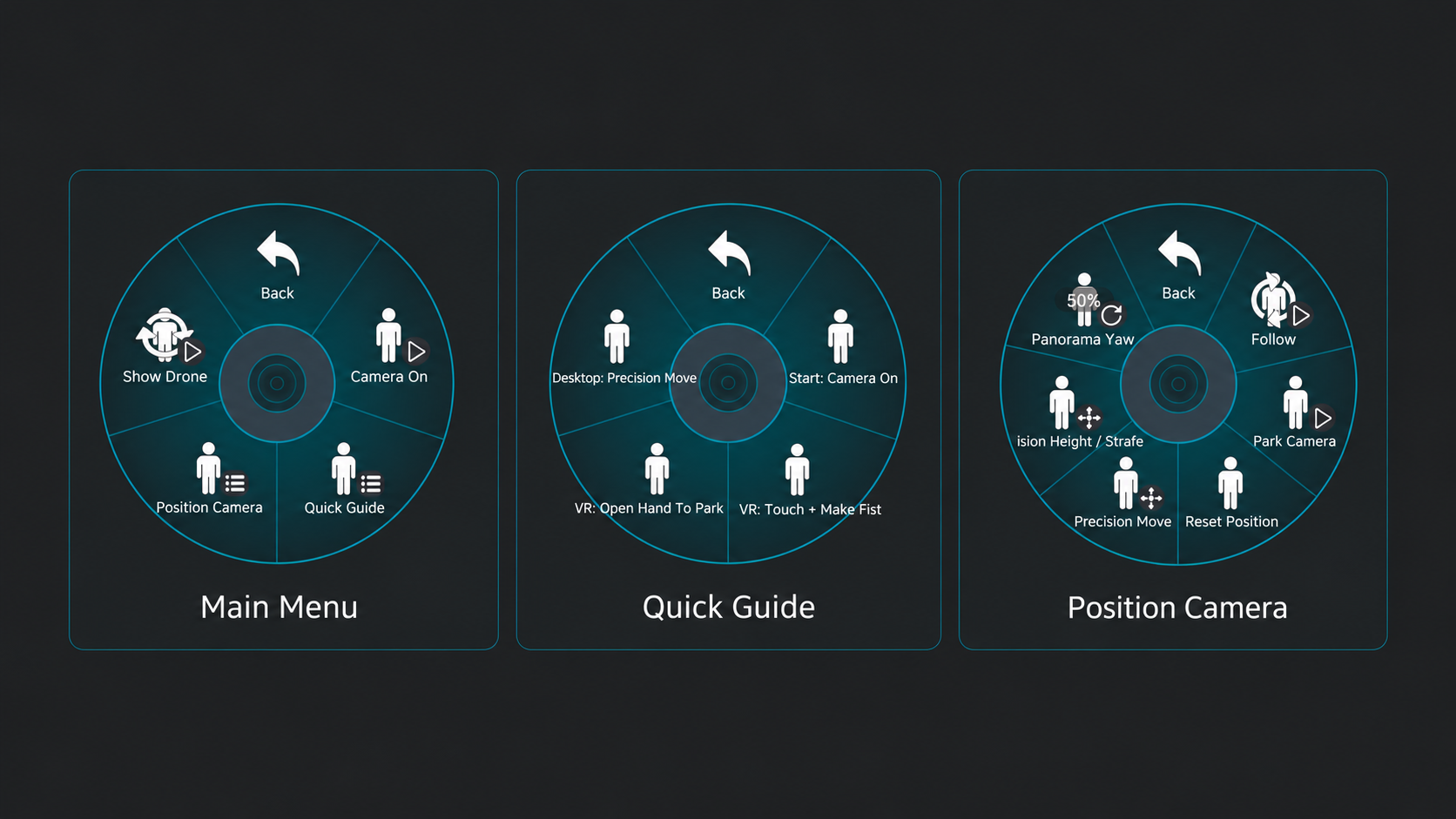
- Park, Follow, and Precision movement modes
- Left/right, forward/back, and height controls
- Independent Panorama Yaw
- Position retention when toggled off and on
- Repeatable position reset
- VR pickup and manual placement
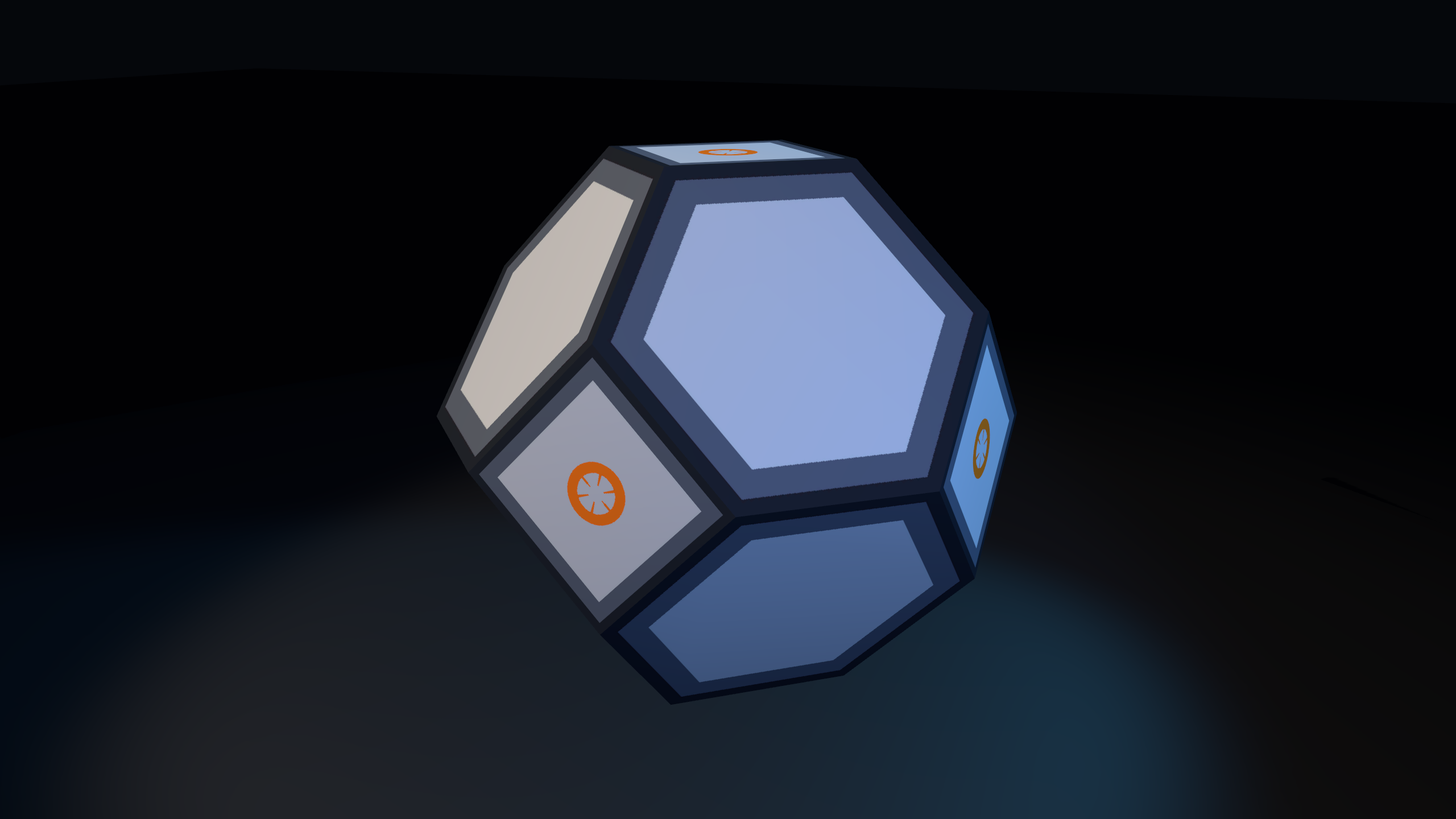
- Hideable drone with uninterrupted capture
- Four quality options: 2K, 4K, 8K, and Showcase
- VRCFury prefab installation
Performance Impact
- 46 polygons
- 2 meshes
- 3 material slots
- 6 camera components
- 10 VRChat constraints
- 2 local contact receivers
- 12 expression parameters using 50 bits
Requirements
- Unity 2022.3.22f1
- VRChat SDK
- VRCFury
- PC VR
- Poiyomi Toon (Optional)
Current Limits
- 360° photos: Maximum practical output is 7680 × 3840.
- 360° Spout video: Maximum output is 3840 × 1920 due to VRChat's current 4K Spout limit.
- Some screenspace shaders are not compatible with the 360° camera.
- After an avatar reset or when someone joins late, the drone shell may not appear for other users. This does not affect the camera output.
- If you want the shell to be visible again, try Reset Position. If that does not work, the camera user may need to leave and rejoin the instance.
- VRChat has an open feature request for higher Spout resolutions. Users who want higher-resolution 360° video output can vote on it.
- VRChat camera configuration limits
Viewing, Sharing & Examples
CaelusVR captures standard 2:1 equirectangular 360° output that can be used with 360° photo, video, and livestreaming platforms.
I use Mirame360 to host interactive 360° photos and create virtual tours.
Interactive 360° Tour — Complex 7 by Fins
Captured with CaelusVR and assembled as an interactive tour on Mirame360.
View the tour
360° Photo Examples
Kaleidosky
moon_pool
YouTube supports both uploaded 360° video and 360° livestreaming.
360° Recording Demonstration — Beyond a Bit
Watch on YouTube