
Descripción del producto
A fully custom window to replace the Unity Animator, focusing on performance, data safety and Quality of Life.
Unity never expected that the animator window would be used like VRChat creators use it.
So we need a solution that is more customized for our needs.
While Animator Toolkit is completely custom, I made sure to keep the controller edits fully compatible with the native Animator window.
This means: No custom nodes. No extra data written to the controller. No bloat.
You can freely swap between the native Animator and Animator Toolkit, without issues.
A lot of work went into making sure your data is not lost. You are asked about dangerous actions.
 This project was made possible with the help of AI.
It took several months to make, and I developed its features while working on avatar projects.
I used the tool to make 2 avatars for myself and 1 commission avatar for a friend.
There is a Credits window, available in the Settings, if you'd like to read about who contributed to the project.
■ A familiar editor that is easy to use
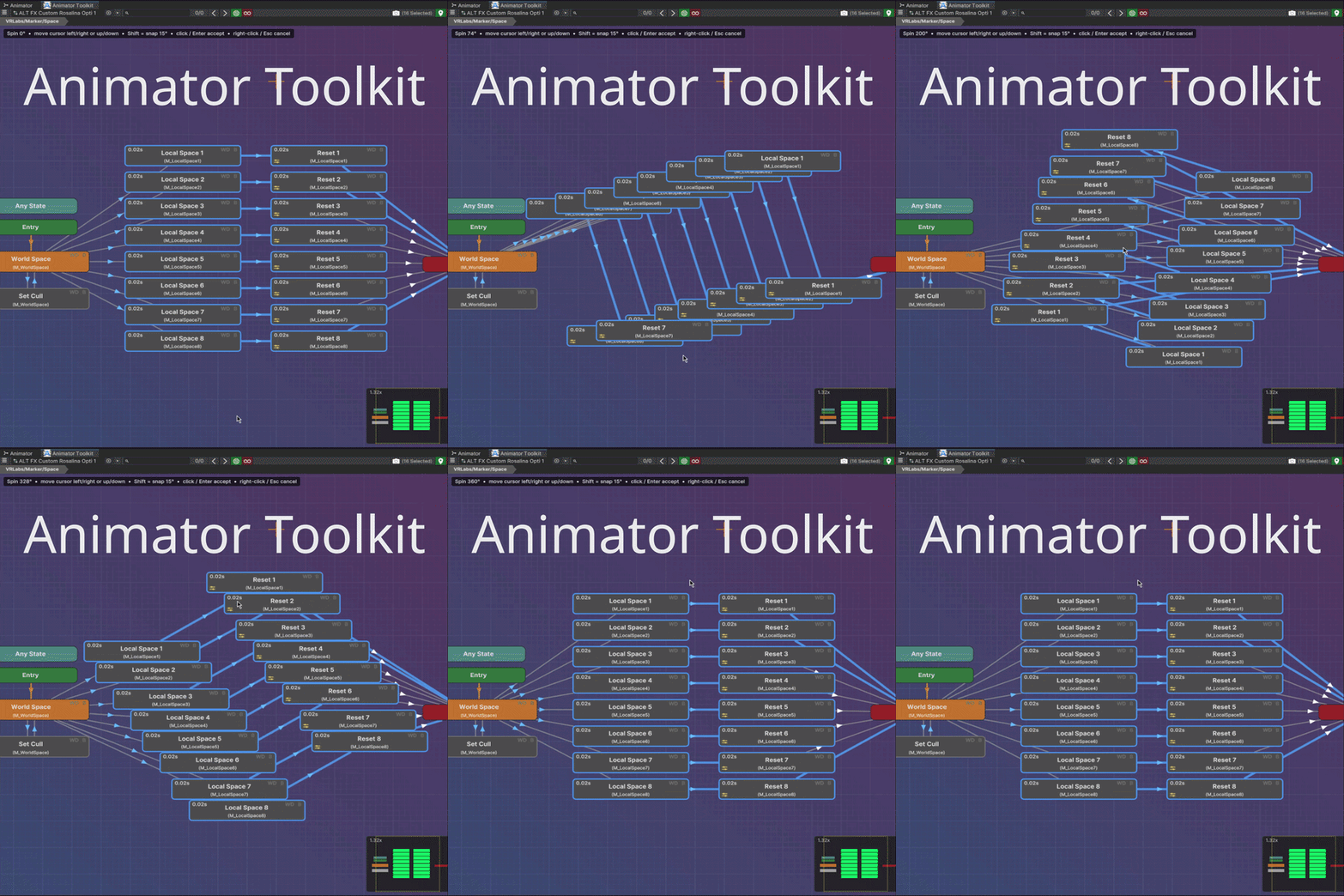
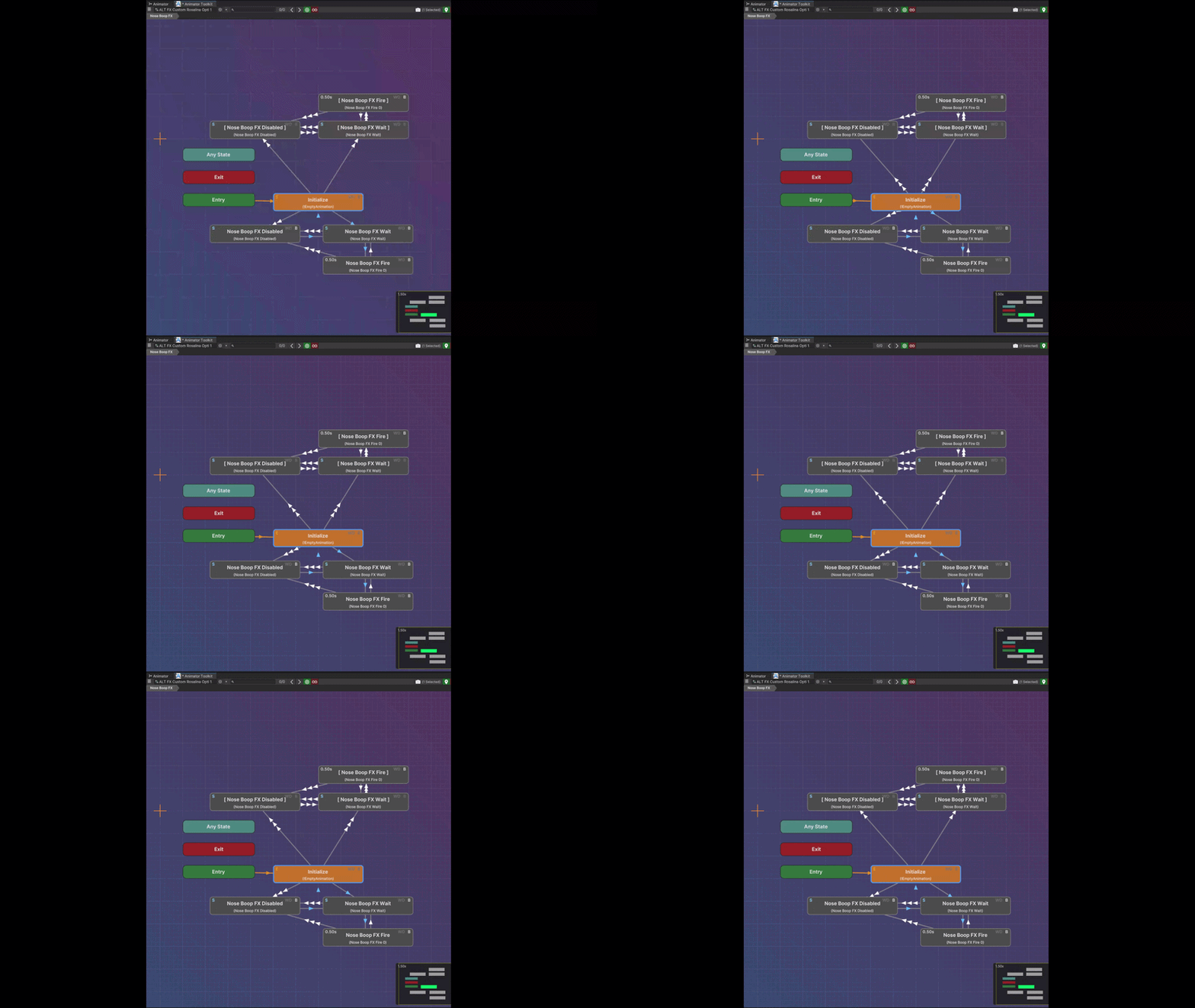
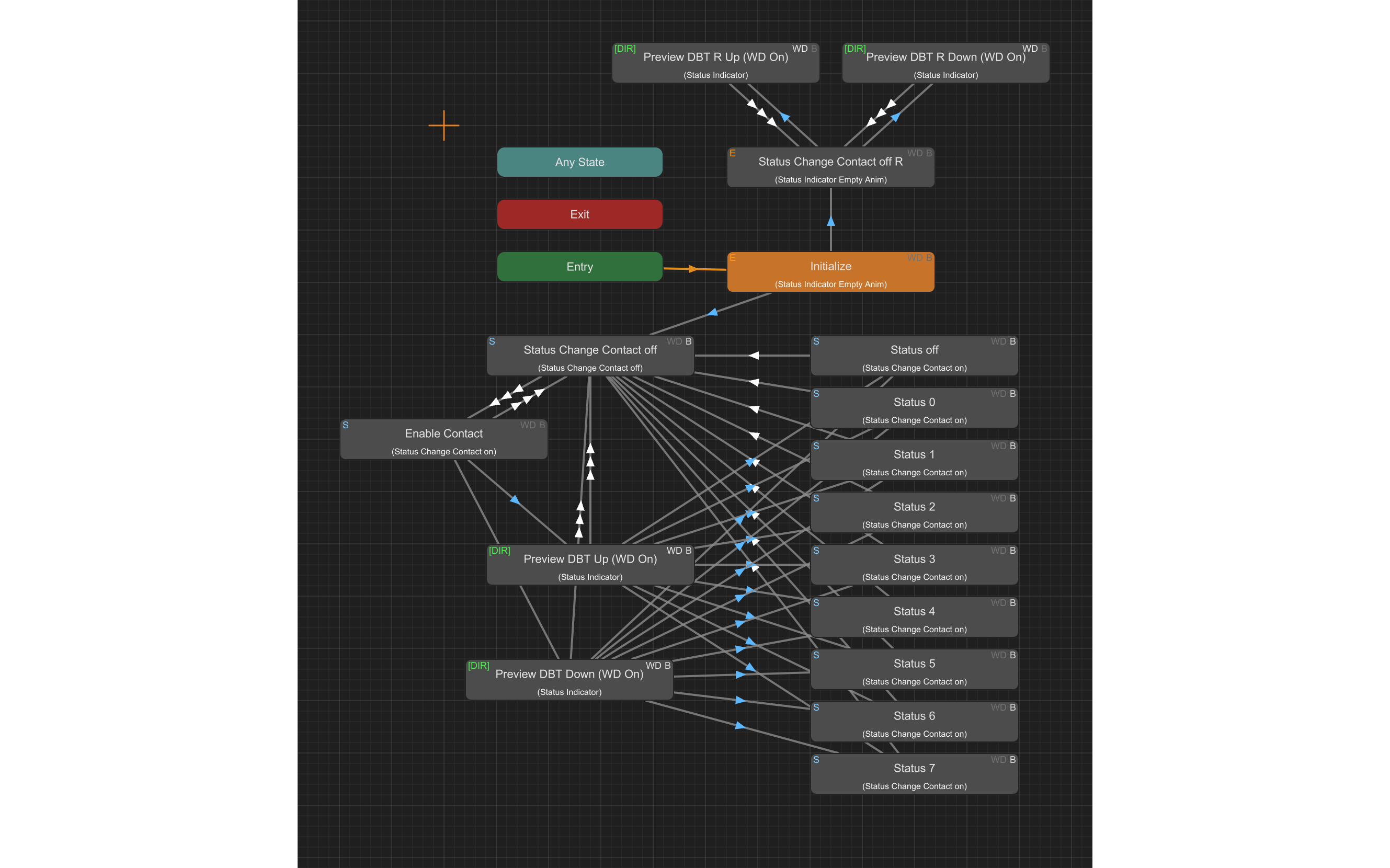
A custom state machine canvas with a minimap, box select, grid snapping, search,
breadcrumb navigation, batch-editing and a recent controllers list.
It runs well even on layers that are almost impossible to edit in the native window, due to lag.
Nodes have the badges you are familiar with: state behaviour, WD, animation length, etc.
Transitions can be coloured by specific parameter values.
Most of what you see can be customized: nodes, colours, borders, selections.
The addon supports both Unity's Dark and Light themes, shipping built-in themes to match both.
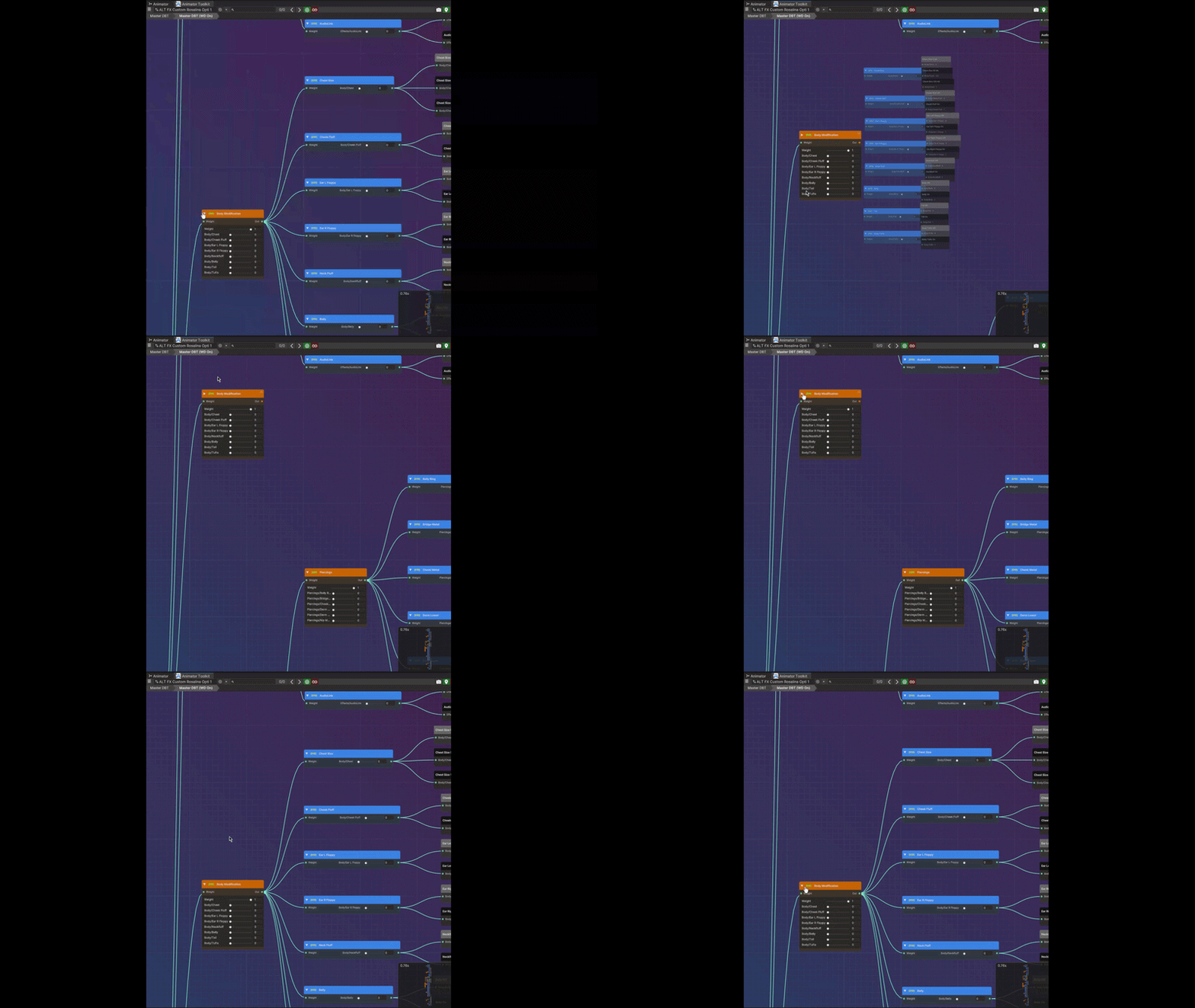
 ■ Blend trees that look nice and run well
A separate, custom canvas for blend tree editing in the same window.
It looks and feels similar to Unity's offering, but it can be customized, and it runs great.
It even has animations for layout changes.
Drag and drop reparenting, change input and output parameters, replace animation clips easily.
Search nodes, insert templates that ship with the addon, handle external blend trees without confusion.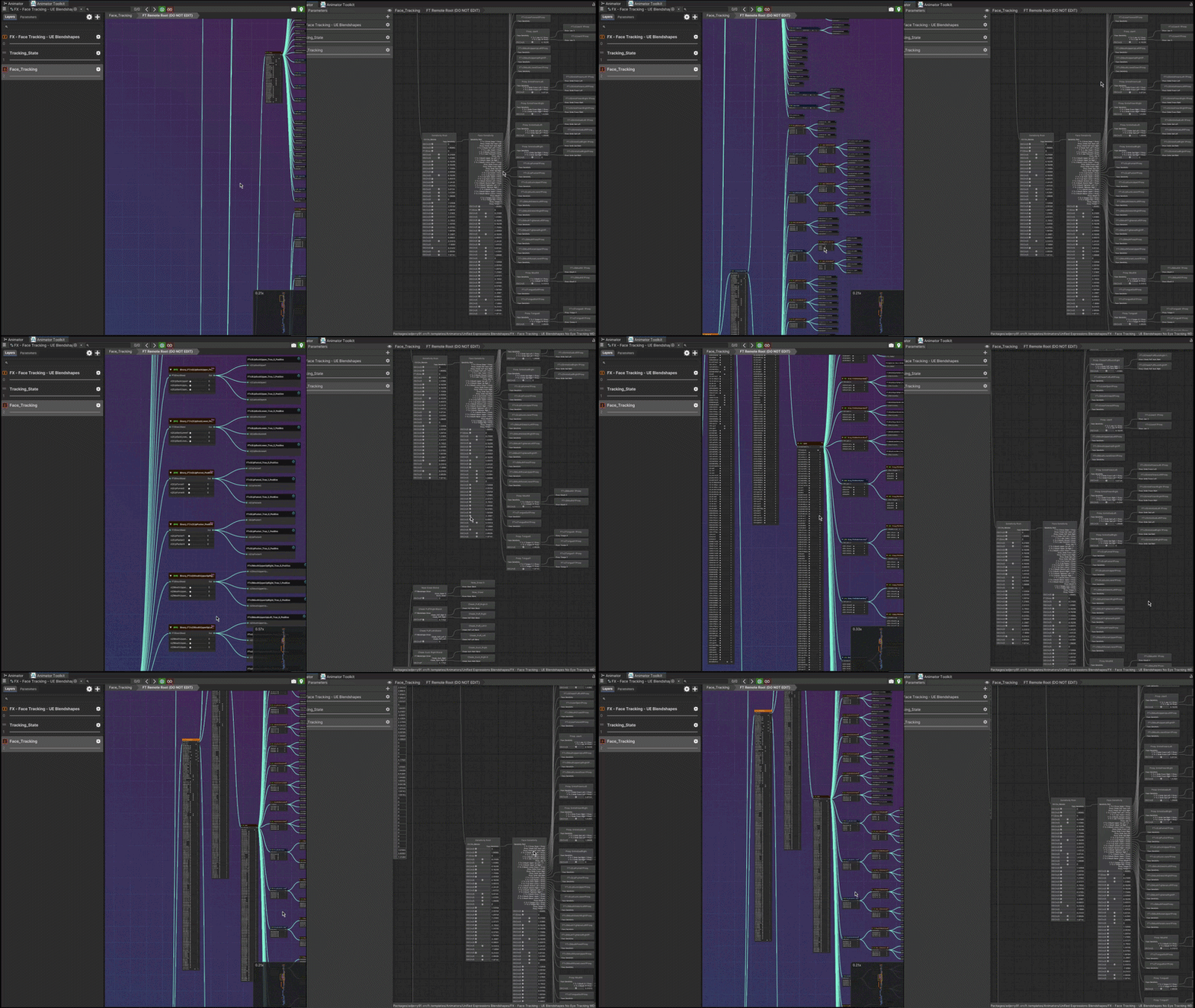
■ Toggles in seconds
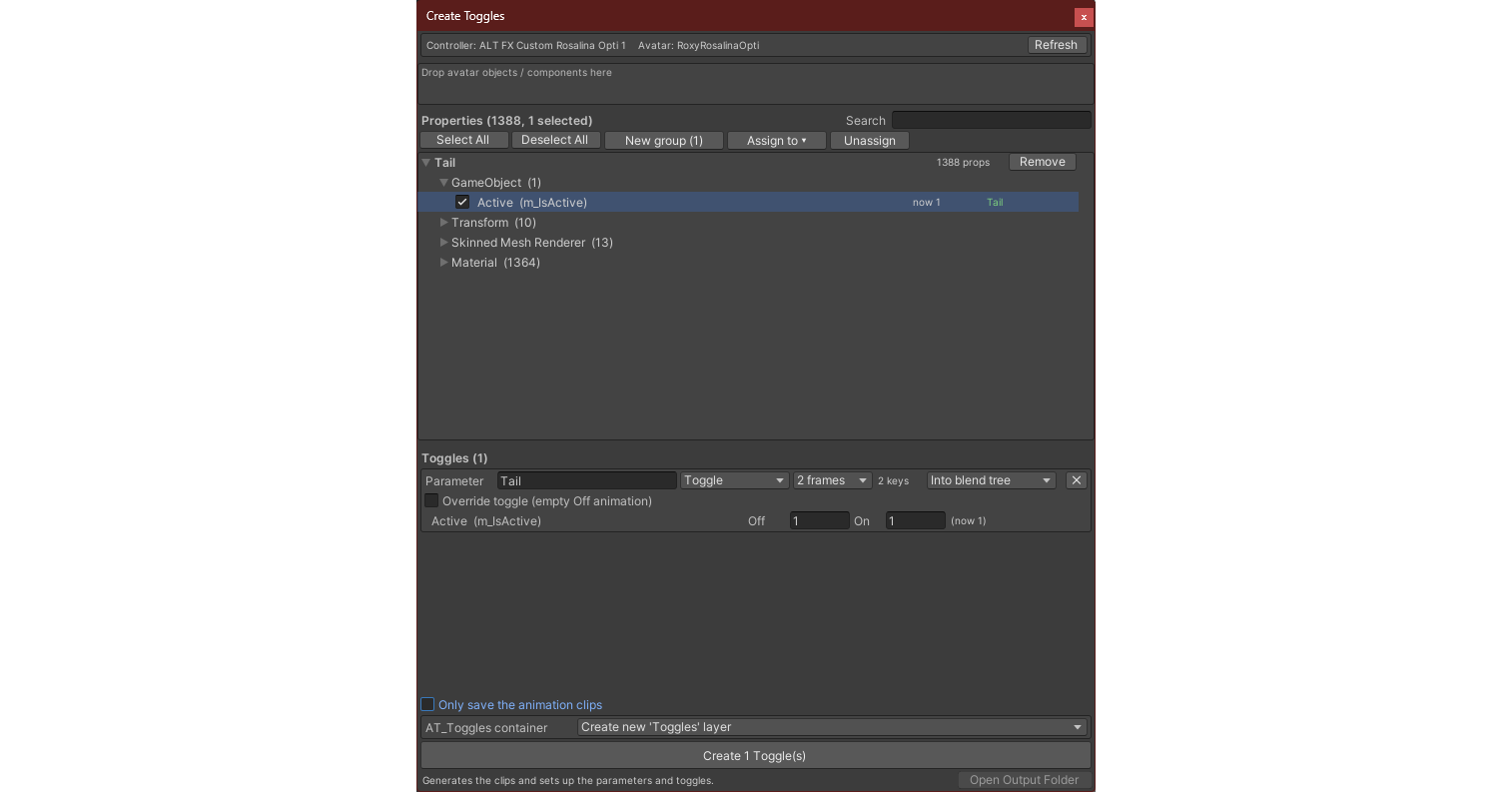
Drop objects from your avatar into the Toggle Creator, tick the properties you
want animated, and it makes the clips, adds parameters and builds the logic.
On / off or slider toggles, built as a new layer or as a blend tree.
 ■ Context aware parameter editing
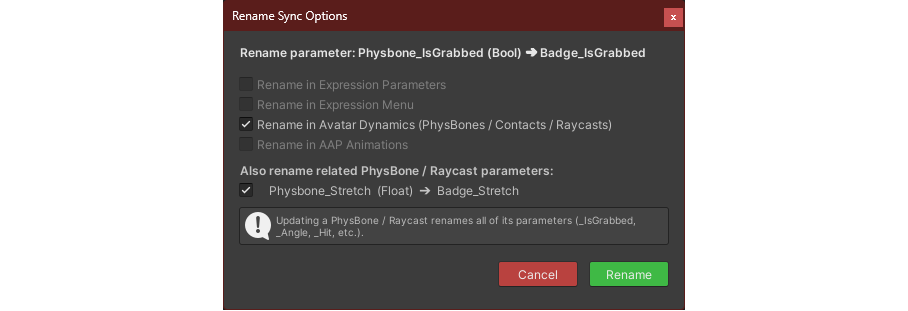
Rename a parameter and every transition, behaviour, blend tree, layer and expression menu gets updated based on your choice.
Easily find mixed WD, broken transitions, states with no motion.
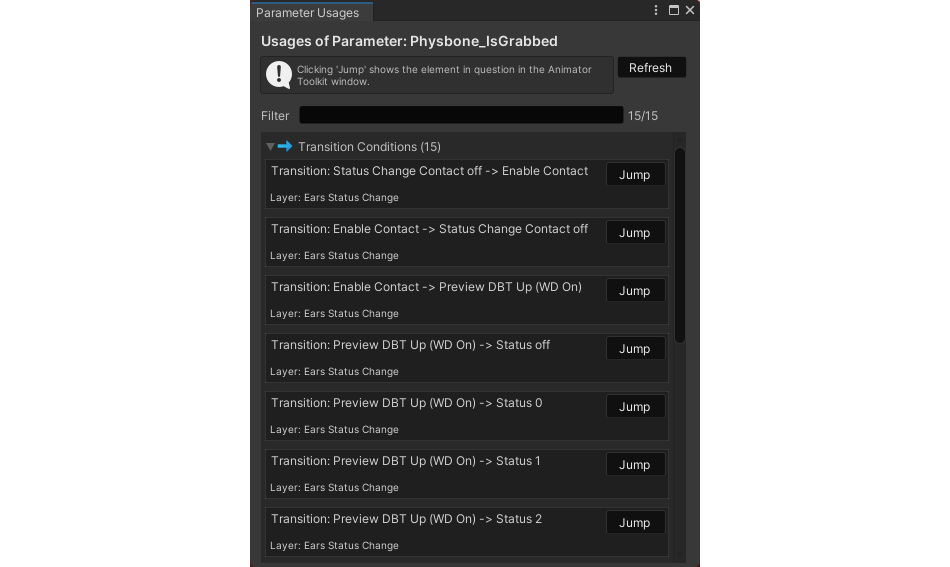
Find where a parameter is used, including avatar menus.
 ■ Batch editing
Select many states and edit their behaviours, or select transitions and edit them at once.
Batch rename: parameters, states, layer names, asset names with simple options or with Regex.
Copy layers and nodes, even between controllers, including their parameters.
■ Document and share
Export any layer or blend tree as a PNG, an SVG, or an interactive HTML page.
Could be useful for commissions, documentation, bug reports, tutorials or showing off what you built.
 ■ Make it yours
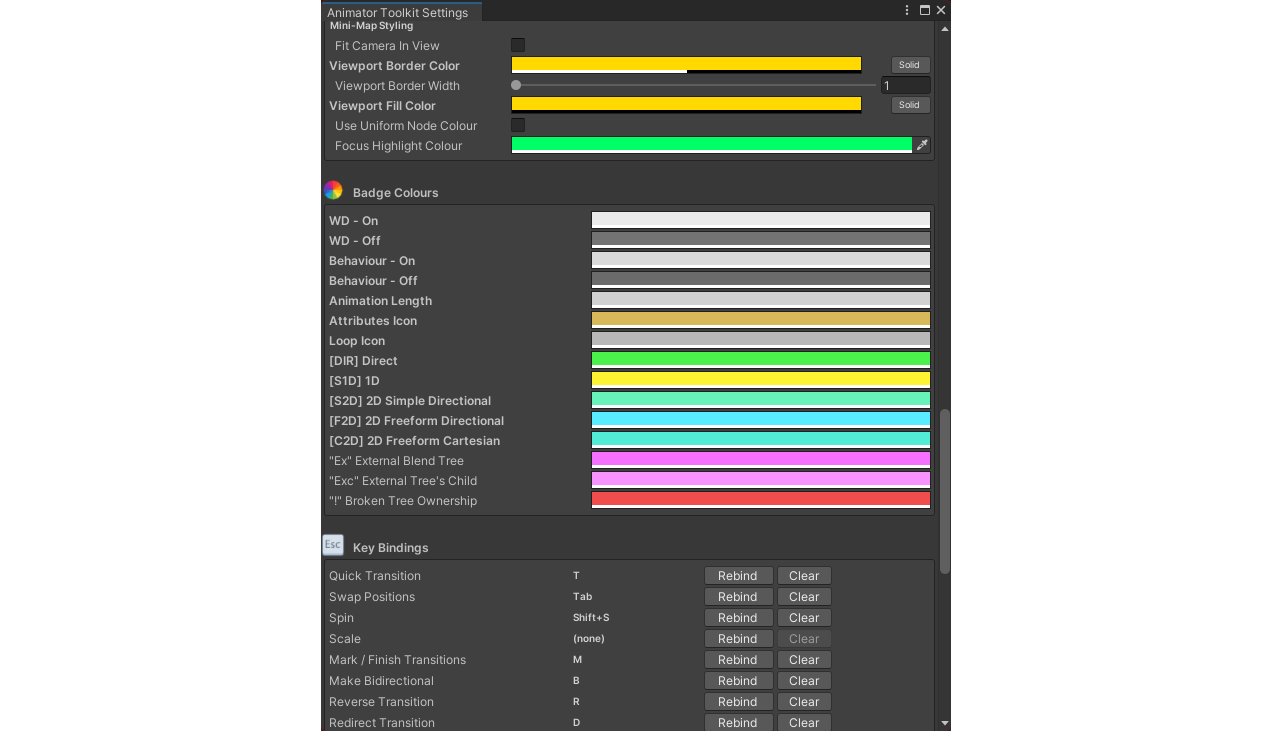
Hundreds of settings. Rebindable buttons.
Customizable colours that you can save, load, or share.
All your settings carry over to all your projects with Animator Toolkit.
 ■ Other features
- Inspect selection window to not slow down the editor by sending the inspector 100s of objects
- Play mode support with live highlights, like in the native Animator
- State Sync: A window to create the remote side of your logic easier
- View all animation paths: Find out where all your animations come from
- External Tree Viewer: View external blend trees, without having to put them into a controller
- Clean Controller: Remove objects from your controllers that are not referenced anywhere
- Save warning: Warns you about unsaved changes, without getting in your way
- 52 layer templates ship with the tool
 ■ Compatibility
- Unity 2022.3, Unity 6
- Can be installed in the Assets folder or into Packages
- Works with or without the VRChat SDK
- Tested on Windows and on Linux (Ubuntu 24.04.4 LTS), under Wayland and X11
■ What you get
- Animator Toolkit
- All future updates, for free
- No DRM, no tracking
■ License
- One purchase, one person. No redistribution of the tool or its source, even if modified.
- Modify it freely for your own use.
- Everything you make with it is yours. No credit, no royalties, commercial or not.
- Digital product, so all sales are final. Full EULA is included in the download.