
Descripción del producto
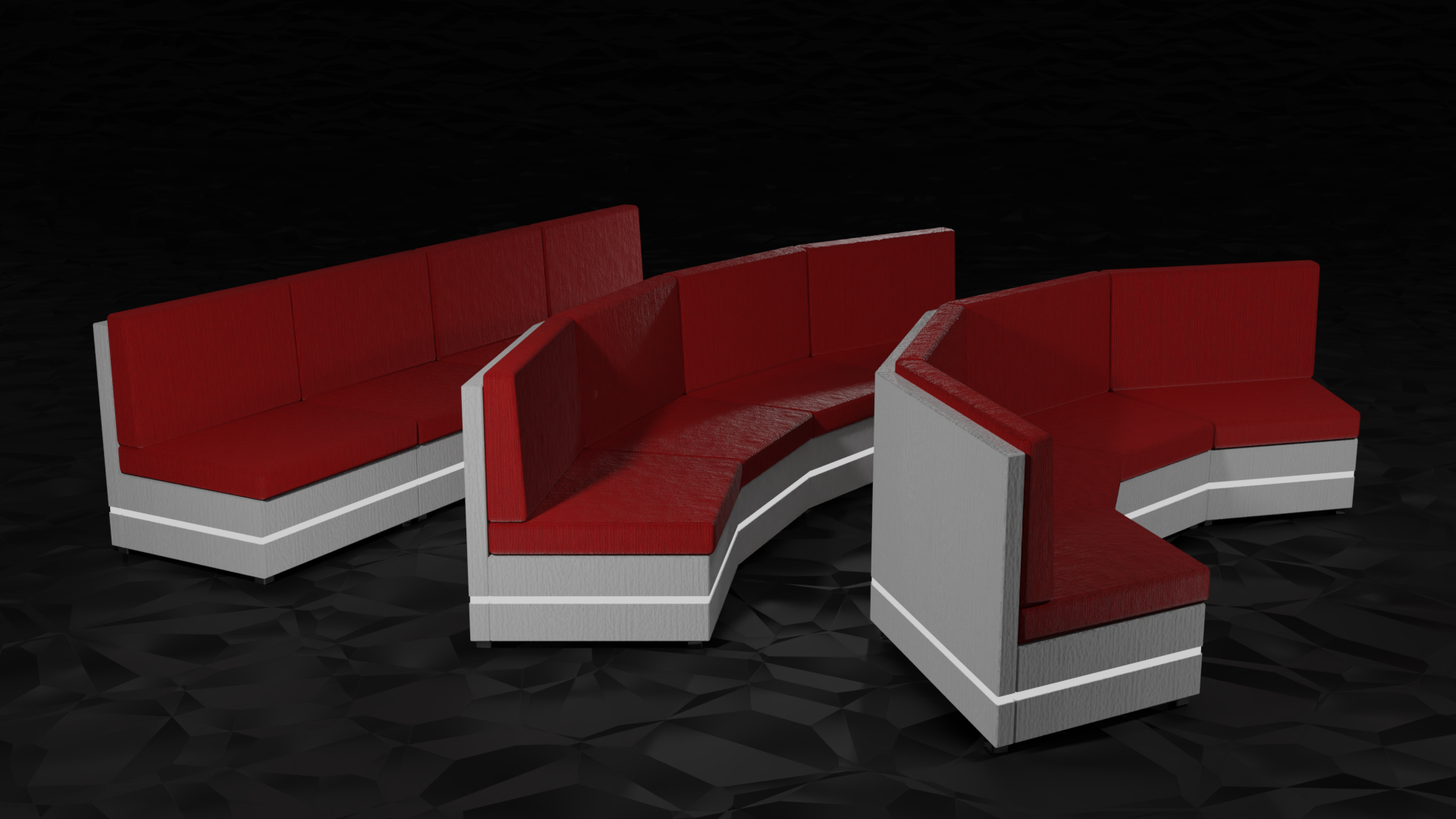
A simple, modular couch for clubs and hangout worlds.
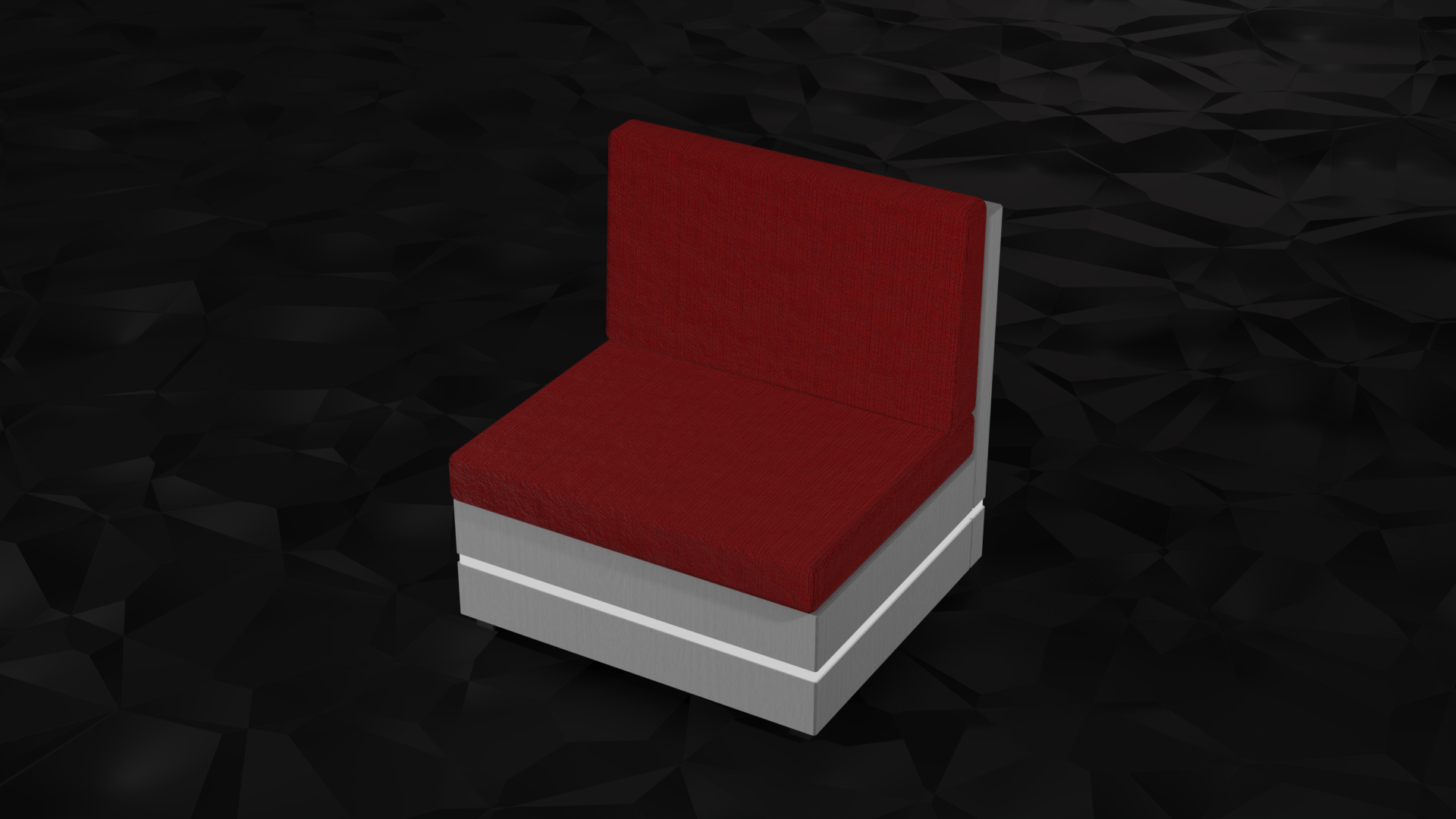
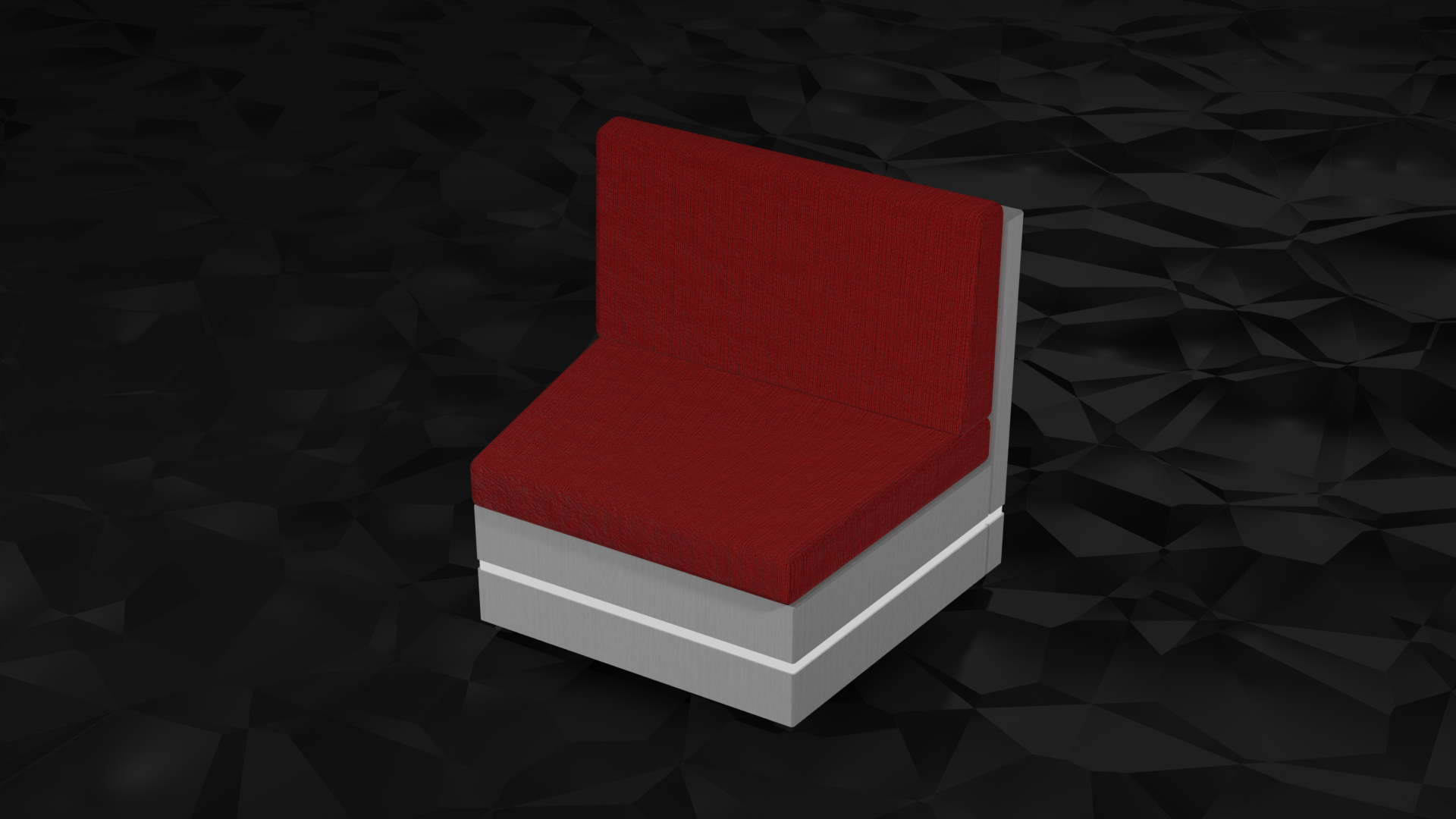
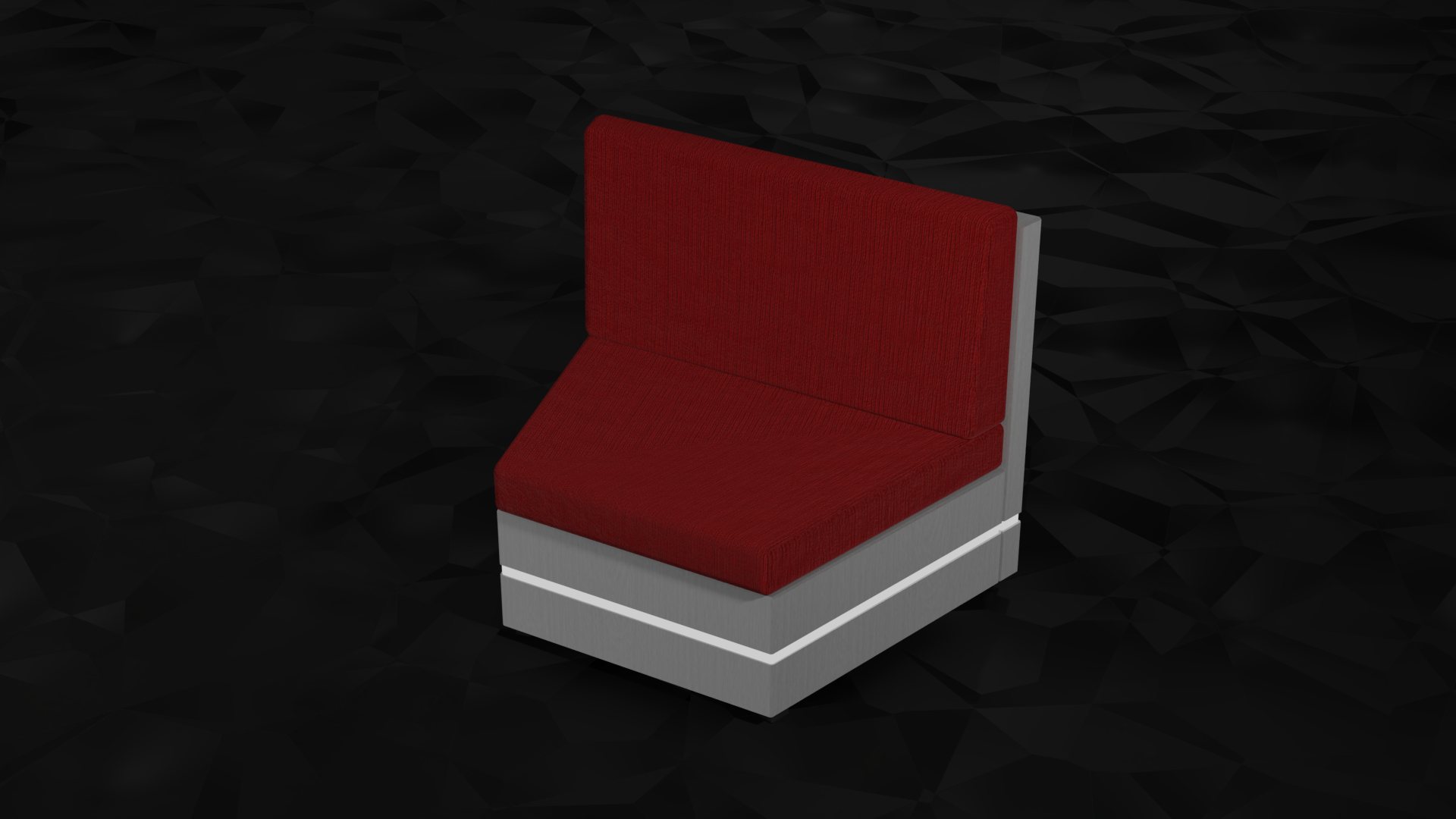
Three sections with different bends. Line them up to build straight benches or curved lounge seating.
What's included
- 3 couch sections with 0°, 15° and 30° bends
- 484 faces and 4 material slots per section: Fabric, Wood, Metal and Emission
- 9 textures (512×512) for the fabric and wood: fabric in red and blue, wood in white, grey and black, plus normal and height maps
- Metal and Emission are plain materials, so they don't need textures
Versions
- FBX ($5): the 3 FBX files and all 9 textures
- FBX + .blend file ($7): everything above, plus the .blend file (Blender 2.93+) with a procedural version of the couch, so you can set any length and bend you like
How to edit the procedural couch
- Open the .blend file
- Select "Couch Procedural" in the viewport or the Outliner
- Open the Modifier Properties (the little blue wrench)
- Adjust the 3 modifiers:
- Array: how many couch sections you want
- Mirror: leave this as it is
- Simple Deform: how strong the bend should be
How to export it as FBX
- Select the model
- Go to File (top left) → Export → FBX (.fbx)
- In the export window, under Include, tick "Selected Objects"
- Choose your folder and click "Export FBX" (bottom right)
Then import the FBX into Unity or wherever you need it.
License
- Personal and commercial use
- Do not re-sell individual assets
- Do not claim as your own!
All made from scratch by me.