Descripción del producto
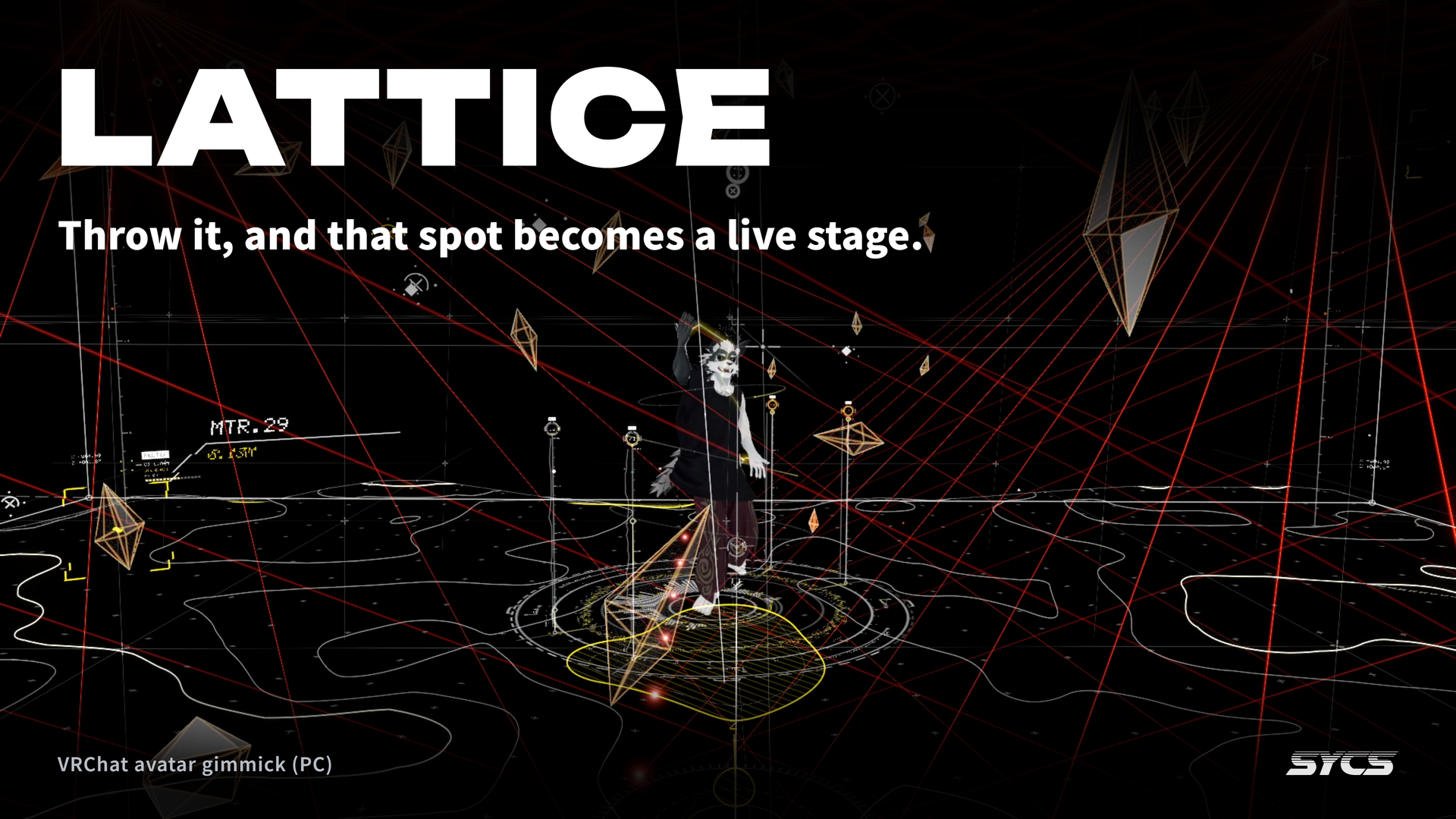
Throw it, and that spot becomes a live stage.
For hanging out with friends. For watching with music on. For dancing.
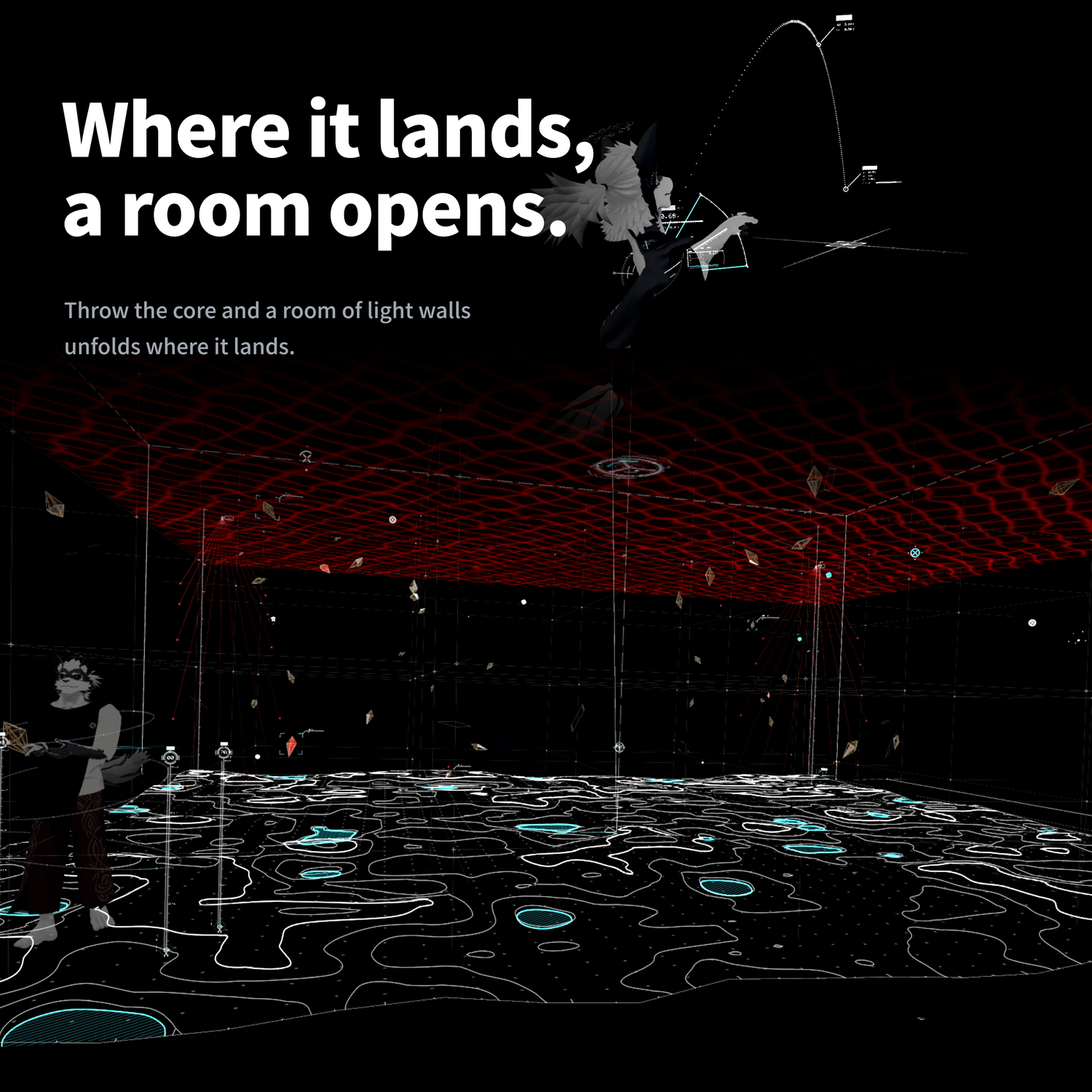
Throw the core from your palm and a room of light walls unfolds right there. Any world, just your avatar.
VRChat (PC) only. Not shown on Quest / Android.
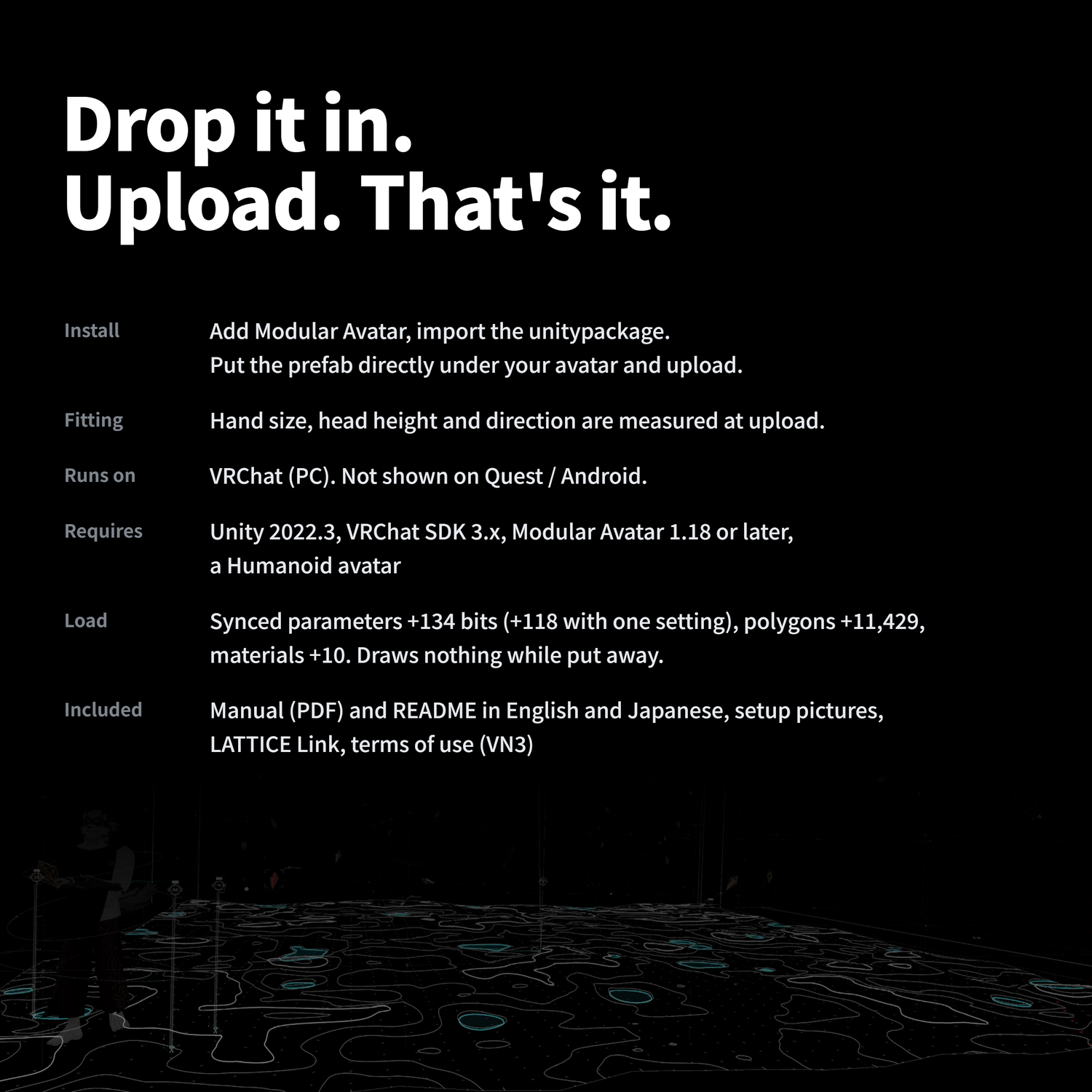
LATTICE is a performance gimmick you carry on your avatar. Drop the prefab on your avatar and upload — that's it. While it is put away, it draws nothing.
When to use it
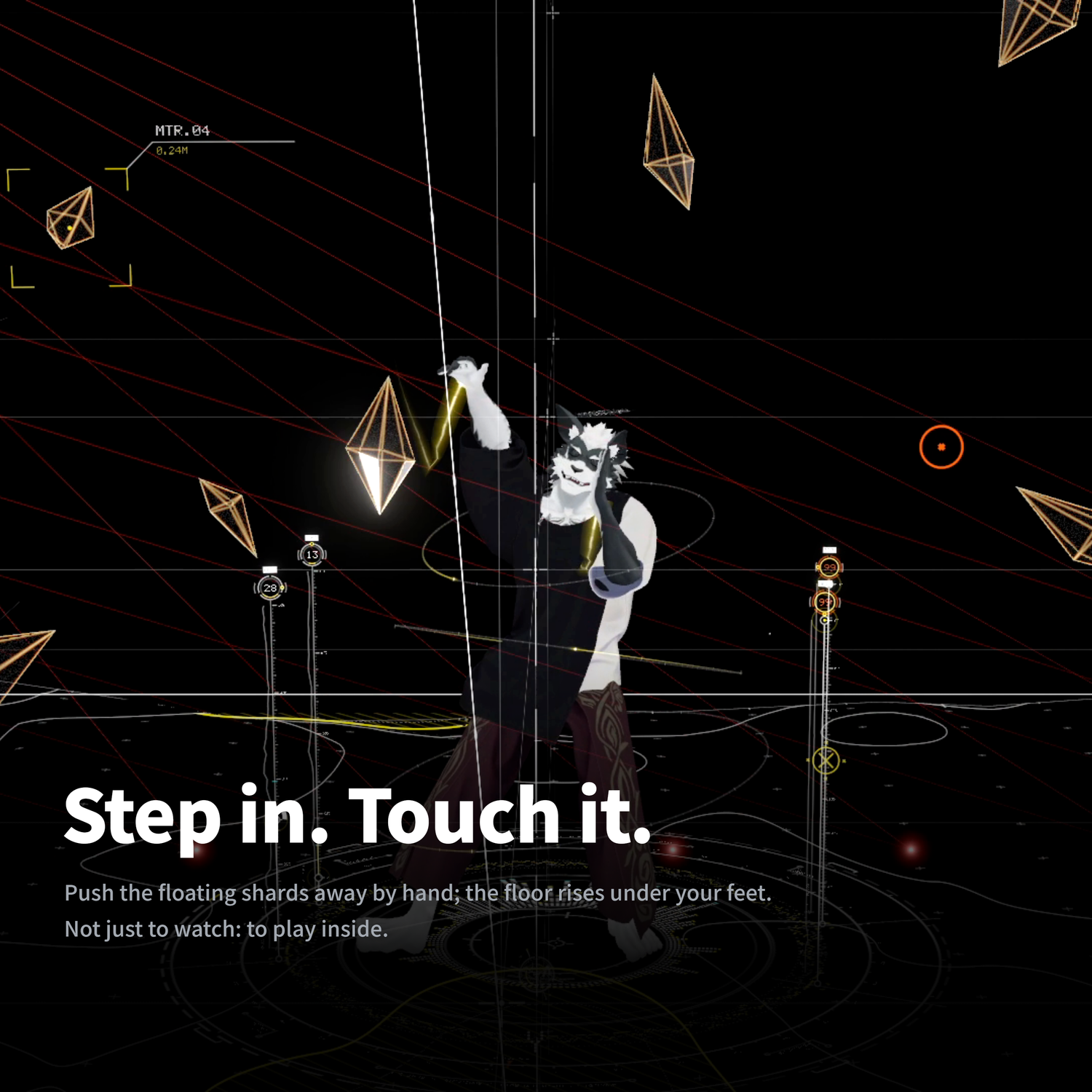
- With friends — Open it when you're together and step inside. Floating shards can be pushed away by hand, the lattice bends around people, and the floor terrain rises under your feet. Something to touch, not just to look at.
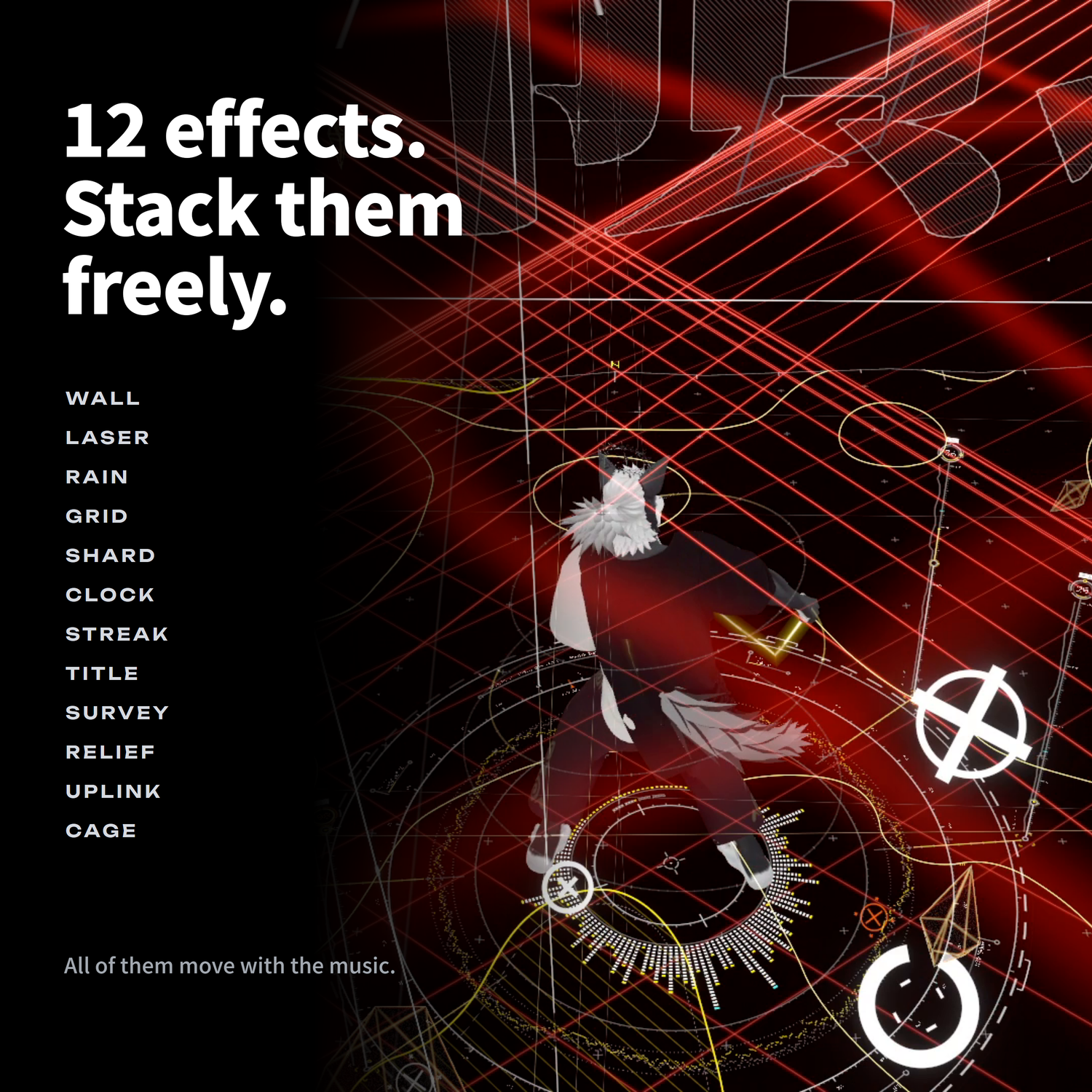
- Just watching — Put music on and enjoy it. Lasers, rain, gears, wall-sized type: 12 layers you can stack as you like.
- Showing each other — When owners are near each other, their cores connect with lines of light. Bring two cores together and they resonate.
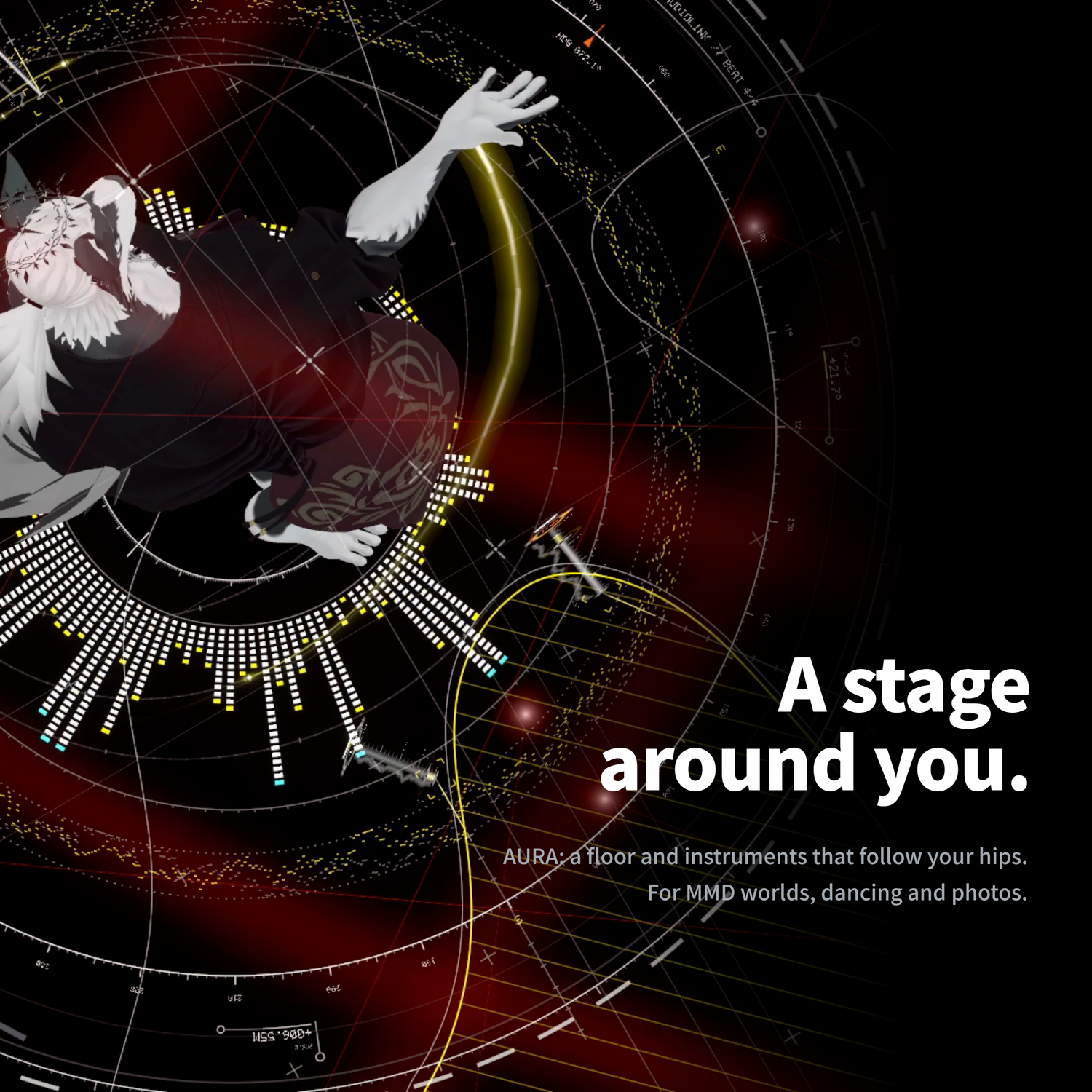
- Dancing and shooting — AURA, a floor and instruments that surround your body. For MMD worlds, dancing, photos and videos.
- Events — With the included PC software and a MIDI controller, run the show from your own gear.
What it does
- A room where you throw it — Grab the core and let go: an LED-walled box, the DOMAIN, unfolds on the spot. Swing to throw it farther; pull it like a bow to throw it farther still. Resize it with both hands (1.2–12 m wide).
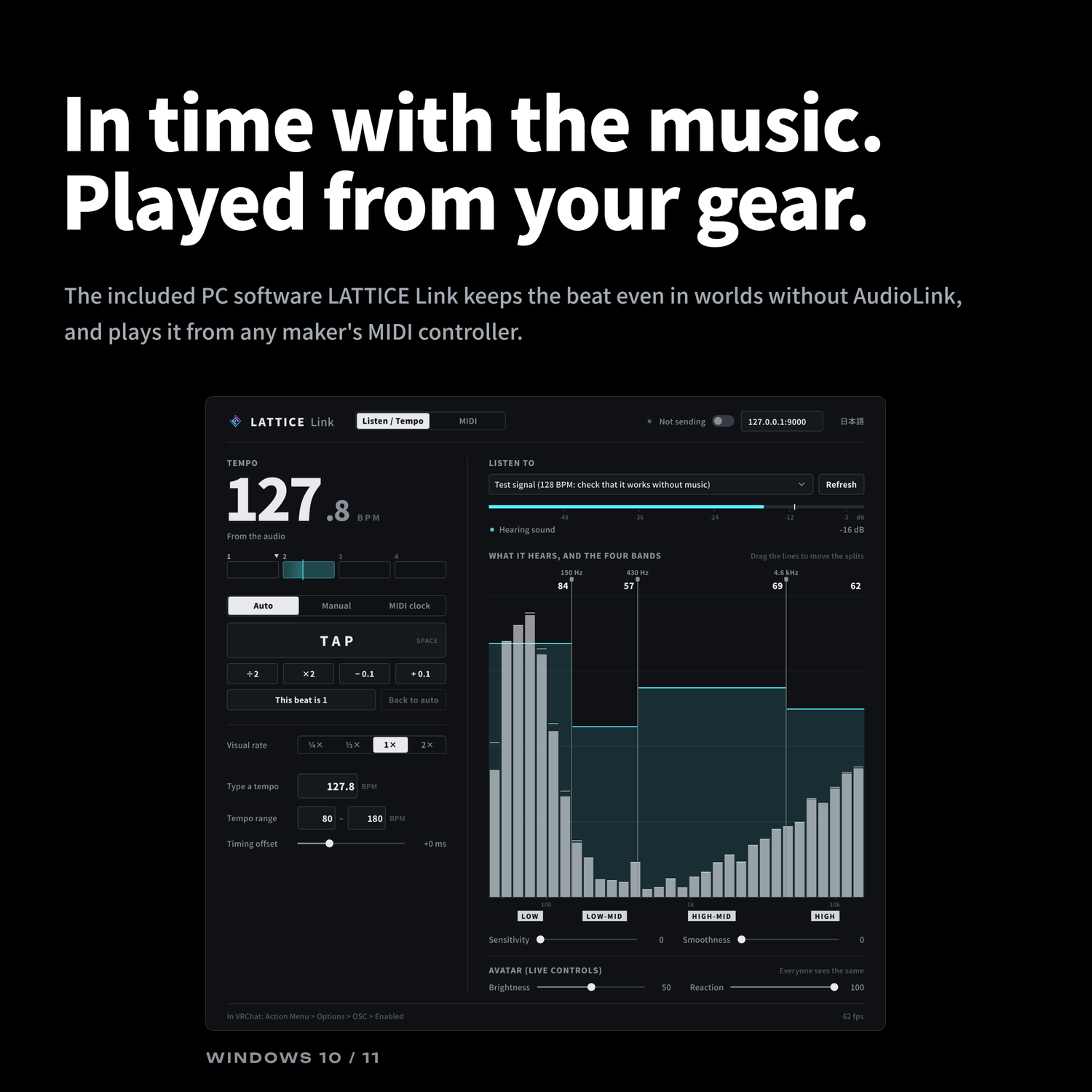
- Moves with the music — It follows the tempo and the highs and lows of the music. In AudioLink worlds it just works; in worlds without AudioLink, the included PC software listens to your music and keeps it in time.
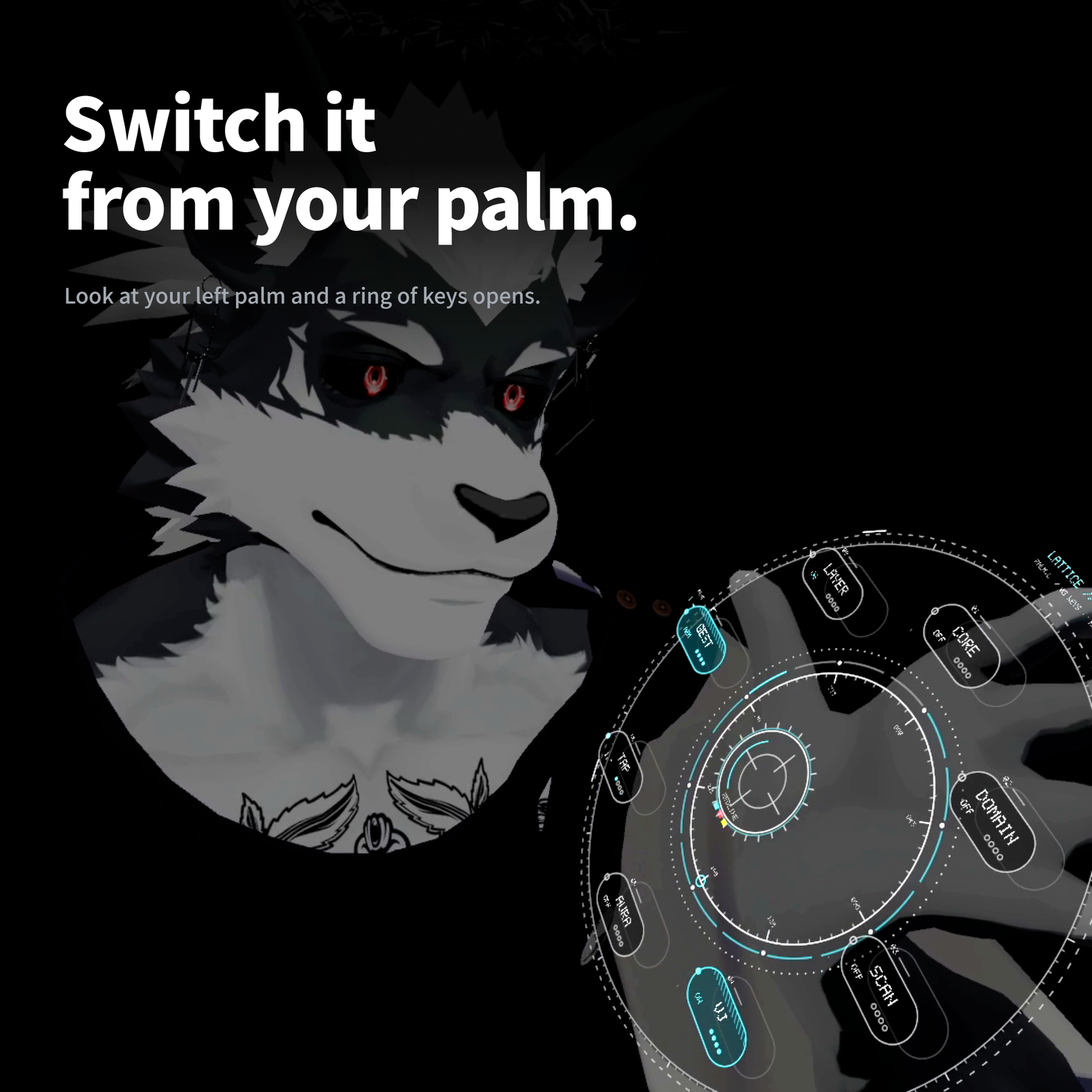
- Controlled from your palm — Look at your left palm and a ring of keys opens. Switch things with a finger, no menu needed. On desktop or in MMD worlds, the Expression Menu does the same.
- Colors and brightness — Five palettes. Brightness and how strongly it reacts to the music can be changed while you play.
Included PC software: LATTICE Link
- Takes the tempo and beat from the sound playing on your PC and sends them to your avatar. Everyone around you sees the same beat.
- Play LATTICE from the buttons and faders of a MIDI controller: switch effects, brightness, speed. Works with any maker's controller, and button lamps light to match your avatar's state.
- Window in English or Japanese.
- LATTICE works without it. It's for people who want to lock to the music or play it from hardware (VJs at events).
Setup
- Add Modular Avatar
- Import the unitypackage
- Put the prefab directly under your avatar
- Upload
Hand size, head height and direction are measured and fitted at upload, so there is no manual placing. Colors, brightness, sizes and places can be changed in Unity's settings panel (English / 日本語). An English manual (PDF) and step-by-step pictures are included.
Requirements
- VRChat (PC). Not shown on Quest / Android (removed automatically at upload)
- Unity 2022.3, VRChat SDK - Avatars 3.x, Modular Avatar 1.18 or later
- A Humanoid avatar
- LATTICE Link: Windows 10 / 11
Performance (difference from your avatar without it)
- Synced parameters +134 bits (118 bits with one setting; the limit is 256)
- Polygons +11,429, materials +10, FX layers +26
- PC performance rank is at best Medium (Poor with the SCAN depth light on)
- Draws nothing while put away. Full numbers in the README.
Notes
- Contains bright light and fast flashing. Brightness can be turned down from the menu. Please mind the place and the people around you.
- Everything is drawn with shaders. People who block your shaders won't see it.
- The walls are visual only. They don't block voices or sound.
- The LATTICE Link installer is not code-signed. If Windows shows "Windows protected your PC" the first time, choose "More info" → "Run anyway".
- On small avatars, the same throwing motion sends the core a shorter distance.
What's included
- LATTICE_v1.0.10.unitypackage
- Manual (PDF) and README, in English and Japanese
- Setup pictures (English and Japanese)
- LATTICE Link installer (Windows) and its guide (PDF, English and Japanese)
- License and terms of use (VN3 license, English and Japanese PDF)
Terms of use (VN3 license; full text in the included PDF)
- Personal and corporate use, commercial use (streams, videos, events, publications, merchandise): allowed
- Adjusting colors, sizes, settings, and modifying: allowed
- Uploading to VRChat and similar: allowed
- Redistributing or reselling the data, using it in other products, building it into games or apps: not allowed
- Making it part of a public avatar: not allowed
- Political or religious activities: not allowed
- For sexual or violent content, keep it separated (zoning)
- Distributing derivative works based on LATTICE: not allowed
- One purchase per user. If you have someone set it up for you, both of you need to buy it
- No credit required
Free trial
LATTICE Lite: throw the core and a room with LASER opens. Free to try before you buy.
Free: LATTICE Lite on Jinxxy