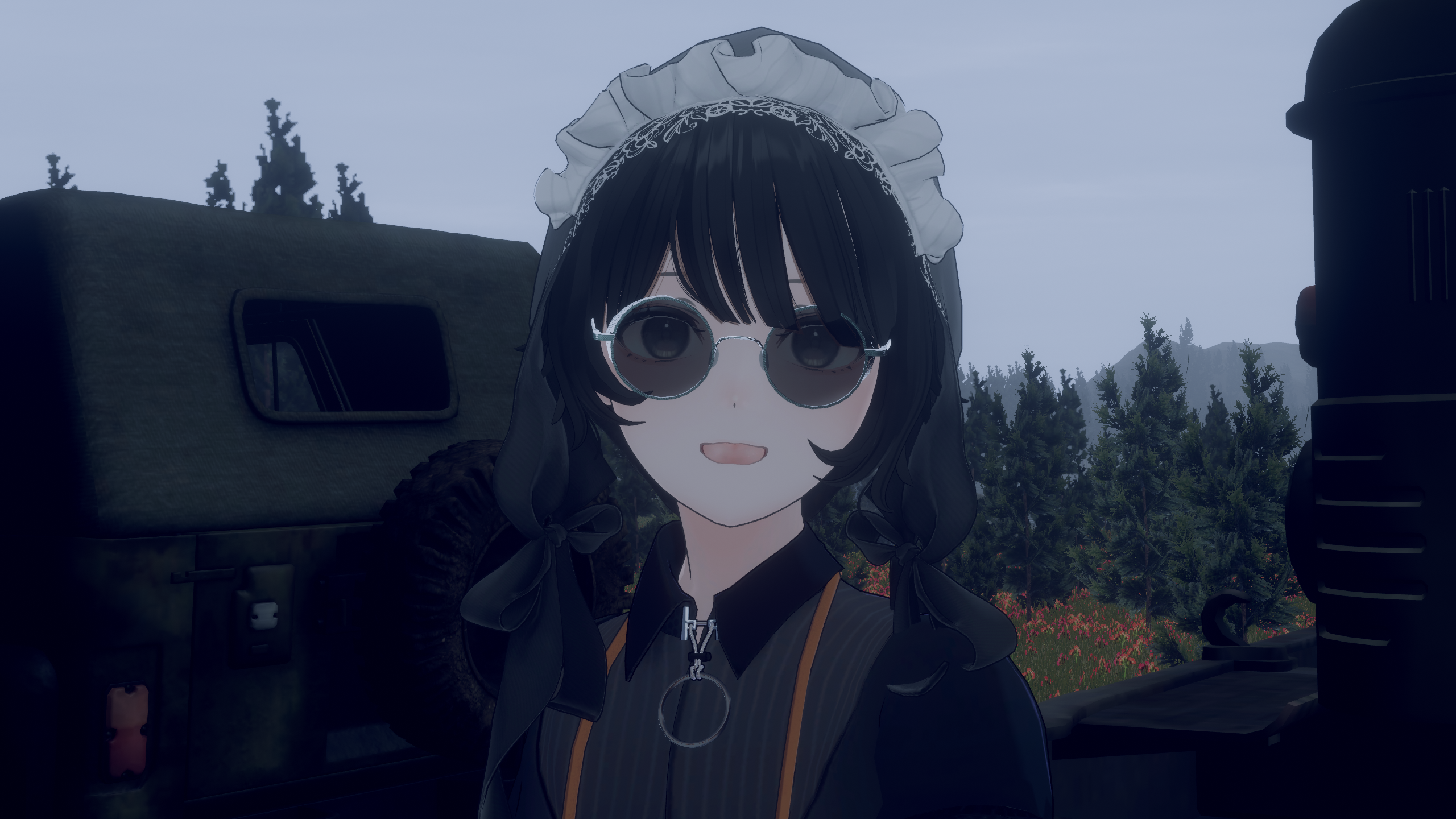
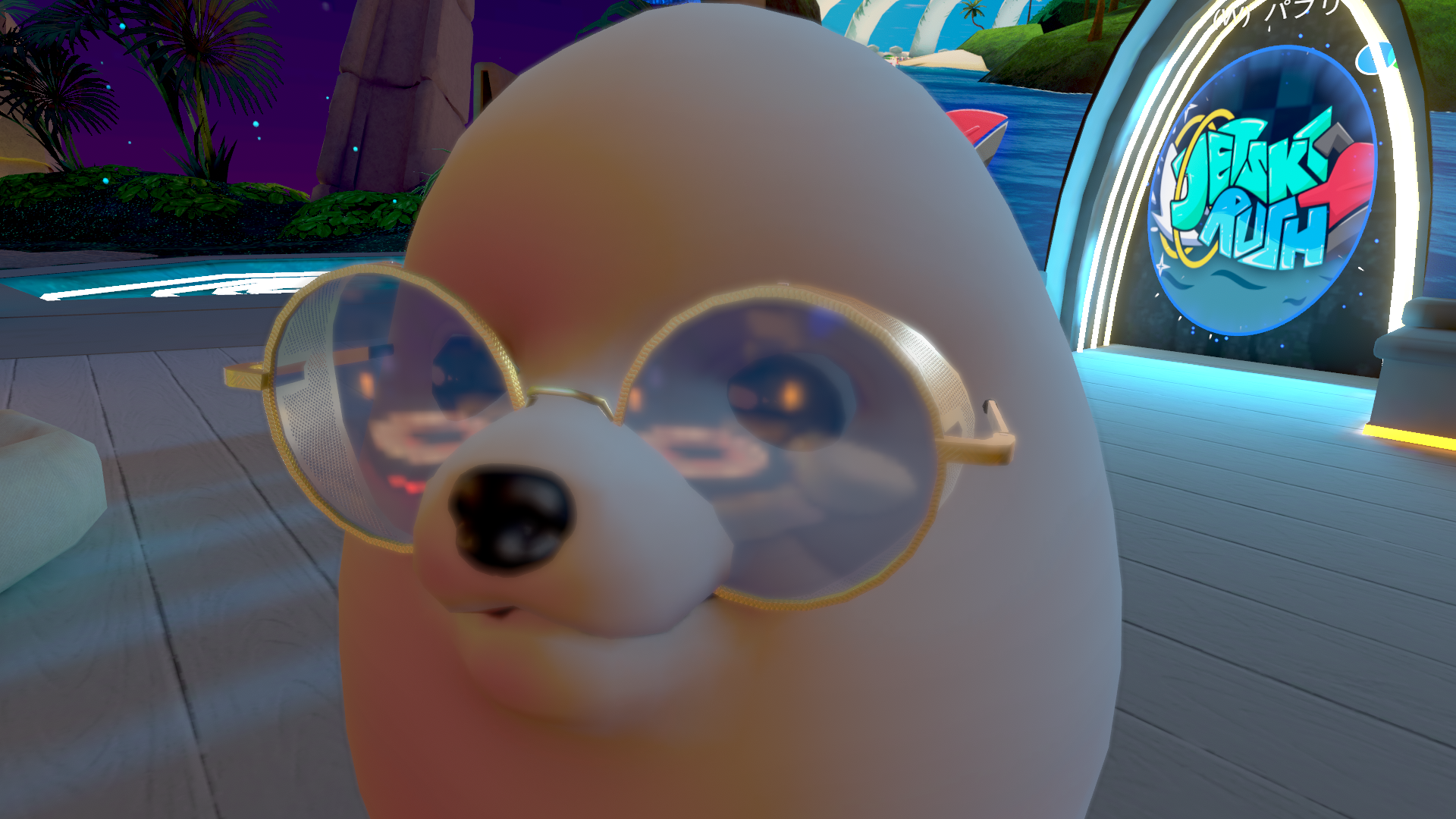
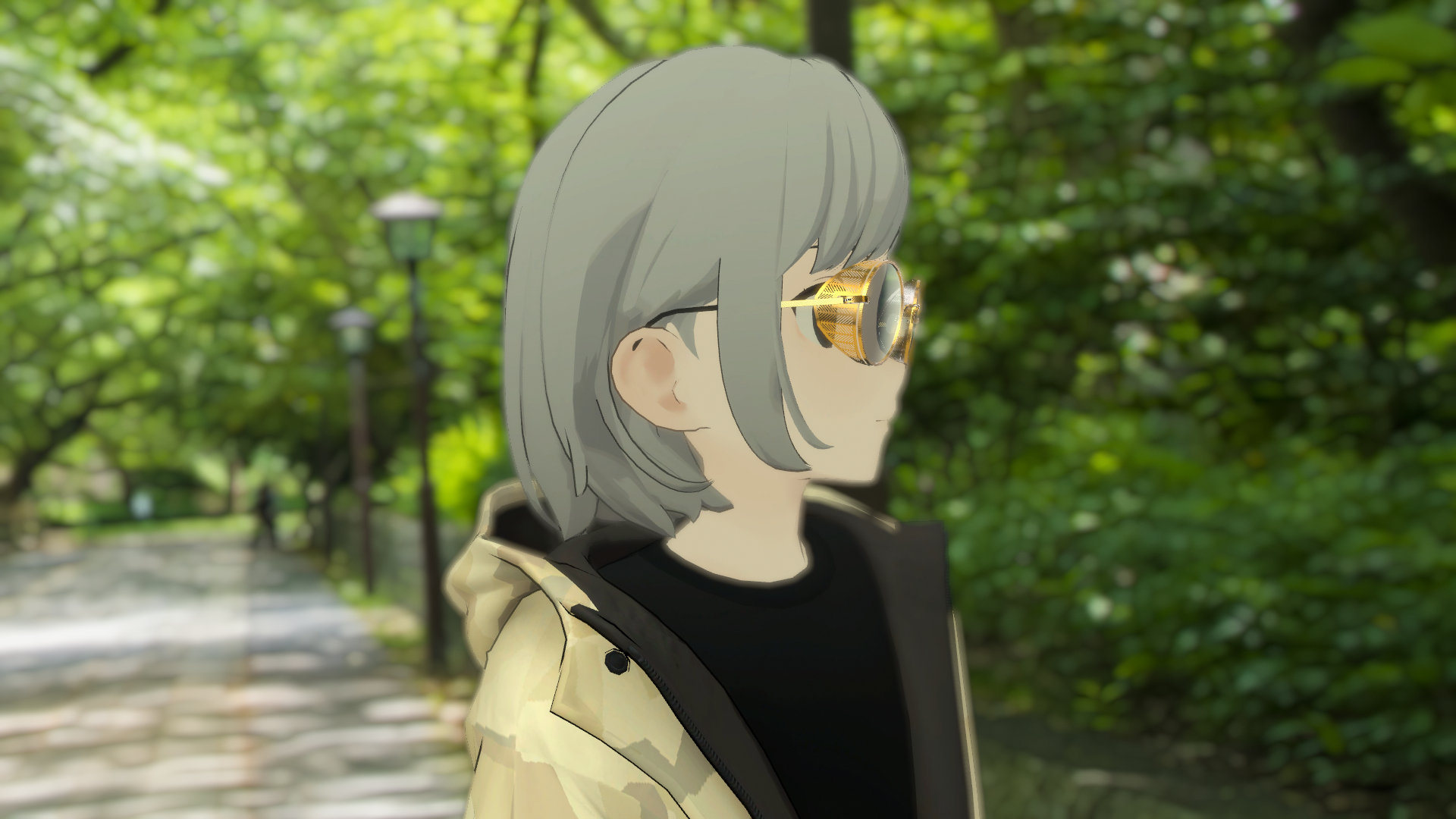
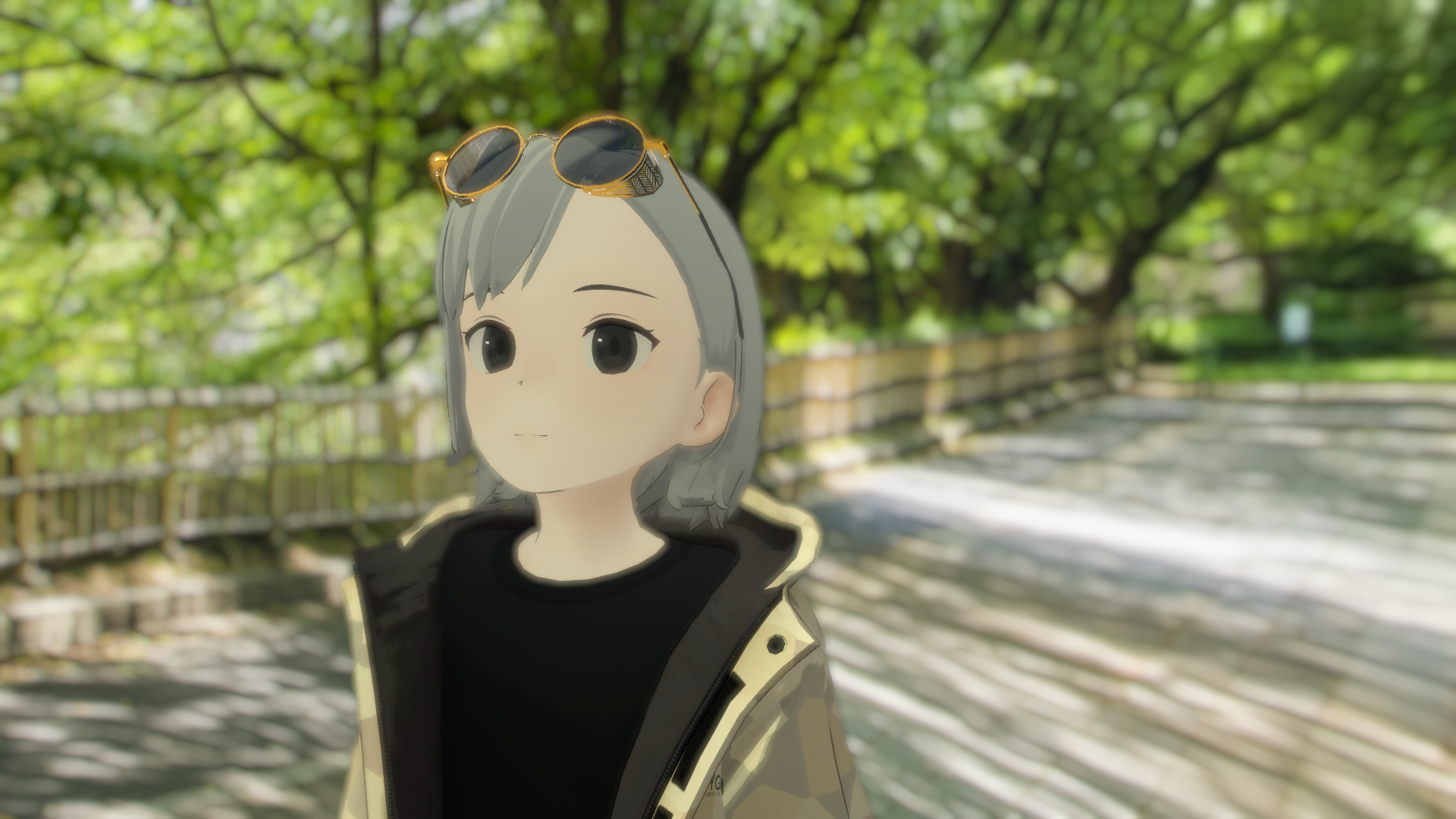
SideShield Sunglasses
Etiquetas
Descripción del producto
SideShieldGlasses
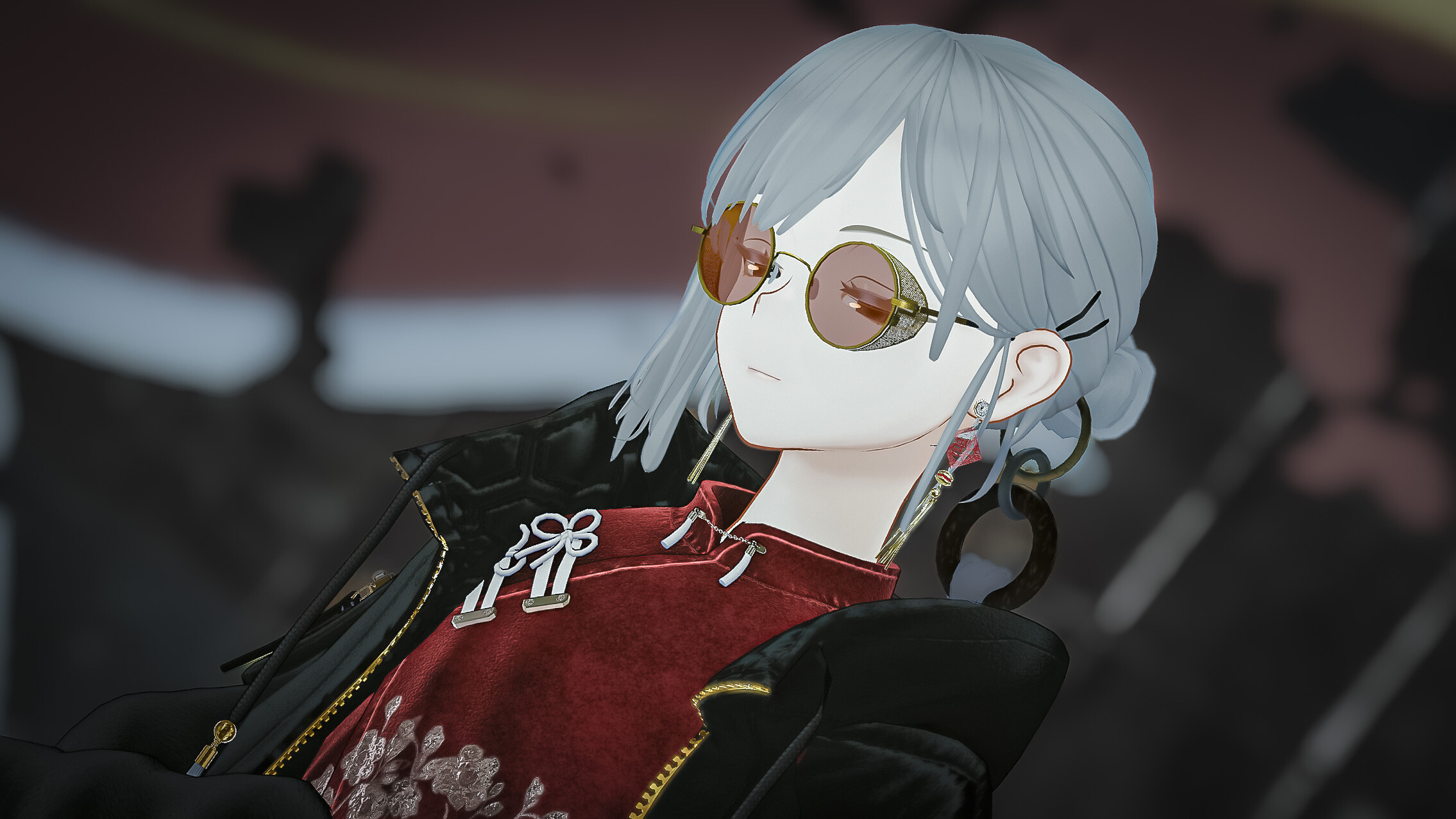
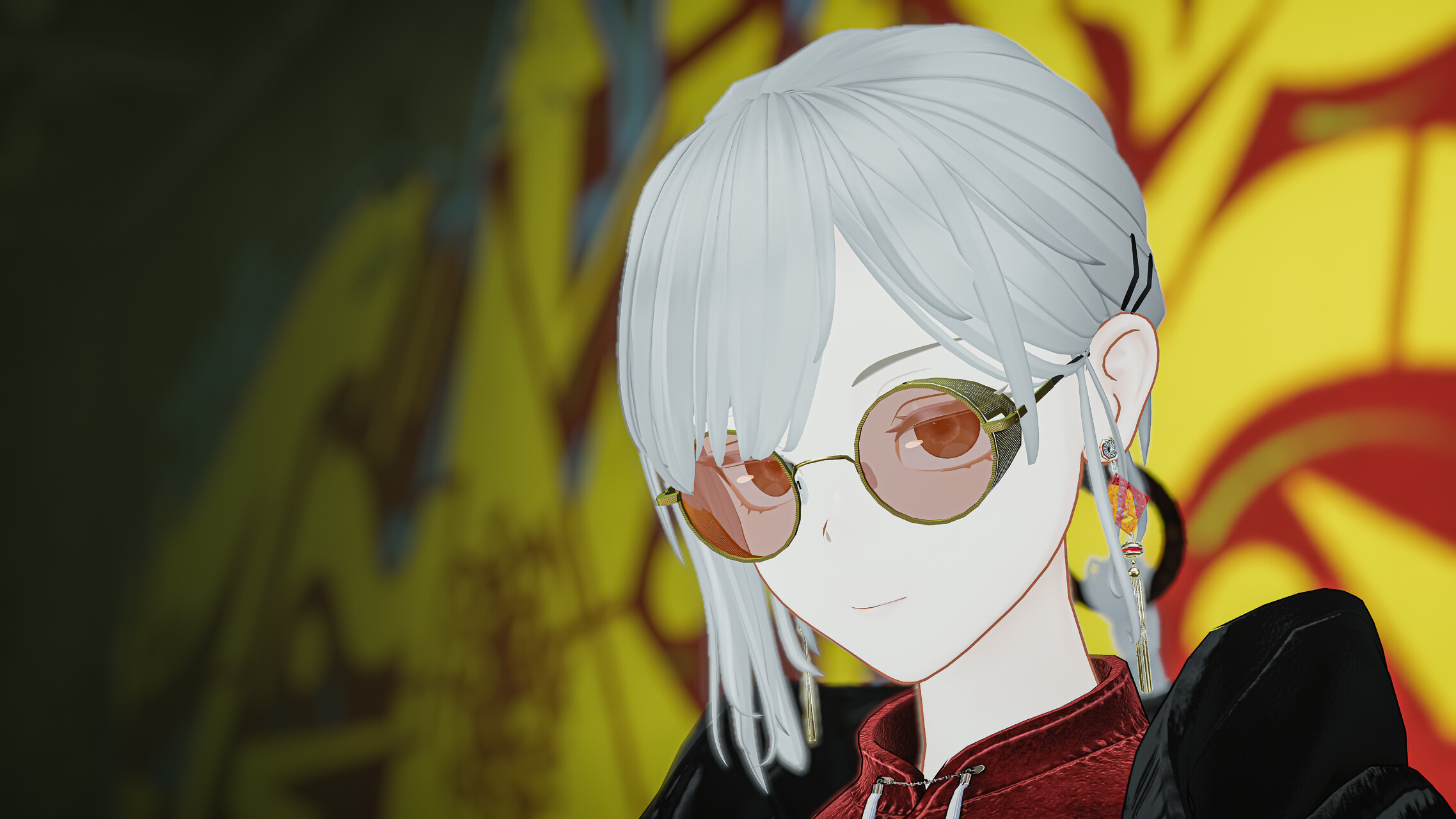
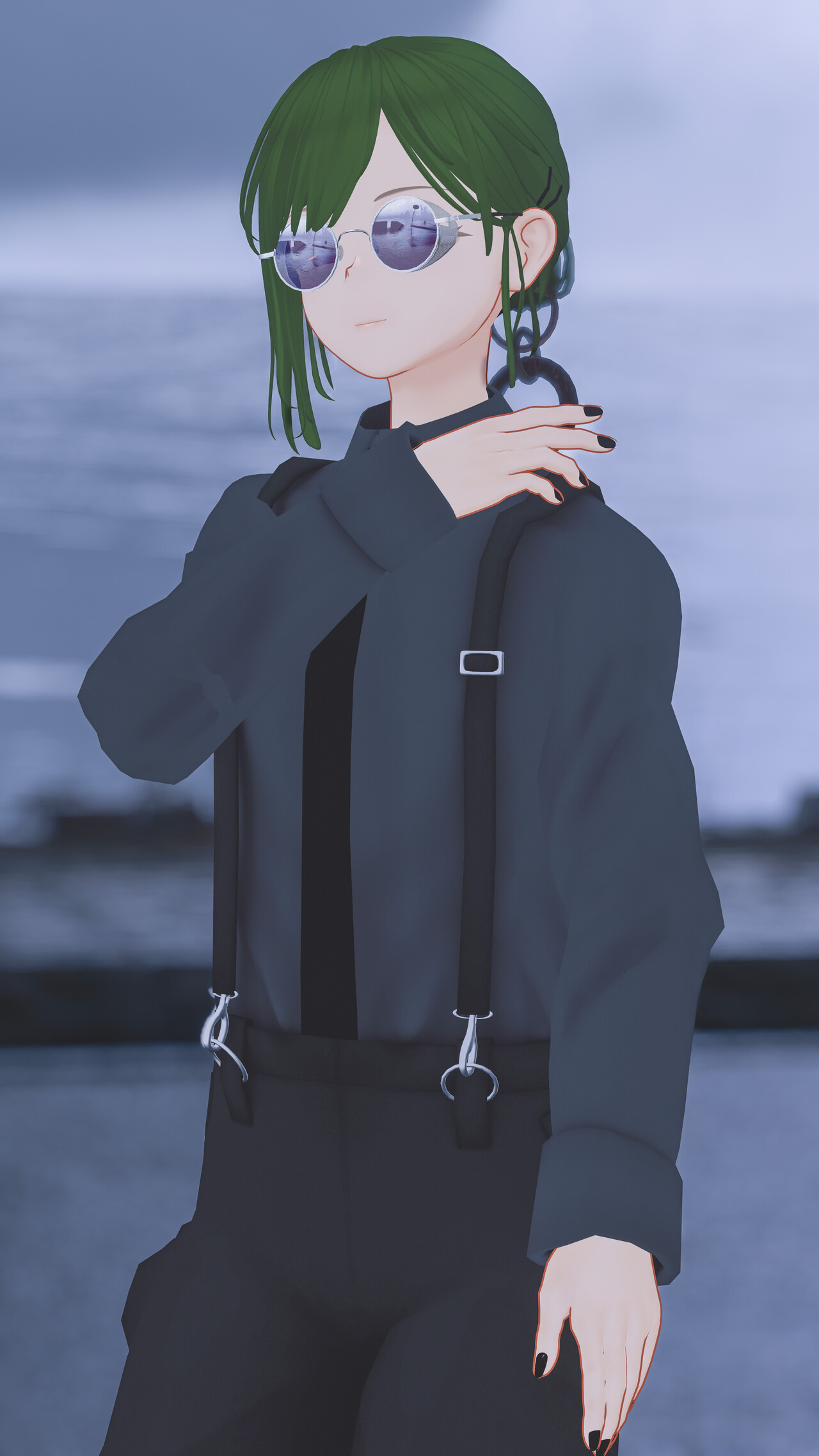
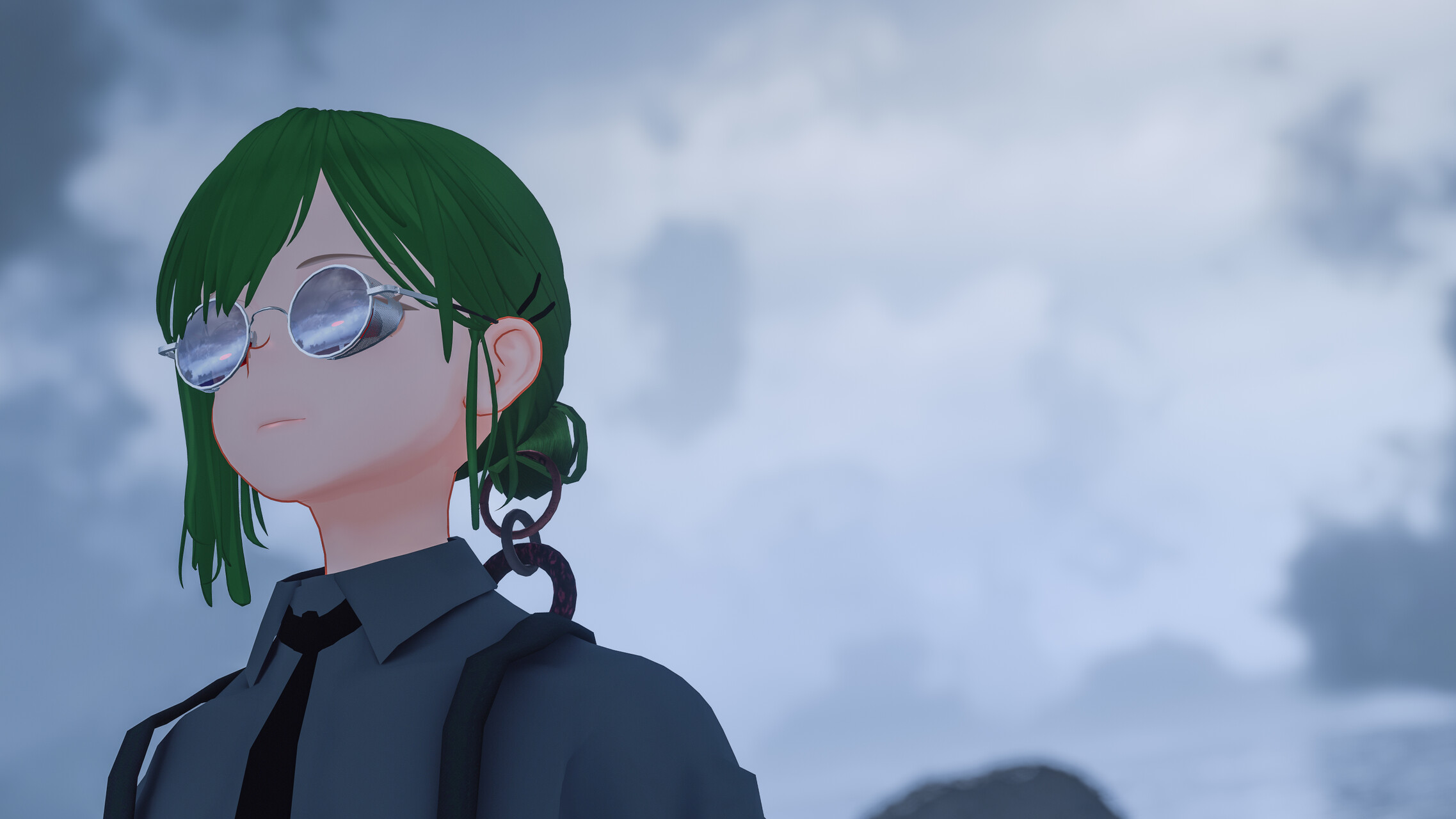
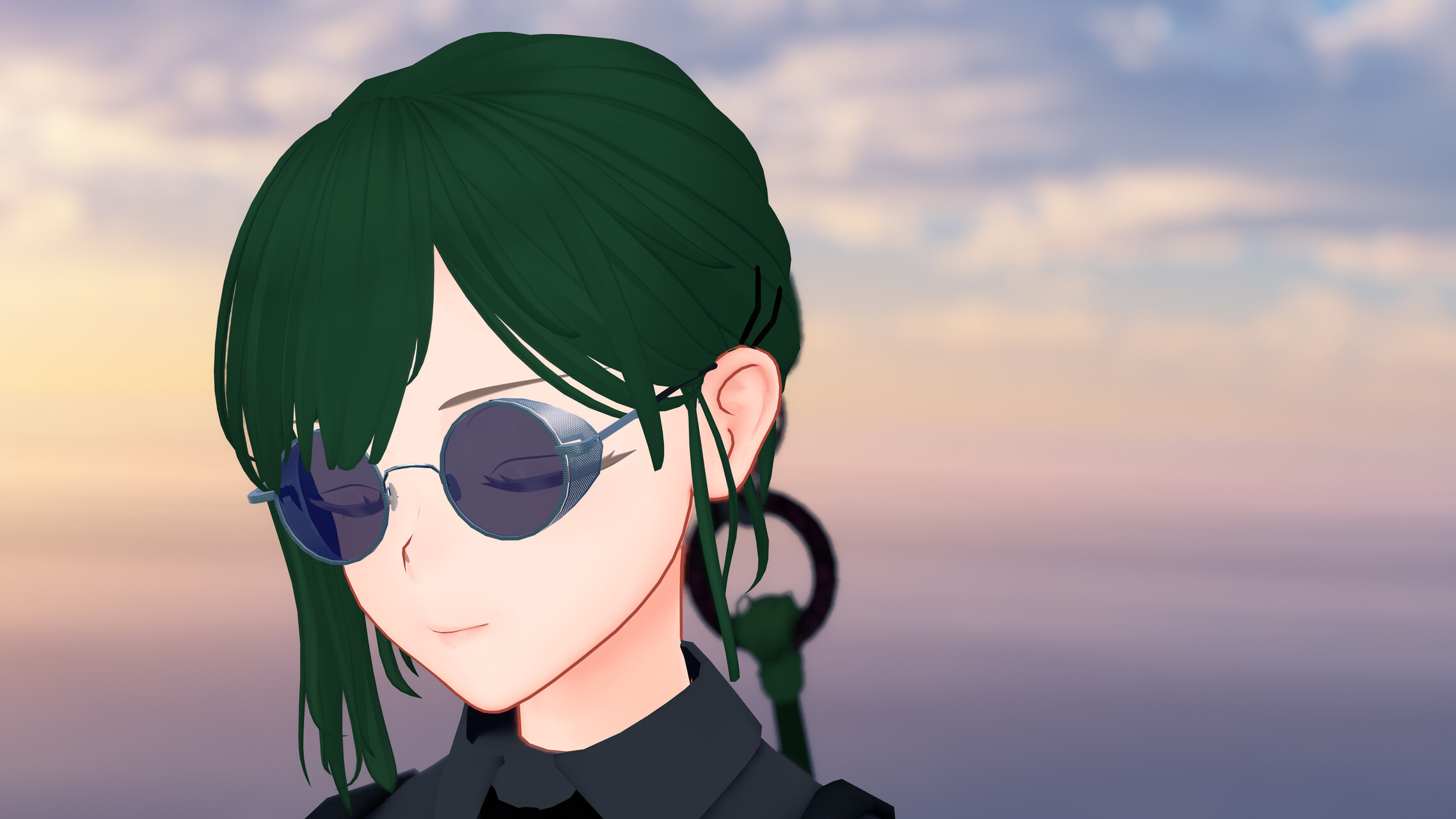
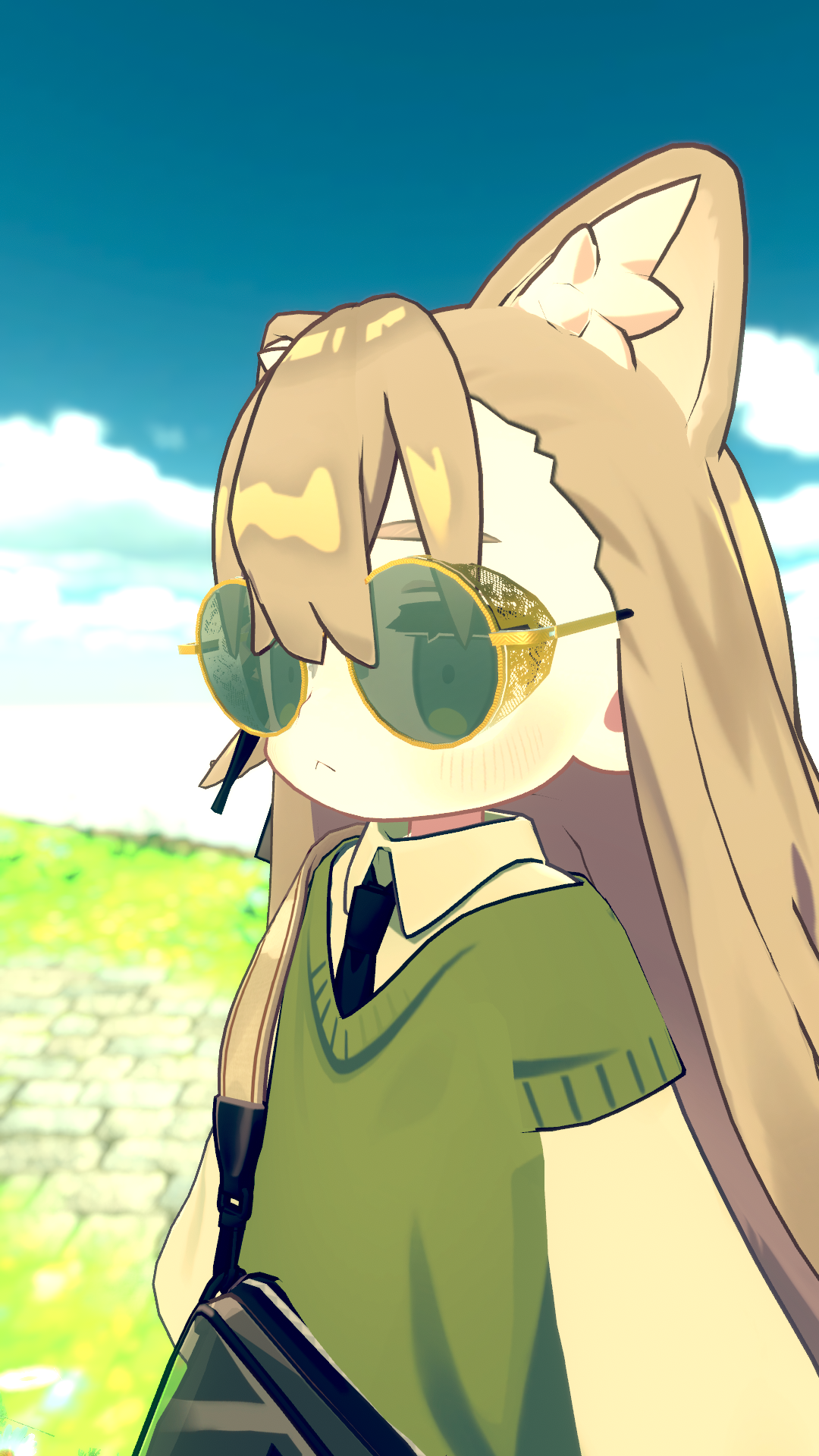
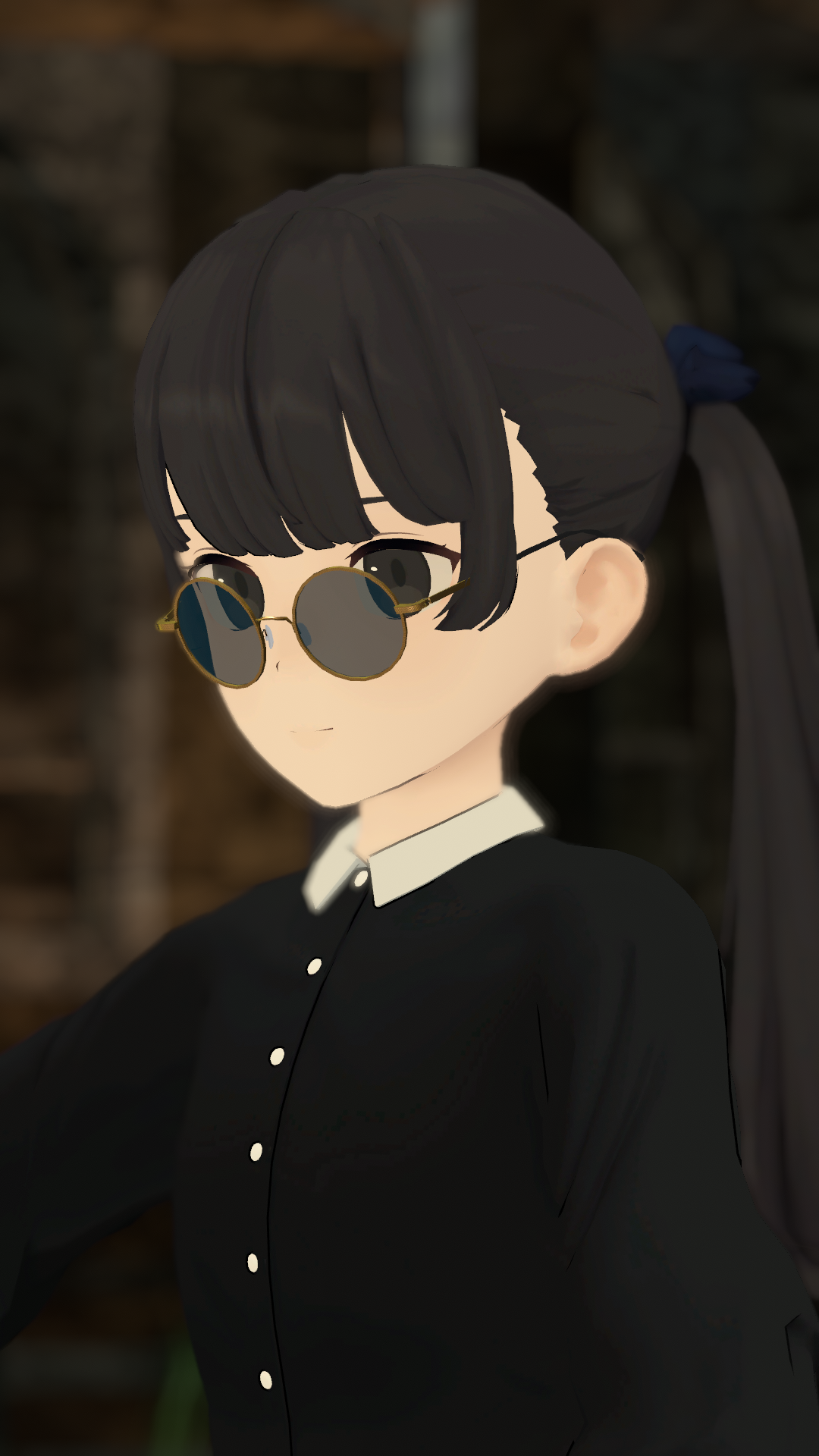
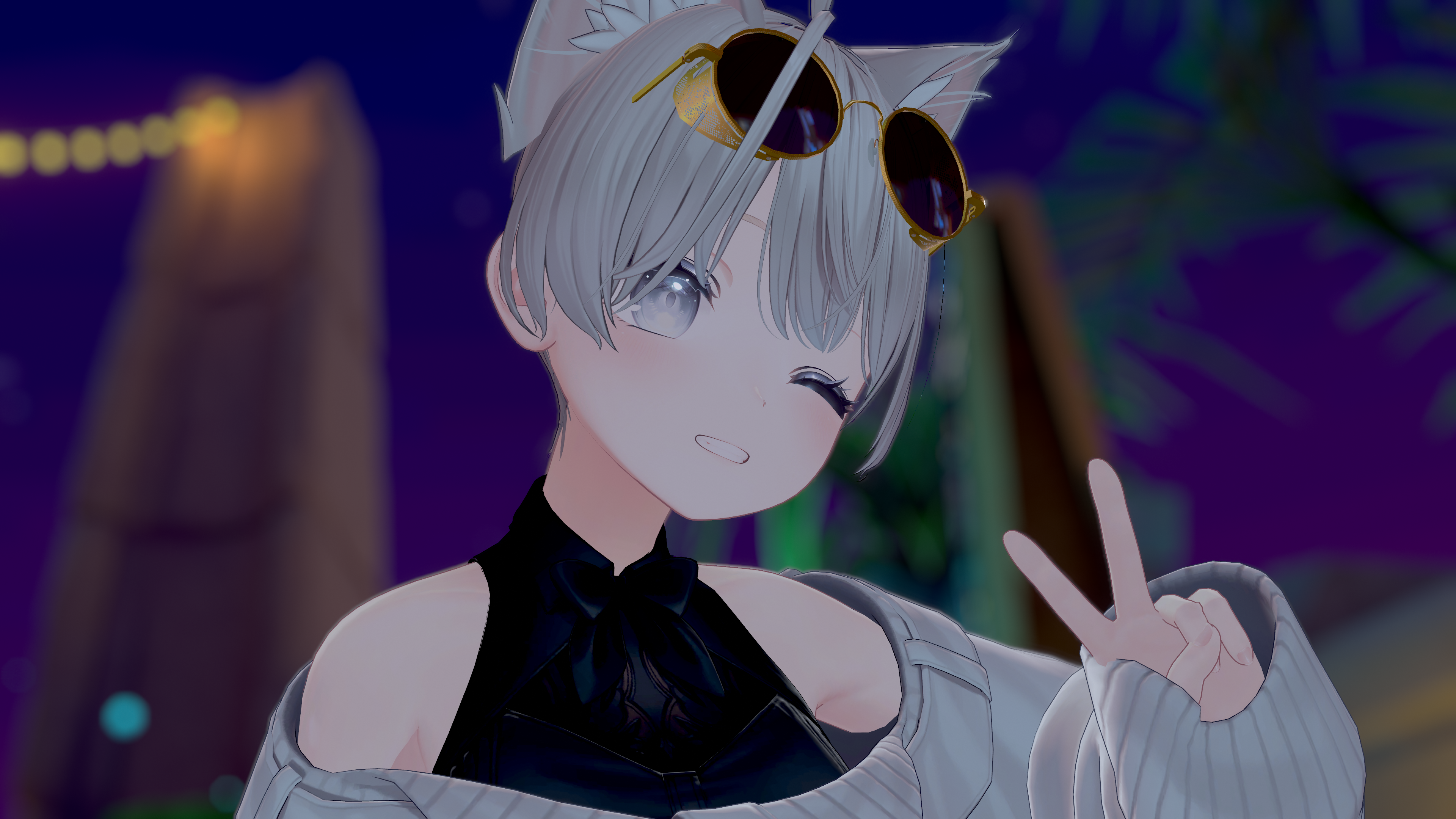
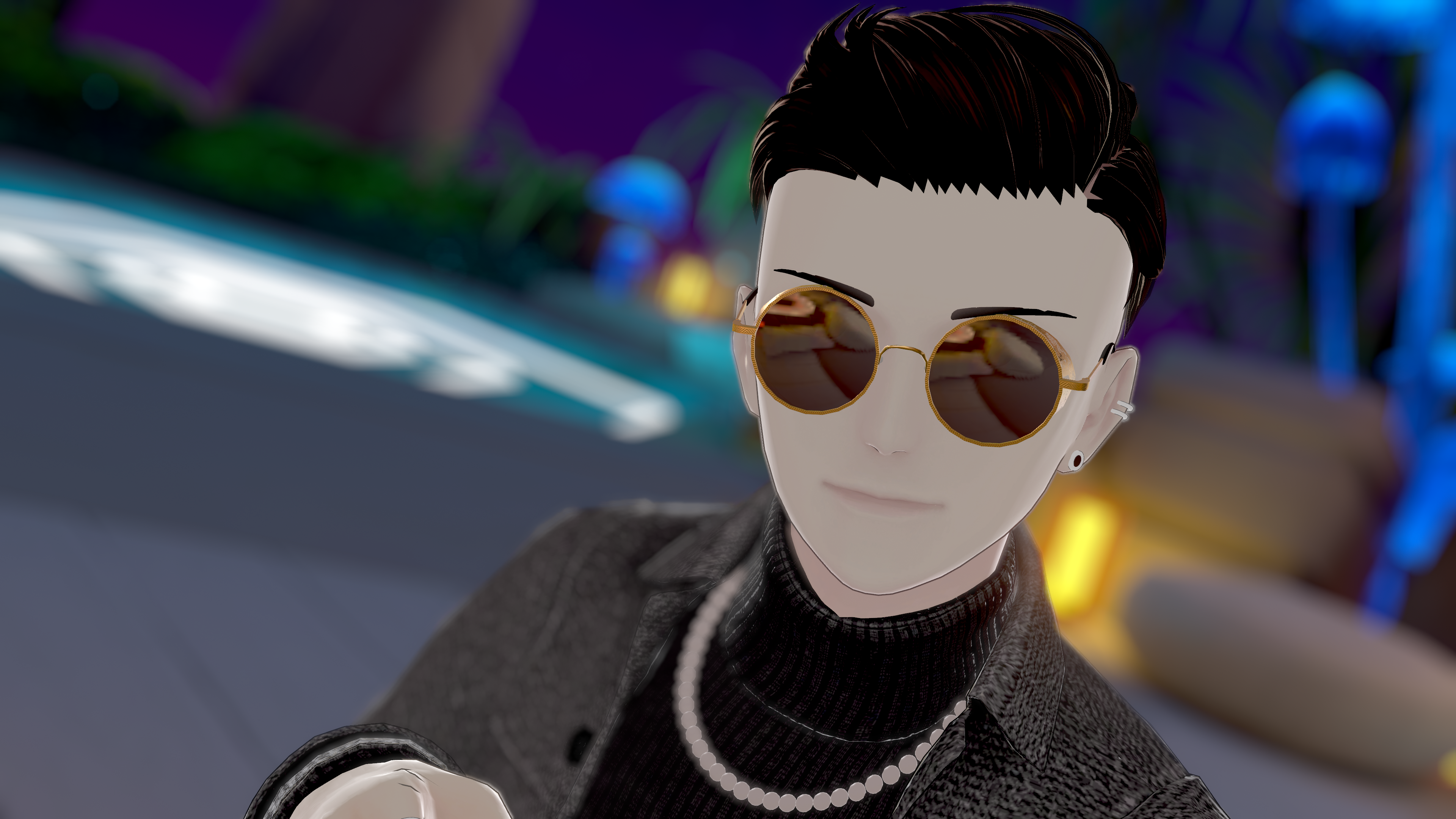
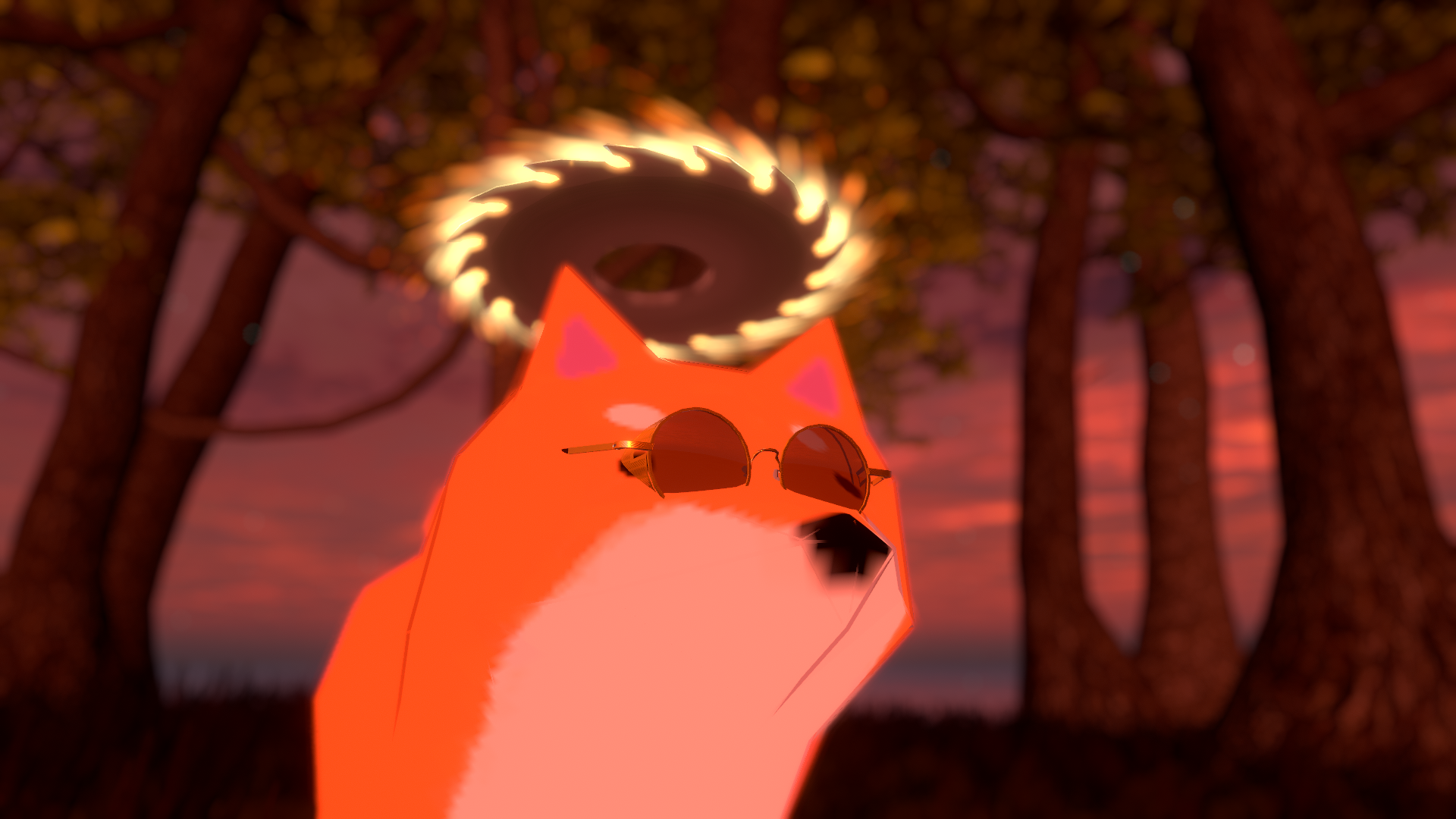
A Pair of High-End Sunglasses with Side Mesh!
Description
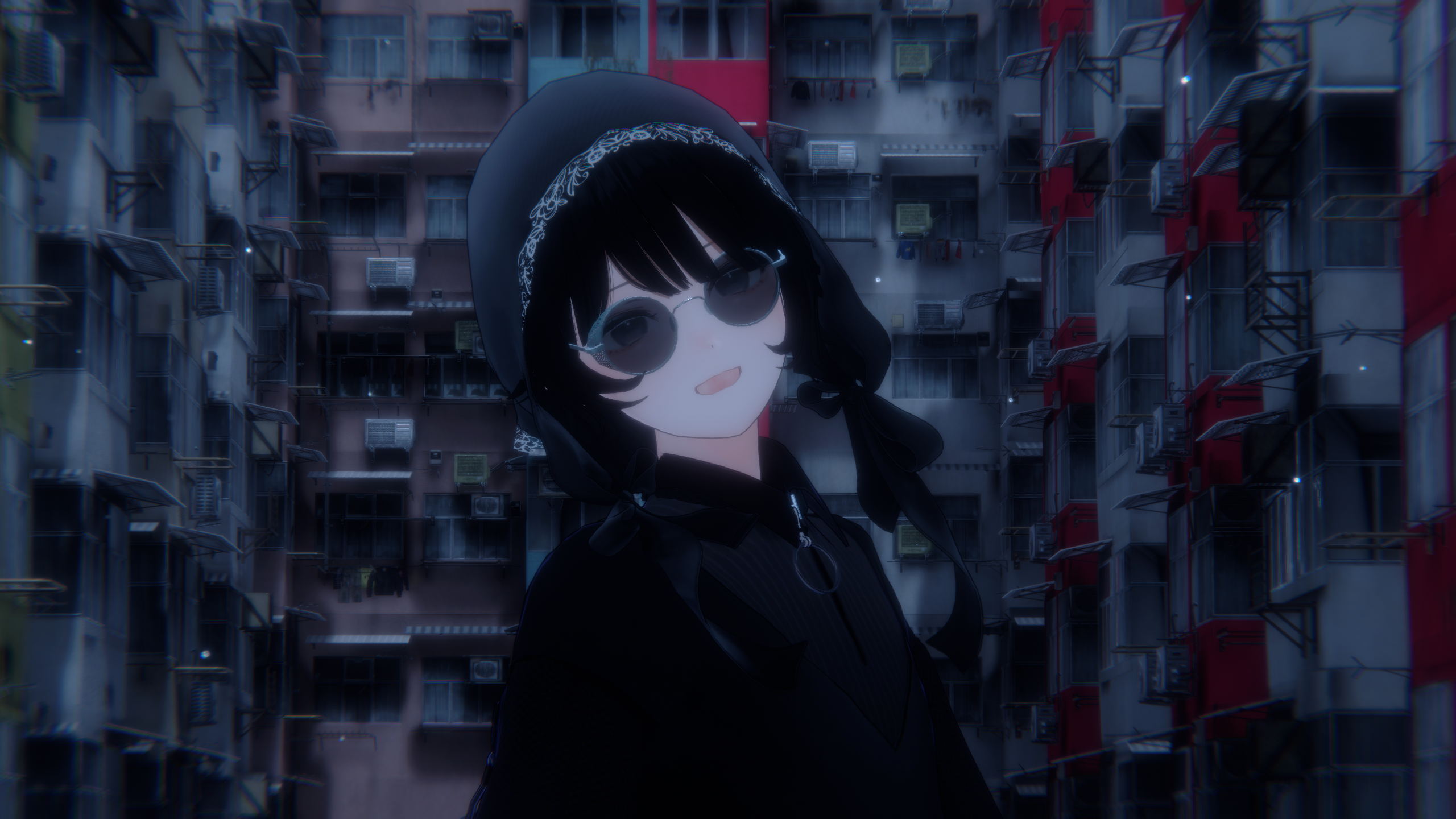
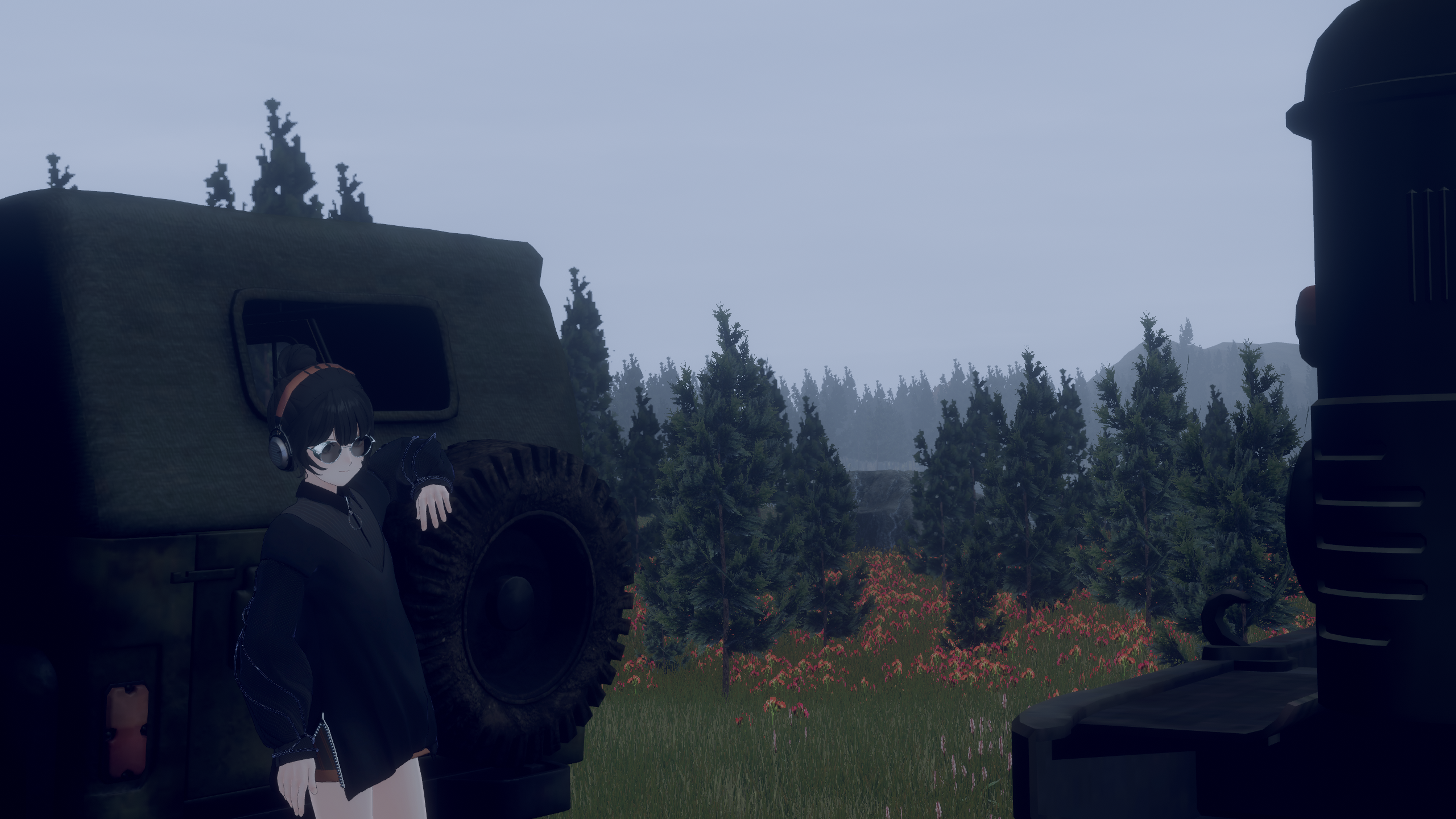
These are high-end sunglasses with side mesh!
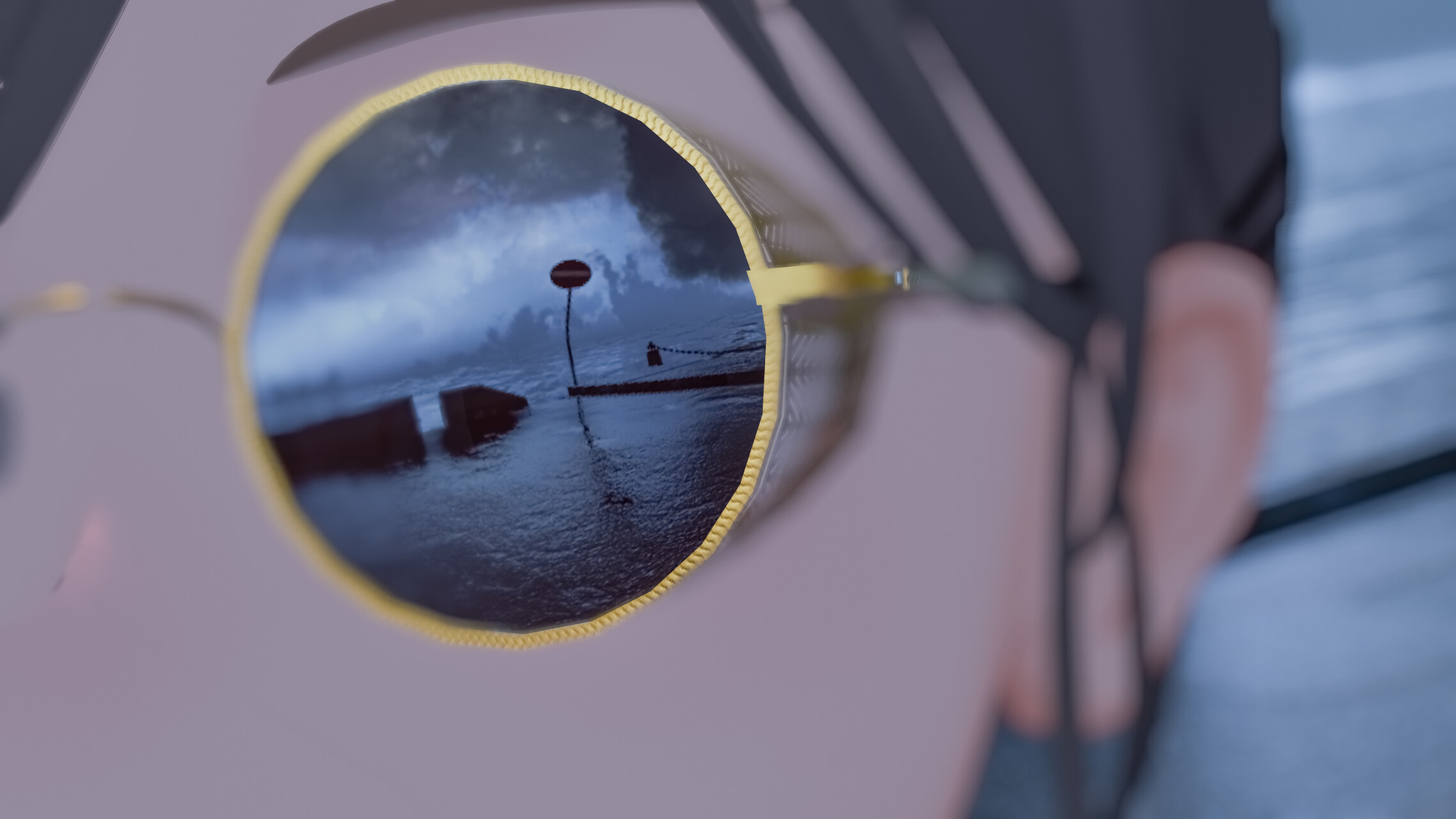
The side shields (mesh) were originally designed to protect the eyes from intense sunlight coming from the side and from wind while riding vehicles such as motorcycles and airplanes. Today, they also serve as a stylish decorative feature that gives the eyes a bold, distinctive look.
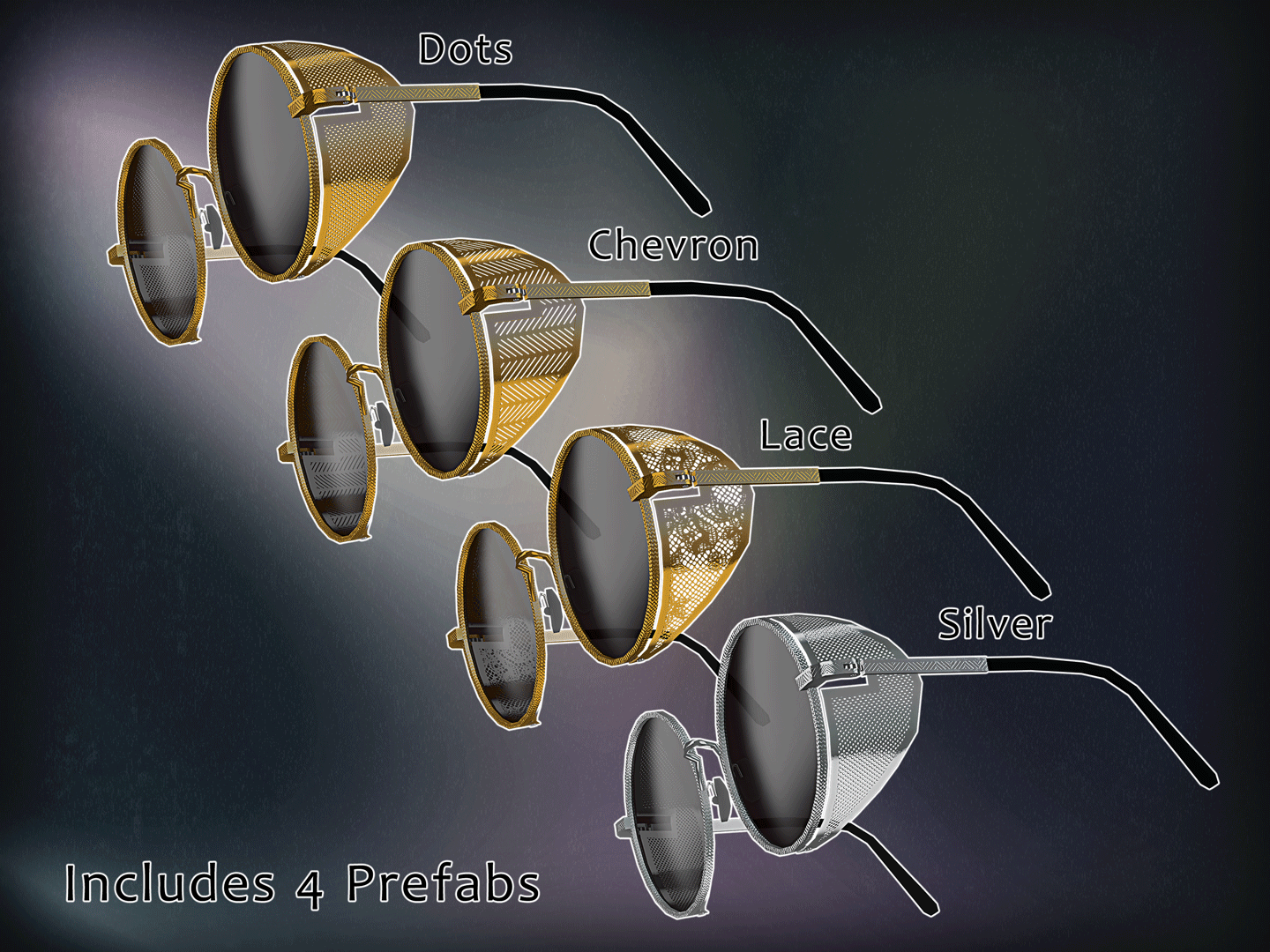
The mesh is available in three unique pattern variations.
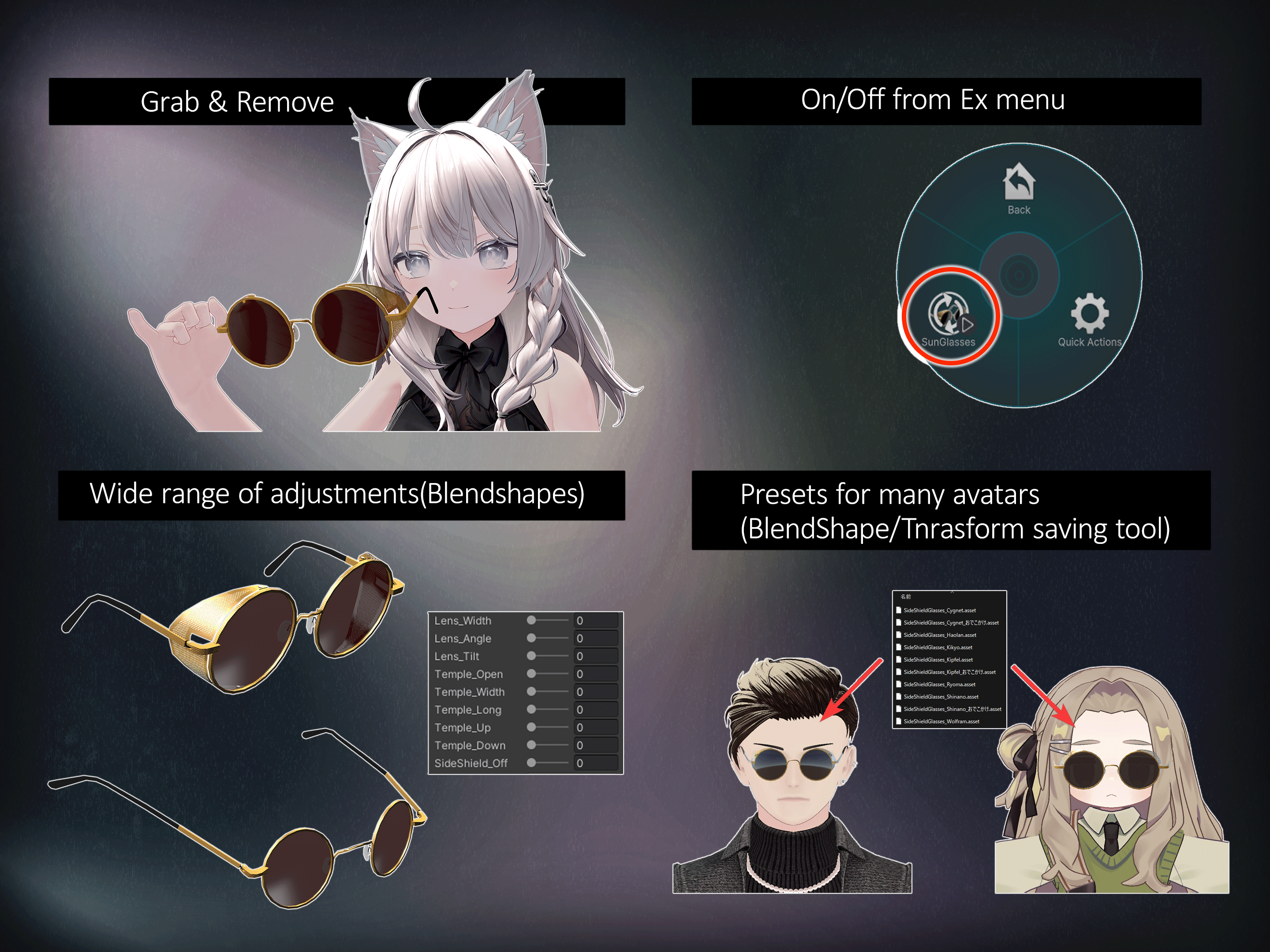
- You can grab the sunglasses by hand and secure them with the trigger. Other users can grab them too.
- A "SunGlasses" toggle is added to the avatar's Expressions Menu, allowing you to turn the sunglasses on and off.
- A wide range of blendshapes is included to help the sunglasses fit many avatars. You can also remove the side shields and use them as regular round sunglasses.
- A custom Unity Editor extension is included, allowing you to easily save and load presets containing blendshape and transform settings.
* The avatar shown in the product images is for demonstration purposes only and is not included. This product contains the sunglasses accessory only.
** The Resonite version does not include the grabbing or Expressions Menu features.
***Unless otherwise noted, the videos and photos on this page show the lilToon version (BOOTH). The Poiyomi Toon version is 99% identical.
Requirements
The Unity package requires:
- VRChat SDK - Avatars
- VRC Fury
- Poiyomi Toon Shader
Install these dependencies in your avatar project before importing this product. VRC Fury can be installed through the VRChat Creator Companion using its official VCC repository. Install a compatible version of Poiyomi Toon as instructed by the shader's distributor.
Installation
1. Install the VRChat SDK, VRC Fury, and Poiyomi Toon in your avatar project.
2. Import the included .unitypackage file.
3. Under "SHIBRAMS/SideShieldGlasses/", locate the VRC Fury-compatible "SideShieldGlasses_xxx" prefab that you want to use.
4. Drag and drop the prefab directly under your avatar in the Hierarchy. Keep the included VRC Fury components intact. They handle attachment to the avatar's head and add the "SunGlasses" toggle to the Expressions Menu when the avatar is built.
5. Select the sunglasses in the Hierarchy or Scene view, right-click, and select "SideShieldGlasses_Preset" > "Apply Preset". Then choose one of the available presets.
6. If the position or size needs further adjustment, edit the Transform and Scale values of the object named "PleaseAdjustTransformHere".
7. You can adjust the blendshape values on:
"SideShieldGlasses_xxx/PleaseAdjustTransformHere/SideShieldGlasses"
8. To change the lens appearance, edit "Materials/SideShade_Lens.mat" using the Poiyomi Toon material settings. Lower the material's opacity to make the lenses look more like regular eyeglasses.
9. Enter Play Mode or use your usual avatar-testing workflow to confirm the fit, grabbing interaction, and Expressions Menu toggle before uploading.
* If the avatar's bangs use a PhysBone with "Allow Grabbing" enabled, it may interfere with grabbing the sunglasses. In that case, disable "Allow Grabbing" on the bangs' PhysBone to make the sunglasses easier to grab.
Resonite Installation
Extract "SideSheildGlasses_v1.x_Resonite.zip", then drag and drop the included "SideSheildGlasses_v1_x.resonitepackage" file into the Resonite window.
Specifications
- Meshes: 1
- Polygons: 2,146
- Materials: 3
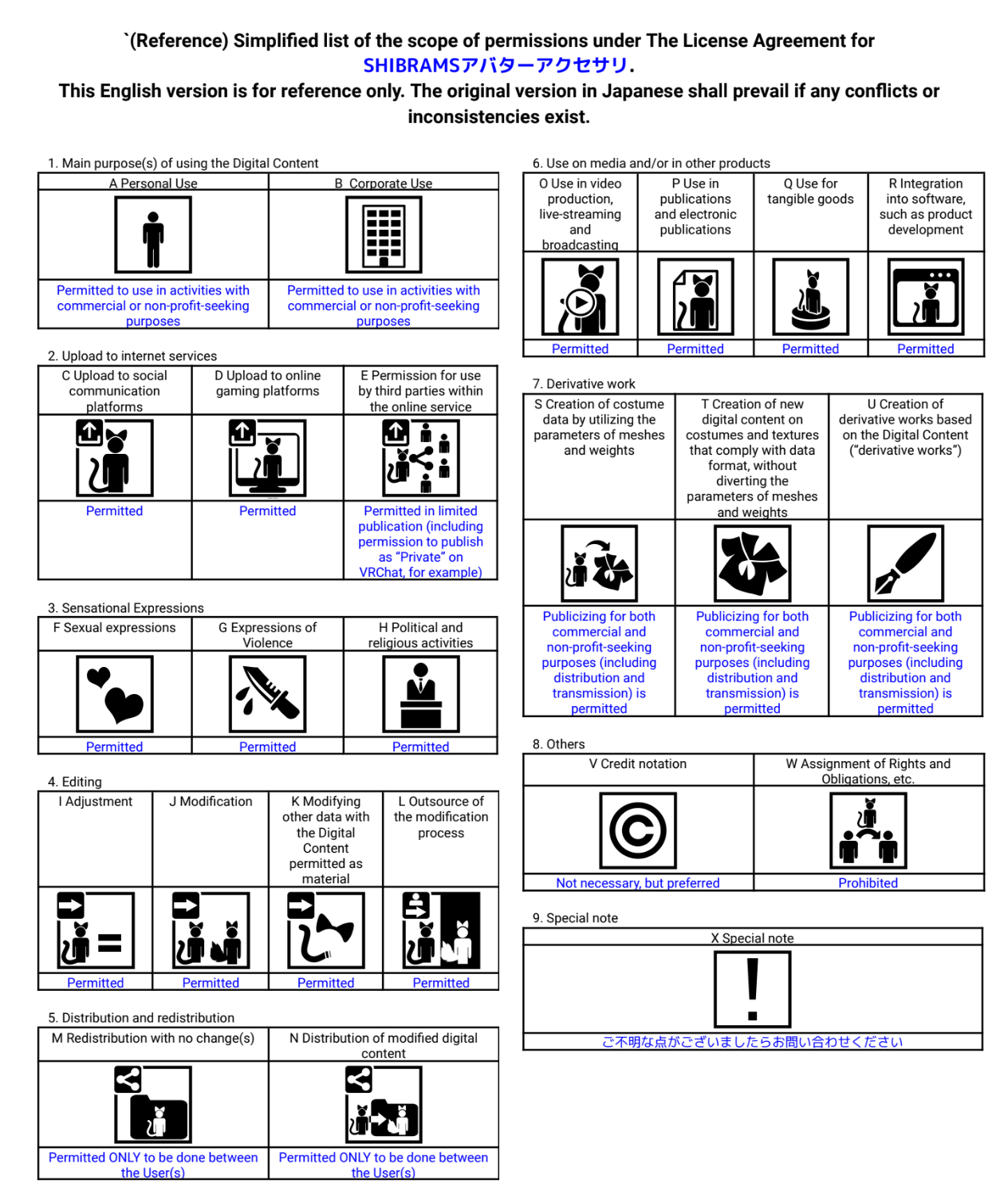
Terms of Use
English: https://drive.google.com/file/d/15KjvJmsYu00xiNkyLEP2kmiY0lWcZ1MY/view
Japanese: https://drive.google.com/file/d/1KYDqwPLfuXiFi99_2mUOgOHWLA4ohat6/view
## Update History
- July 29, 2026 — SideShieldGlasses_Jinxxy_v1_8
- Created and released a Jinxxy version updated to use VRC Fury and Poiyomi Toon.
- March 22, 2025 — SideShieldGlasses_v1_71 (lilToon latest) <- Also included!
- Removed unnecessary files that were accidentally included.
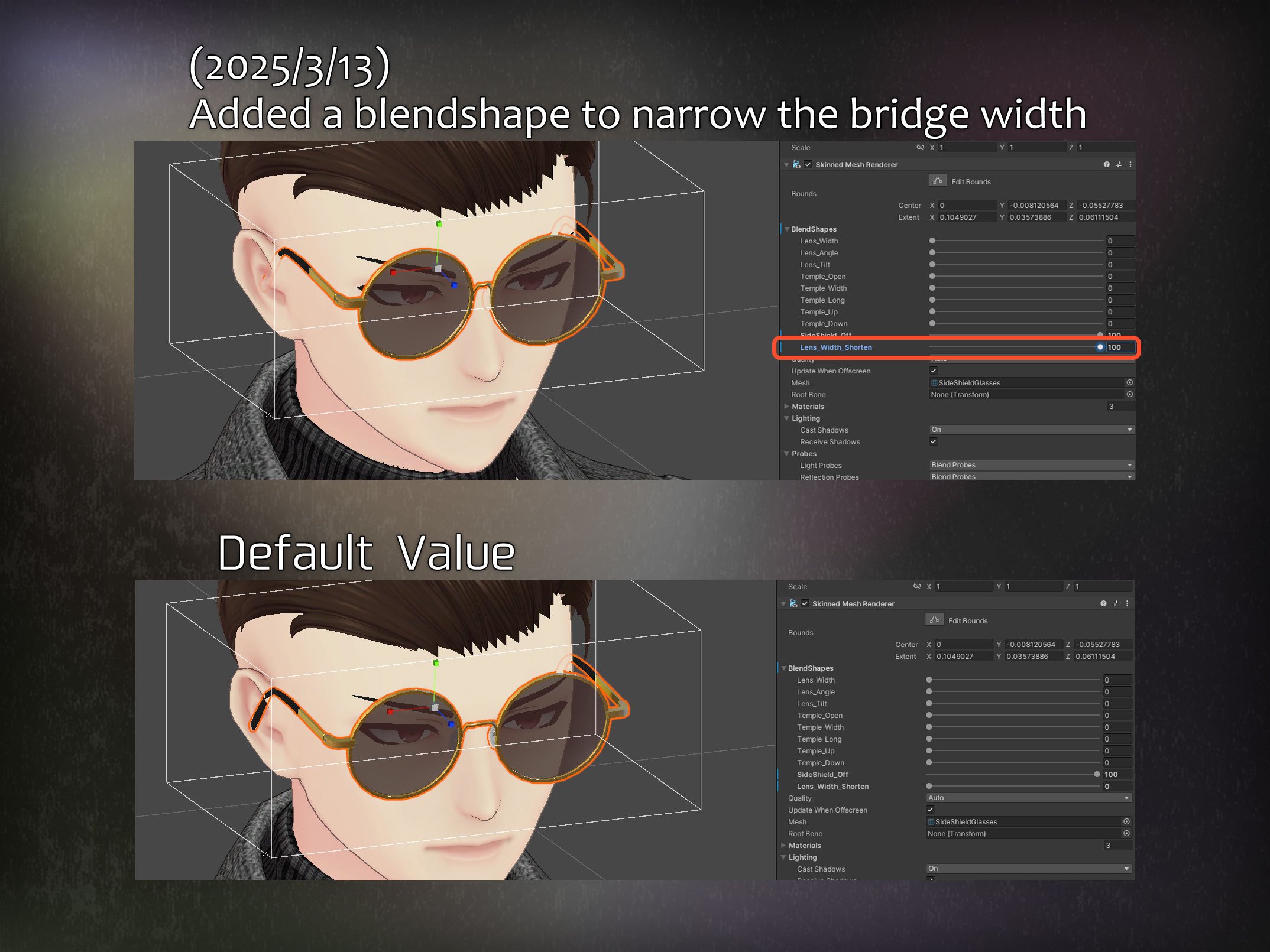
- March 14, 2025 — SideShieldGlasses_v1_7
- Added a blendshape for narrowing the bridge width.
- December 12, 2024 — SideShieldGlasses_v1_6_1_Resonite
- Fixed an unintended Transform setting in the Resonite package.
- December 8, 2024 — SideShieldGlasses_v1_6_Resonite
- Added a Resonite package file.
- December 7, 2024 — SideShieldGlasses_v1_6
- Added a README file.
- December 6, 2024 — SideShieldGlasses_v1_5
- Initial release.
Special Thanks
Photo:
Dentaku https://x.com/D3NT4KU
niwakajansi https://x.com/niwakajanshi
soncho https://x.com/soncho_shiba