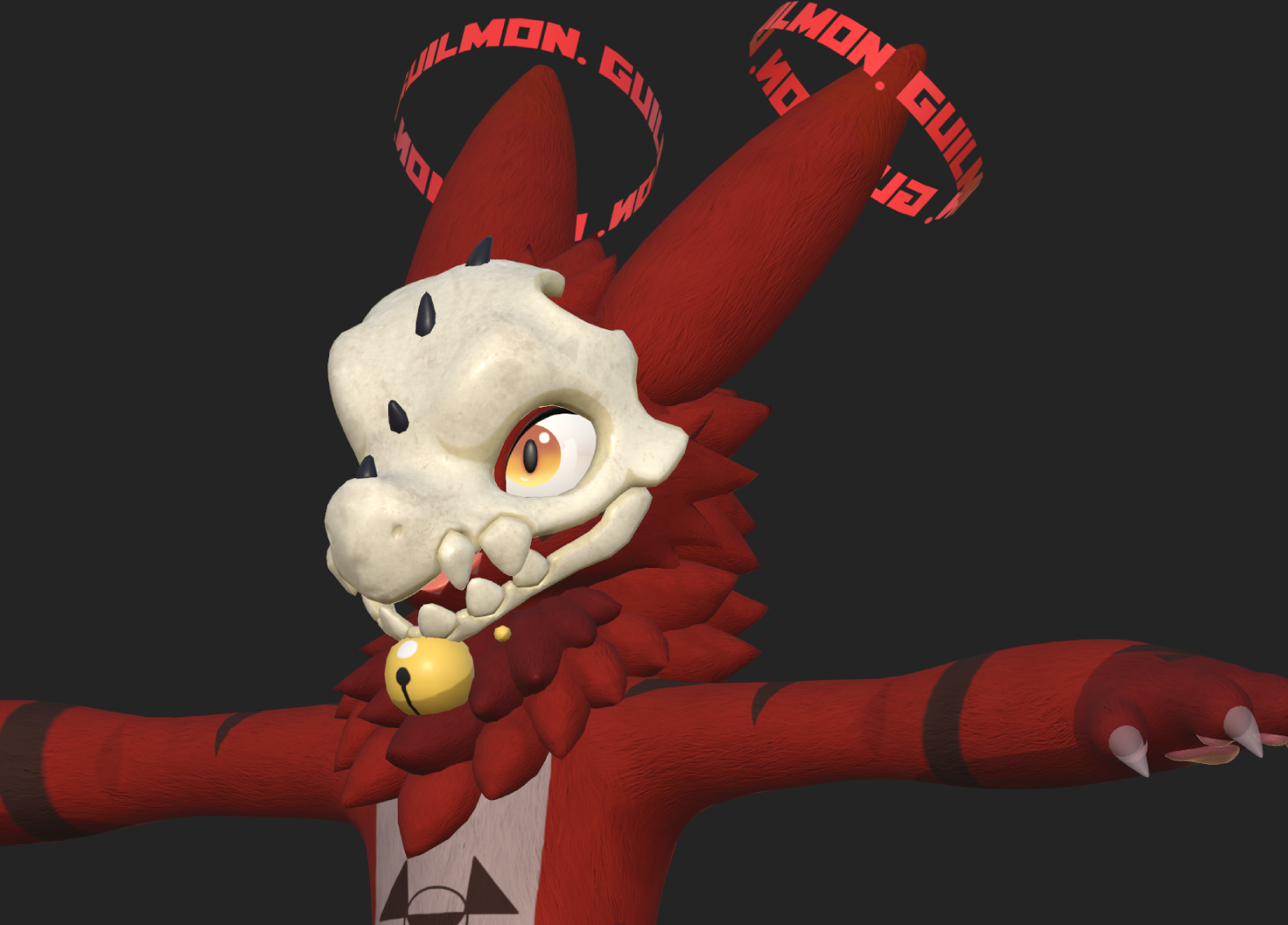
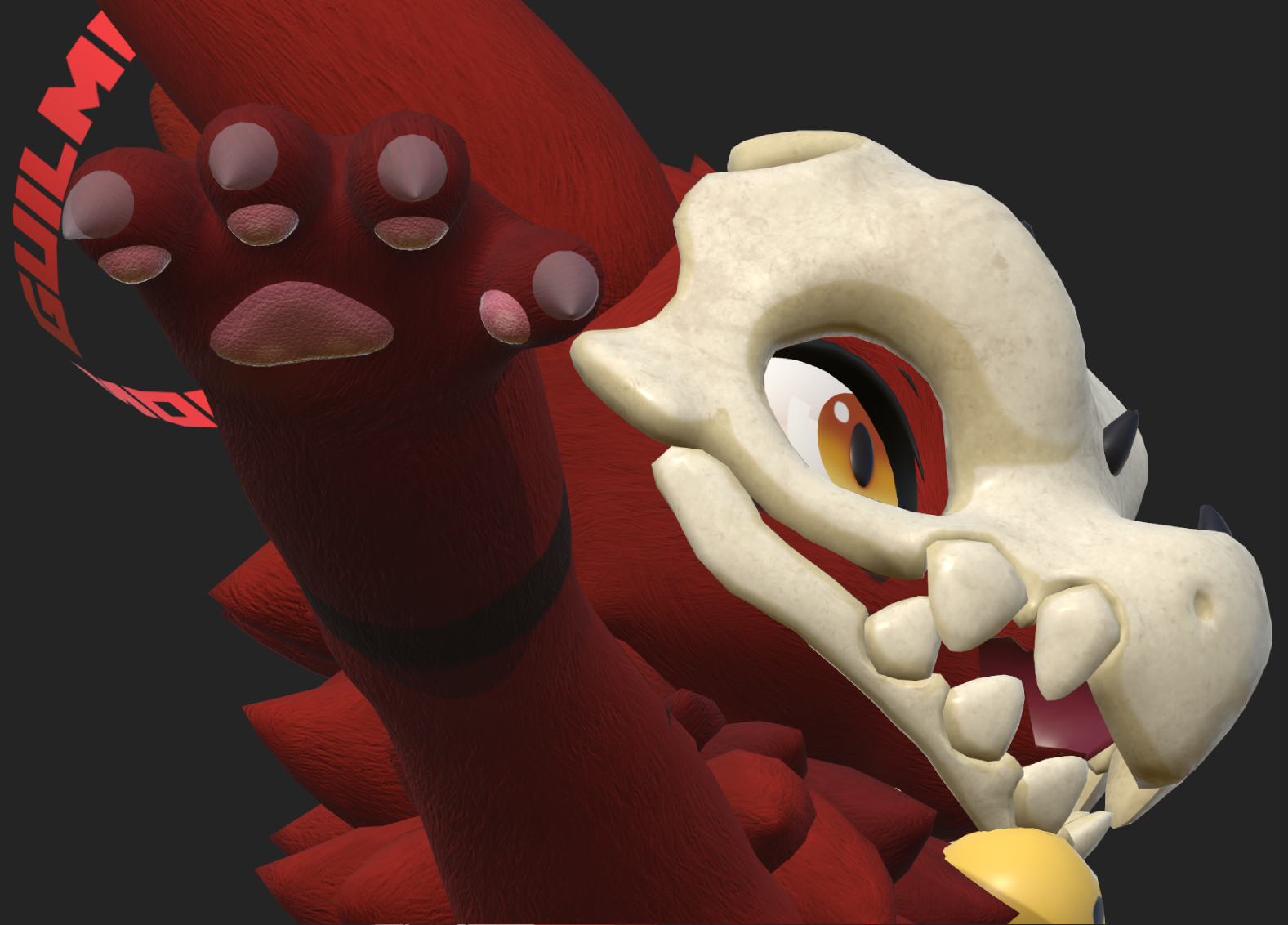
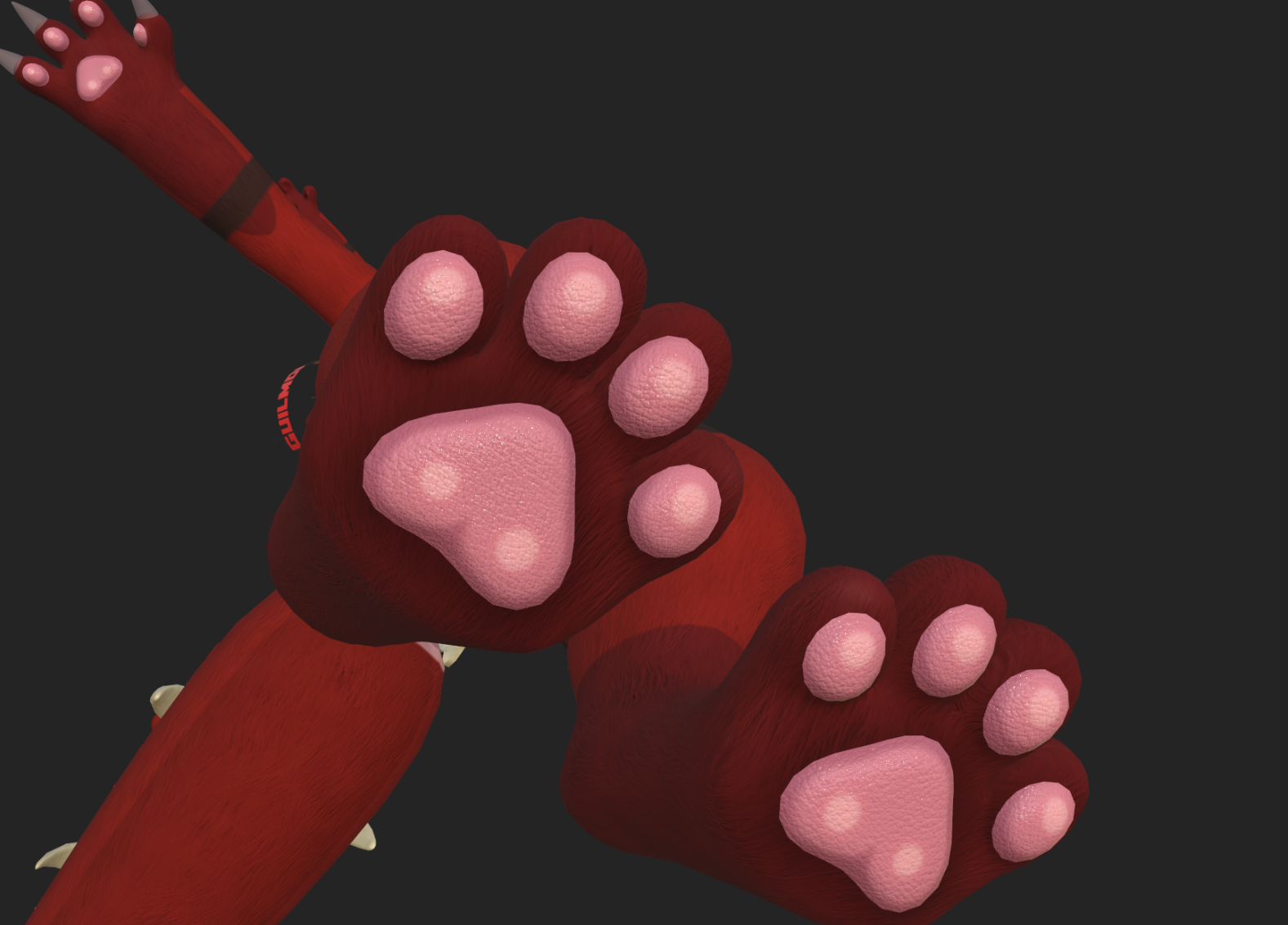
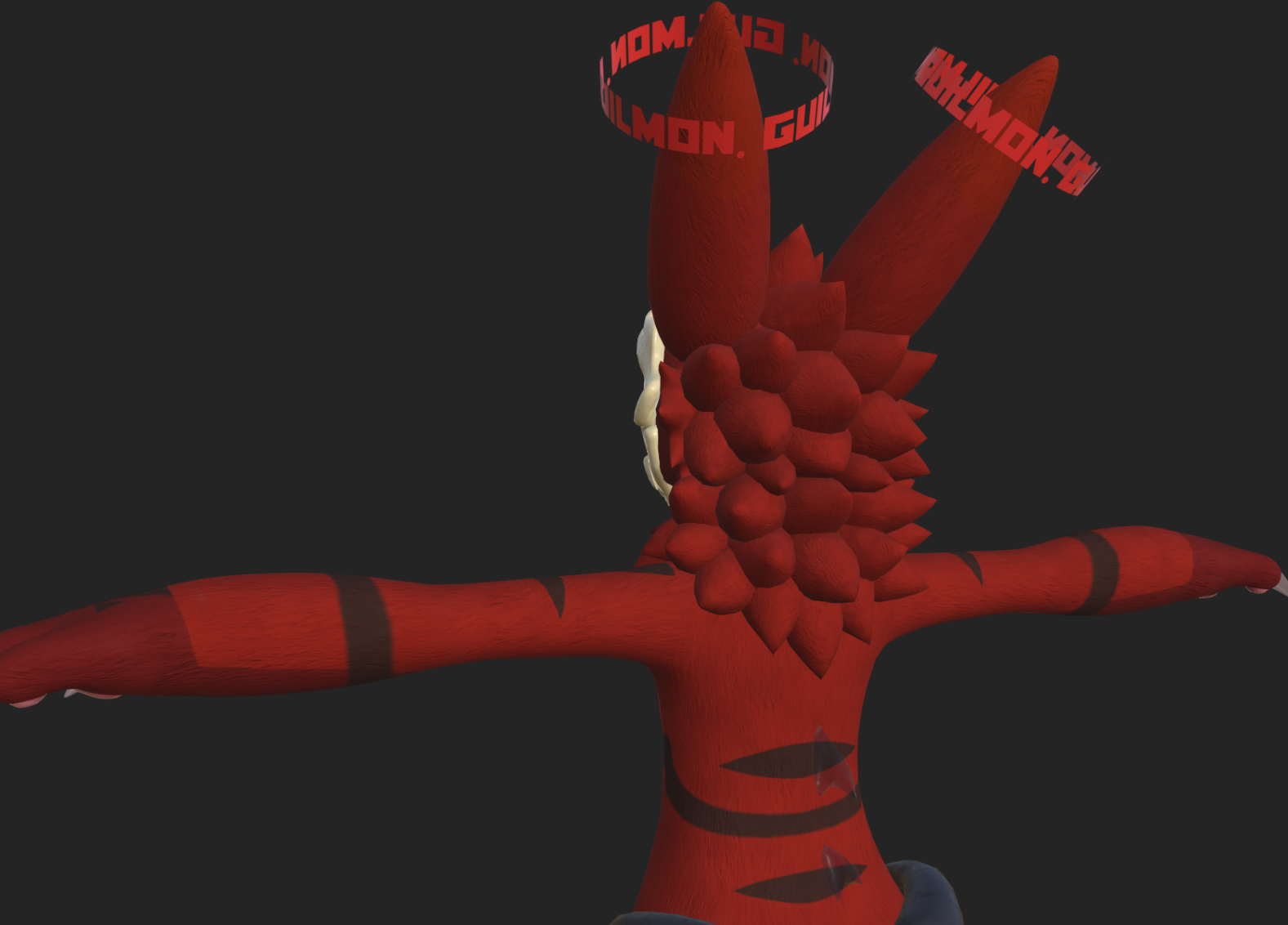
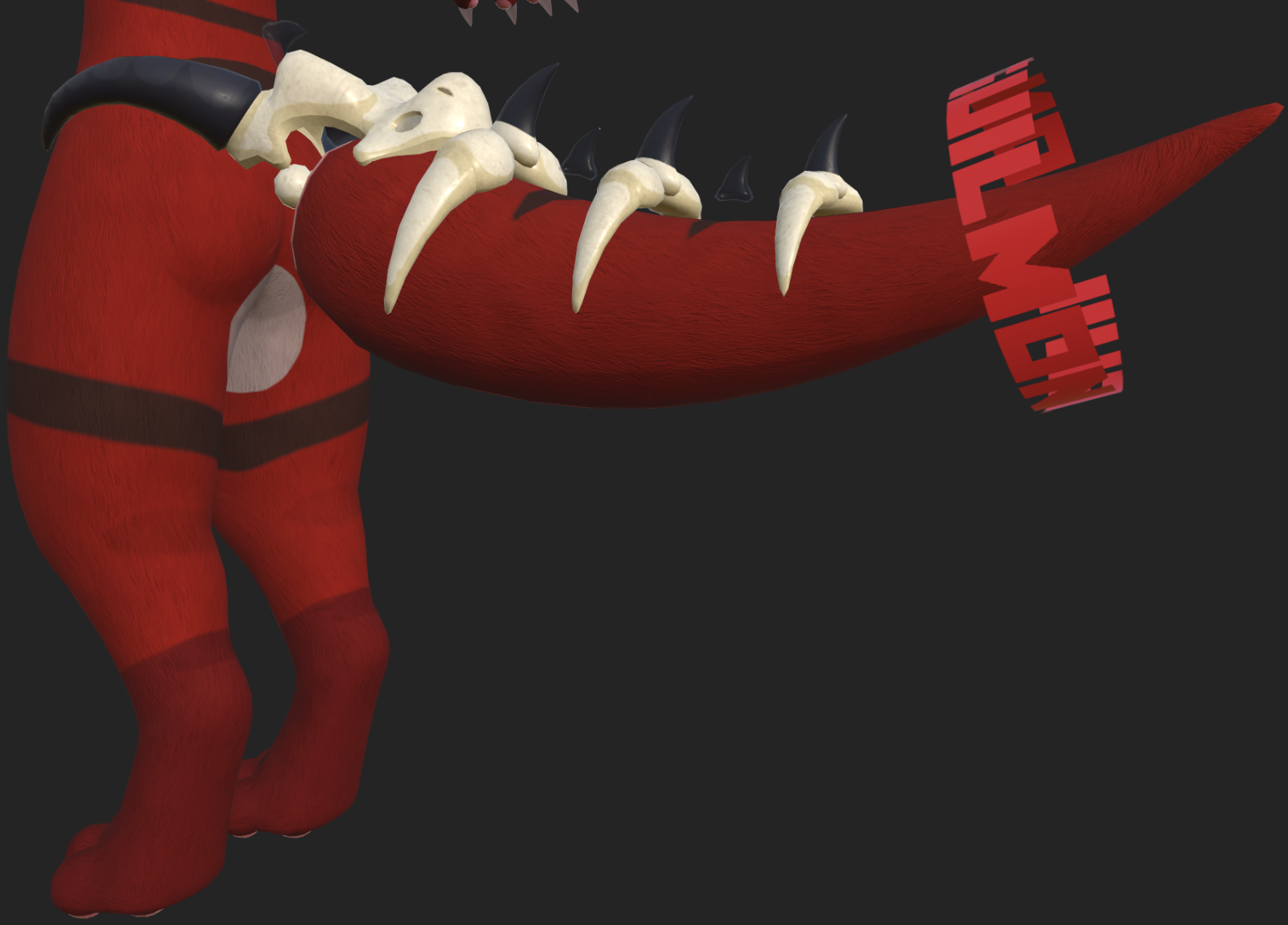
Rosune (Guilmon) Texture Bundle
Etiquetas
Descripción del producto
Be aware, this asset is only set up for the base Rosune model, I cannot guarantee that it will look good on other avatars.
More Affordable on gumroad! here: https://ottotheott.gumroad.com/l/RosuneFurbundle
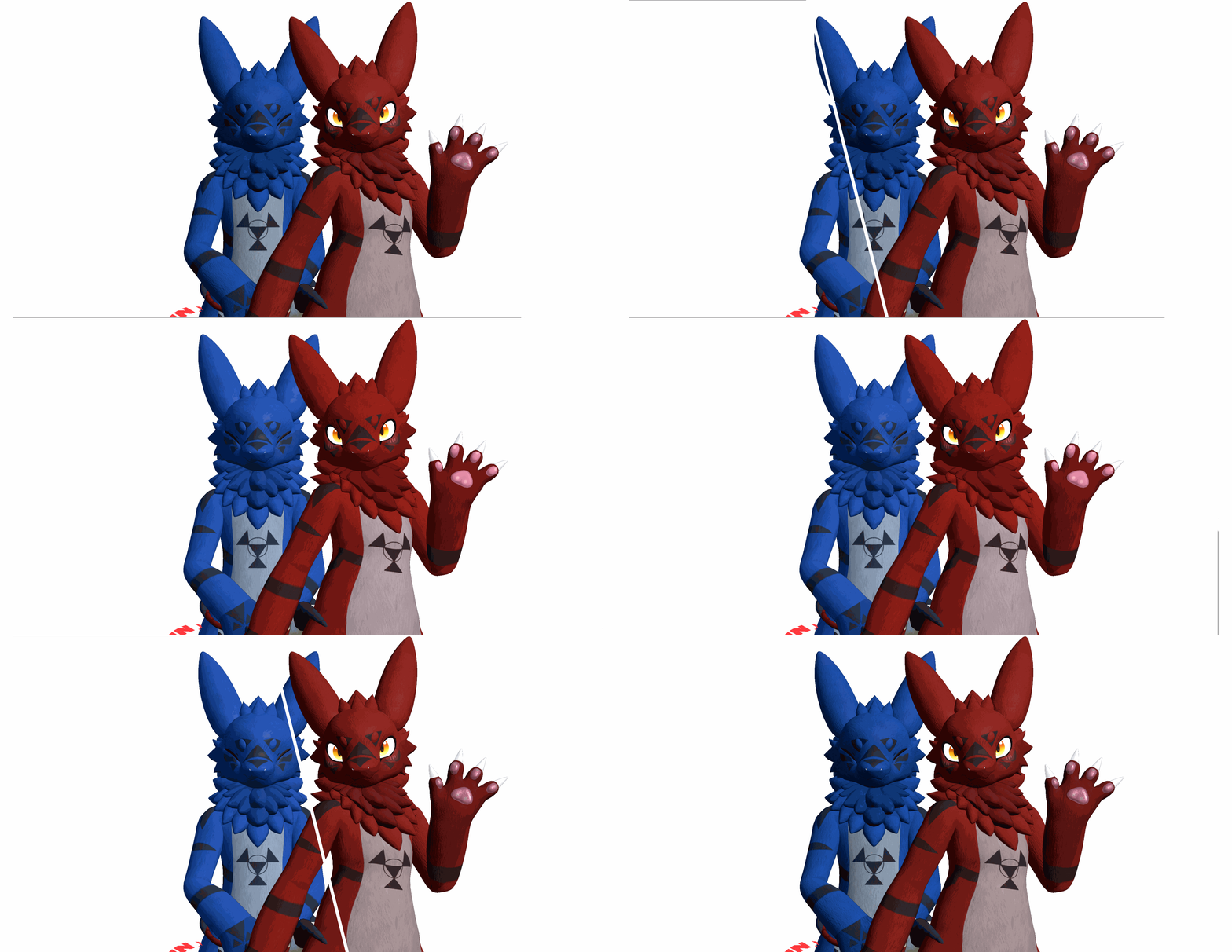
Normal map Bundle:
Normal map setup:
Easy setup with Unity
- Unpack Rosune Bundle Unity Package
- Select your base/body material, doesn't matter witch shader your using just has to support a normal map
- Drag and drop texture into normal map input in the material
- if it says its not a normal map just click "fix" to auto assign it
- Crank that normal map intensity to 1!
Easy as 1, 2, 3.
If it doesn't look the way you expected it, feel free to message me and ill be happy to help you with any issues
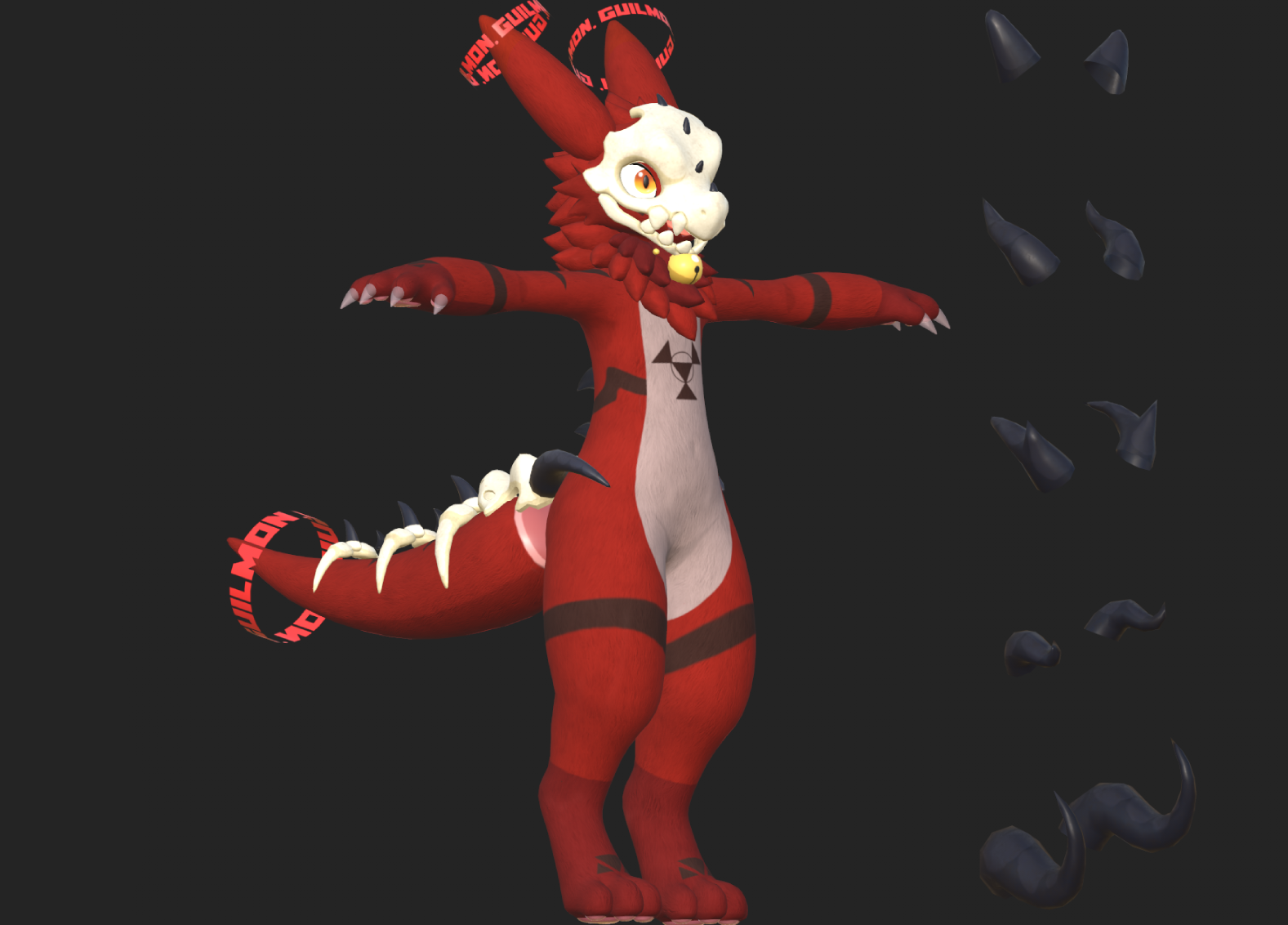
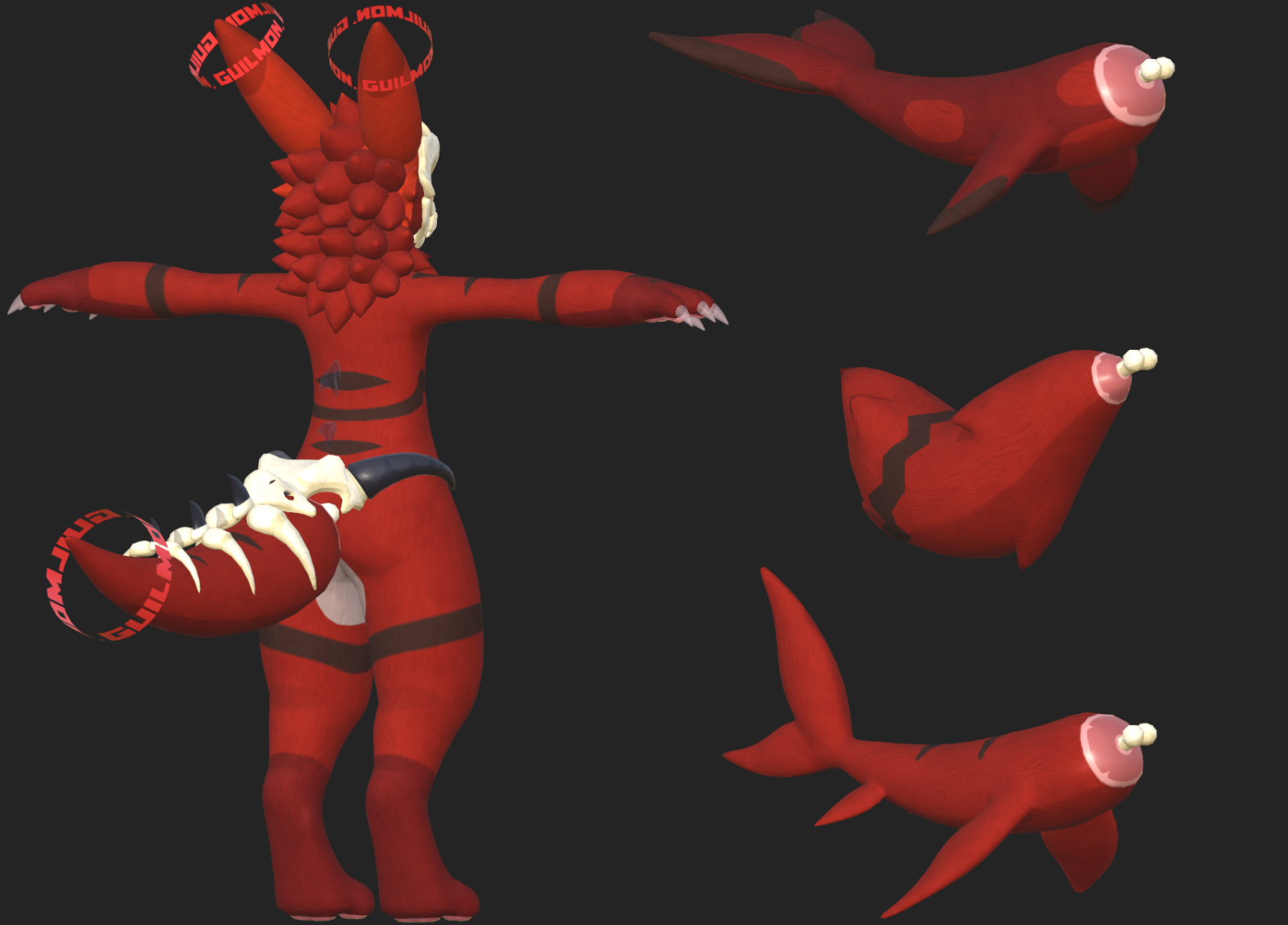
Guilmon texture Bundle:
Material setup:
- Unpack Rosune Bundle Unity Package
- Click and Drag each Material accordingly to their respective material slot meaning:
- (Body Material-> Body Material)
- (Head Material-> Head Material)
- (Tail Material-> Tail Material)
- (Skull-Ring Material-> Skull-Ring Material)
- (Claws Material-> Claws Material)
- If you don't want to use Poiyomi, Feel free to change the material's shader to whichever shader you like, as long as it supports a Normal map-Ambient Occlusion Map.To manually apply the textures please refer to the Files & Content when purchasing!
Terms of service
- You can't resell this asset.
- You can't distribute this asset.
- Contact me if you have any questions or need any help!
If you have comments or suggestions feel free to ask me!
Twitter: @Psychieeee_
Discord: psychie_dikie
Telegram: @Psychie_Boi