
GlowBrush Fixtures — Click-to-Place Tool for Your Own Fixtures & Props
Etiquetas
Descripción del producto
GlowBrush Fixtures is a Unity Editor-only tool for VRChat world creators (and anyone building scenes in Unity 2022.3 with the Built-in Render Pipeline).
Drop any light-fixture or prop prefab into the tool. Hover over a surface and see a matching ghost preview. Click to place it, mounted the right way for ceilings and walls. In the panel’s live preview, you can brush-paint emission onto a bulb (or any part). Save — and every placed copy keeps that painted glow, with a point light sitting where you painted.
No 3D models are included. Use your own fixtures and props. The script lives in an Editor folder, so the tool itself never uploads to VRChat.
FEATURES
- Tools → Fixture Click Place editor window
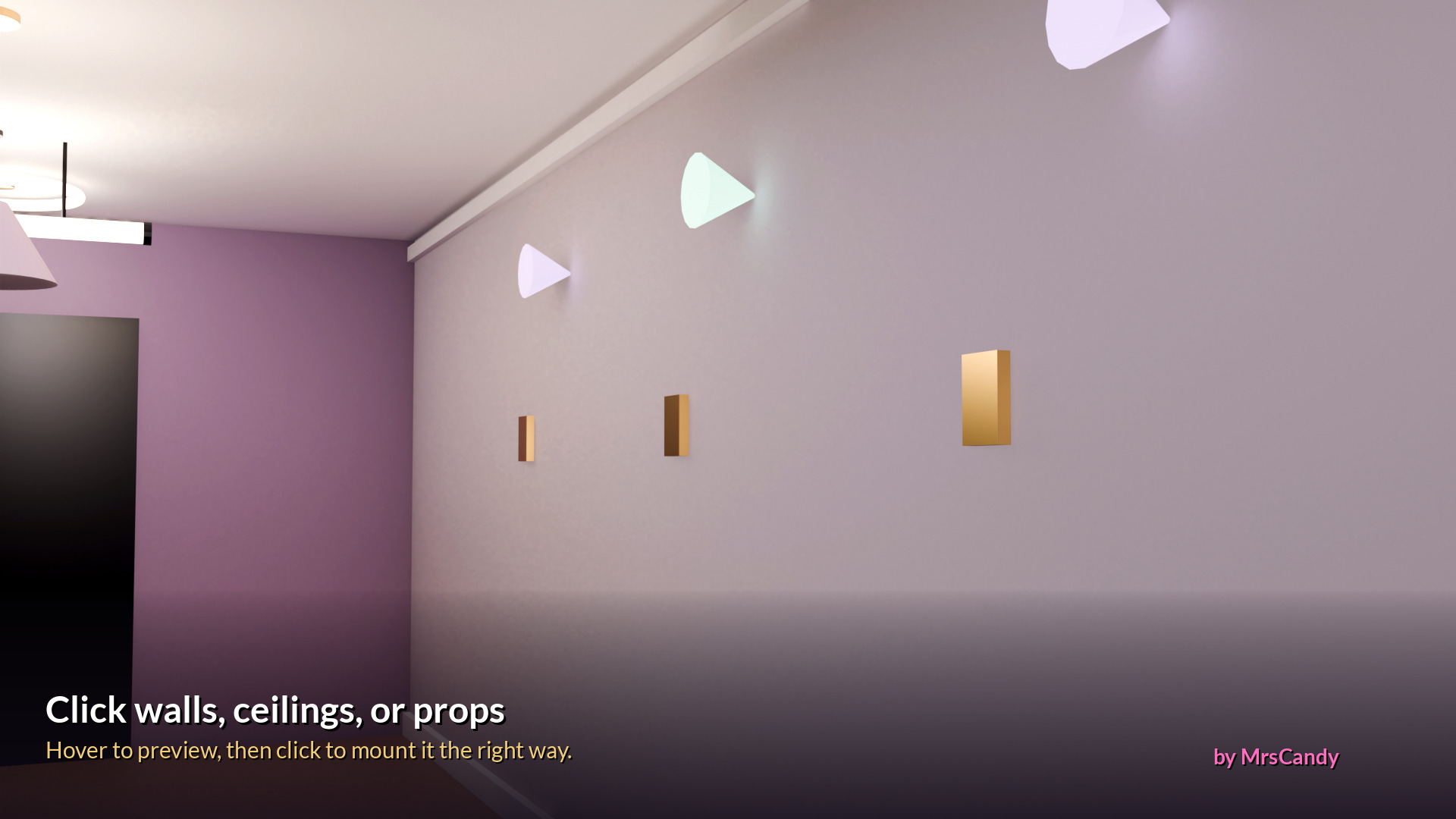
- Click-to-place on visible meshes or colliders (ceilings, walls, props — no collider required if the mesh is visible)
- Hover ghost preview that matches real placement (rotation, scale, push-out)
- Push Out, Scale slider, and Extra Rotation so upside-down imports sit upright
- Live preview window (spin with right-drag, zoom with scroll)
- Brush-paint glow in the preview only — color, strength, brush size, hardness, erase, clear paint
- Save Painted Fixture → prefab + emission mask + point light at the painted spot
- Original assets are never edited; painting happens in an isolated preview
- Works with prefabs, FBX/model roots or children, variants, LOD/skinned sources, and scene objects
- Built for Unity 2022.3 + Built-in Render Pipeline
- Perfect for VRChat worlds (editor tool only — not part of the uploaded world)
REQUIREMENTS
- Unity 2022.3 (tested with VRChat’s current SDK Unity version)
- Built-in Render Pipeline (not URP/HDRP)
- Your own fixture or prop prefab/FBX (not included)
- Triangle meshes + UVs needed for glow painting (placement works without them); Standard materials work best
WHAT'S INCLUDED (GlowBrush_Fixtures_v1.2_by_MrsCandy.zip)
- Editor/FixtureClickPlace.cs — the full editor tool (version 1.2)
- README.txt — install + usage
- LICENSE.txt — single-user license terms
Not included: any 3D light models, textures, or third-party assets. Bring your own fixtures and props.
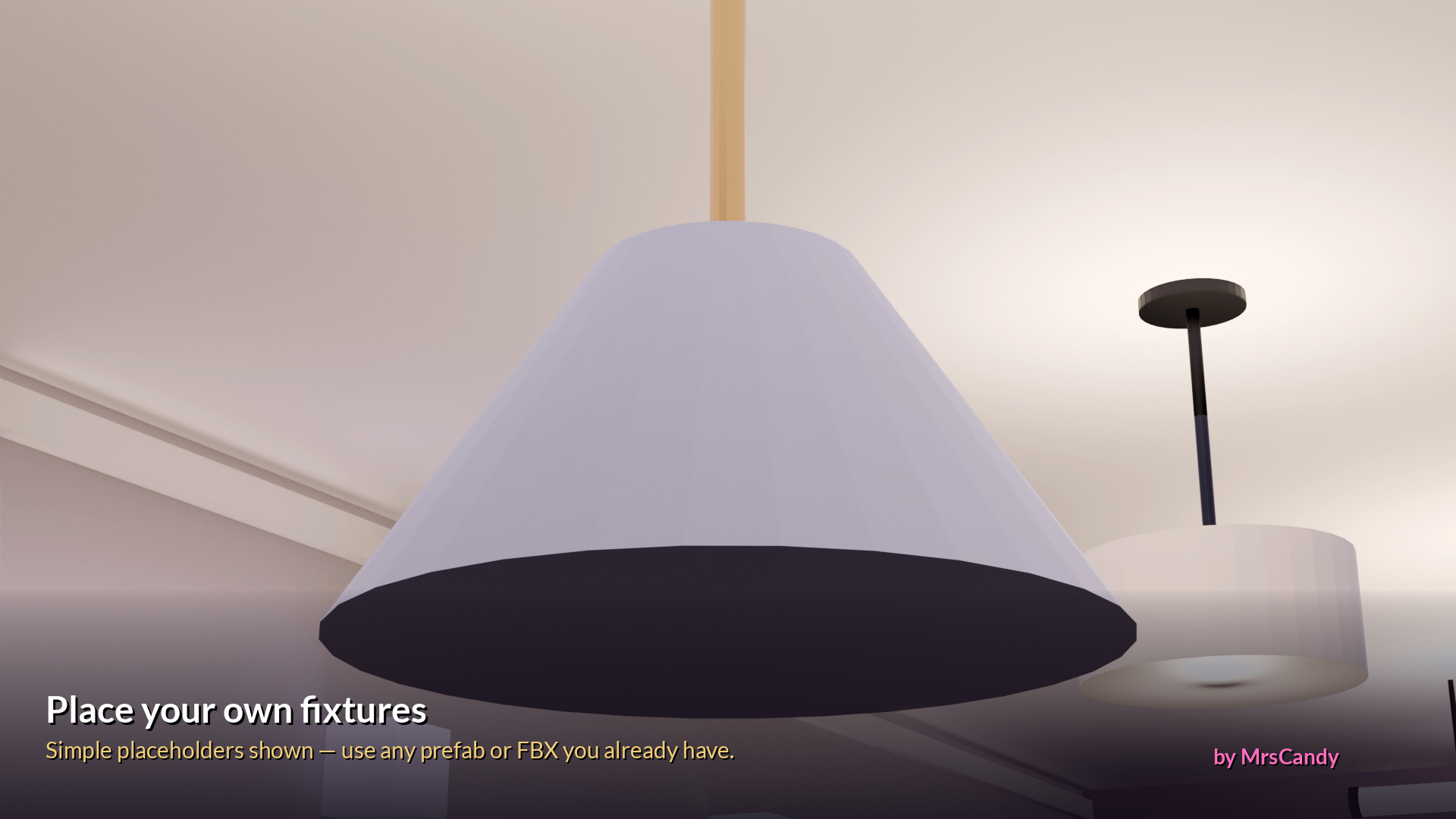
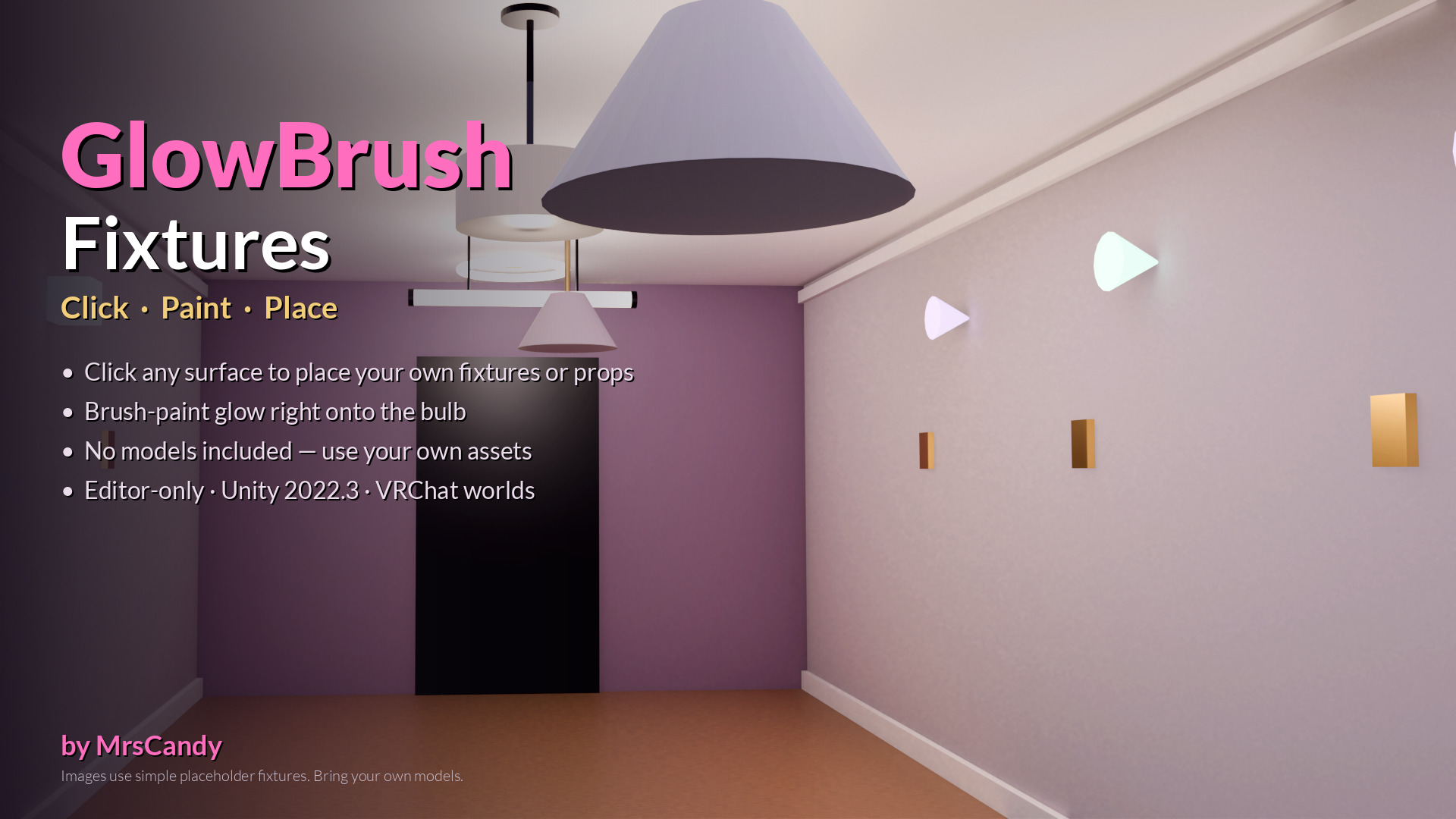
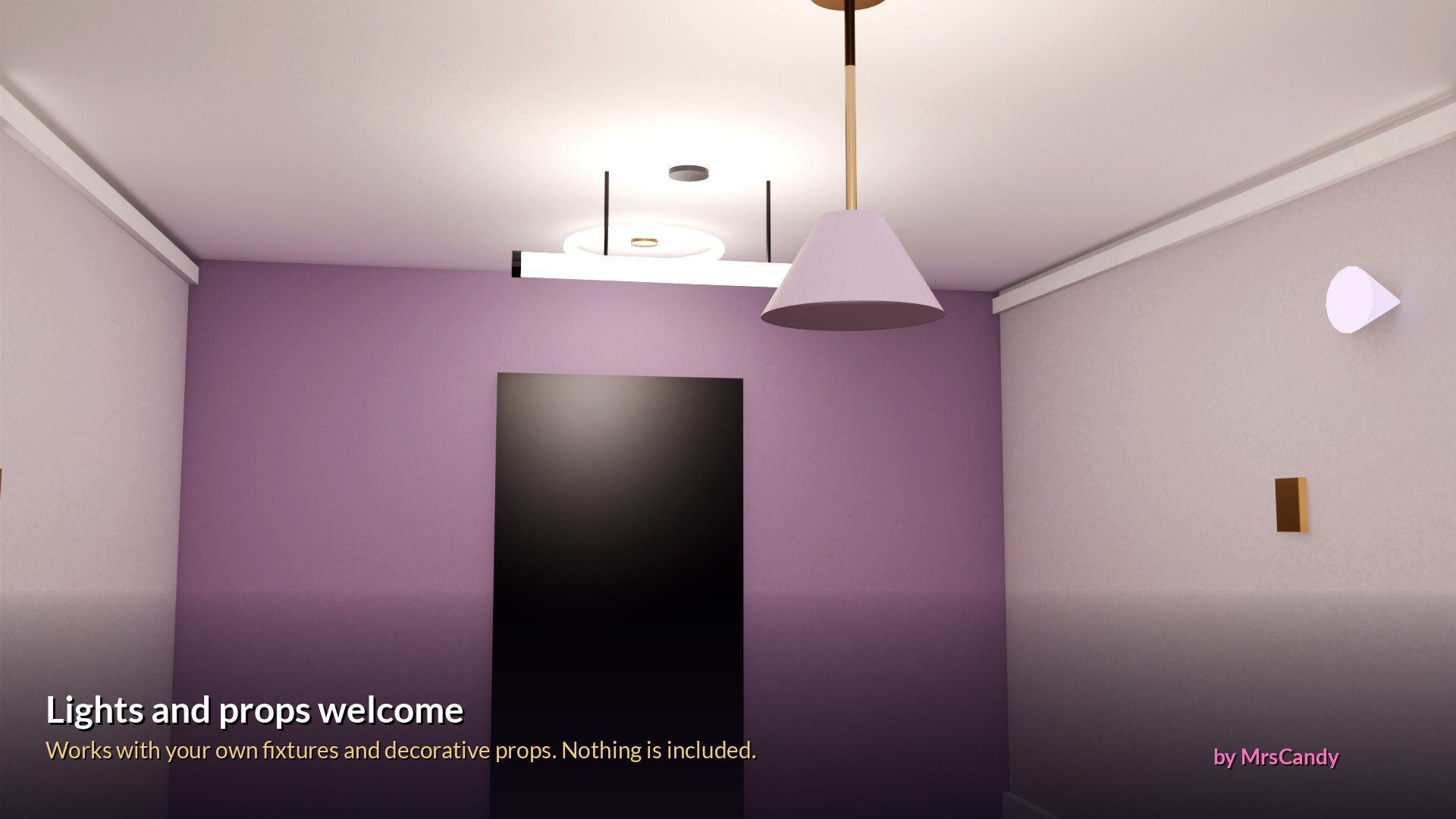
The promo images use simple original placeholder shapes only, to show placement. They are not included in the download.
INSTALL (short)
- Unzip.
- Put the Editor folder (with FixtureClickPlace.cs inside) into your Unity project’s Assets folder — for example Assets/GlowBrush/Editor/.
- Wait for Unity to compile (no red errors).
- Menu: Tools → Fixture Click Place.
- Drag a fixture or prop prefab, FBX, or scene object into Fixture, paint glow in the preview if you want, Save Painted Fixture, then Start Placing and click a visible surface in the Scene view.
TERMS OF USE (summary)
✅ Use the tool in your own Unity projects, including commercial VRChat worlds and other commercial games or apps you create or ship
✅ Edit the script for your own projects
❌ You may not share, upload, gift, or redistribute the script files
❌ You may not resell, sublicense, or republish this tool (or a modified copy of it) as a product, pack, or freebie
Any fixtures or props you use with the tool stay under their own licenses; you are responsible for following those licenses.
Full terms are in LICENSE.txt.
Created by MrsCandy.