
Velcaria Twin - VRChat Hair / CP50
Etiquetas
Descripción del producto
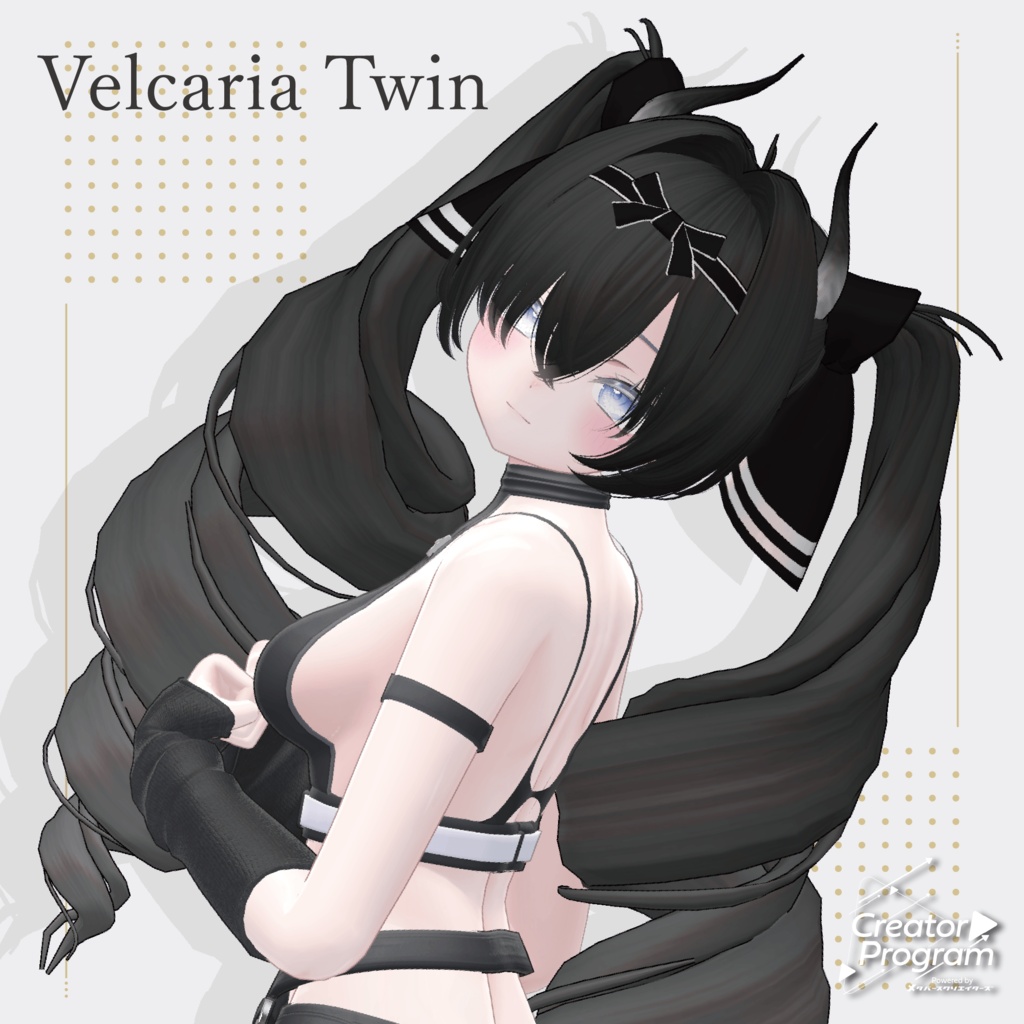
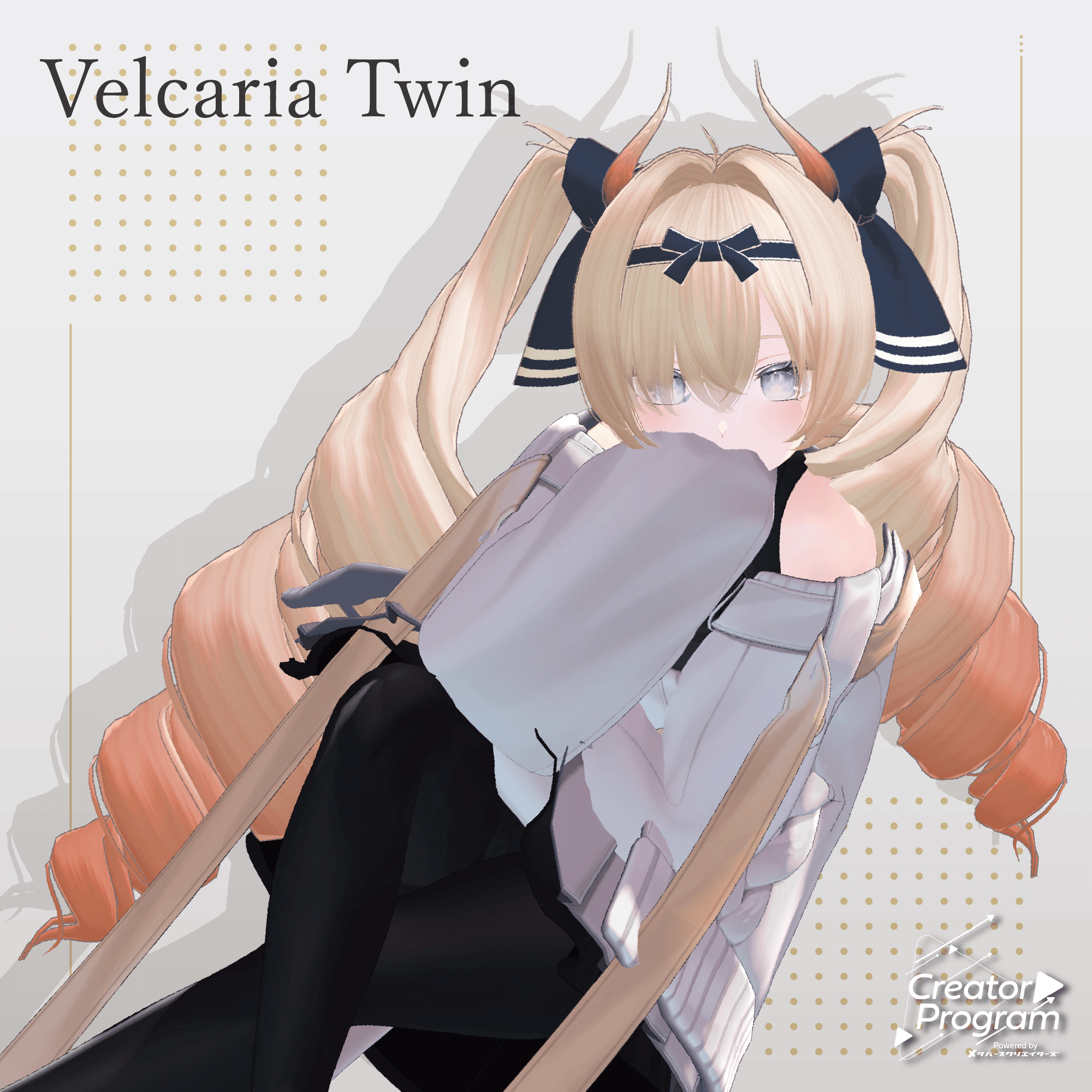
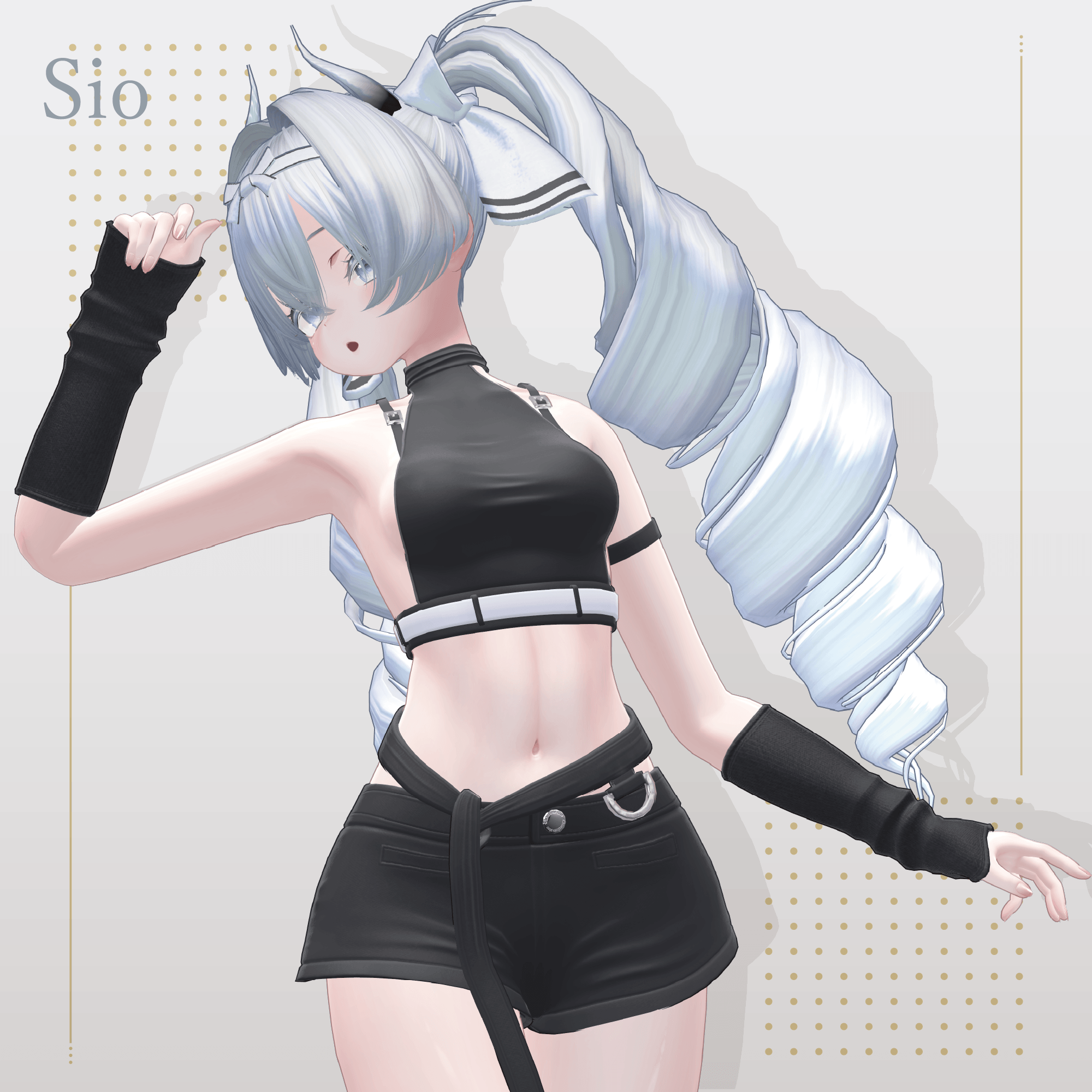
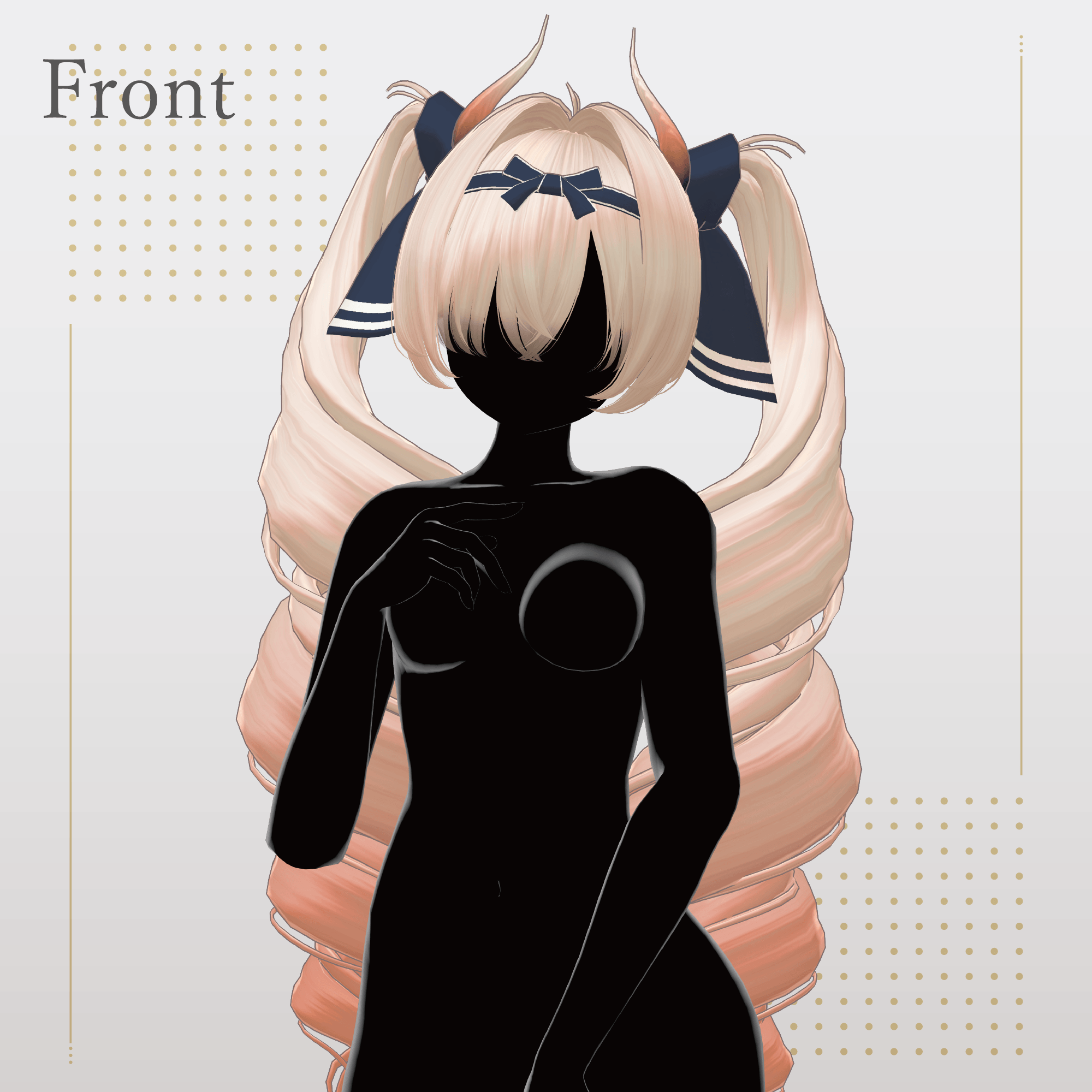
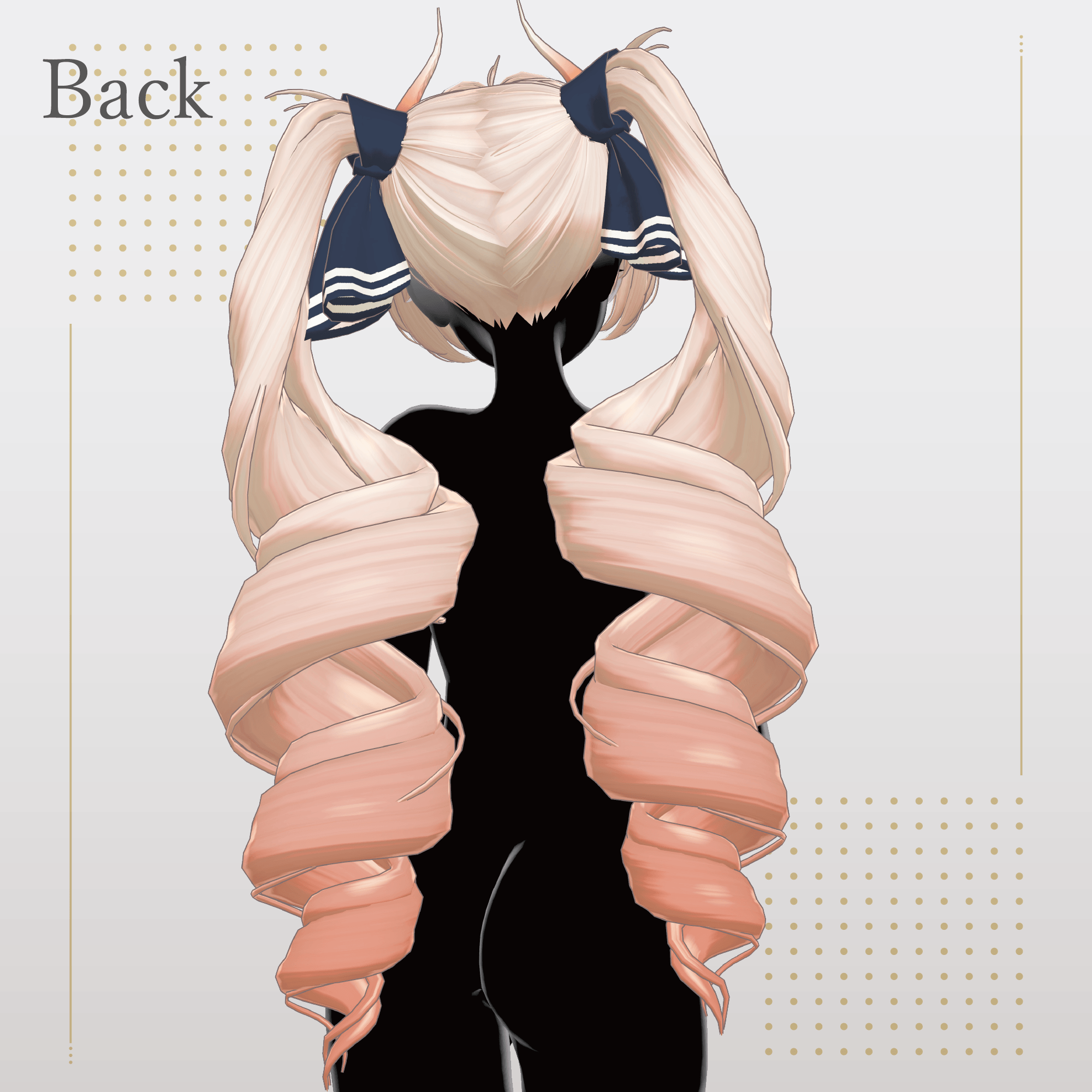
The silhouette of the large twin tails was carefully designed with great attention to detail.
It is crafted to look cute from every angle, even when viewed 360 degrees around the avatar.
The design theme is a traditional hairstyle from another world. The contrast between the scarf and horns is also one of the hairstyle’s charming features.
Important Notes
This product is a hair model for avatars. The avatar body data is not included.
Digital products cannot be returned or refunded. Please review and agree to the product description and terms of use before purchasing.
Item Contents
Included files:
Velcaria Twin.Unitypackage
FBX
Textures
PSD/CLIP files for modifications
ReadMe.txt
Required Shader
liltoon
https://lilxyzw.booth.pm/items/3087170
Required Asset
Modular Avatar
https://modular-avatar.nadena.dev/ja/docs/intro
Model Information
Total polygons: 18,391
Mesh breakdown:
Back: 2,430 polygons
Twin Tail: 8,288 polygons
Scarf: 1,792 polygons
Front: 2,133 polygons
Horn: 720 polygons
Ribbon: 512 polygons
Side Hair: 2,504 polygons
Other:
Meshes: 7
Materials: 1
PhysBone components: 34
Import location:
Assets > MetaverseCreators_CP > kk > Velcaria Twin > Prefab
Supported Avatars
Officially supported:
Sio / しお (Original 3D Model)
https://booth.pm/ja/items/5650156
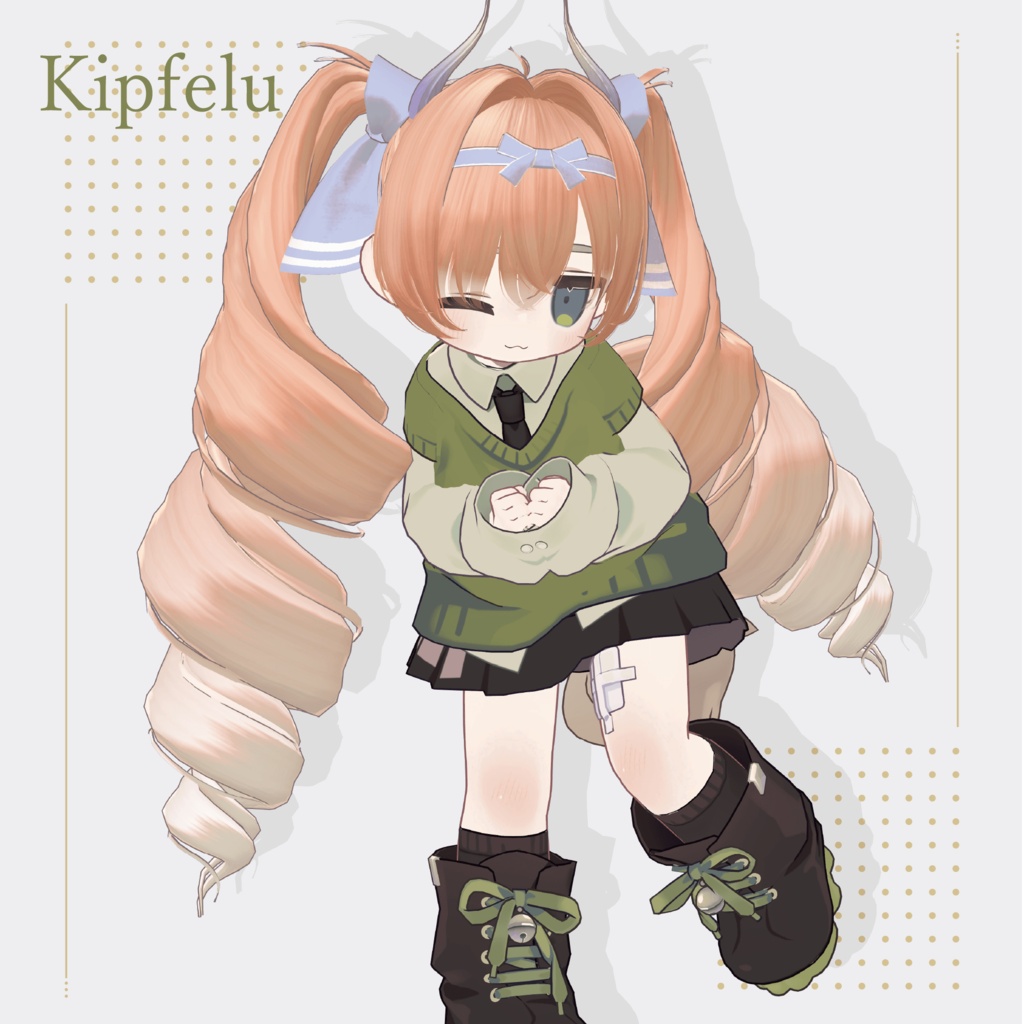
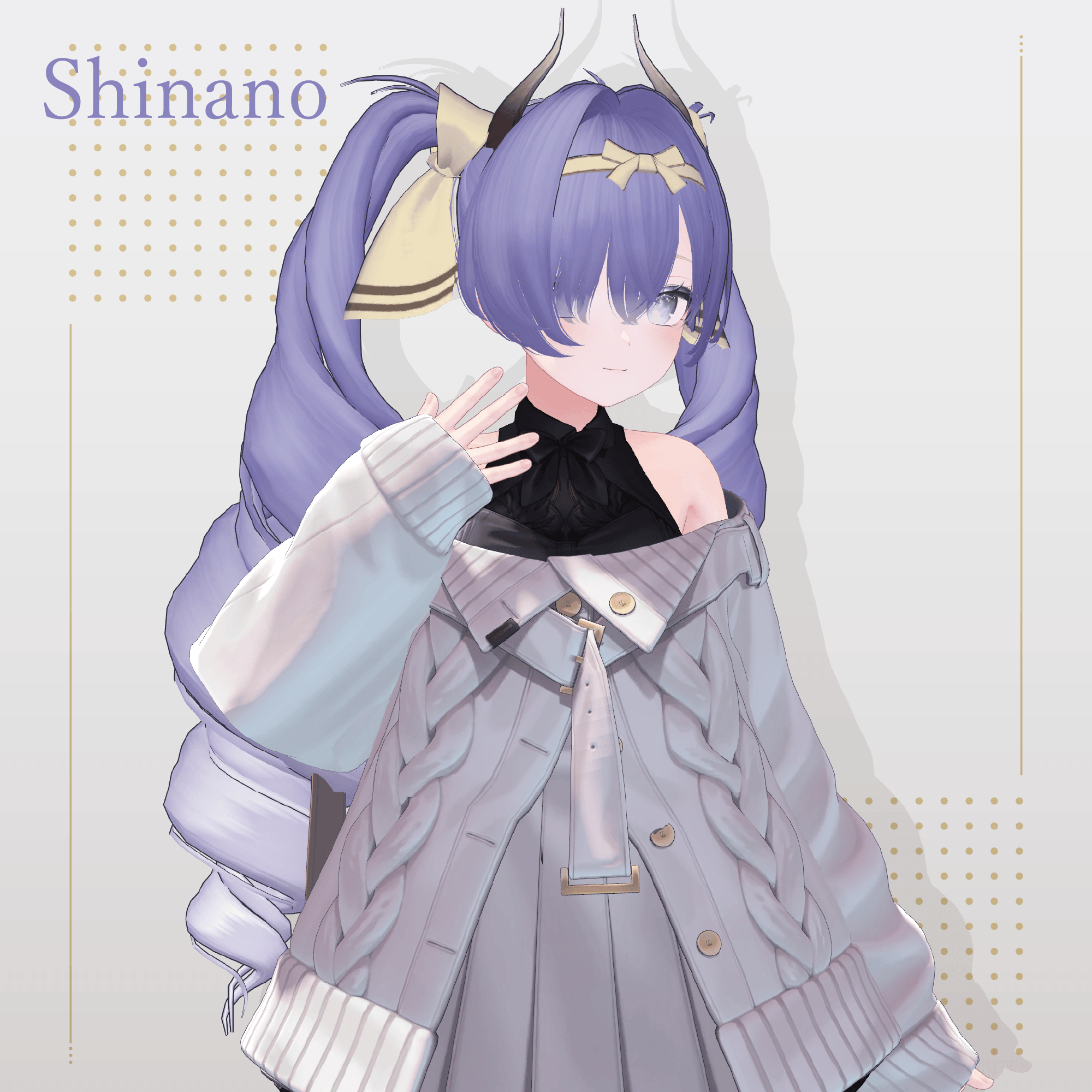
Semi-compatible avatars (adjusted in Unity from the base model):
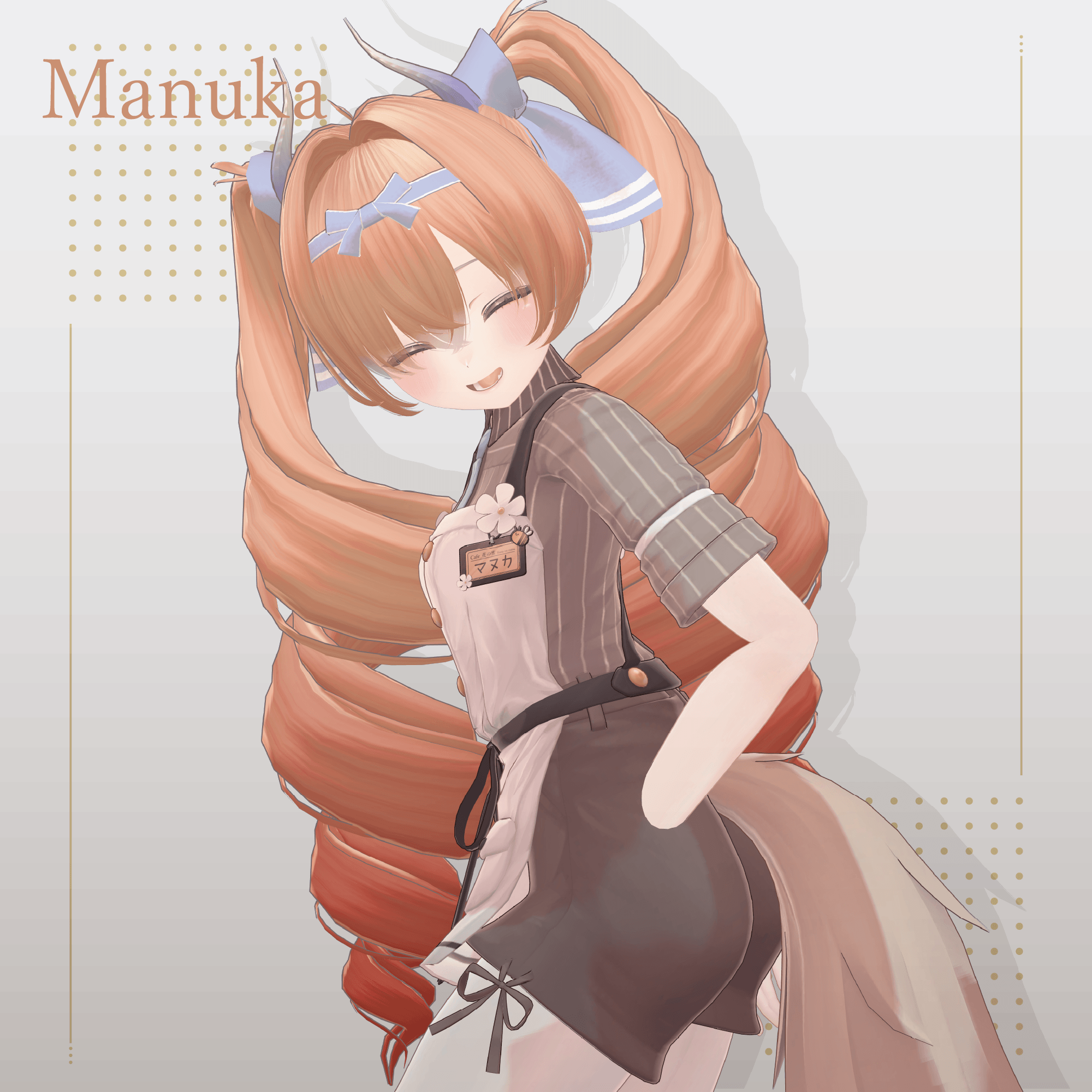
Manuka (Original 3D Model)
https://booth.pm/ja/items/5058077
Shinano (Original 3D Model)
https://booth.pm/ja/items/6106863
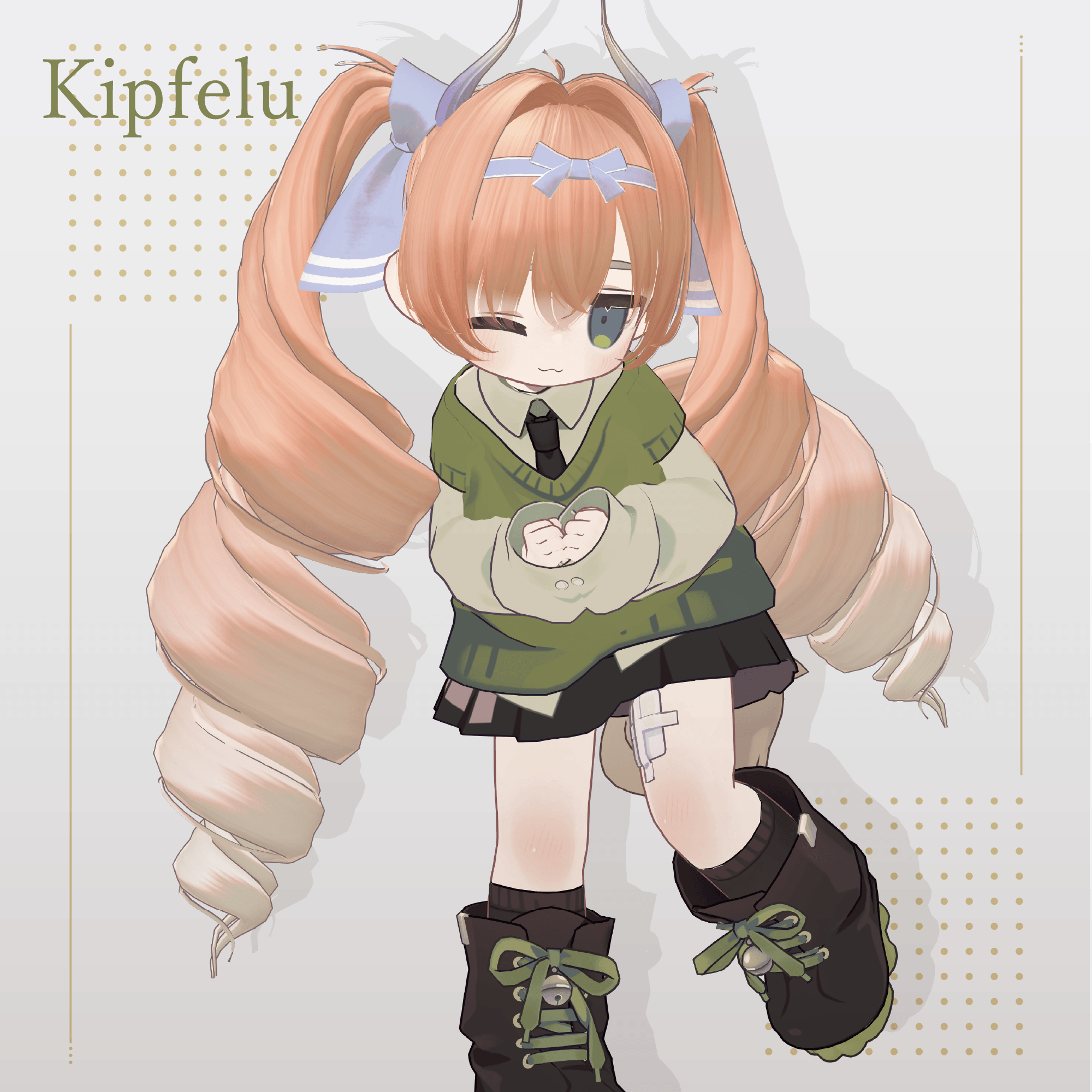
Kipfel (Original 3D Model)
https://mukumi.booth.pm/items/5813187
Many shape keys are included to adjust size and position.
You may also try fitting this hairstyle to avatars not listed above.
If multiple objects share the same shape key names, setting them to identical values will allow for cleaner adjustments.
Shape Key Overview
Common Adjustments
Scale
scale.X → Increase width
scale.-X → Decrease width
scale.Y → Increase depth
scale.-Y → Decrease depth
scale.Z → Increase height
scale.-Z → Decrease height
Lower / Upper Section Scale
lowscale.* → Adjusts the lower part of the mesh
topscale.* → Adjusts the upper part of the mesh
Position
position.up → Move upward
position.down → Move downward
position.front → Move forward
position.back → Move backward
Lower and upper position controls:
lowposition.* → Adjust lower mesh position
topposition.* → Adjust upper mesh position
Avatar-specific keys:
for_[avatar name] → Adjusts the hair to fit each avatar’s head shape
Front Hair
hair1.long → Make center bangs longer
hair1.short → Make center bangs shorter
hair1.wide → Make center bangs wider
hair1.thin → Make center bangs thinner
hair2.long → Make side bangs longer
hair2.short → Make side bangs shorter
hair2.wide → Make side bangs wider
hair2.thin → Make side bangs thinner
Side Hair
momiage.X → Move hair in front of ears outward
momiage.-X → Move hair in front of ears inward
momiage.Y → Move hair forward
momiage.-Y → Move hair backward
Horns
horn_big → Make horns larger
horn_small → Make horns smaller
horn_long → Make horns longer
horn_short → Make horns shorter
Installation
Set up the latest VRChat SDK through VCC.
Install required assets through VCC:
liltoon
Modular Avatar
Import the latest avatar package.
Import this product package.
Place the avatar (or customization prefab if applicable) into the Scene Hierarchy.
Hide unnecessary avatar parts such as existing hair or ears if needed.
Drag and drop:
For_[Avatar Name].Prefab
directly under the avatar.
Upload the avatar through VRChat SDK.
Color Modification
Replace the color variation materials inside:
Common > Material
to change colors.
You can also customize colors using the included PSD or CLIP files.
For changing the hair tip color:
Use the included mask texture.
Apply it to the material’s Main Color 2nd or 3rd mask slot.
Adjust the color as desired.
Terms of Use
https://drive.google.com/drive/folders/1qRMXoIxM1ZgacBPfwOigQRtXP1vCbNMn?usp=sharing
Please follow the original avatar’s terms of use when using this product.
Development Environment
Modeling: Blender 4.5
Texturing: CLIP STUDIO PAINT
Unity: 2022.3.22f1
VRChat SDK - Avatars 3.7.6 (VCC)
liltoon 1.8.5
Modular Avatar 1.11.5
Creator
Creator: kk
X: https://x.com/kkjapan10
BOOTH: https://kkjapan.booth.pm/
For inquiries and support, please contact the creator through BOOTH messages.