
Marble-patterned shirt - VRChat Women's Clothing / CP52
Etiquetas
Descripción del producto
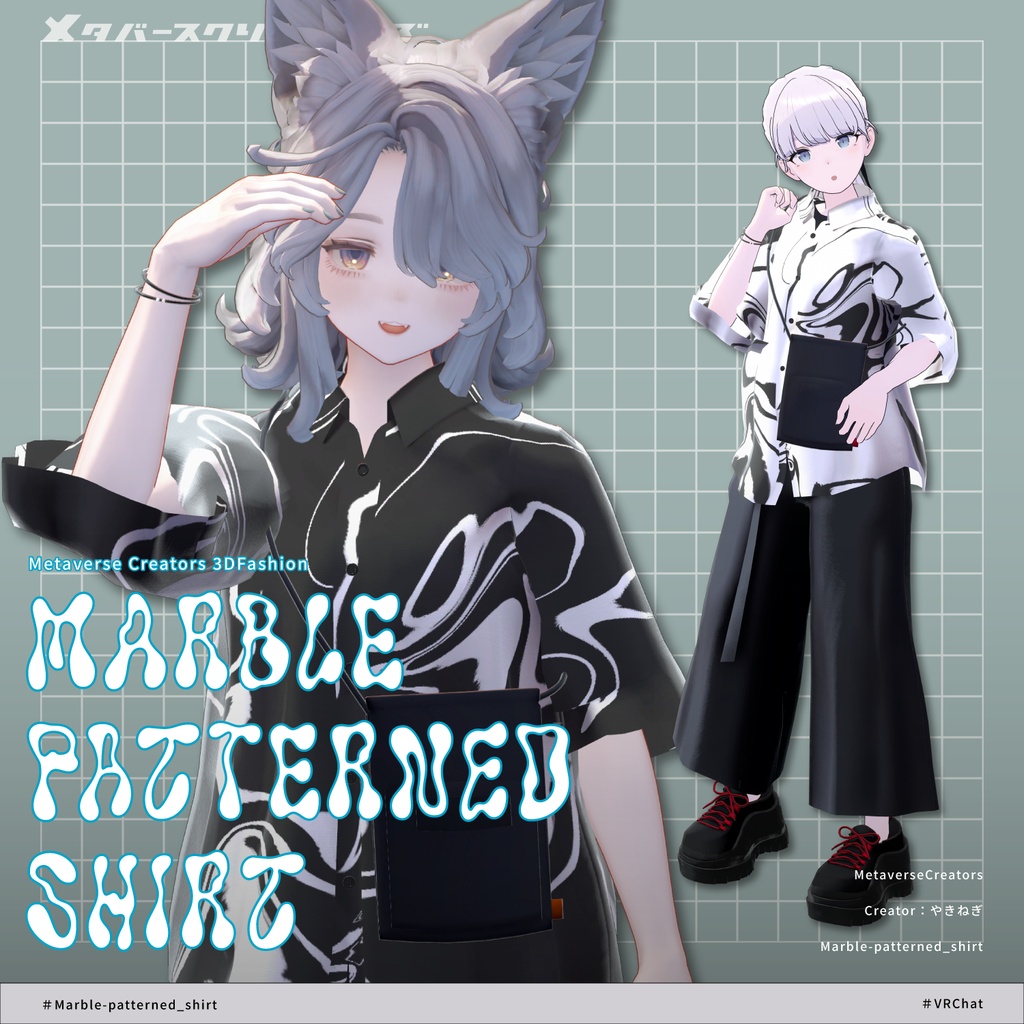
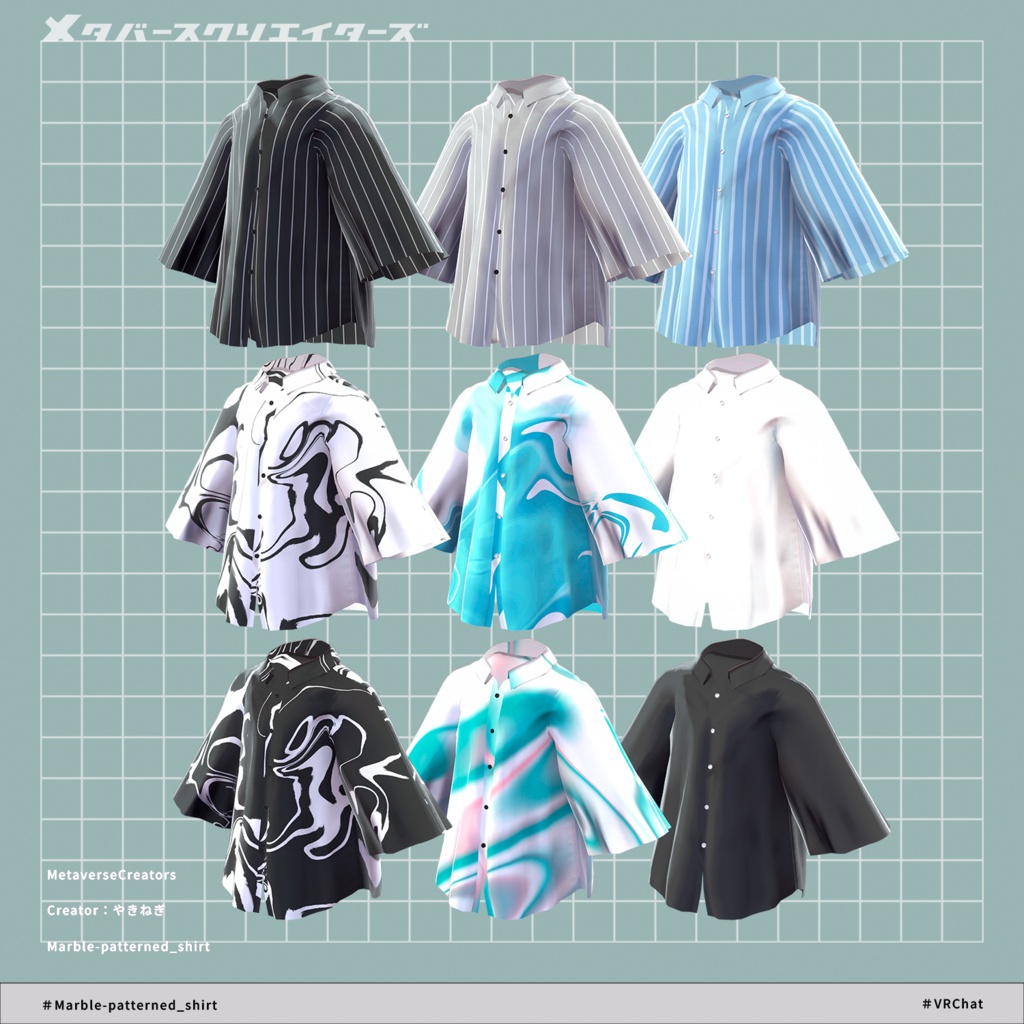
◆ Marble-patterned shirt ◆
Creator: yakinegi
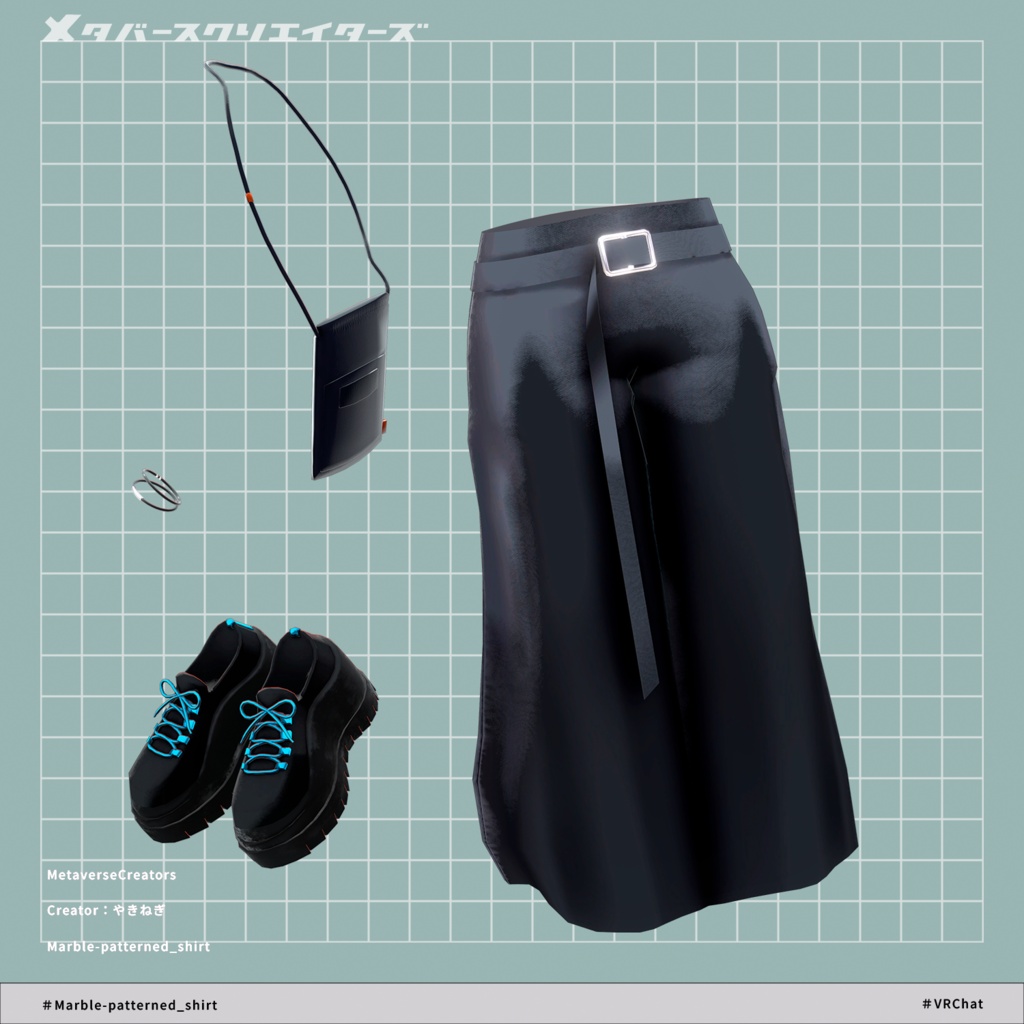
A quiet summer street coordinate that balances both cool comfort and a listless, effortless style.
Note: This product is a clothing model designed for avatars. The avatar body data itself is not included.
Due to the nature of digital download products, returns and refunds are not possible. Please read, understand, and agree to the product description and terms of use before purchasing.
◆ Item Overview
● Contents
Marble-patterned_shirt.Unitypackage
FBX
Textures
PSD and CLIP files for editing/modifying
ReadMe.txt (Main text)
Shaders Used:
liltoon: https://lilxyzw.booth.pm/items/3087170
Required Assets:
Modular Avatar: https://modular-avatar.nadena.dev/ja/docs/intro
● Model Data
Total Polygon Count: 24,656 polygons
bracelet: 2,184 polygons
gaucho_pants: 2,172 polygons
gaucho_shirt: 5,352 polygons
sacoche_bag: 1,572 polygons
sneaker: 13,376 polygons
Mesh Count: 5
Material Count: 2
PhysBone Components: 3
Folder Path Upon Import:
Assets > MetaverseCreators_CP > yakinegi > Marble-patterned_shirt
◆ Supported Avatars
"Minase" Avatar for VRChat #Minase3D: https://booth.pm/ja/items/4013951
[Kuuta -くうた-] Original 3D Model #Kuuta3D: https://booth.pm/ja/items/4897493
[Original 3D Model] 斑霞 -Hanka-: https://booth.pm/ja/items/6970249
Original 3D Avatar "Alué": https://booth.pm/ja/items/6957623
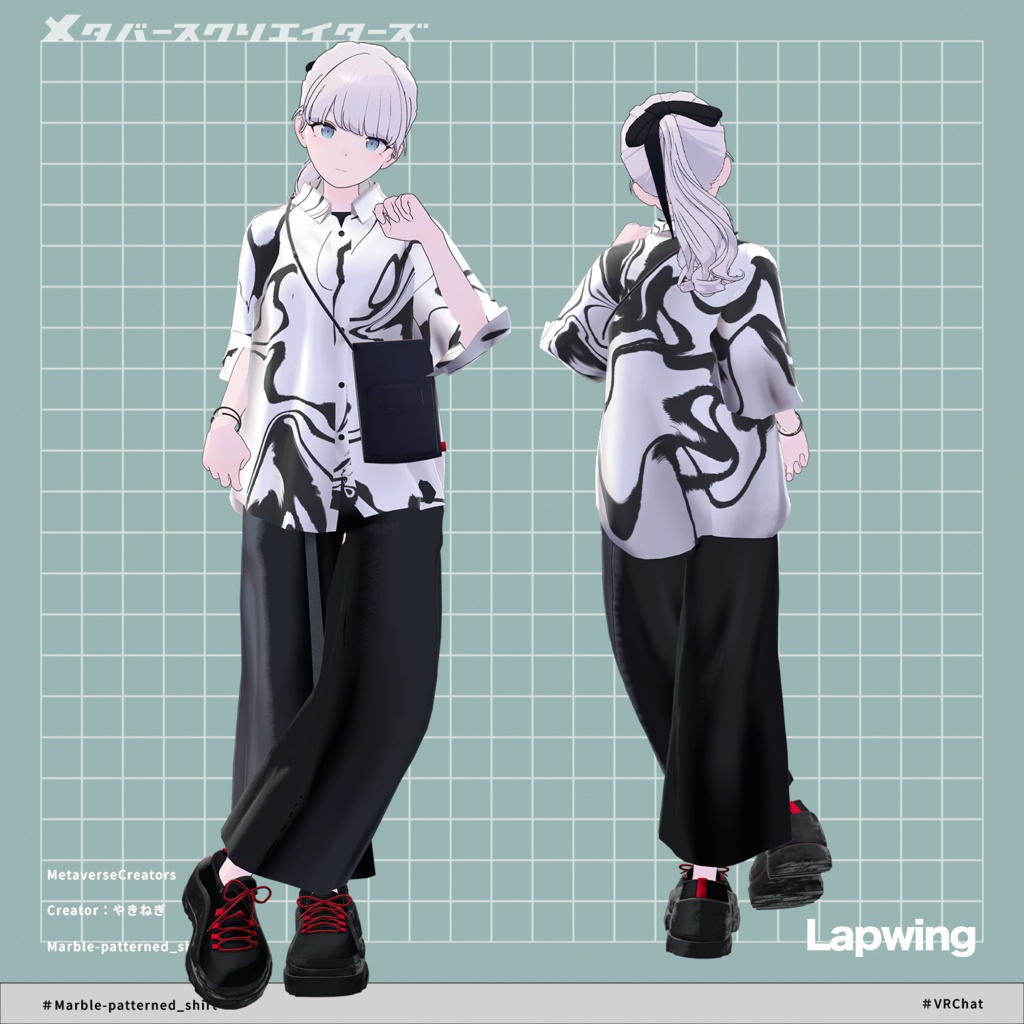
Lapwing: https://booth.pm/ja/items/4993931
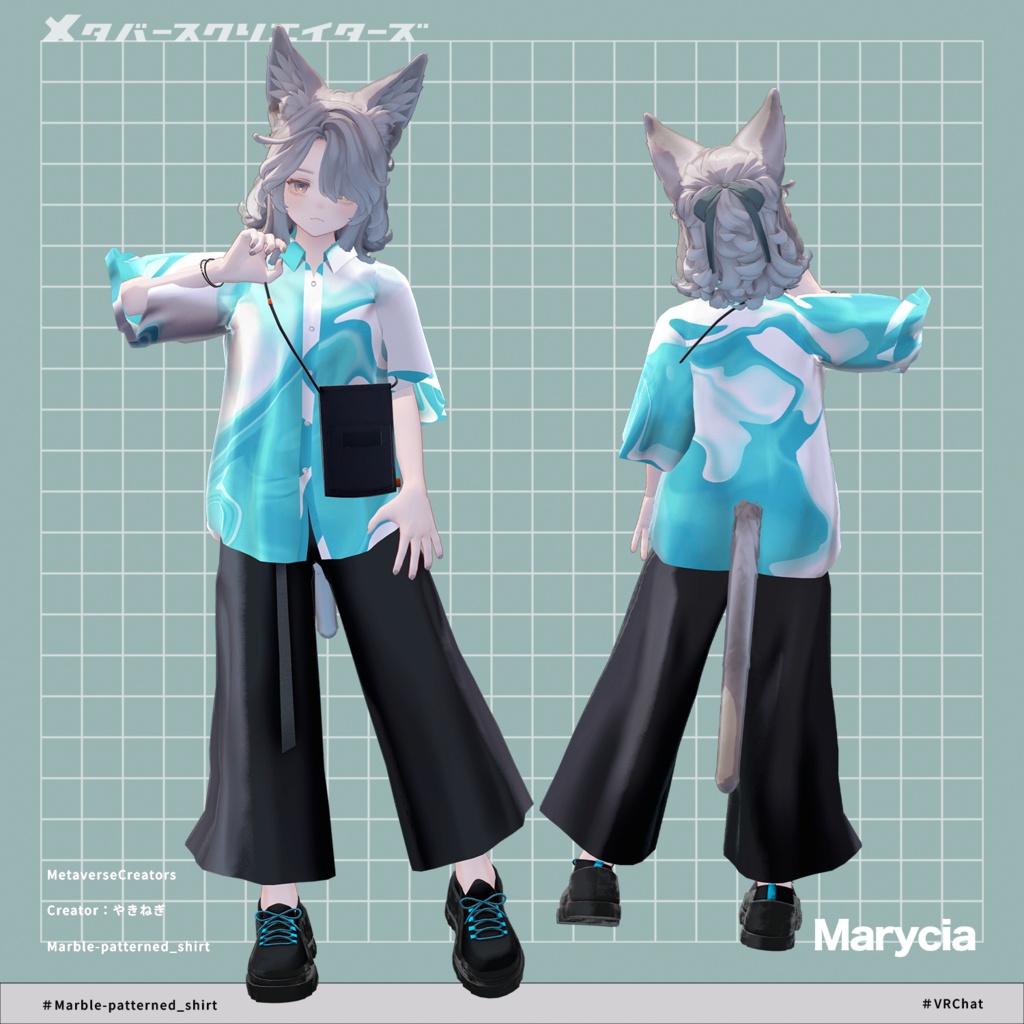
Original 3D Model "Marycia" #Marycia3D: https://booth.pm/ja/items/6305948
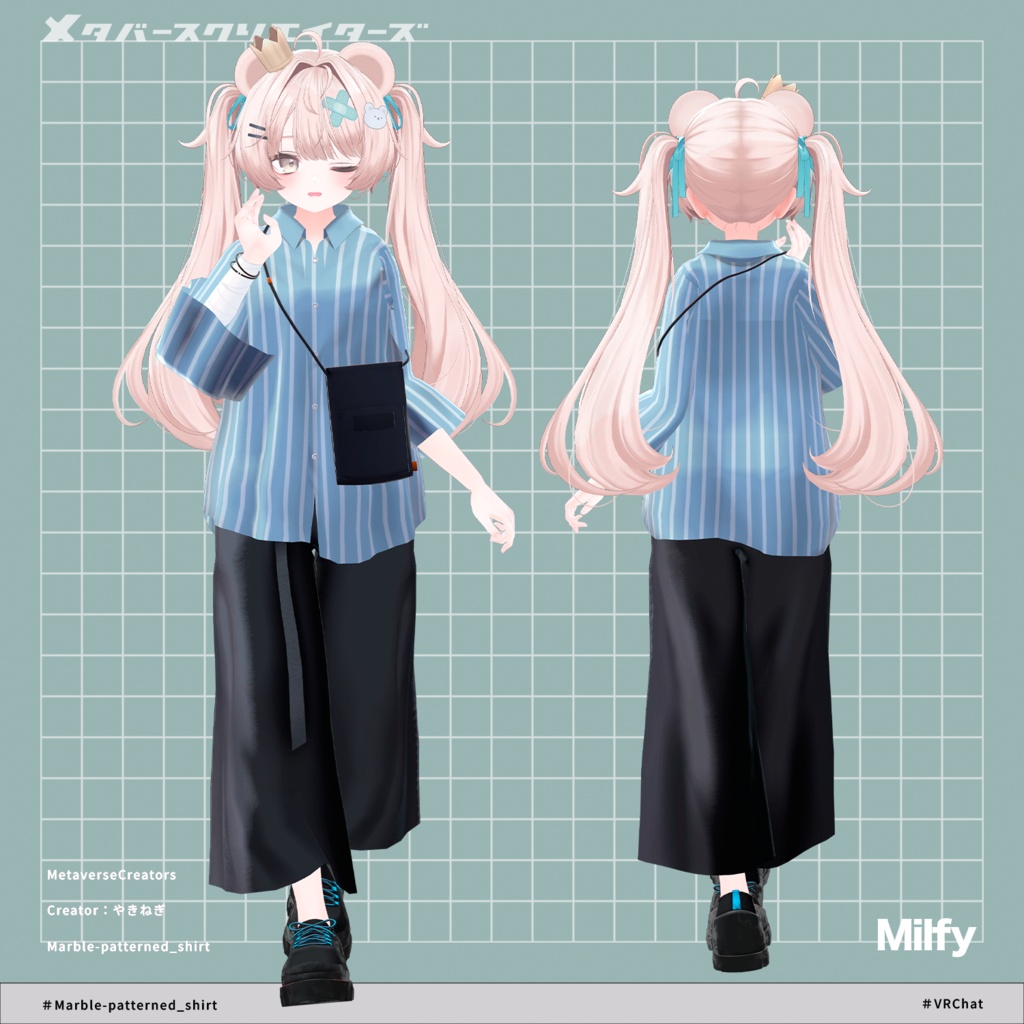
Original 3D Model "Milfy": https://booth.pm/ja/items/6571299
◆ Installation Guide
Set up the latest version of the VRC SDK using the Creator Companion (VCC).
Install the required assets (liltoon, Modular Avatar) via VCC.
Import the latest package version of your respective avatar body.
Import this product's package data.
Drag and drop your avatar (or its dedicated dress-up/modification prefab, if available) into the Scene's Hierarchy.
If necessary, hide any unwanted default clothing or underwear meshes on the avatar, or set them to Editor Only.
Drag and drop the prefab named Marble-patterned_shirt_[AvatarName].Prefab directly into your avatar's root hierarchy.
Upload the avatar via the VRC SDK.
⚠️ Note on Modular Avatar Features:
The clothing comes pre-configured with Modular Avatar's "MA Shape Changer" feature. When you drag and drop the clothing directly onto the avatar, the base body's shape keys will automatically trigger, shrinking the body or hiding the mesh where it overlaps. This prevents the outfit from clipping with the body. If you do not need the pre-configured "MA Shape Changer" on the clothing mesh, feel free to delete it and adjust to your liking.
⚠️ Note on MAShapeChanger for +Head:
Depending on the avatar, the body mesh name might differ (this data is pre-configured assuming the mesh name is "PlusHead"), which may cause the component to fail to run correctly. If this happens, please manually adjust it on your end by renaming your base body mesh or manually adjusting the shape keys.
⚠️ If you notice that parts of the base body are unintentionally thinned out after completing the dress-up process, please return the corresponding body shape key value back to 0 and verify that the base body displays properly.
● Changing Colors
Please swap out the materials located in the Common > Material folder with the respective color variation materials provided.
Additionally, you can use the included PSD or CLIP files to modify the textures to your preferred colors.
◆ Terms of Use
https://drive.google.com/drive/folders/1qRMXoIxM1ZgacBPfwOigQRtXP1vCbNMn?usp=sharing
Please use this product in compliance with the terms of use of your base avatar.
◆ Creation Environment
Modeling: Blender Ver 4.2.16
Textures: CLIP STUDIO PAINT / Adobe Substance 3D Painter
Setup:
Unity Ver 2022.3.22f1
VRChat SDK - Avatars Ver 3.10.3 (VCC)
liltoon 2.3.2
ModularAvatar 1.17.0
◆ Credits
Creator: yakinegi
BOOTH Store: https://kanariokasii.booth.pm/
Inquiries & Support:
https://discord.gg/bmw3PWE37M