
✨Free✨BucketHat&Trunk / CP47
Etiquetas
Descripción del producto
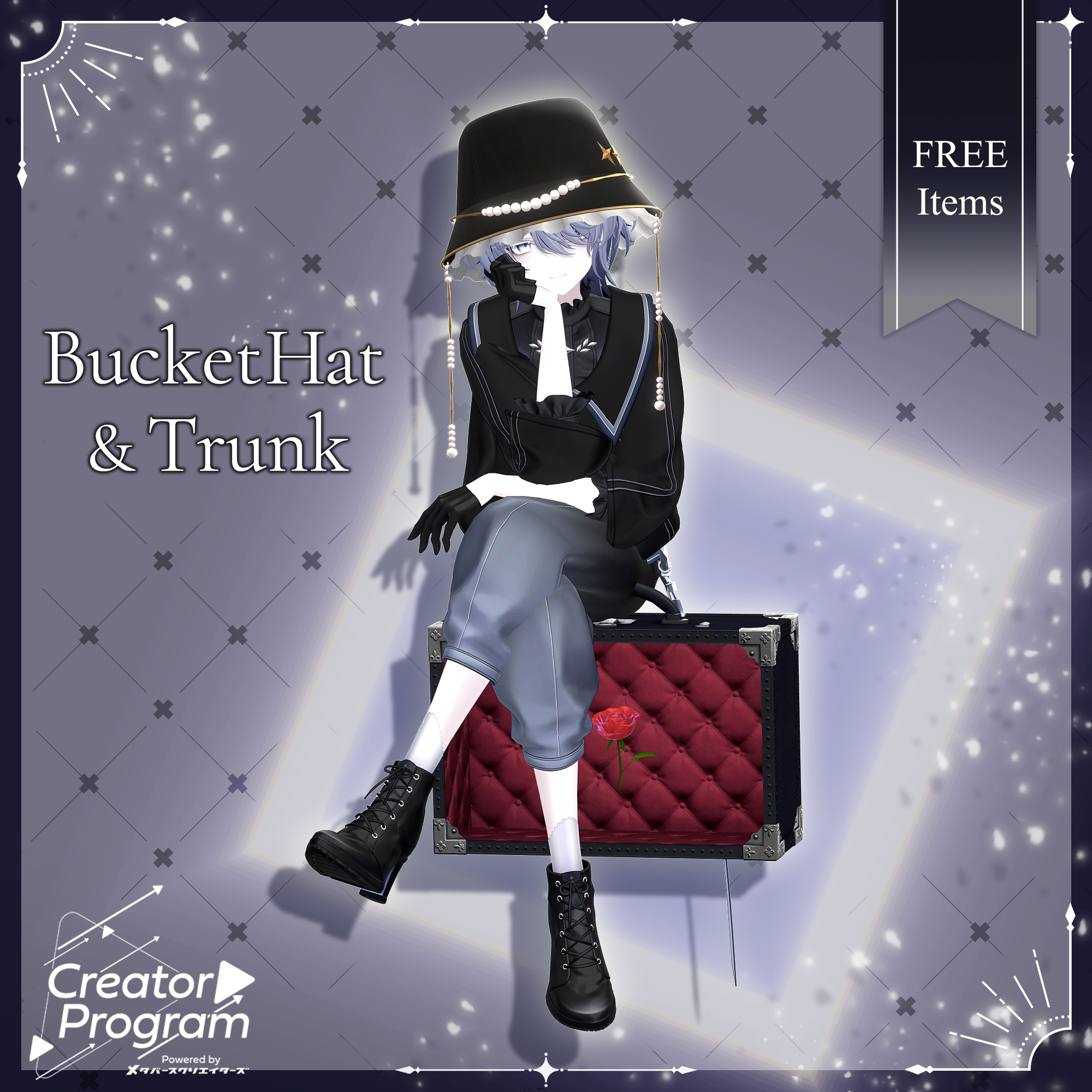
An elegant bucket hat adorned with shimmering pearls and gold accents, paired with a gothic-style trunk case.
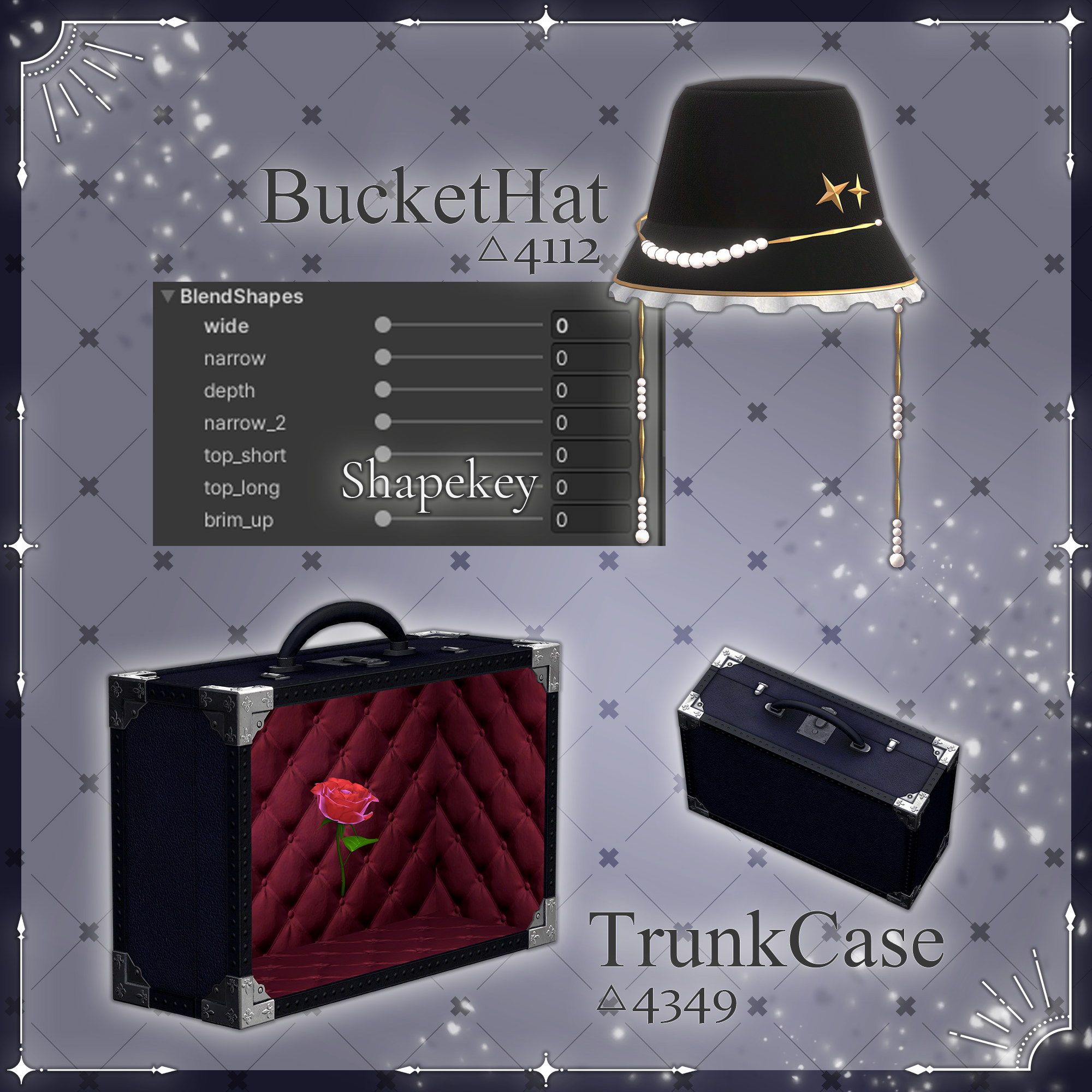
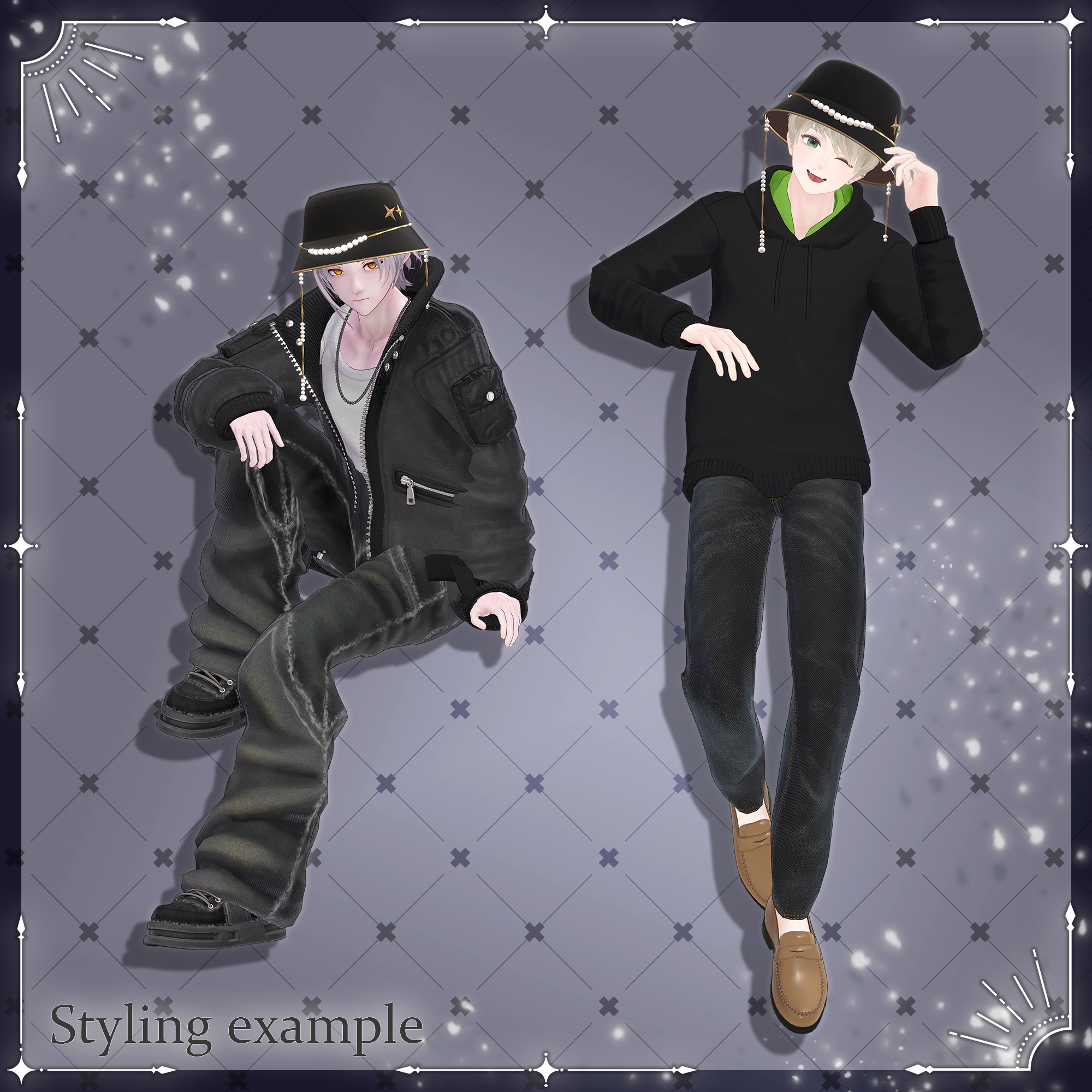
The hat includes Shape Keys for adjusting its size, making it easier to fit a wide variety of avatars.
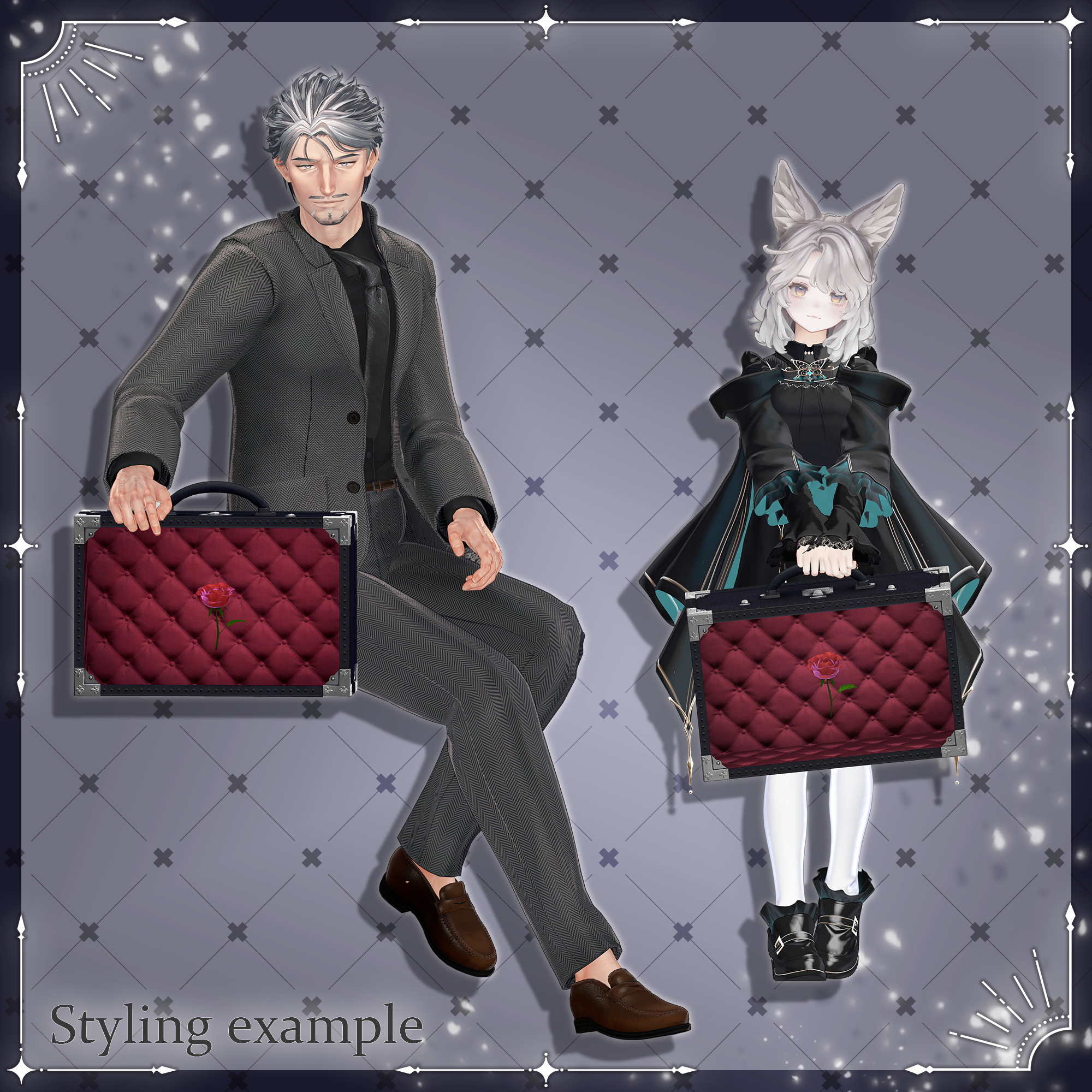
The trunk's contents can be freely replaced, allowing you to customize what you're carrying inside.
Please note: Due to the nature of downloadable products, returns and refunds are not available. Please read and agree to the product description and Terms of Use before purchasing.
◆ Item Details
MC_BucketHat
Contents
[free]MC_BucketHat.Unitypackage
ReadMe.txt
MC_Trunk
Contents
[free]MC_Trunk.Unitypackage
ReadMe.txt
The ReadMe.txt contents are shared between both products.
Shader Used
lilToon
https://lilxyzw.booth.pm/items/3087170
Required Asset
Modular Avatar
https://modular-avatar.nadena.dev/ja/docs/intro
◆ Model Data
MC_BucketHat
Total: 4,112 polygons
Hat: 864
Frill: 576
brimChain: 1,704
PearlChain: 936
Star: 32
Meshes: 5
Materials: 1
PhysBone Components: 2
MC_Trunk
Total: 4,349 polygons
bag: 2,638
rose: 1,711
Meshes: 2
Materials: 2
PhysBone Components: None
Import paths:
Assets > MetaverseCreators_CP > KORARAKO'sShop > [free]MC_BucketHat
Assets > MetaverseCreators_CP > KORARAKO'sShop > [free]MC_Trunk
◆ Installation
Bucket Hat
Set up the latest VRChat SDK through VCC.
Install lilToon and Modular Avatar through VCC.
Import this product's package.
Place your avatar (and any dressing/customization Prefab, if applicable) into the Scene Hierarchy.
Hide unnecessary avatar clothing such as default outfits or underwear, or set them to Editor Only if needed.
Drag MC_BucketHat.Prefab directly under the avatar.
Adjust the height and rotation of BucketHat in the Scene. Use the Hat object's BlendShapes to adjust the hat's size and width.
Upload the avatar through the VRChat SDK.
MA BlendShapes Sync synchronizes the Shape Keys of the Hat and its other objects. For this reason, adjust the hat's shape using the Hat object.
If you want to adjust each object individually, remove MA BlendShapes Sync from the Inspector.
If the avatar's hair clips through the hat while moving, add PB_HairCol from the BucketHat to the hair's PhysBone Collider settings. For other hair clipping issues, using an external tool such as CapFitter is recommended.
Trunk
Steps 1–6 are the same as above.
Open the avatar's Armature in the Hierarchy and place the trunk directly under the desired hand's Hand bone. Adjust its position, rotation, and orientation as needed.
Upload the avatar through the VRChat SDK.
Replacing the Trunk's Contents
In the Hierarchy, open MC_Trunk > Bag_in_object.
A Rose object is inside. Place your desired object in the same position.
Hide the original Rose object or set it to Editor Only.
◆ Color Customization
This product currently includes one material and one texture variation only.
◆ Terms of Use
https://drive.google.com/drive/folders/1qRMXoIxM1ZgacBPfwOigQRtXP1vCbNMn?usp=sharing
Please also follow the Terms of Use of the original avatar you are using.
◆ Development Environment
Modeling: Blender 5.0.1
Textures: Substance 3D Painter 12.0.1
Setup: Unity 2022.3.22f1
VRChat SDK - Avatars: 3.7.6 (VCC)
lilToon: 2.3.4
Modular Avatar: 1.18.1
◆ Credits
Creator: こららこ
https://korarako.booth.pm/ (Personal BOOTH)