

Real-Time Wristwatch - Hands Show the Current Time, No OSC | VRChat
Etiquetas
Descripción del producto
Este producto contiene contenido generado por IA.
AI-Assisted: the 3D shapes, materials, shaders and listing texts were made with scripts written with AI assistance. A person checked how it looks and moves in Unity before release.
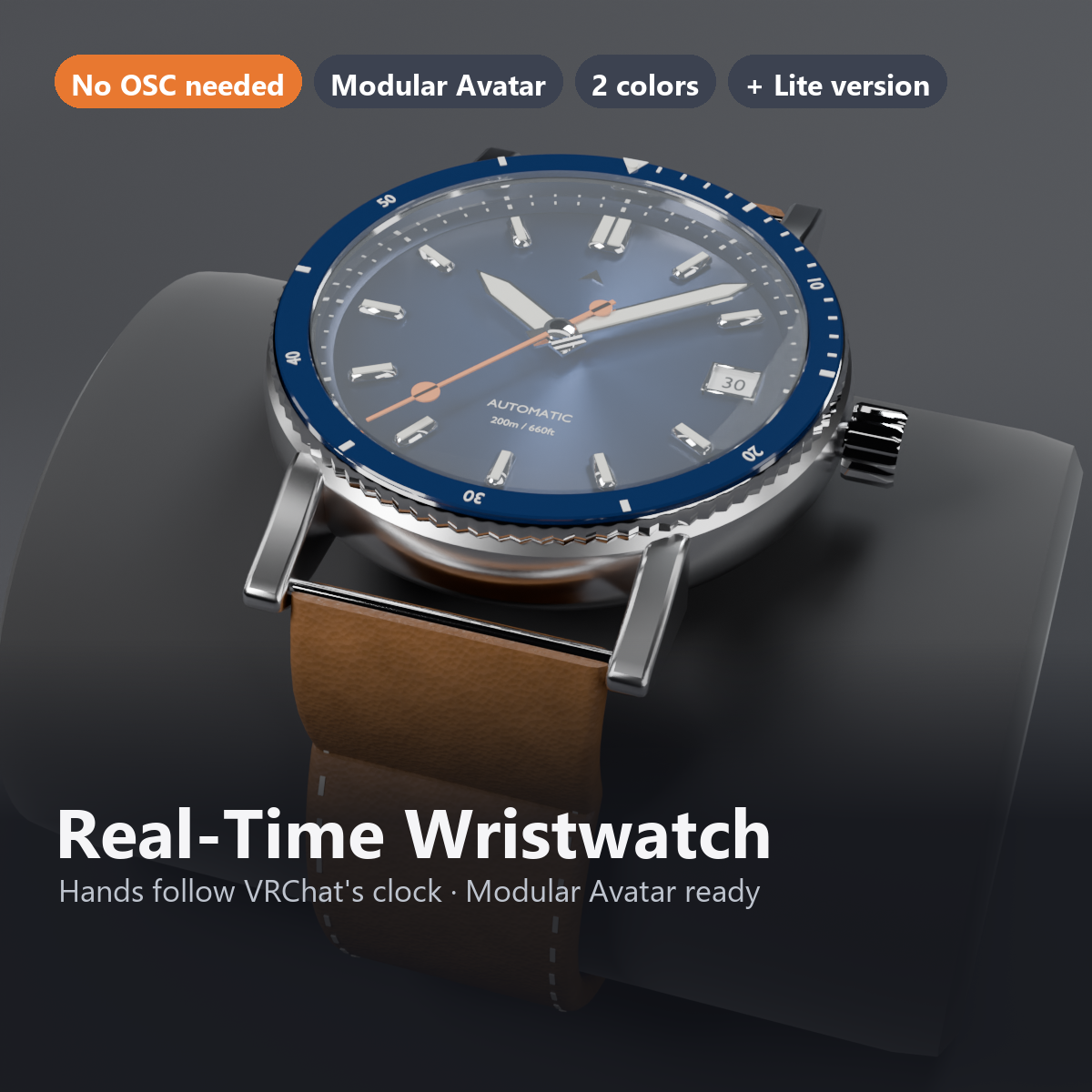
A wristwatch that reads the time from VRChat and points to the current time.
No OSC or external app is needed: wear it, and the hour, minute and second hands follow the real time. The second hand sweeps smoothly, like an automatic watch.
Features
- Hands show the current time (uses the time VRChat passes to shaders; no OSC or external app)
- Modular Avatar ready: put it under your avatar and fit it to the wrist
- Show/hide from the Expression Menu (added automatically; the state is saved)
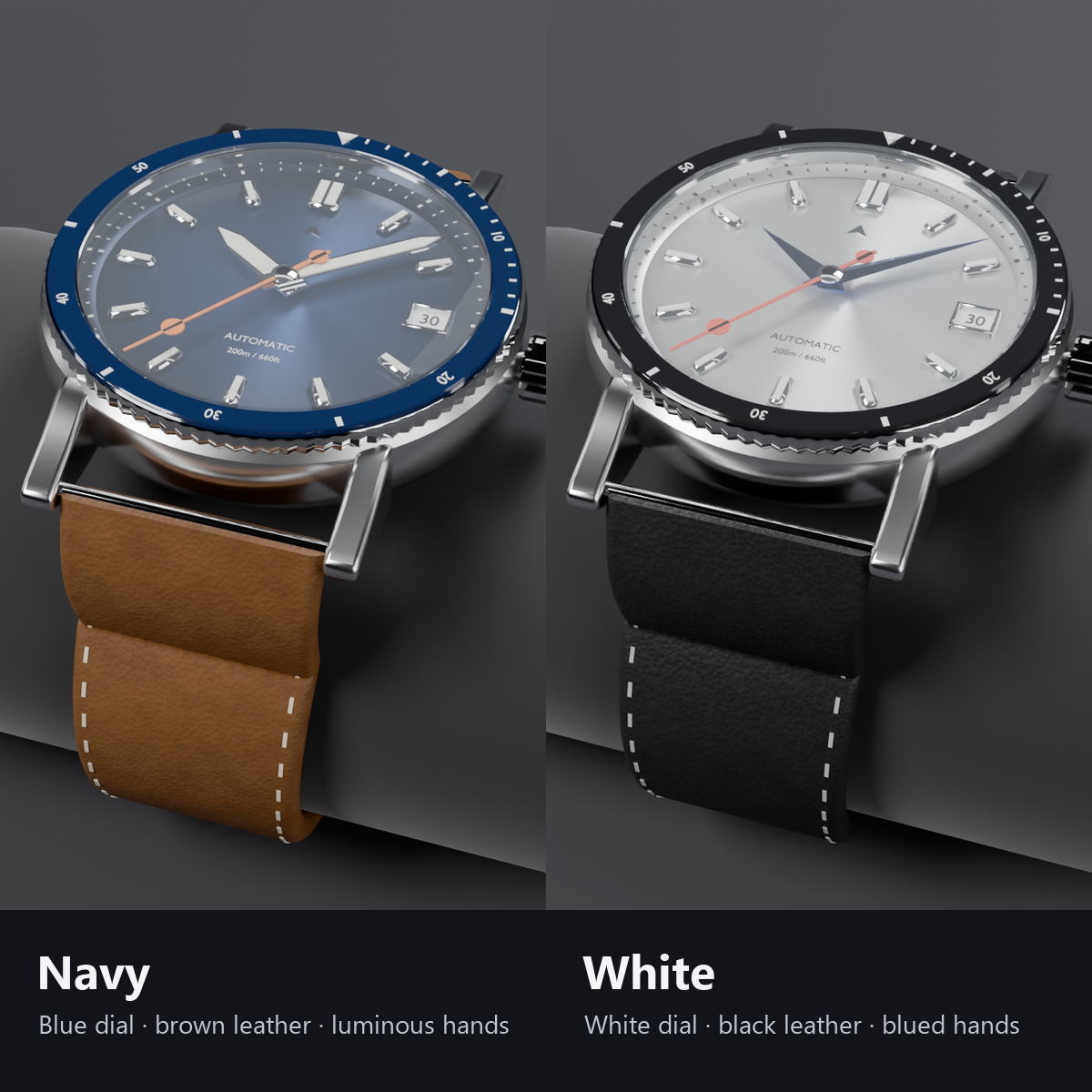
- 2 colors: Navy (blue dial, brown leather) / White (white dial, black leather, blued steel hands)
- Light version with fixed hands included
- Attached to the forearm, so it stays on the arm when you bend the wrist
Details
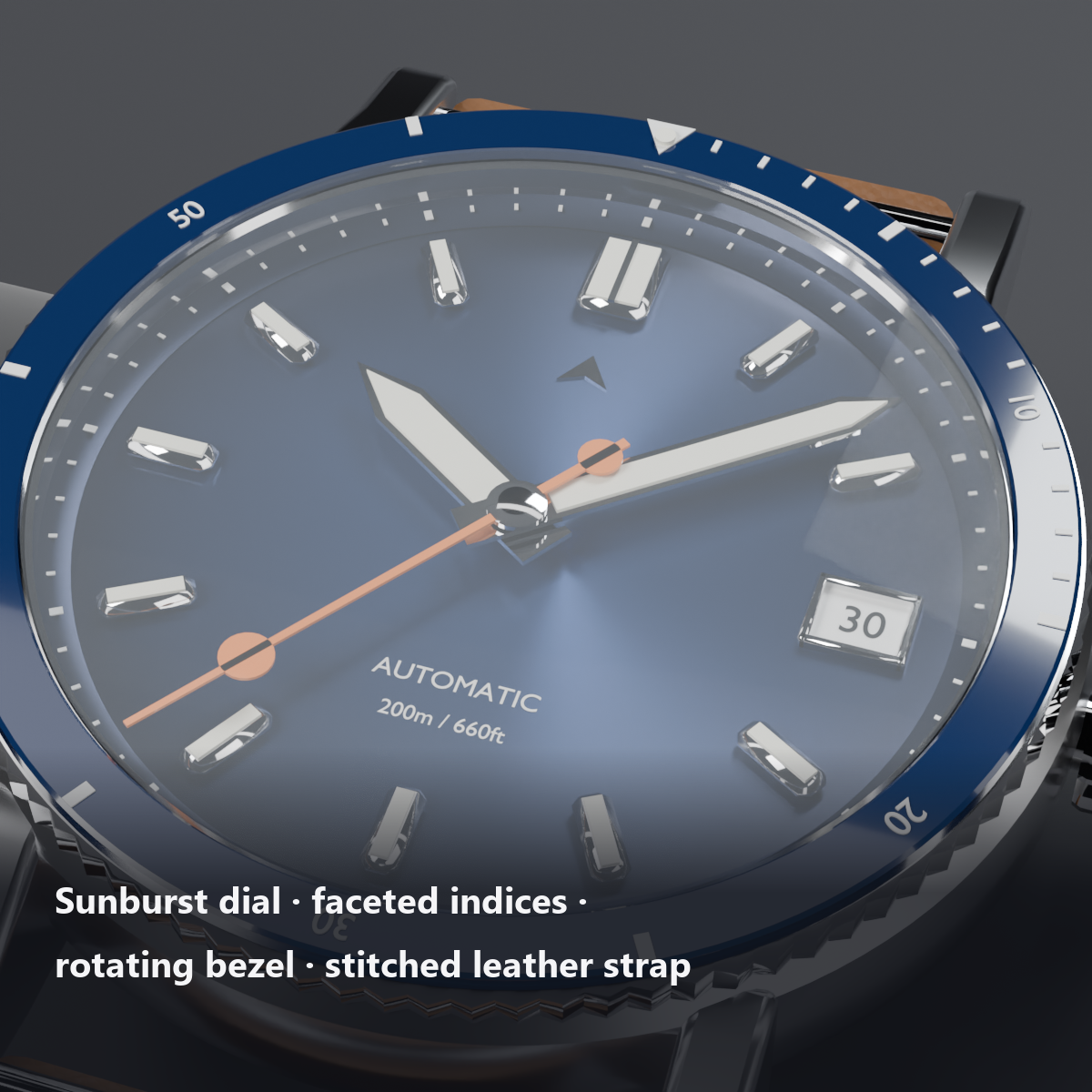
- Sunburst dial, polished faceted indices with lume, rotating bezel with numbers and a knurled edge, date window, stitched leather strap and buckle
Menu (English menu prefab)
- Wristwatch: on/off
What's included
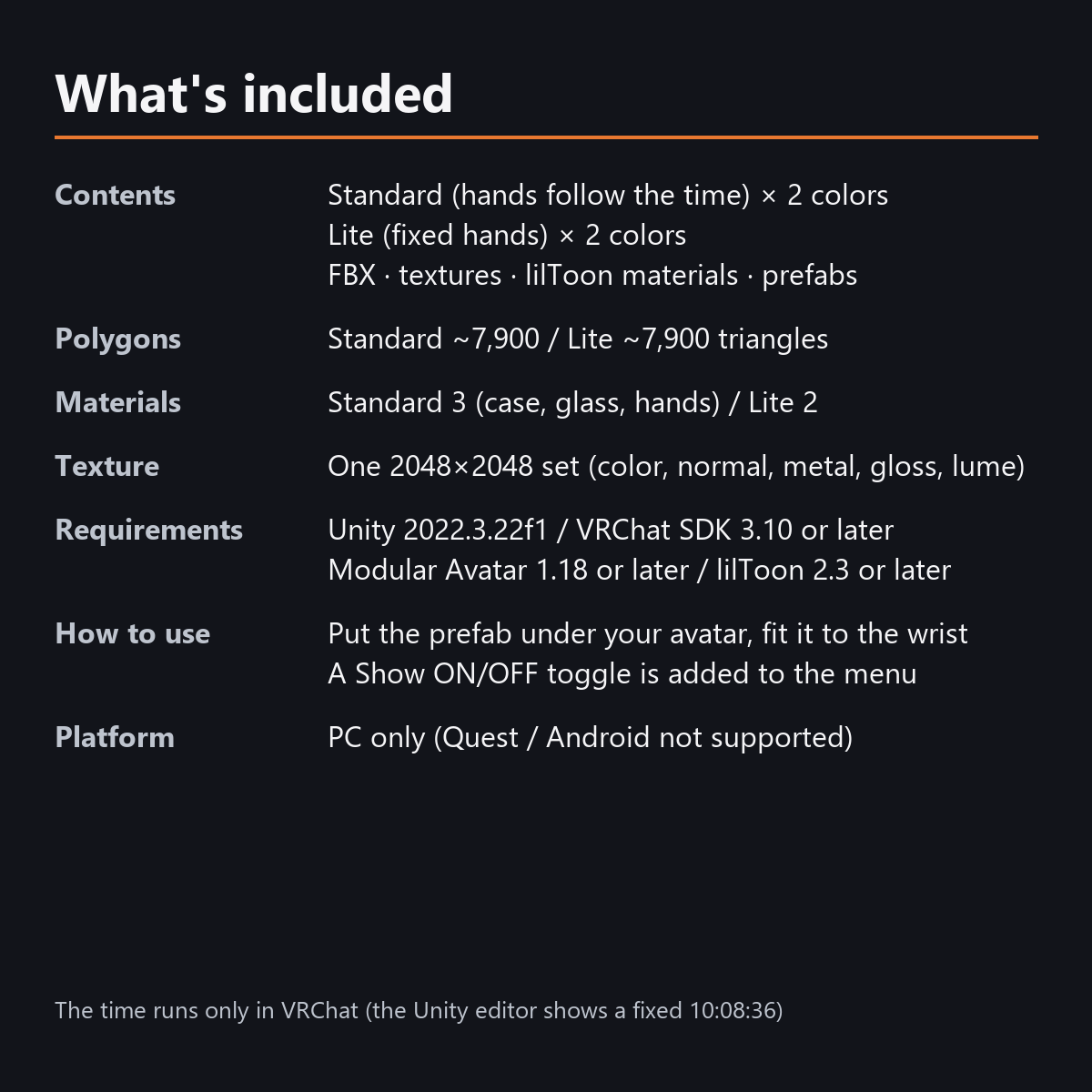
- Standard prefabs (moving hands) x 2 colors
- Light prefabs (fixed hands) x 2 colors
- FBX, one 2048x2048 texture set (color, normal, metallic, smoothness, lume), lilToon materials, hand shader
- English-menu prefabs (_EN) next to the Japanese-menu prefabs. Use one or the other on an avatar, not both.
- Instruction manual and Terms of Use in English and Japanese
Specs
- Triangles: about 7,900 (Standard and Light)
- Materials: Standard 3 (body, glass, hands) / Light 2 (body, glass)
- Texture: 2048x2048 (color, normal, metallic, smoothness, lume mask)
- No extra skinned mesh in either version
Requirements
- Unity 2022.3.22f1 (an avatar project made with VRChat Creator Companion)
- VRChat SDK (Avatars) 3.10 or later
- Modular Avatar 1.18 or later
- lilToon 2.3 or later
Please note
- PC only. Not supported on Quest / Android.
- The hands follow the time only inside VRChat. In the Unity editor they stay at 10:08:36.
- If a viewer's Safety settings hide shaders, the hands stay at 10:08:36 for that viewer.
- The date window always shows 30.
- Time zone: "Hour offset" on M_WristWatch_*_Hands (usually not needed; VRChat uses the PC's local time).
Terms of use
- You may upload it to VRChat and similar services on your own avatars, edit it, and use it in streams, videos and photos (commercial or not).
- You may not redistribute, resell or share the data (edited or not), or use it to train AI.
- Full text: Terms_of_Use.txt in the download.
Also on BOOTH
This item is also sold on BOOTH, the Japanese marketplace: https://karakuri-komono.booth.pm/items/8923104
How this was made (AI-Assisted)
The 3D shapes, materials, shaders and texts of this item were made with scripts written with AI assistance. A person checked how it looks and moves in Unity before release.