
Free Playing Cards Trial | VRChat / Modular Avatar | 2.7k tris
Etiquetas
Descripción del producto
Este producto contiene contenido generado por IA.
Paid version features: Fan out, shuffle in the air, and deep red / navy colors
Paid version: https://jinxxy.com/KarakuriKomono/4Gmwv
Playing Cards Trial v1.0
Features and menu
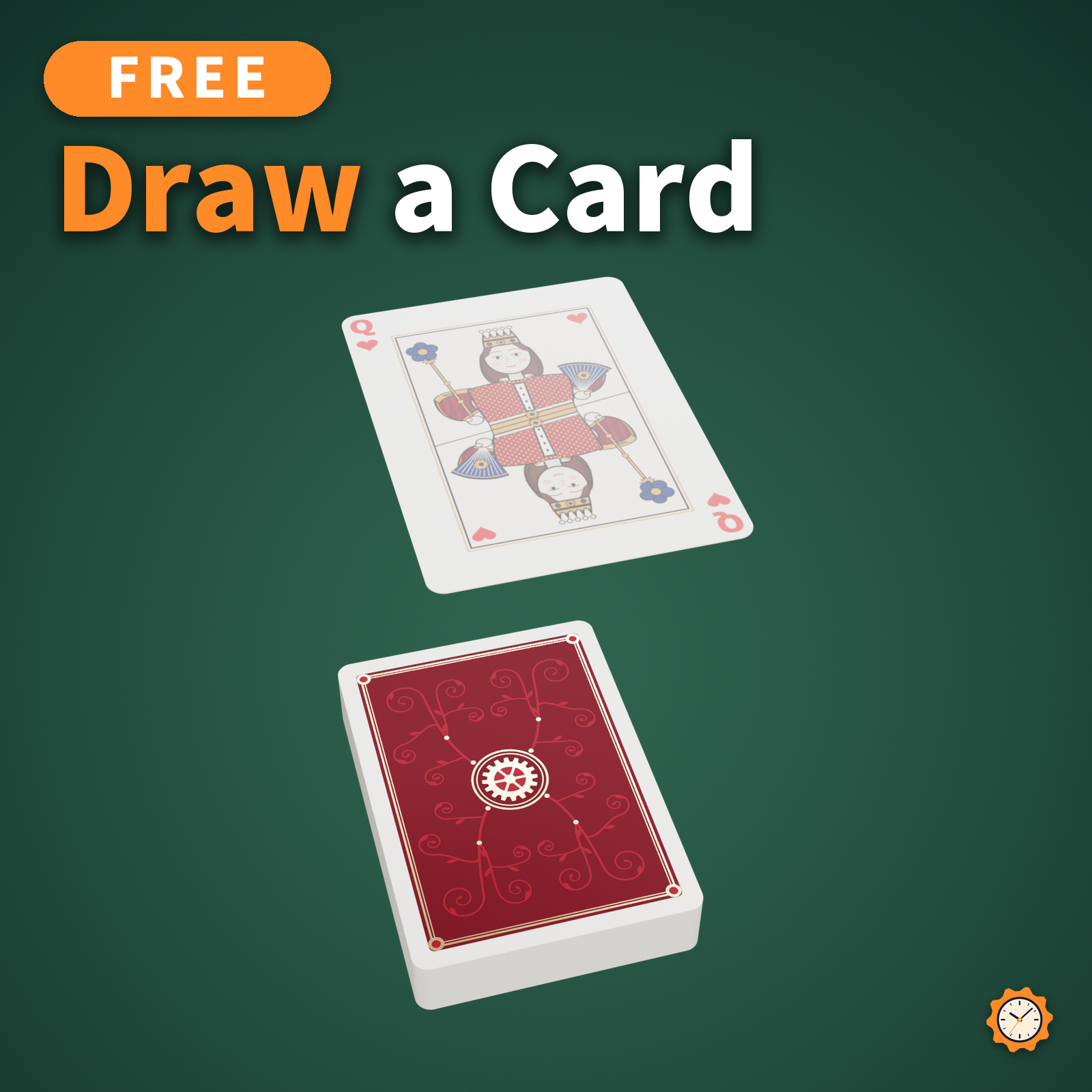
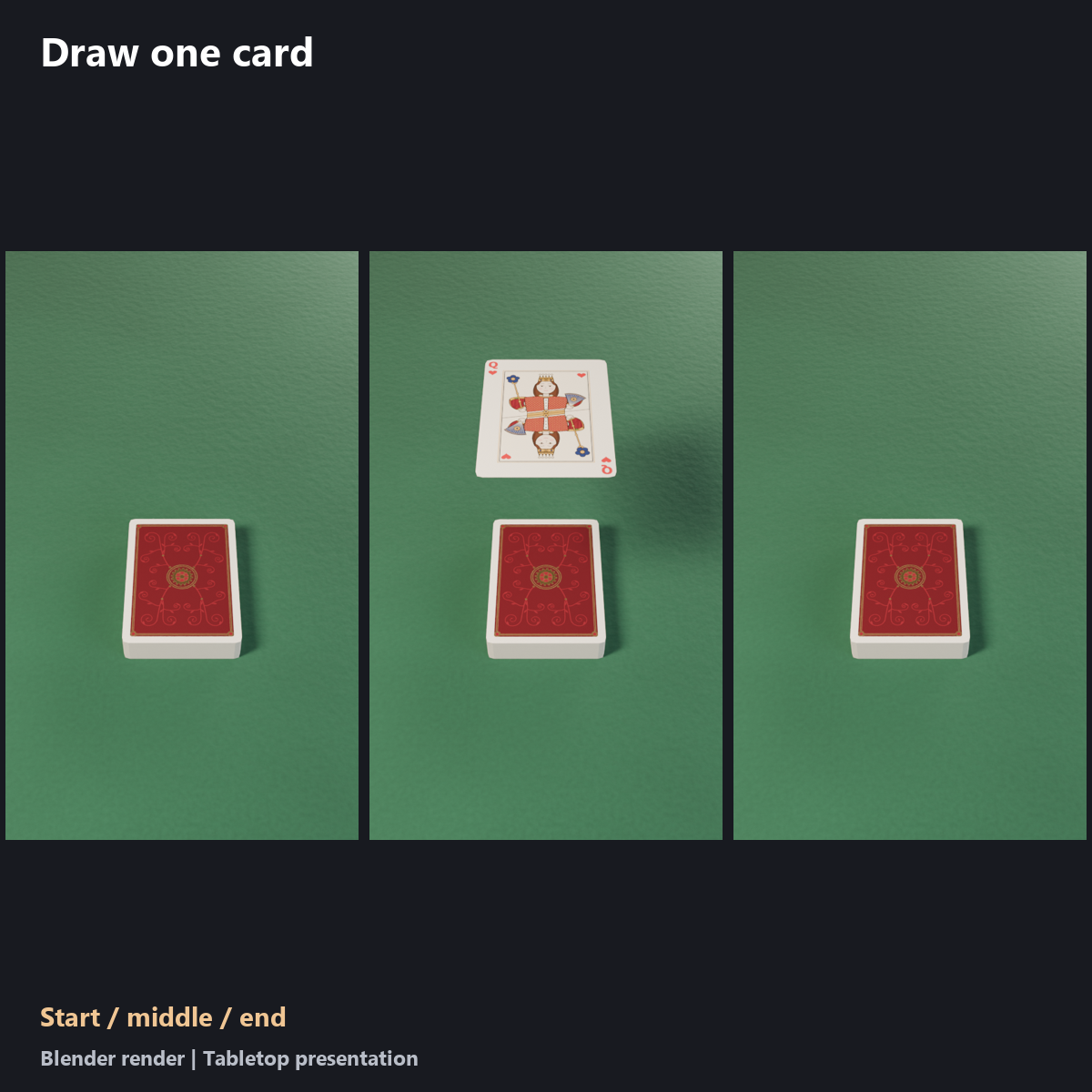
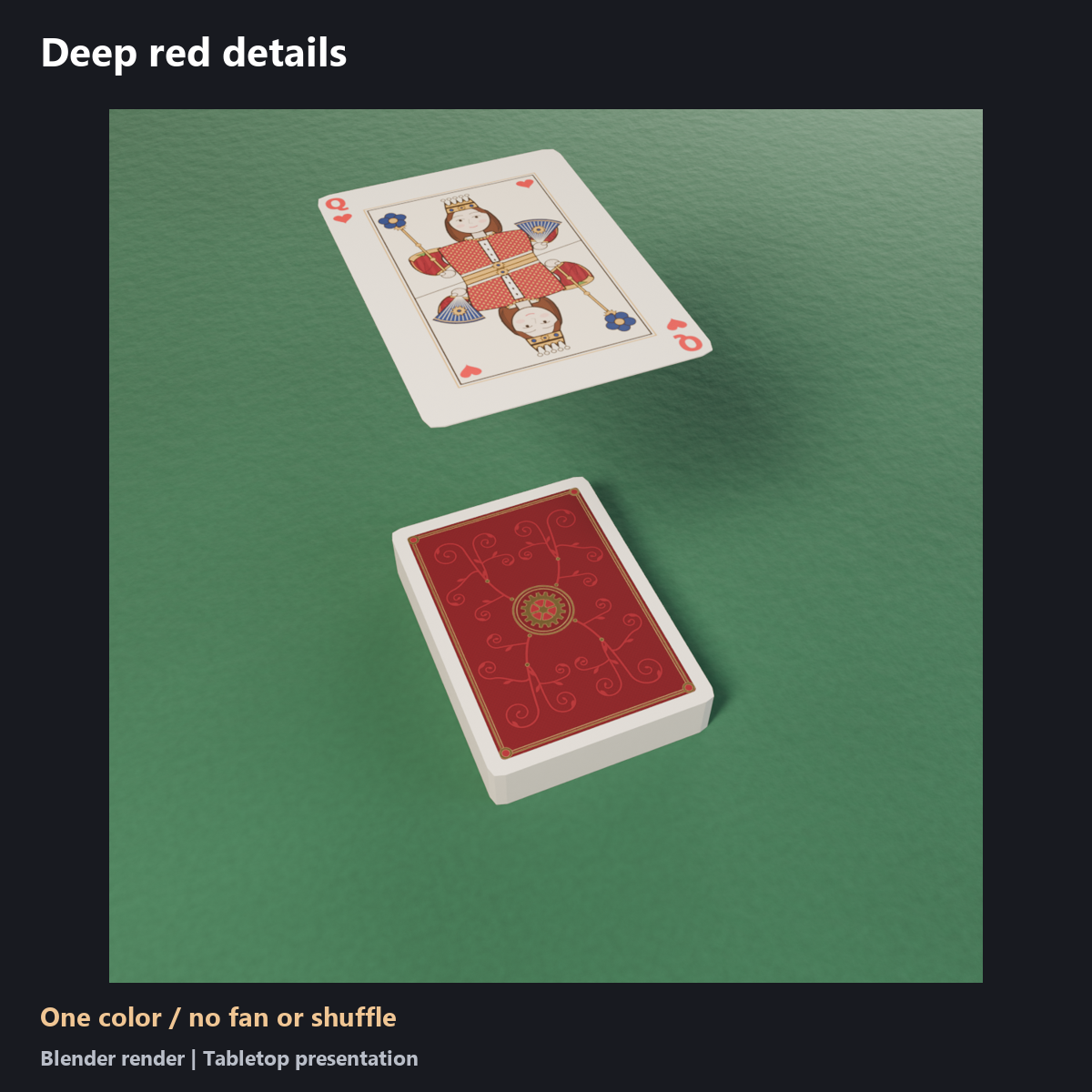
A deck held in your hand, with one card drawn from it. This free version uses the paid product geometry, artwork and draw motion in deep red.
- A card is chosen at random from 52 cards, shown, and returned to the deck. Each draw takes about six seconds.
- Open Cards trial > Draw one card. No hand gesture is needed; the menu also works in desktop mode.
- Includes a right-hand attachment setup. Finger poses are not included. Adjust position, rotation and scale to your avatar.
- The selected card and draw trigger are synced. Network conditions can cause timing differences between viewers.
- Fan, shuffle, case storage, visibility controls and attachment switching are not included.
Included
Japanese and English menu prefabs, model, materials, shaders, textures, animation assets, manuals and terms. One color is included.
Added performance cost and size
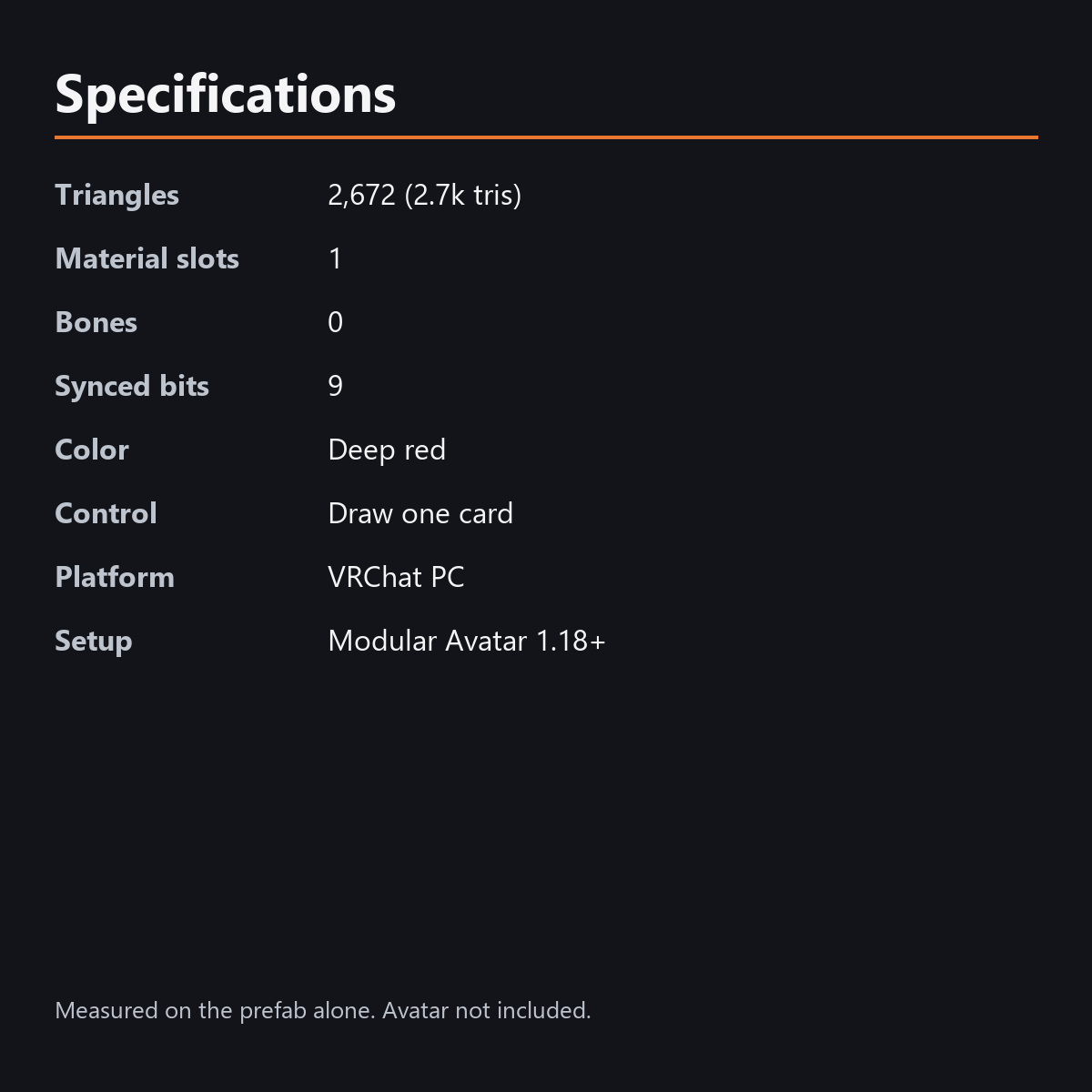
Triangles: 2,672 (2.7k tris)
Material slots: 1
Bones: 0
Synced parameters: 9 bits
Color: Deep red
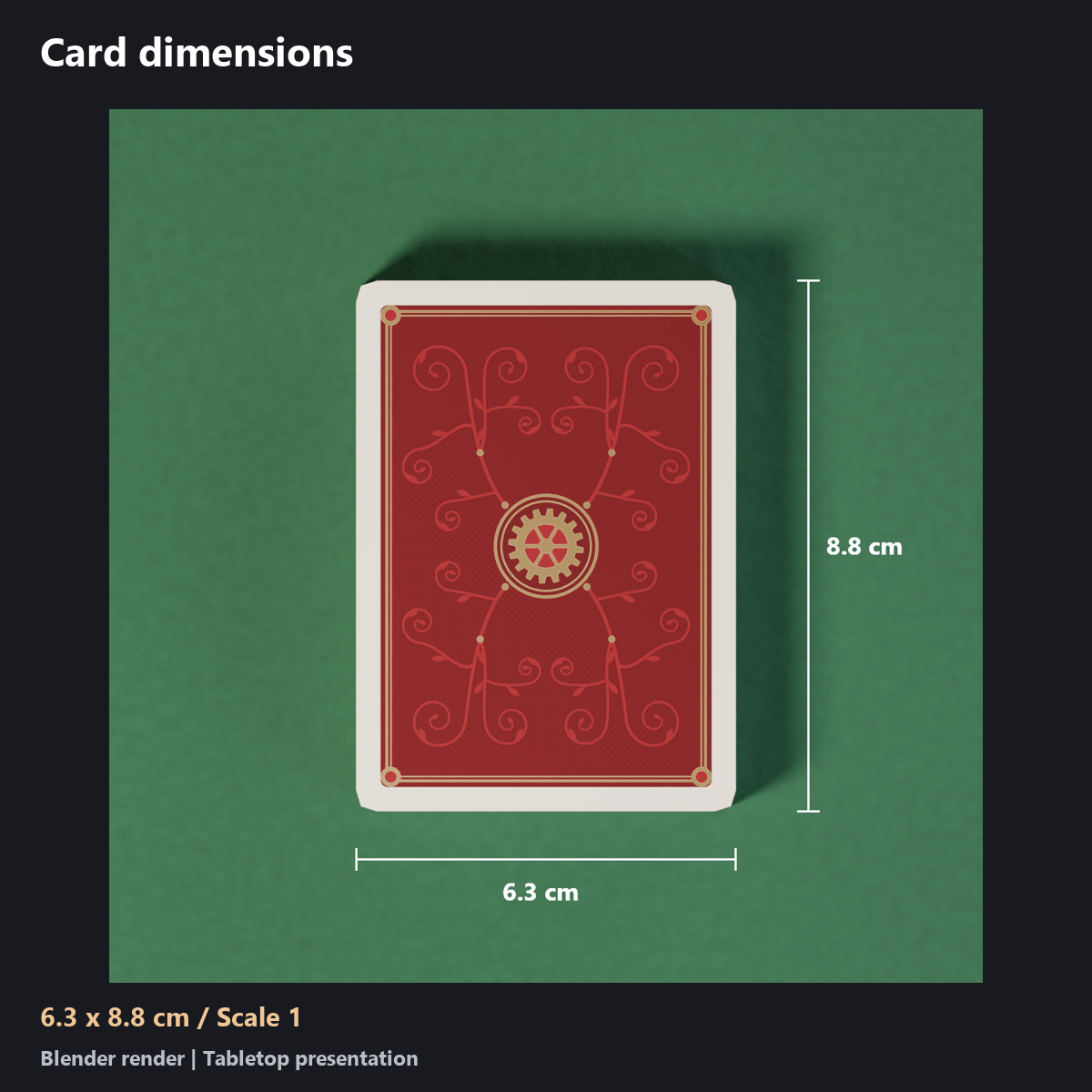
Card size: about 63 x 88 mm at scale 1
These are the additions measured on the prefab alone. Your VRChat performance rank depends on the combined avatar and attachments.
Requirements
Requires Unity 2022.3.22f1, VRChat SDK Avatars 3.10 or later, and Modular Avatar 1.18 or later. Assembled with SDK 3.10.5 and MA 1.18.7. Required shaders are included.
Installation
- Import CardsTrial_v1.0.unitypackage into your avatar project with the prerequisites installed.
- Put CardsTrial_enji_EN from Assets/KarakuriKomono/CardsTrial/Prefabs/ directly under your avatar. The prefab without _EN has Japanese menus.
- Adjust its position, rotation and scale to your right hand. Check that the fingers do not intersect the cards.
- Use only one language prefab on each avatar. Do not install both together.
- Check the menu in VRChat Build & Test before use.
Notes
- PC only; not compatible with Quest / Android.
- The regular Unity editing view does not animate the prop. Pressing Play alone does not reproduce VRChat menus or synced parameters. Check operation in VRChat or a compatible emulator.
- Avatar data and dedicated body or finger poses are not included. Fit the prop to your avatar and check sleeves, fingers, hair and clothing.
- If another viewer disables custom shaders in their safety settings, artwork or lighting effects may look different.
- Card movement is shader driven. There is no physical grabbing, dealing or dropping of individual cards. Let the card return before drawing again.
Production and photography
Uses the original product geometry, materials and motion, with only the trial features included. AI assisted with scripts and text. Images and videos were rendered in Blender on a green felt table. The draw timing and flip follow the original motion; placement and direction are adjusted for the card to rise above the tabletop. The table and lighting are not included. In VRChat, the prop attaches to the right hand.
Terms
Read TermsOfUse_EN.txt and TermsOfUse_JA.txt. You may use and edit the data on your own avatar and show it in photos or videos. Redistributing, reselling or sharing the data itself is not allowed. The same terms apply to this free trial; the Japanese terms take precedence.
Version history
v1.0 (2026-10-27): initial release.
Changelog: 2026-10-27, replaced the first product image (no change to the item).