
Vanity Camera VRCFURY
Etiquetas
Descripción del producto
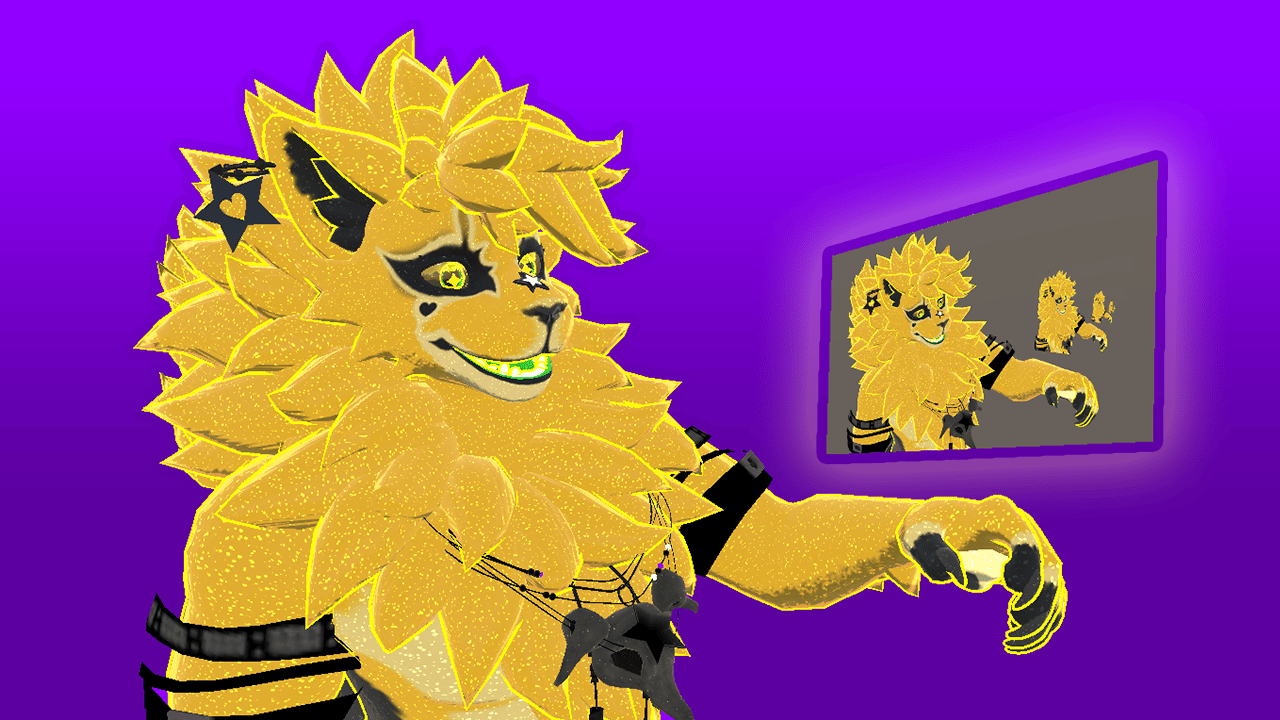
 See your avatar clearly, without fighting the VRChat camera.
No visible lens, no clunky on screen UI, and never gets lost in the world.
A lightweight, stealthy vanity camera prefab for personal self-viewing in VRChat.
Lives on your avatar instead of in the world, keeping the view within reach and unobtrusive.
If you already use the built-in camera or personal mirror, this is designed to fit into the same moments, just with less friction.
Why use this instead of, or in addition to, the built-in camera or personal mirror?
- Stealthy and clean
No visible lens, and no on-screen UI clutter in your view - Always stays with you
Attached to your hand, so it follows your avatar reliably without drifting or detaching - Adjustable screen size
Resize the screen to whatever feels comfortable - Easier pitch adjustment
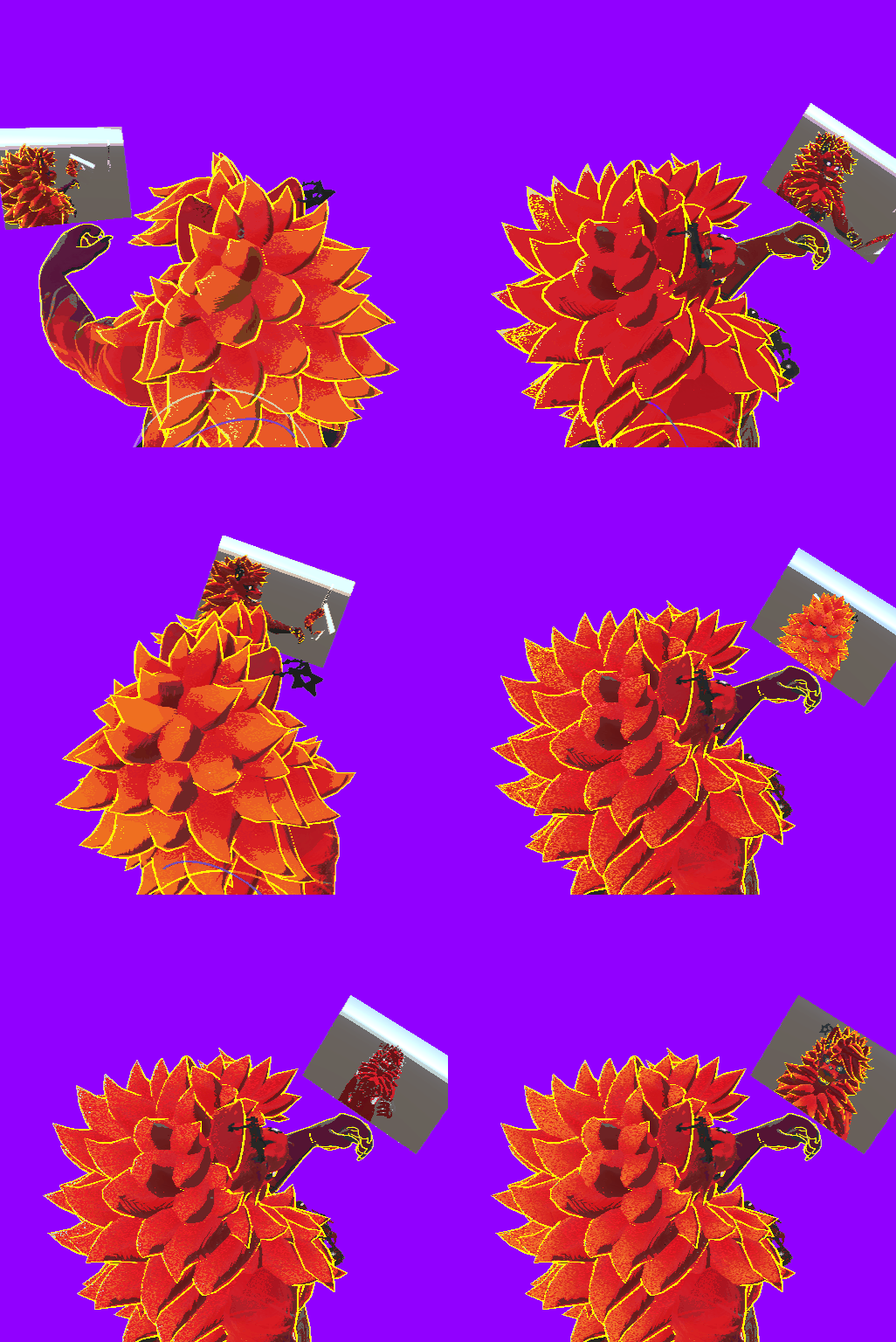
Pitch is controlled via a slider, not by awkwardly thumb-sticking the lens into place - Reliable third-person view
Easily check the back of your avatar without fighting camera angles - Faster self-correction
Quick glances let you adjust and move on without breaking flow - True self-recording
Content creator? Use the VRC Camera to view the Vanity Screen. Record clean, UI-free footage of your avatar, viewing itself, just like in my demo video!
Platform support
- PC / PCVR only
- Android and iOS are not supported
This is not by choice - Android/iOS avatars do not support camera components. - Requires VRCFury from https://vrcfury.com/download
Installation (summary)
- Import VRCFury into your Unity project from https://vrcfury.com/download
- Import the unitypackage into your Unity project
- Drag the Vanity Camera prefab from the 'Assets/Vanity Camera' folder into the root of your avatar
- Highlight these objects inside the Vanity Camera prefab, in the Unity hierarchy, and move them in Scene view:
- “3P Lookat” to just above your avatar’s head (or where you'd prefer the camera to focus)
- “Screen” to just above or in front of your hand
- Upload your avatar
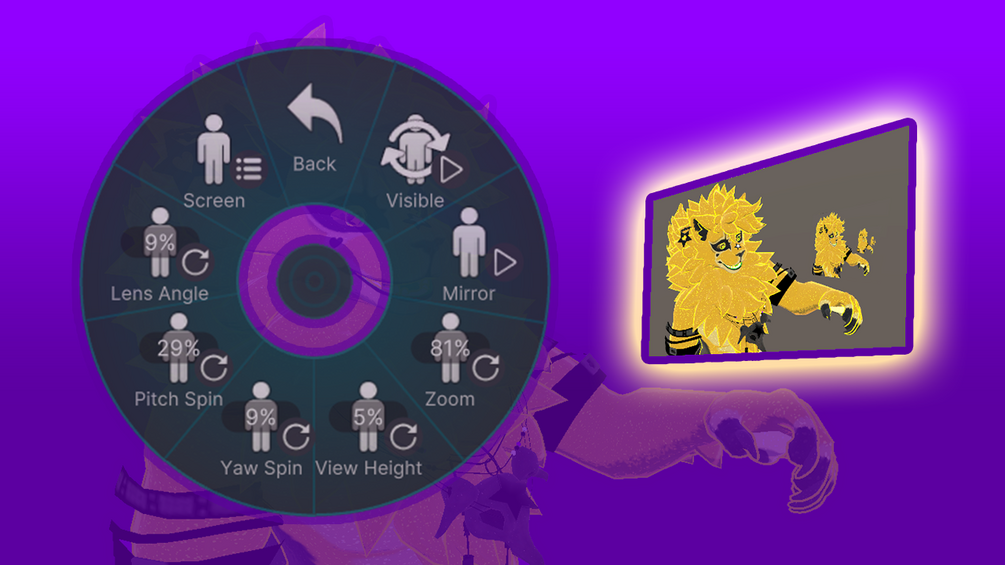
- Jump into VRC and navigate to Expressions -> Gadgets -> Vanity Cam to use it
I recommend controlling the Vanity Camera from the right radial menu, via holding the menu button on your right controller.
(Exact placement depends on avatar proportions.)
Ultra-lightweight
Adds only:
- 1 camera
- 1 flat screen (quad / two triangles)
- 1 material with 1 texture
No extra meshes, no hidden geometry, no system sprawl.
Licensing
This product is intentionally licensed with very few restrictions.
I want you to be able to use it freely, without worrying about complicated or restrictive terms.
You’re welcome to:
- Use this on personal avatars
- Use this in commercial work (commissions, paid avatars, client projects, etc.)
- Modify it however you like
- Deconstruct it and use it as a learning tool
- Share it with friends or collaborators you’re actively working with
- Include it in avatars you distribute or sell, as long as it’s part of a larger avatar or project
Please don’t:
- Resell this asset as-is
- Include this asset as-is in asset bundles or tool packs
- Upload or list this asset on sites that distribute paid assets for free
No requirements from you:
- Credit is not required (though always appreciated)
- Linking back is not required (also appreciated)
- I don’t need your Discord, VRChat username, or any extra info