
Wave Headphones — Stars Orbit in Glass Cups, Pulse to Music, Fold Out a Voice Mask | VRChat
Descripción del producto
Este producto contiene contenido generado por IA.
▶ VRChat avatar accessory · PC only · needs Modular Avatar (free, from VCC) · drag-and-drop prefab
Not made for one avatar: Modular Avatar hooks it to your avatar's own head bone at upload, so it works on humanoid avatars in general. Checked in Unity on the VRChat SDK sample avatar.
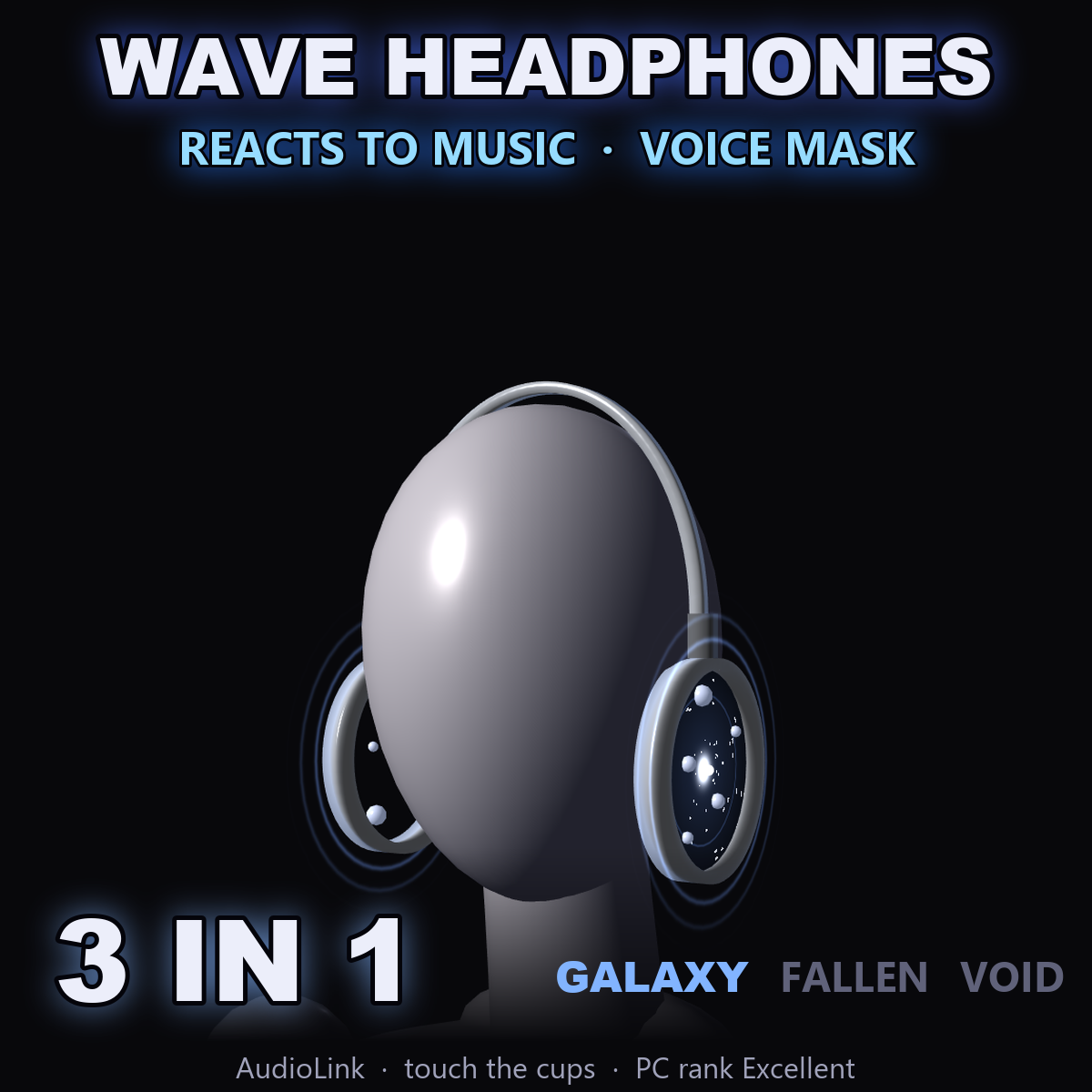
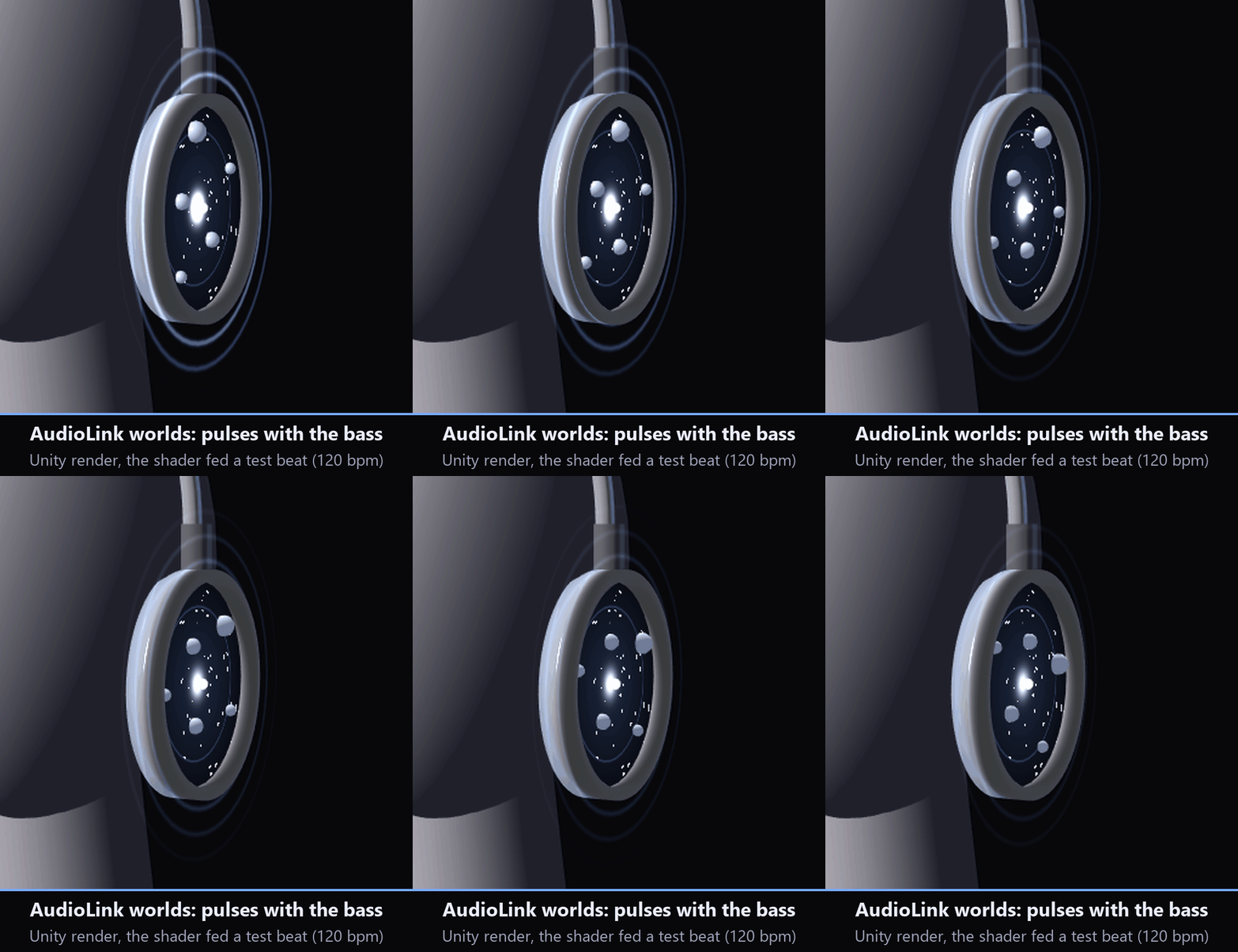
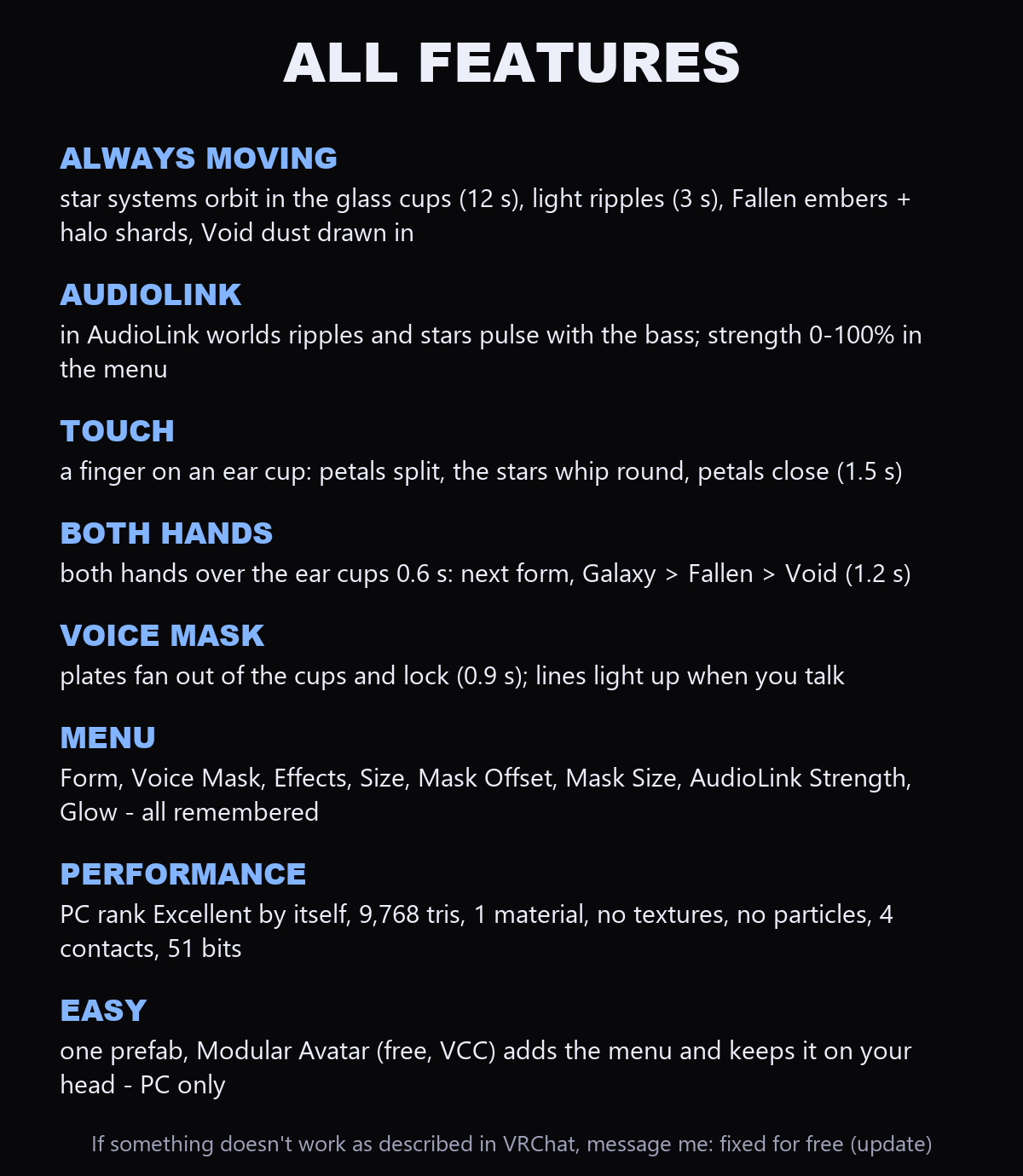
Open glass-ring headphones with a tiny star system orbiting inside each cup. In an AudioLink world the ripples and the stars pulse with the bass of the music. Turn on the voice mask and glass plates fan out of the cups one after another, run along your jawline and lock together in front of your mouth; when you talk, its star-chart lines light up and the cups push out a ripple.
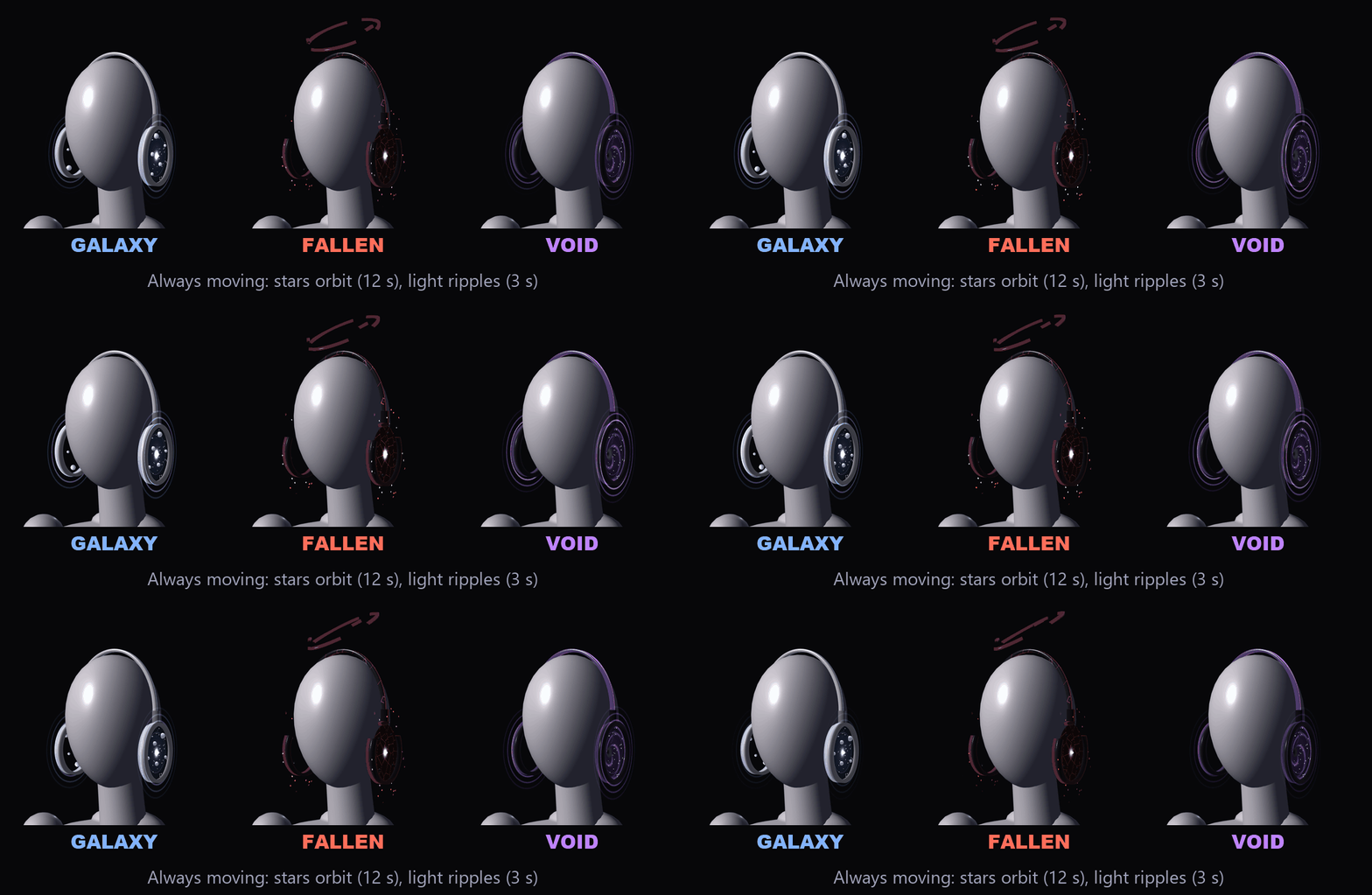
Even while you stand still it moves: the star systems orbit, rings of light ripple out of the cups, the Fallen headphones drop embers and keep three broken halo shards drifting over your head, and the Void cups draw their dust into the black hole in the middle.
TOUCH IT
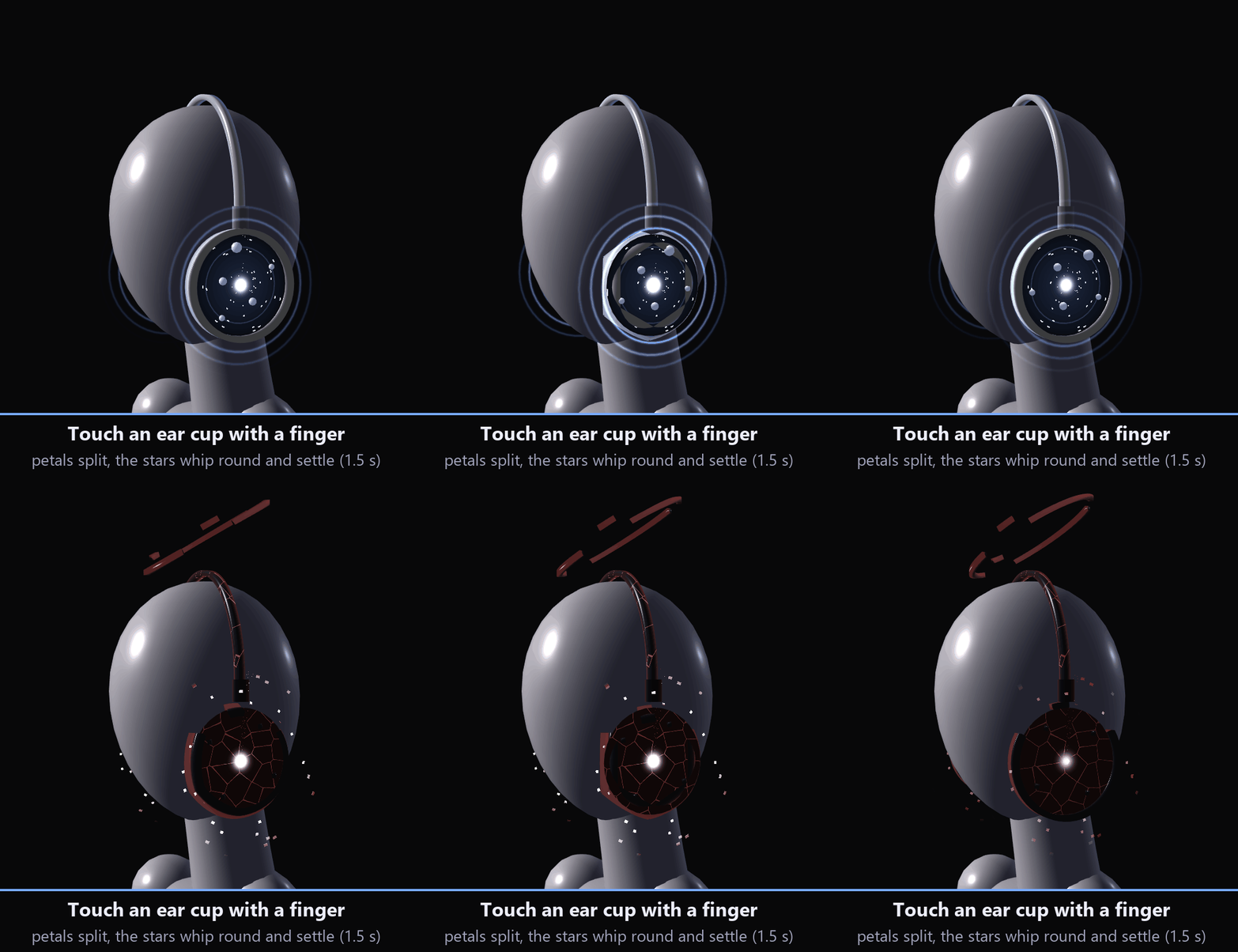
• Touch an ear cup with a finger: its rim splits into glass petals, the stars inside whip round once and overshoot a little, and the petals close again (1.5 s).
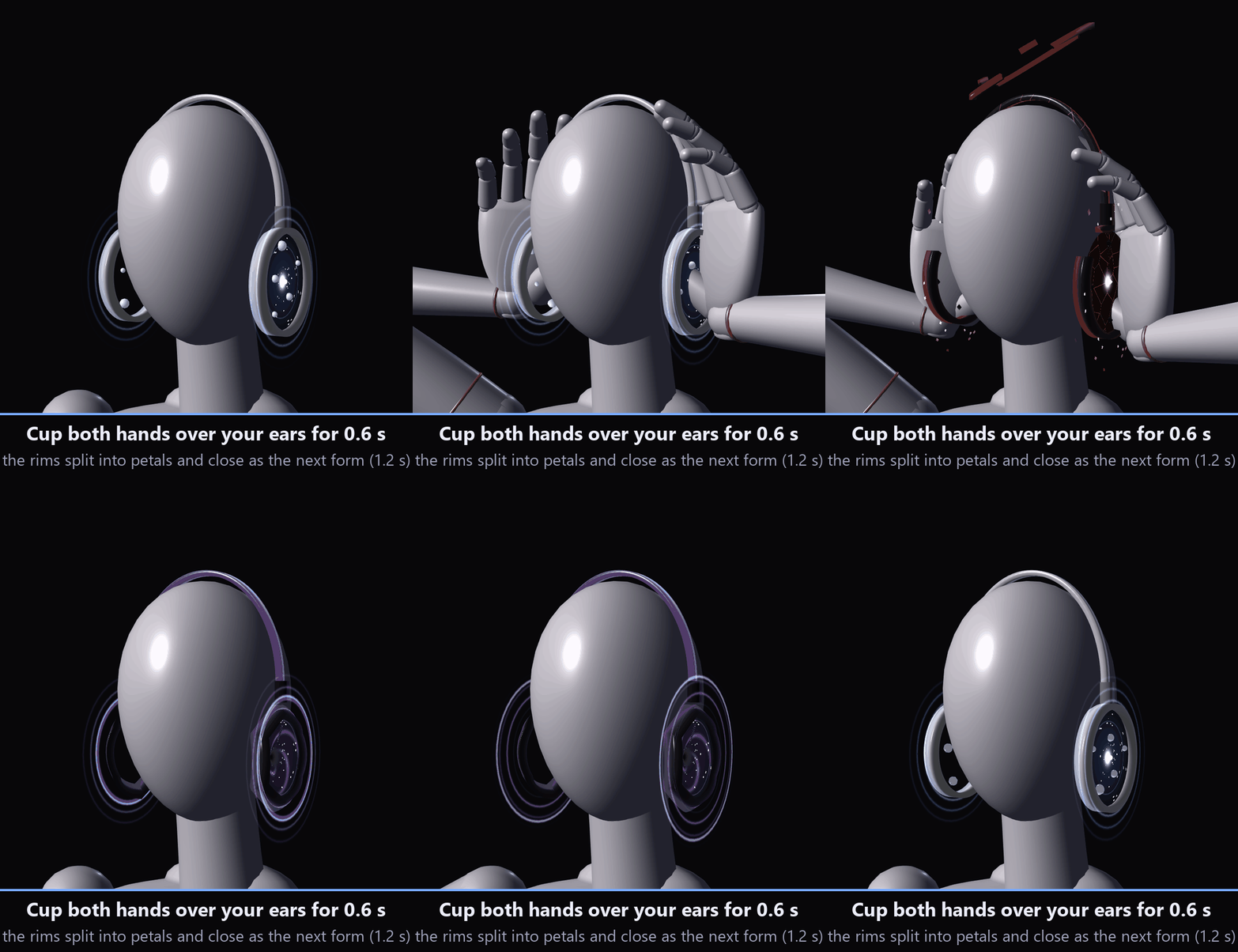
ONE THING YOU DO WITH YOUR BODY: BOTH HANDS OVER YOUR EARS
Cup both hands over the ear cups and hold for 0.6 s: the rims split into petals and close again as the next form, with a ring of light (1.2 s). Galaxy → Fallen → Void → Galaxy.
It needs both hands at once for 0.6 s, so touching one cup or adjusting your hair doesn't change it by accident.
THE VOICE MASK
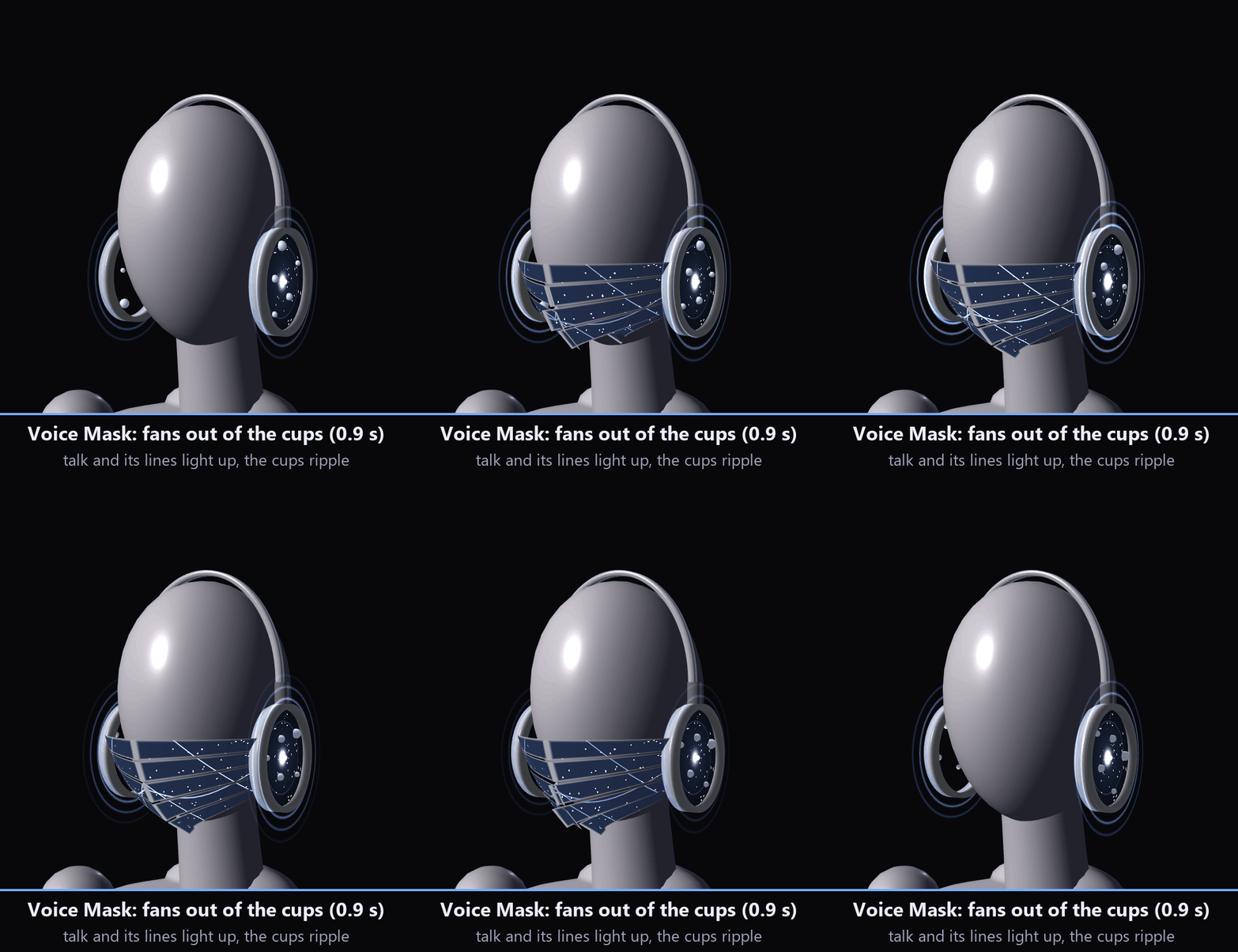
• "Voice Mask" in the menu: the plates fan out of the cups and lock in front of your mouth (0.9 s); turn it off and they fold back in (0.9 s).
• It answers your voice (VRChat's own Voice value): talk and the mask's lines brighten, and the ear cups send out a ripple.
• Mask Offset and Mask Size dials move it forward / back and resize it so it sits on your avatar's face.
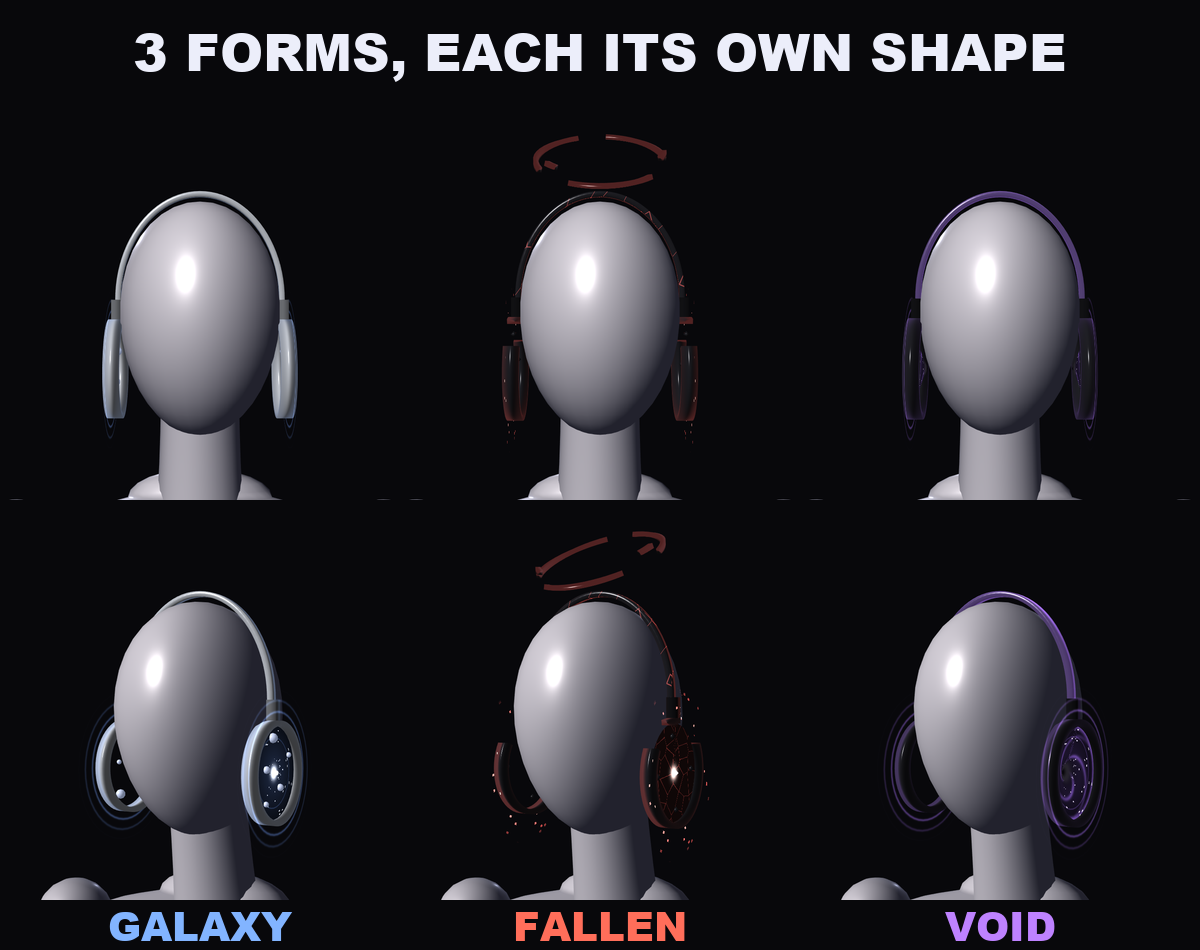
3 FORMS (each one a different shape, not only a colour)
• Galaxy: smooth silver headband, full round double rings, a blue star with small planets on even orbits, even rings of light; blue glass mask with star-chart lines
• Fallen: blackened headband with glowing red cracks, crescent obsidian cups broken open at the top, a red star with obsidian shards circling, falling embers, three broken halo shards over your head; obsidian mask with red cracks
• Void: black headband with a violet line of light, deep black funnels with a violet spiral turning inward and dust drawn in; dark glass mask whose lines bend into small whirlpools
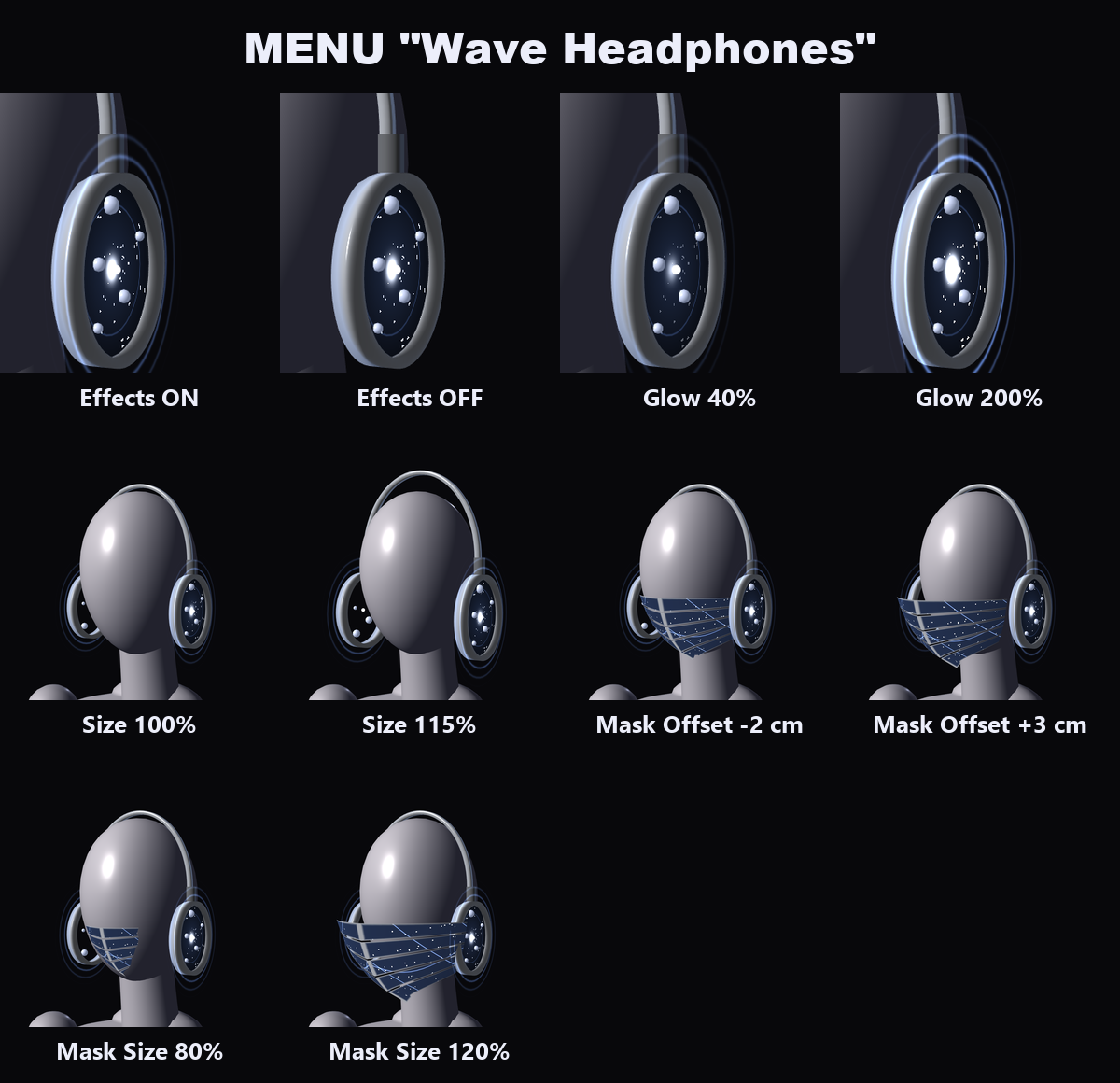
MENU ("Wave Headphones")
• Form: Galaxy / Fallen / Void (remembered). Changing it from the menu splits and closes the rims the same way.
• Voice Mask: on / off (remembered)
• Effects: the light ripples and glow lines on / off (on to start, remembered). The headphones, the forms and the gimmicks keep working.
• Size: 85% to 115% (remembered)
• Mask Offset: -2 cm to +3 cm forward (remembered)
• Mask Size: 80% to 120% (remembered)
• AudioLink Strength: 0% to 100%, 70% to start (remembered). Without an AudioLink world the ripples follow a slow 3 s pulse instead.
• Glow: 0% to 200% (remembered)
ONE PREFAB, EXCELLENT RANK
VRChat PC performance rank of the headphones by themselves (VRChat SDK check): Excellent. No particle systems: the ripples, embers, halo shards and the mask are drawn by the headphones' own shader. In VRChat you see the rank of your avatar and the headphones together.
EASY TO PUT ON
Drag one prefab onto your avatar and upload. Modular Avatar adds the "Wave Headphones" menu, the parameters and the animator layers for you, and keeps the headphones on your head.
WHAT'S INCLUDED
• WH_1.0.0.unitypackage: 1 prefab, 1 shader, 1 material, 1 mesh, menu and animator
Folder: Assets/Caligo/WaveHeadphones/ (the prefab on top; Animation, Materials, Meshes, Shaders inside)
• README (English and Japanese)
SPECS
• Tris: 9,768 (VRChat SDK count; all three forms and the mask in one mesh)
• Mesh renderers: 1 / Materials: 1 / Textures: none / Lights: none / Particle systems: none / Trail renderers: none / PhysBones: none
• Contacts: 4 (a finger on each cup, a hand over each cup)
• Synced parameters: 51 bits
REQUIREMENTS
• Modular Avatar (available through VCC)
• AudioLink reacts only in worlds that have AudioLink
TESTED WITH
Unity 2022.3.22f1 / VRChat SDK 3.10.5 / Modular Avatar 1.18.7. The parts, the parameters, the menu and the animator steps are checked in Unity. The prefab imports into a clean project with no problems.
PC only (every movement is made by a custom shader, so there is no Quest version).
GOOD TO KNOW
• Everything is placed for the VRChat SDK sample avatar's head. On a different head, move the Anchor object and use Size, Mask Offset and Mask Size.
• People who block custom shaders in their Safety settings won't see it.
SUPPORT
If touching, the both-hands change, the voice mask or AudioLink doesn't work as described in VRChat, message me on Jinxxy. I'll fix it and send you the update for free.
AI DISCLOSURE (AI-Assisted)
The shader, the code that builds these headphones and the text on this page were written with help from an AI assistant. An AI image generator made rough concept sketches I looked at while designing (the shape follows them); nothing it made is in the files or in the preview images, which are rendered in Unity from the actual headphones.
TERMS
• OK to use on your avatar in VRChat and other platforms
• OK to stream, record, and post on social media
• Editing is fine
• Please don't redistribute or resell the files, edited or not
UPDATES
• v1.0.0 (2026-11-15): first release