
Descripción del producto
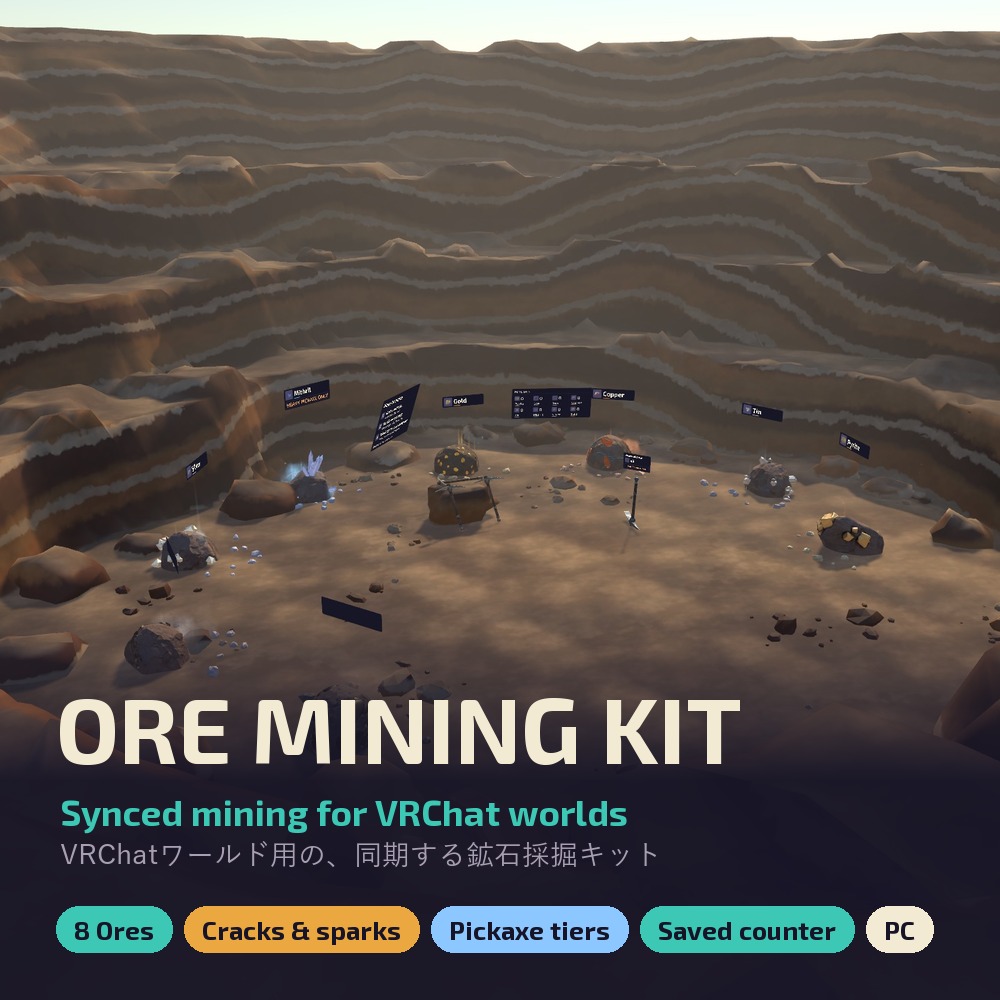
Ore rocks your VRChat world can mine: swing the pickaxe for real in VR, watch the cracks spread, break the rock in a burst of dust and sparks, and walk up to the minerals to collect them. Then watch the rock grow back. 8 ores, a heavy pickaxe, a counter that saves between visits, and an API with a shop example for your own scripts. Synced, and set up from one menu.
▶ Video: https://youtu.be/o-qXox1__Ac
8 ORES
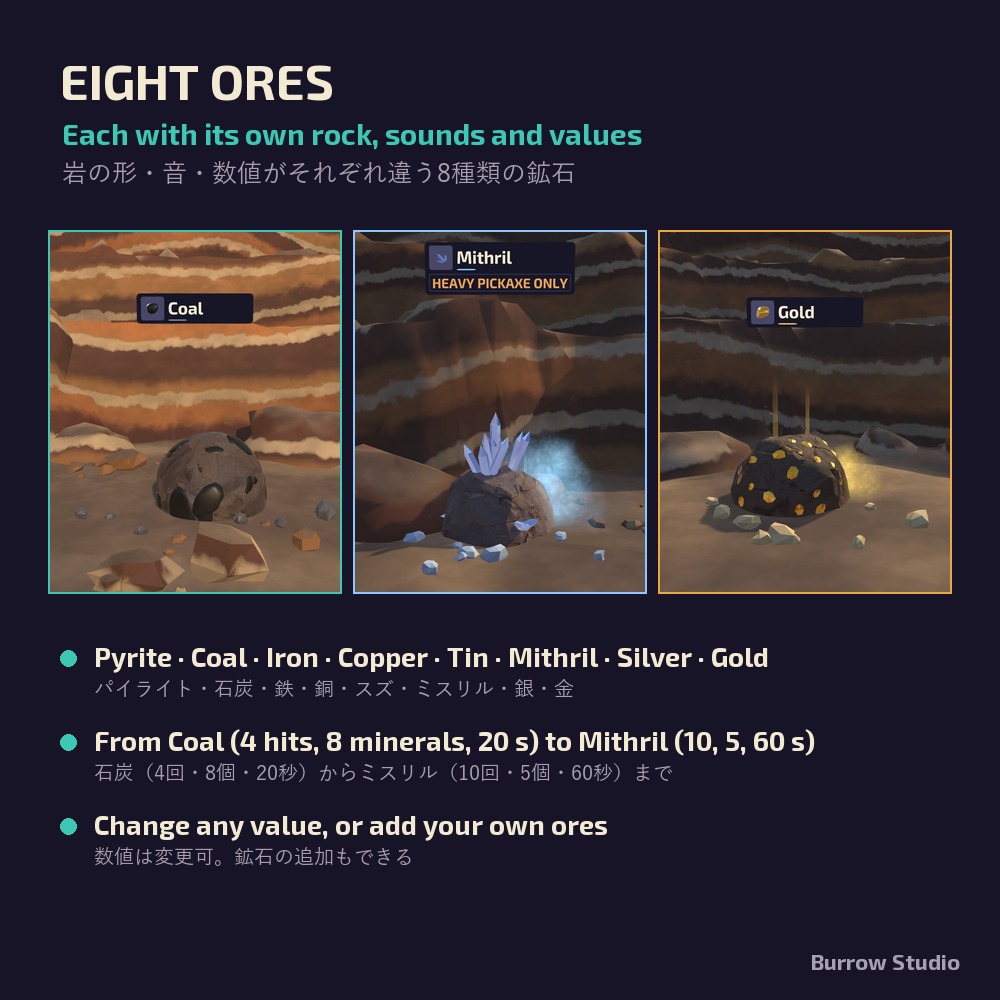
- Pyrite, Coal, Iron, Copper, Tin, Mithril, Silver and Gold, each with its own rock shape, color, sounds and values
- Hits to break / minerals / grows back in:
Coal: 4 / 8 / 20 s
Pyrite: 5 / 8 / 25 s
Iron, Copper, Tin: 6 / 8 / 30 s
Silver: 8 / 6 / 40 s
Gold: 9 / 6 / 45 s
Mithril: 10 / 5 / 60 s - Change those values freely on each rock
- One prefab per ore (OreMining_Rock_<Ore>): drag in only the ones you want
- Add your own ores: one more name on the counter plus a duplicated rock prefab
PICKAXE
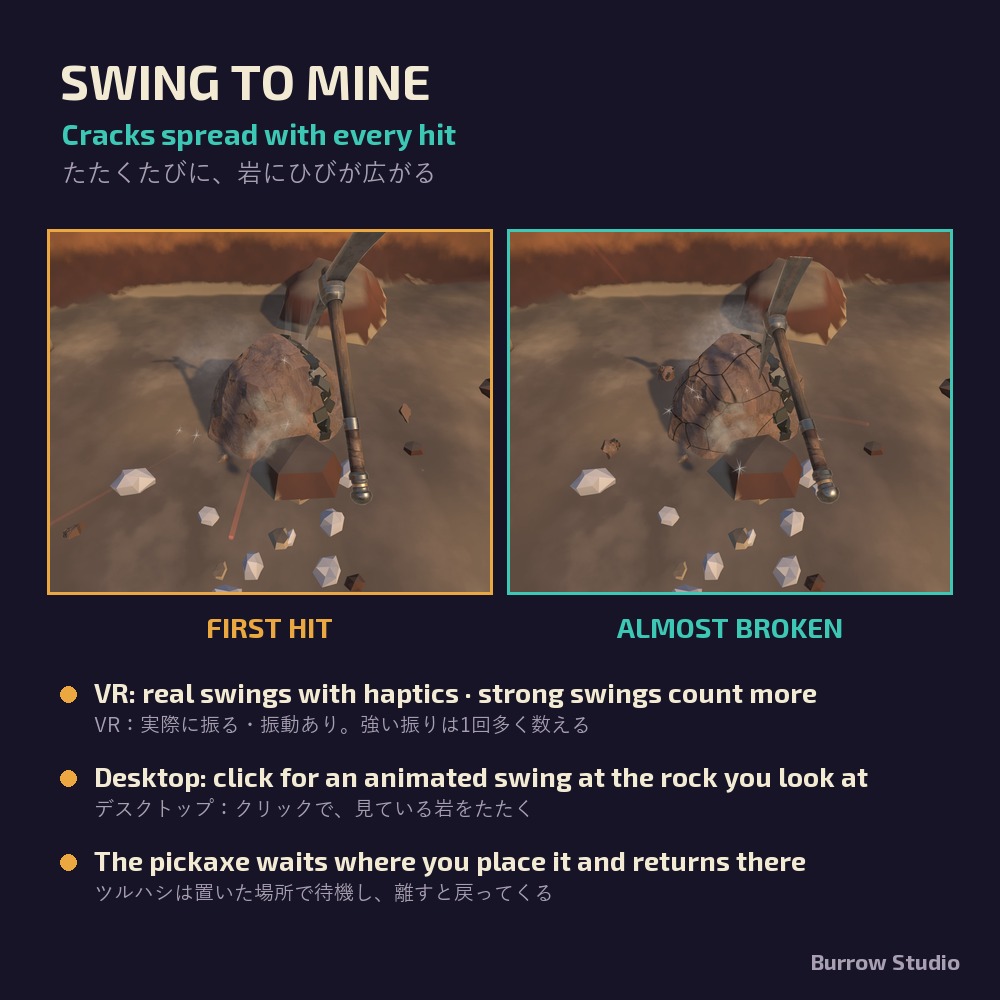
- VR: swing it for real. The tip has to hit the rock at 2.2 m/s or more
- The controller vibrates on a hit, and again when the rock breaks
- A really strong swing (5 m/s) counts as one hit more
- Desktop: hold it and click for an animated swing that hits the rock you are looking at, up to 2.4 m away
- Synced with VRC Object Sync
- It waits exactly where you put it: on a table, on a wall, leaning on a rock. Once dropped, it falls with physics and goes back to its place after 30 s (configurable)
- Sounds for the swing, for landing on something that is not an ore rock, and for knocking on a rock that is still growing
HEAVY PICKAXE AND TIERS
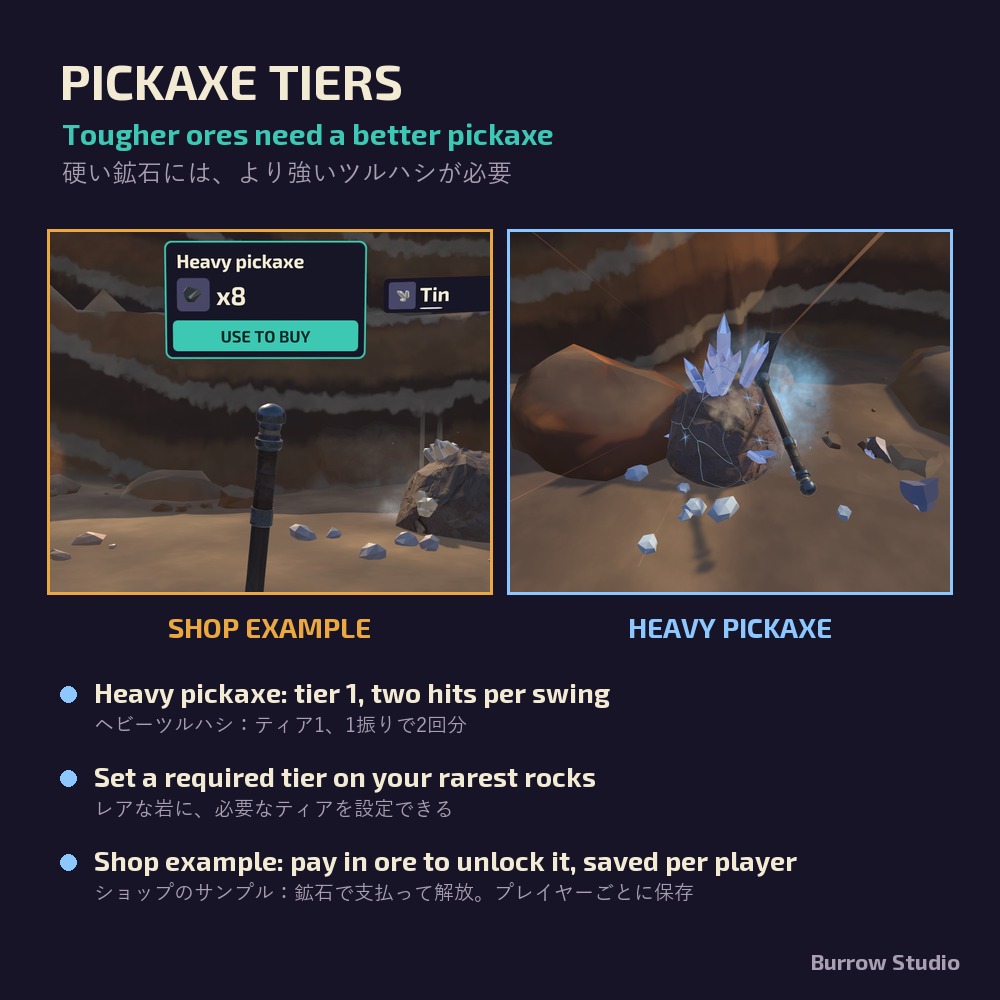
- Heavy pickaxe: the same pickaxe, bigger and with blue steel. Tier 1 and 2 hits per swing
- Rocks can require a tier (Required Tier). A weaker pickaxe bounces off with a clang
- Tier and Hit Power (1 to 3 hits per swing) set how strong each pickaxe is
- Use it as a reward: keep your rarest rocks for the heavy pickaxe and let players earn it
CRACKS AND BREAKING
- Cracks spread over the rock with every hit
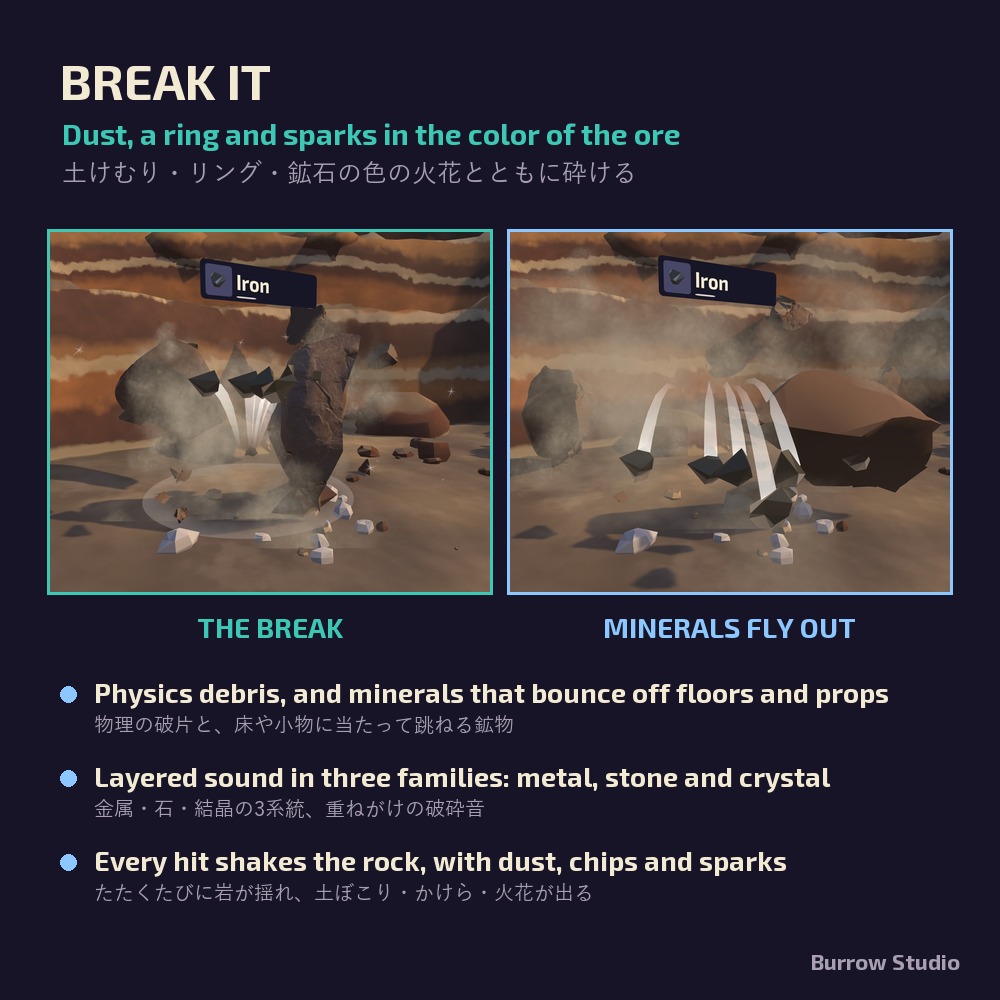
- Every hit shakes the rock and kicks up dust, chips and sparks
- The rock breaks with a dust cloud, a ring and sparks in the color of the ore, and shatters into physics debris
- The breaking hit drops the minerals (rocks can also drop minerals on every hit)
MINERALS
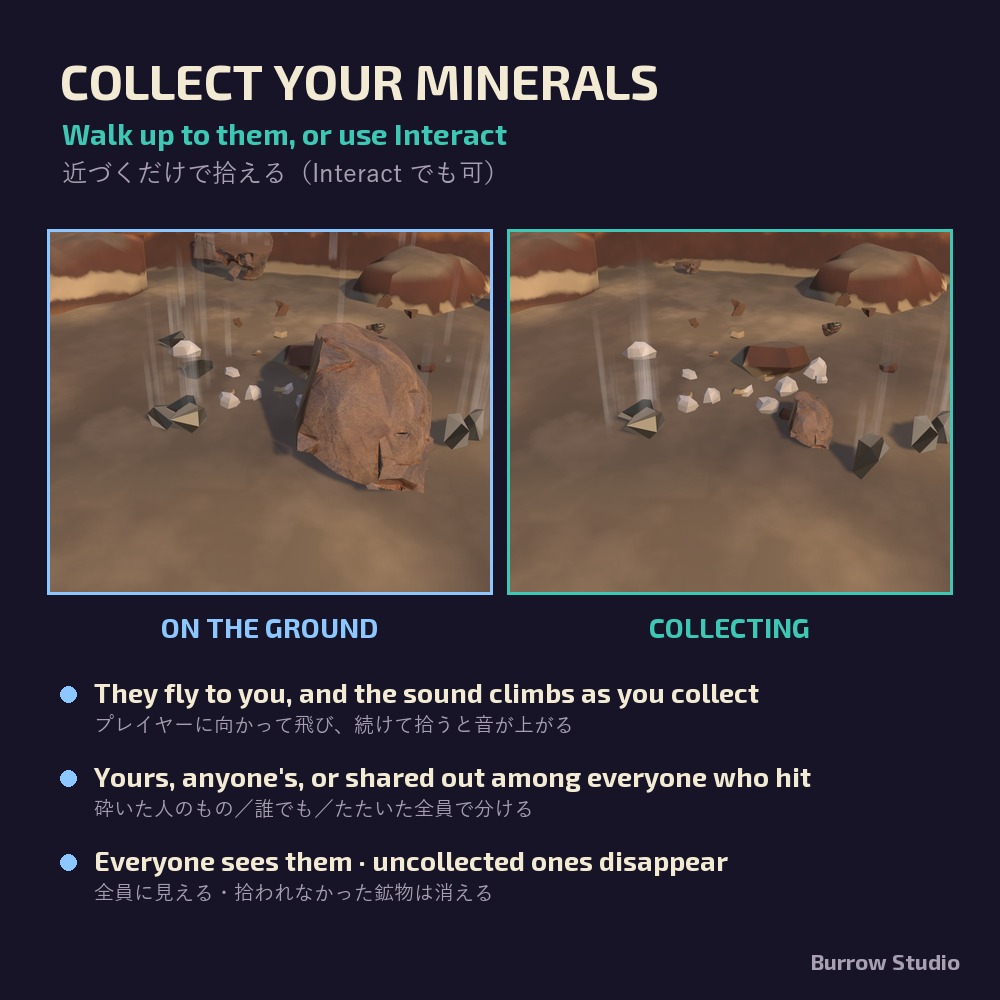
- Collect them by walking up to them (the radius is configurable and can be turned off) or with Interact
- A collected mineral flies to the player, and the collect sound climbs in pitch when you pick up several in a row
- Three ways to hand them out, set per rock:
the player who landed the breaking hit (everyone sees them, only that player can collect them)
anyone: the first player to collect each one keeps it
shared out among everyone who hit the rock, in proportion to their hits - They fly out with physics, bounce off other rocks, tables and any solid floor, and rest where they land. You choose the direction and how wide they spread
- Uncollected minerals disappear after 60 s (configurable)
REGROWTH
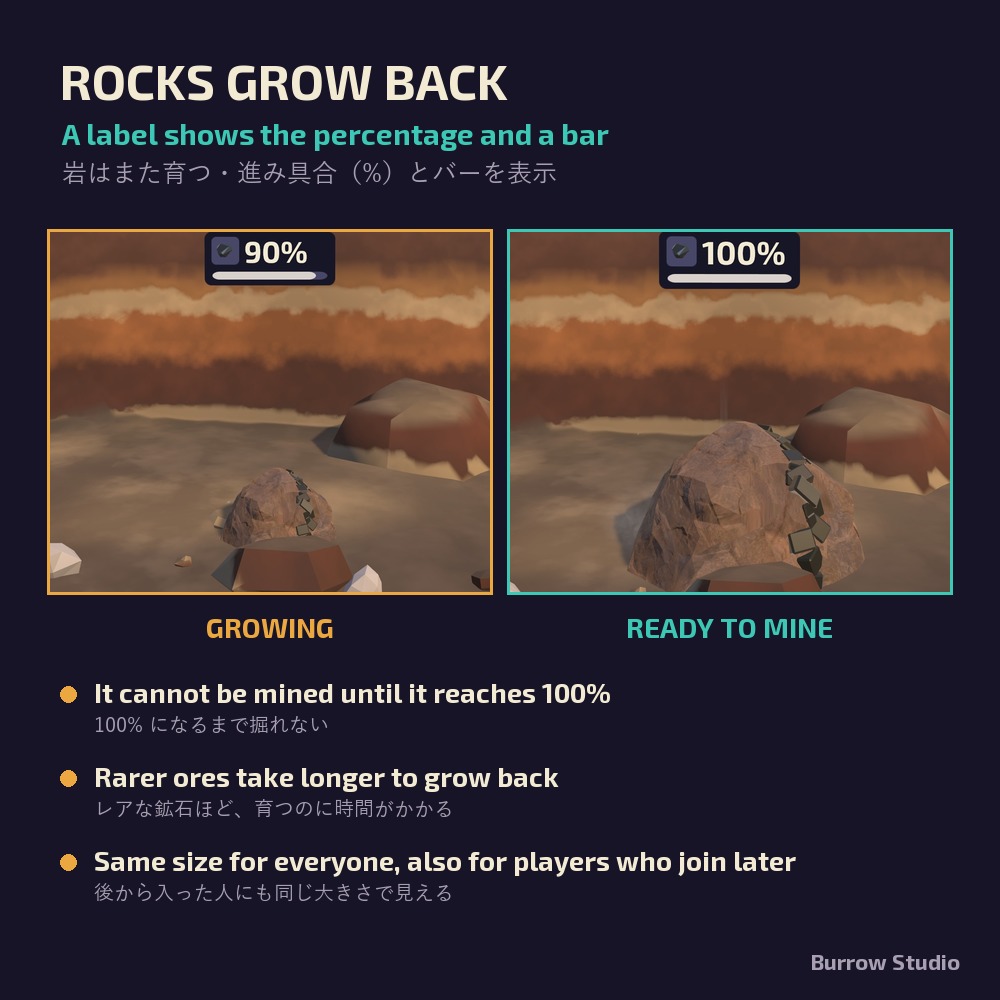
- A broken rock grows back: after 6 s a new rock starts to grow, and it takes 20 to 60 s depending on the ore (both configurable)
- It grows from tiny to full size and can't be mined until it reaches 100%
- When it is done, it settles with a small bounce, sparkles and a chime
- Look at a growing rock, or knock on it, to see a label with its percentage and a bar (each player sees their own)
58 SOUNDS
- Hits and breaks in three families: metal (most ores), stone (Coal) and crystal (Mithril)
- Layered breaks: the break itself, falling rubble and a low thump
- Minerals landing, collect, regrow, and the pickaxe's swing and miss
- Three audio sources per rock (hits, break, collect), so sounds never cut each other
- Every list of clips is on the rock: replace any of them with your own
COUNTER, WRIST COUNTER AND SAVING
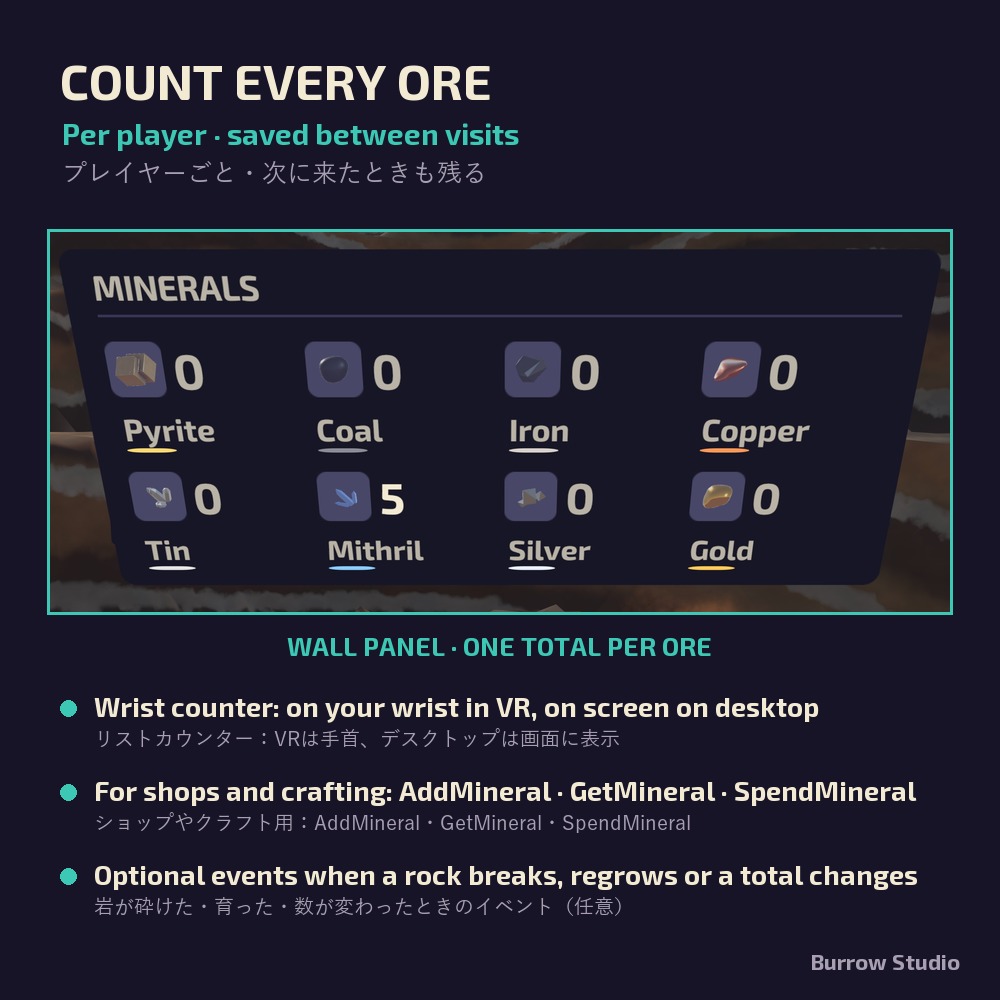
- Counter: a panel with a total per ore, local to each player
- Totals are saved between visits (VRChat PlayerData; can be turned off)
- Wrist counter (optional): a small copy of the totals that travels with the player. In VR it sits above the left wrist and shows when the player raises it, like a watch. On desktop it appears in the lower left of the view when a total changes and hides after a few seconds
- The panel is optional: keep the totals without showing them and display them your own way
SHOP EXAMPLE AND API
- Shop example (optional): a price tag players use to pay in one ore. If they have enough, it unlocks something for that player: show an object, hide one, or make a pickup grabbable. The purchase is saved between visits
- In the demo it sells the heavy pickaxe for 10 Iron
- The script is short and commented: a starting point for your own shop or crafting table
- API for your own scripts: AddMineral(type, amount), GetMineral(type), SpendMineral(type, amount)
- Optional events for your scripts: a rock tells you when it breaks and when it has grown back; the counter tells you when a total changes
- Read a rock's state with GetHits(), IsBroken() and Growth()
NETWORK
- The owner of each rock is the only source of truth: hits, breaking, who owns each mineral and which were collected
- Each hit is a network event: every player sees the shake and the dust and hears the sound
- A request to collect a mineral goes to the owner, who checks which player sent it
- Late joiners receive the current state: hits, broken or growing, and the minerals lying around
- If the owner of a rock leaves, another player takes over and the rock keeps working
- The pickaxe sounds, the wrist counter and the shop example are local to each player
SETUP
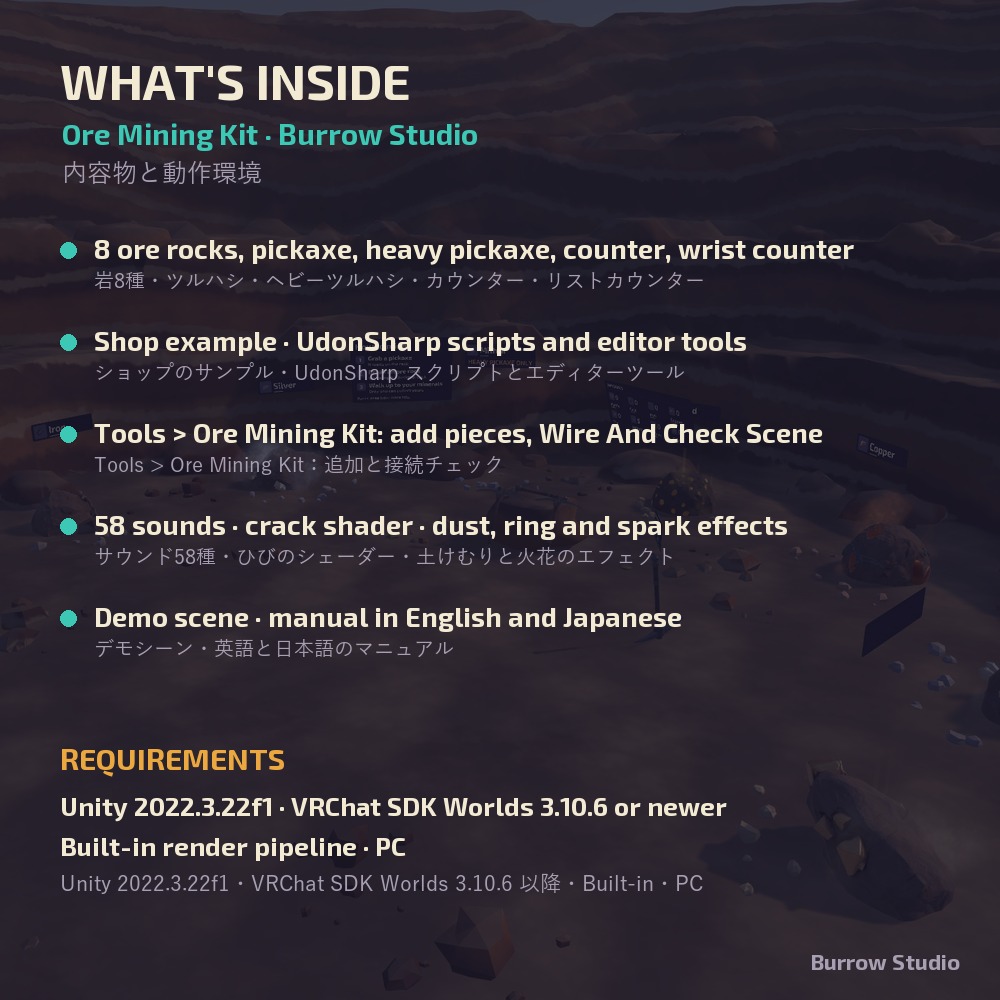
- Tools > Ore Mining Kit > Add Counter / Add Ore Rock / Add Pickaxe, plus the optional Add Heavy Pickaxe / Add Wrist Counter / Add Shop Example
- The kit connects every rock to the counter by itself, also right before each build
- Tools > Ore Mining Kit > Wire And Check Scene connects the rocks and lists anything that needs attention: a rock without a counter, an ore without a name, a pickaxe that cannot reach a rock's layer, a rock that asks for a higher tier than the best pickaxe in the scene
- Materials: the kit's own shader (Burrow Studio/Ore Mining Kit/Ore Rock, a Standard-style surface that draws the cracks). Tools > Ore Mining Kit > Materials switches the ore materials to VRChat/Mobile/Standard Lite and back
- Demo scene included, with everything set up
REQUIREMENTS
- Unity 2022.3.22f1 (VRChat Creator Companion)
- VRChat SDK Worlds 3.10.6 or newer (UdonSharp included)
- Built-in render pipeline
- Platform: PC
WHAT'S IN THE PACKAGE
8 ore rock prefabs, the pickaxe, the heavy pickaxe, the counter, the wrist counter and the shop example; the full UdonSharp source and the editor tools; models, textures and materials for the 8 ores and the pickaxe; the Ore Rock shader; dust, ring, spark and debris effects; 58 sounds; the demo scene; the manual in English and Japanese, a changelog and the license. Imports into Assets/BurrowStudio/OreMining.
NOT INCLUDED
- A full shop, crafting or inventory system (the counter has the methods to connect yours, and the shop example shows how)
LICENSE
- Use in any number of your own VRChat worlds, personal and commercial, including worlds you build for a client. You may modify it for those worlds.
- Redistributing, sharing or reselling the kit or any part of it is not allowed.
- Credit optional: "Ore Mining Kit by Burrow Studio".
Design, code and production: Burrow Studio
Version 1.0.0 · Burrow Studio · also on BOOTH: https://aymshop.booth.pm/items/9225259