
ProShaperX (CAD Blender Addon)
Etiquetas
Descripción del producto
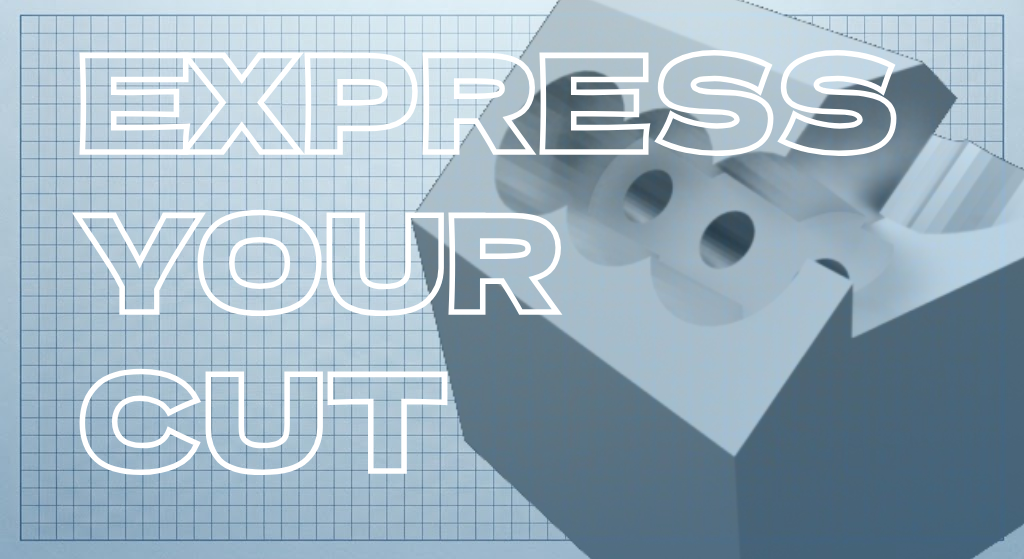
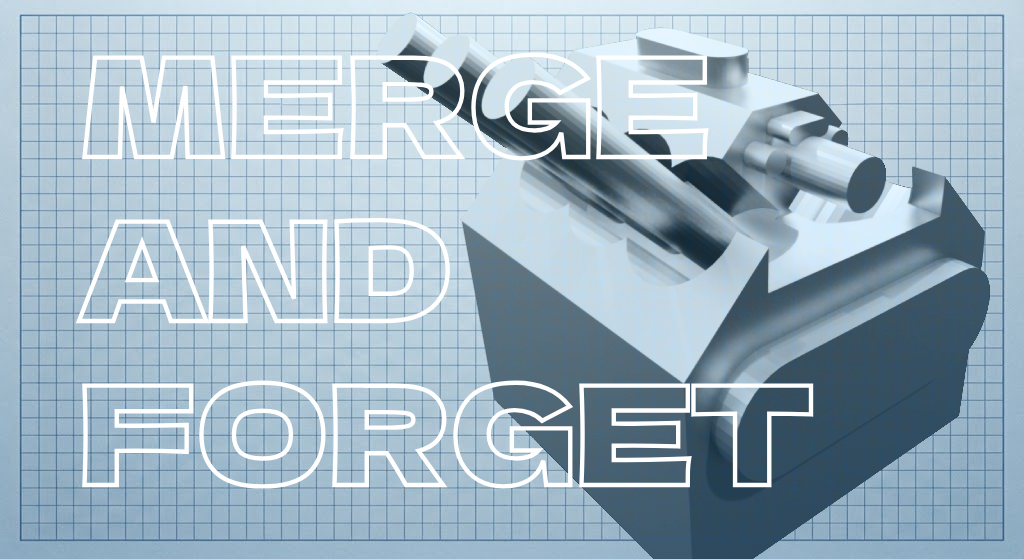
CAD-precision shape stamping, cutting, and merging for Blender. Features real-time surface highlighting, object-locked grid with defined center zone, 3-axis rotation with angle snap, edge-following patterns, and custom mesh shape presets.
Why ProShaperX?
Standardise Blender Workflow With ProShaperX
Key Features
1. Real-Time Surface Highlighting & Plane Snapping
- Instant Visual Feedback: Hovering over any 3D model highlights coplanar faces and calculates surface coordinates on the fly.
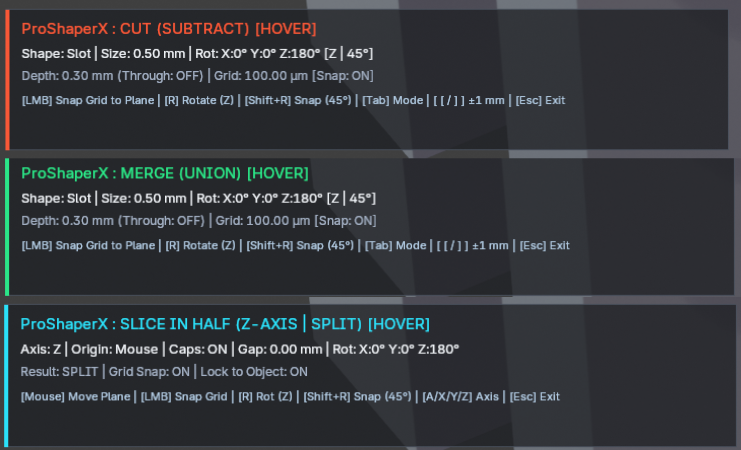
- Color-Coded Operation Modes:
- 🟠 Coral Orange: Cut (Difference) mode
- 🟢 Mint Emerald: Merge (Union) mode
- 🔵 Electric Cyan: Interactive Slice / Bisect mode
- Vibrant Perimeter Outline: Highlights the exact boundary of the active face so you never cut past your edges.
- Plane Lock (
LKey): Lock the active plane with one keypress to keep stamping and sliding seamlessly even outside the object's physical mesh perimeter.

2. Object-Locked Grid with Defined Center Zone
- Zero Drift Coordinate Frame: Grid origin and (U,V)(U,V) axes lock directly to your object's local orientation. View rotations and camera orbits never disorient your grid.
- Surface-Fitted Boundaries: Dots and grid lines are strictly clipped to surface boundaries — zero overshooting or floating geometry.
- Defined Center Zone Line: High-contrast, bold UU & VV center axis lines and an accented center origin node make finding and centering shapes effortless.
- Target Reticle Snapping: Snaps smoothly to nearest grid dots with a luminous gold placement reticle.
- Dot Map vs. Grid Lines: Toggle between a discrete laser dot matrix or full CAD grid lines with a single click.
3. Full 3-Axis Precision Rotation & Angle Snapping
- True 3D Freedom: Rotate cutters around all 3 axes:
- Z-Axis (Normal): Yaw / spin flat on the surface plane.
- X-Axis (Surface U): Pitch / tilt along the horizontal plane axis.
- Y-Axis (Surface V): Roll / tilt along the vertical plane axis.
- Dedicated Angle Snap Selector: Switch instantly between:
- Free Rotation (1° smooth increments / 0.5° micro-nudge with
Shift) - 5° | 15° | 30° | 45° | 90° right-angle snapping
- Free Rotation (1° smooth increments / 0.5° micro-nudge with
- Quick Shortcuts: Cycle axes with
R, cycle snap angles withShift + R, or scroll your mouse wheel.
4. Procedural Primitives + Custom Shape Library
- Built-in Procedural Profiles: Circle, Square, Rectangle, Slot (Capsule/Stadium), Hexagon, Equilateral Triangle, 5-Point Star, and Cross / Plus.
- Capture Any Object as a Custom Shape: Select any Mesh, Bézier Curve, or 3D Text object in your scene and save it to your permanent shape library with one click.
- Quick-Switch Hotkeys: Press
1–7to switch punch shapes instantly during live placement.
5. Micro-to-Macro Unit Engine (μm→mμm→m)
- Native support for four physical engineering scales:
- Micrometers (μmμm): Micro-fluidics, semiconductor dies, precision watchmaking (1μm=10−6m1μm=10−6m)
- Millimeters (mmmm): Standard CAD, CNC machining, and 3D printing
- Centimeters (cmcm): Product design & consumer electronics
- Meters (mm): Architectural fabrication & environment props
- Dynamic unit rescaling preserves physical geometry when toggling active units.
6. Follow Edge Mode & Pattern Arrays
- Follow Edge Pattern: Automatically detects connected outer border edges and stamps aligned cutters along 1 to 64 consecutive perimeter edges. Customizable edge position slider (0–100%), inward edge inset, and tangent alignment.
- Linear Matrix Array: Multi-cut grid (U×VU×V counts and spacing).
- Radial Array: Circular bolt/port patterns with customizable radius, count, and sweep angle.
- All array instances combine into a single watertight cutter executed in one seamless boolean operation.
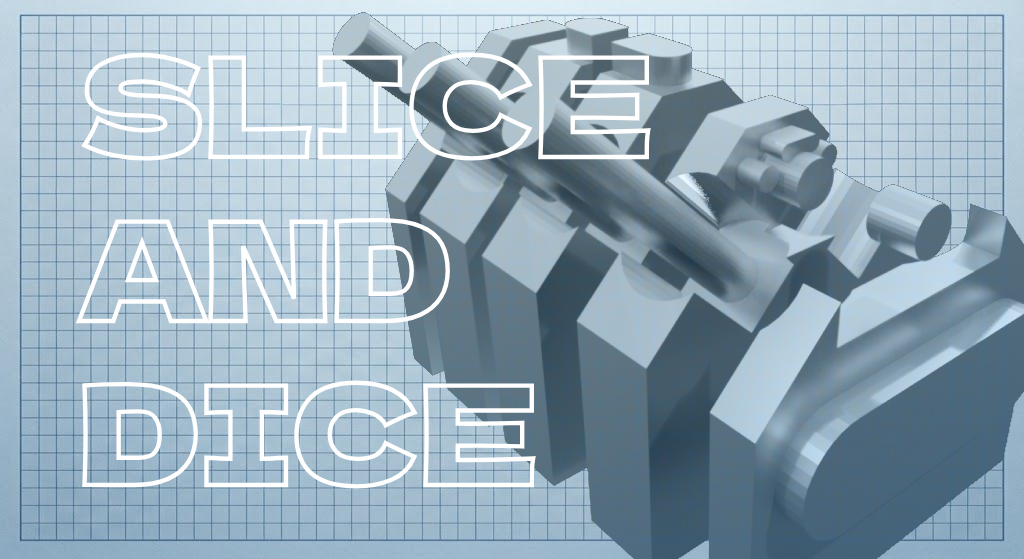
7. Interactive Bisect & Slicer
- Press
Tabto switch to Slice mode. - Interactively bisect meshes along any axis with live preview.
- Adjust cut gap spacing, offset along normal, and toggle watertight cap generation.
- Separate positive or negative halves with a single click.
TOS
Grant of License & Commercial Freedom
ProShaperX is licensed, not sold. By purchasing or downloading ProShaperX, you are granted a non-exclusive, perpetual, worldwide license to use the add-on according to the terms below:
- 100% Royalty-Free Creations: Any 3D models, renders, animations, video game assets, physical 3D prints, CNC cut files, visual effects, or commercial products you create, punch, cut, or model using ProShaperX belong 100% to you.
- Zero Royalties / No Attribution Required: You may sell, license, or monetize your resulting artwork commercially with zero royalties or kickbacks owed. Giving credit to ProShaperX is appreciated, but never mandatory.
2. License Tiers & Seat Allocation
- Individual / Freelance License:
- Grants one (1) individual artist the right to install and use ProShaperX across all personal workstations and laptops owned and operated by that individual (up to 3 machines).
- May not be shared across teams, studios, or public shared drives.
- Studio / Team License (if applicable):
- Grants an organization, studio, or educational facility the right to install and deploy the add-on across the designated number of artist seats purchased.
3. Restrictions & Prohibited Uses
You agree that you will NOT:
- Redistribute or Resell: Directly re-sell, share, sublicense, rent, bundle, leak, or upload the ProShaperX add-on files,
.ziparchive, scripts, or core source code to public torrent sites, file-sharing hosts, asset-sharing Discords, or competing digital marketplaces. - Repackage as a Competing Product: Strip author credits or repackage ProShaperX (in whole or substantial part) as a standalone competing commercial add-on, plugin, or paid tool.
- Claim Original Authorship: Claim original development authorship of ProShaperX or its branding.
(Note: In accordance with Blender's Python API and the GNU General Public License (GPL-2.0-or-later), your freedom to examine, study, and adapt the Python scripts for your own internal personal use is fully respected. These terms govern store distribution, support, updates, packaged assets, and platform policies).
4. Updates & Compatibility
- Lifetime Add-on Updates: Your purchase includes access to all subsequent bug fixes, performance optimizations, and feature updates released for ProShaperX on the official store page.
- Compatibility Scope: ProShaperX is actively maintained and tested for Blender 3.6 LTS, Blender 4.x, and Blender 5.x LTS on Windows, macOS, and Linux.
- Upstream Changes: While ongoing maintenance is prioritized, the author is not responsible for future breaking API deprecations introduced by upstream Blender Foundation releases that fundamentally alter core Blender internals.
5. Refund Policy (Digital Goods)
- Due to the irrevocable nature of digital downloads, sales are generally final once the files have been downloaded.
- Technical Support Guarantee: If you experience a reproducible bug or installation error preventing ProShaperX from functioning on a supported Blender version, please contact support with details or error logs. If the issue cannot be resolved or patched within a reasonable timeframe, a full refund will gladly be issued.
6. Disclaimer of Warranties & Limitation of Liability
- "As-Is" Provision: ProShaperX is provided on an "AS IS" and "AS AVAILABLE" basis without warranties of any kind, whether express or implied.
- Data Safety: The author shall not be held liable for any direct, indirect, incidental, or consequential damages resulting from the use or inability to use the Software, including loss of data or production downtime.
(Industry Best Practice: Always maintain incremental saves of your.blendfiles before performing complex or destructive CAD/Boolean operations).
7. Support & Contact
For support questions, bug reports, feature requests, or enterprise licensing:
- Official Store: https://jinxxy.com/Bias
https://bias.gumroad.com/ - Author / Maintainer: geordie